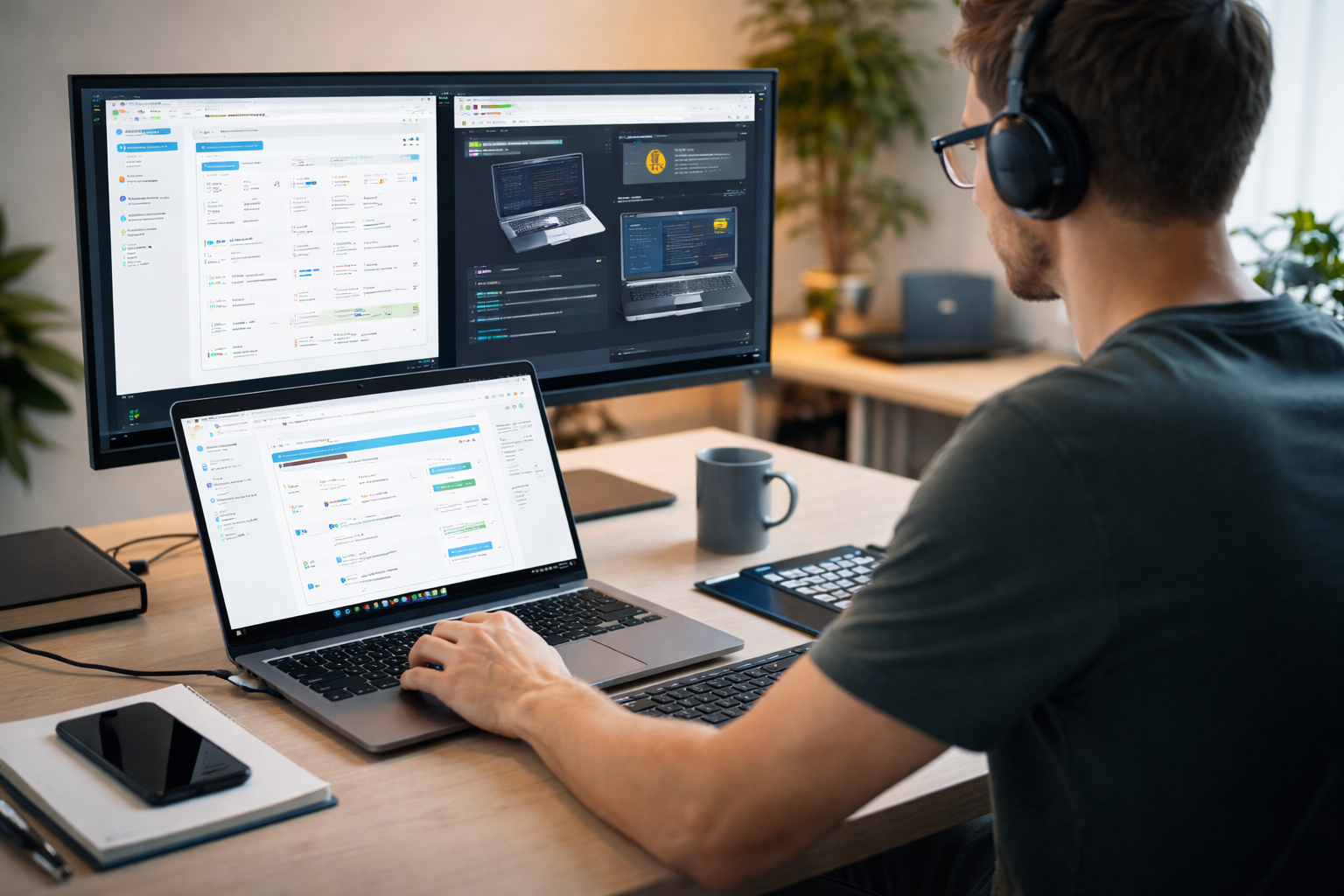
Remote maintenance means managing, monitoring and troubleshooting IT systems and devices from a distance — without a technician physically present at the location. In other words, you leverage remote access and remote control tools to handle maintenance tasks in real time.
With distributed teams, hybrid work models and remote locations, remote maintenance has become critical. Many organisations face endpoints in far-flung offices, global server infrastructure or IoT devices in the field. On-site visits become costly or impractical. That’s why building a strong maintenance program that supports remote maintenance is so timely.
Why remote maintenance matters for distributed teams
Cost efficiency
One of the biggest benefits of remote maintenance is the reduction of travel expenses and on-site labour. Instead of sending a technician to every location, you can monitor systems and manage devices remotely, cost-effectively. Fewer site visits mean lower logistics spend and better use of your IT budget.
Business continuity & reduced downtime
When devices or systems break down, the business impact can be significant. Remote maintenance allows you to detect issues early, apply software updates or diagnostics, and resolve problems quickly. This reduces downtime and keeps operations running. Having real-time visibility into systems helps you intervene before a small fault becomes a full outage.
Support for global/distributed workforce
For organisations with remote locations, home-based workers or devices in multiple geographies, remote maintenance is a must. Whether you’re managing desktops, servers or IoT devices in hard-to-reach places, remote monitoring and access let you keep everything in working order without waiting for physical presence.
Example scenarios
- A distributed workforce with devices spread across 10 countries uses remote access tools to manage updates overnight, avoiding a costly global travel schedule.
- A company supports over 600,000 customers globally and uses remote maintenance software to service devices in real time, reducing the need for technicians on-site and enabling rapid support across time zones.
Key best practices for implementing remote maintenance
Tool selection
Choose software that offers secure remote control and remote access, monitoring and alerts. It should support global coverage, encryption and multi-factor authentication to guard against unauthorized access. Without these security measures, remote maintenance can expose you to risk.
Remote monitoring & automation
Set up monitoring tools to watch system health, network connectivity, device performance and software integrity. Automate maintenance tasks like patching, updates and diagnostics so you’re less reliant on manual intervention. This allows you to monitor and maintain systems reliably.
Secure remote infrastructure
Ensure your connections are always-on and reliable, especially for remote locations. Use strong access controls and role-based permissions. Make sure the software updates your devices and monitors them without exposing them to vulnerabilities.
Logistics & process design
Define workflows for remote troubleshooting and device access. Who gets access, when? How do you handle devices in remote locations or time zones? Build a remote maintenance plan rather than relying on ad-hoc support. Establish central dashboards to manage all assets and maintenance tasks.
Best practices summary
- Maintain visibility of all devices globally
- Use role-based access controls and strong authentication
- Monitor performance and maintenance tasks in real time
- Automate routine updates and software maintenance
- Build a scalable plan rather than one-off fixes
Frequently asked questions
1. What are the main benefits of remote maintenance for distributed teams?
You gain cost savings (fewer travel and site visits), faster problem resolution, support for global endpoints, and better uptime. Remote maintenance helps you monitor systems proactively instead of waiting for failures.
2. How do we secure remote maintenance of endpoints and infrastructure?
Use encryption for remote access, enforce multi-factor authentication, implement role-based access, audit all sessions, and keep devices updated. Monitor for unauthorized access and integrate security into your maintenance program.
3. What features should we look for in remote maintenance tools?
Key features: remote control/access, remote monitoring, automation of maintenance tasks, patch management, global device support, dashboards for real-time data, and strong security measures.
4. Can remote maintenance replace on-site support entirely?
Not always. Some physical hardware replacements or diagnostics still require physical presence. However, remote maintenance can drastically reduce the volume of on-site visits and only trigger them when absolutely needed.
5. How do we measure success/ROI of a remote maintenance programme?
Track metrics like number of site visits avoided, reduction in downtime incidents, number of devices updated remotely, time to resolve issues, and cost savings on travel and labour. These help demonstrate the benefits of your remote maintenance approach.
Building your remote maintenance roadmap
Remote maintenance isn’t just a tool — it’s a strategic shift in how you manage IT across distributed teams and remote locations. It enables you to monitor and maintain systems in real time, cut costs, and support a global workforce with fewer limitations.
Here’s how to get started:
- Audit your current device/endpoint estate and identify remote locations.
- Map pain points — frequent travel, long delays in support, inconsistent updates.
- Shortlist remote maintenance tools that match your scale and geography.
- Run a pilot: deploy remote access and monitoring on a subset of systems.
- Train your team on the remote maintenance software and processes.
- Measure outcomes: track downtime, cost savings on travel, number of issues handled remotely.
- Scale the program across more devices, locations and include automation of maintenance tasks.
At Esevel, we help organisations with distributed teams manage global IT operations, from procurement to device lifecycle, monitoring and support. With remote maintenance as a key pillar of your approach, you gain real-time insight, stronger reliability and cost-effective support.