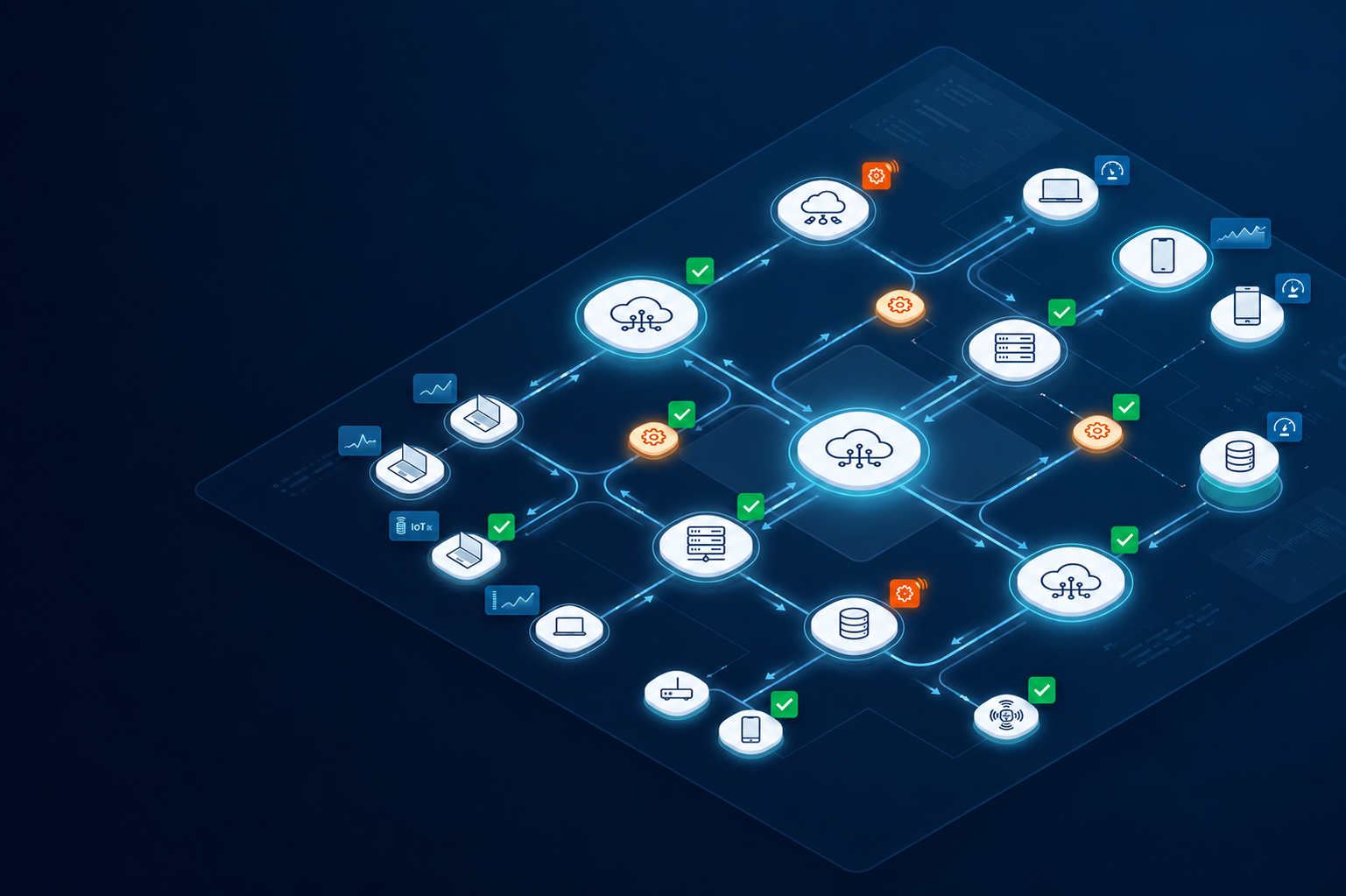
Infrastructure management becomes harder as systems grow across cloud environments, tools, and regions. Many teams still rely on manual coordination to set up systems, monitor issues, apply updates, and keep operations moving.
As environments become more complex, automated infrastructure management helps teams maintain visibility, consistency, and operational control at scale. It reduces repetitive work and helps teams manage infrastructure with more structure.
However, automation is not only about replacing manual tasks. It works best when it connects provisioning, deployment, monitoring, maintenance, support, and recovery into one lifecycle process.
What is automated infrastructure management
Automated infrastructure management is the use of automation to manage infrastructure operations across IT environments. It helps teams reduce manual intervention and keep systems more consistent as infrastructure grows.
Automated infrastructure management definition
Automated infrastructure management means using automation to manage infrastructure tasks such as provisioning, deployment, monitoring, configuration, maintenance, and optimization. It supports automation in infrastructure management by helping teams handle repeatable work through defined workflows instead of manual steps.
In simple terms, automation infrastructure management helps IT teams manage infrastructure with fewer delays and fewer errors. Instead of creating environments, applying settings, checking alerts, or updating records by hand, teams use automation to make these tasks more repeatable.
This matters because infrastructure work often touches many systems at once. A new environment may need cloud resources, user access, security policies, monitoring rules, and support workflows. Without automation, each step depends on manual coordination.
What automated infrastructure management includes
Automated infrastructure management can include several operational areas:
- Automated provisioning and deployment, so teams can create resources and roll out systems faster
- Monitoring and alert automation, so issues can be detected and routed earlier
- Configuration and maintenance automation, so systems follow the same standards over time
- Scaling and optimization workflows, so resources can adjust based on usage and operational needs
This also connects with cloud automation and infrastructure management, especially when companies manage cloud platforms, remote teams, and distributed systems. Automation applies across multiple infrastructure layers, not just one task.
Core components of automated infrastructure management
Automation spans both infrastructure processes and daily operations. It helps teams manage devices, applications, cloud systems, networks, support workflows, and security controls in a more consistent way.
Infrastructure layers managed through automation
Automated infrastructure management can support devices, applications, cloud systems, and network infrastructure across daily operations. These layers are connected, so automation should not treat them as separate tasks.
For example, devices and endpoints need proper setup, updates, access controls, and support workflows. At the same time, applications and systems need consistent deployment, configuration, monitoring, and maintenance. Cloud and network infrastructure also need automation for provisioning, scaling, connectivity, and performance tracking.
When these layers are managed manually, small gaps can quickly affect the full operation. A device that is not configured correctly may block access to key systems. An application deployed without monitoring may create hidden performance issues. A cloud resource without clear ownership may increase cost or security risk.
This is why automated infrastructure management should connect infrastructure layers into one structured process, rather than automating each layer in isolation.
Automated infrastructure management scope
The scope of automated infrastructure management usually includes:
- Provisioning and deployment automation, which helps teams prepare infrastructure faster and more consistently
- Monitoring and maintenance workflows, which help detect issues, apply updates, and reduce downtime
- Security and compliance automation, which helps enforce policies, access rules, and required checks
- Support and operational coordination, which helps route tasks and reduce manual follow up across teams
This is also where automation in infrastructure management services becomes useful. As operations scale, teams need automation that connects technical systems with support, tracking, and lifecycle workflows.
These components become more important as infrastructure grows across teams, platforms, and regions.
Why companies are adopting automated infrastructure management
Teams adopt automation to reduce operational complexity and improve scalability. As infrastructure grows, manual work becomes harder to maintain and small process gaps can turn into larger operational problems.
Common operational drivers
Many companies start automating IT infrastructure management strategies when daily operations become too slow or inconsistent. The goal is not always to remove people from the process. Often, the goal is to remove repetitive work so teams can focus on higher value tasks.
Common drivers include:
- Manual infrastructure work slows deployment, especially when every setup needs several handoffs
- Growing environments become difficult to manage consistently, because different teams may follow different processes
- Teams need faster provisioning and monitoring, especially when users, systems, or regions increase
- Infrastructure operations become fragmented across tools, which makes it harder to track what has been done
For developers, automation can also improve how teams manage complex technical environments. For example, the benefits of automating search infrastructure management for developers may include faster environment setup, more consistent indexing systems, and less manual maintenance for search related workloads.
Operational impact of automation
Automated infrastructure management can improve both speed and control. It helps teams reduce repeated manual steps while keeping infrastructure more consistent across environments.
With automation in place, teams can deploy and scale infrastructure faster because setup and configuration follow predefined workflows. This reduces delays caused by manual approvals, repeated checks, or inconsistent handoffs between teams.
Automation also improves visibility into infrastructure performance. Instead of waiting for issues to surface through user complaints or manual reviews, teams can use monitoring and alerts to detect problems earlier and respond with better context.
Over time, this reduces operational overhead. IT teams spend less time repeating routine tasks and more time improving systems, supporting users, and planning for future growth.
Automated infrastructure management tools
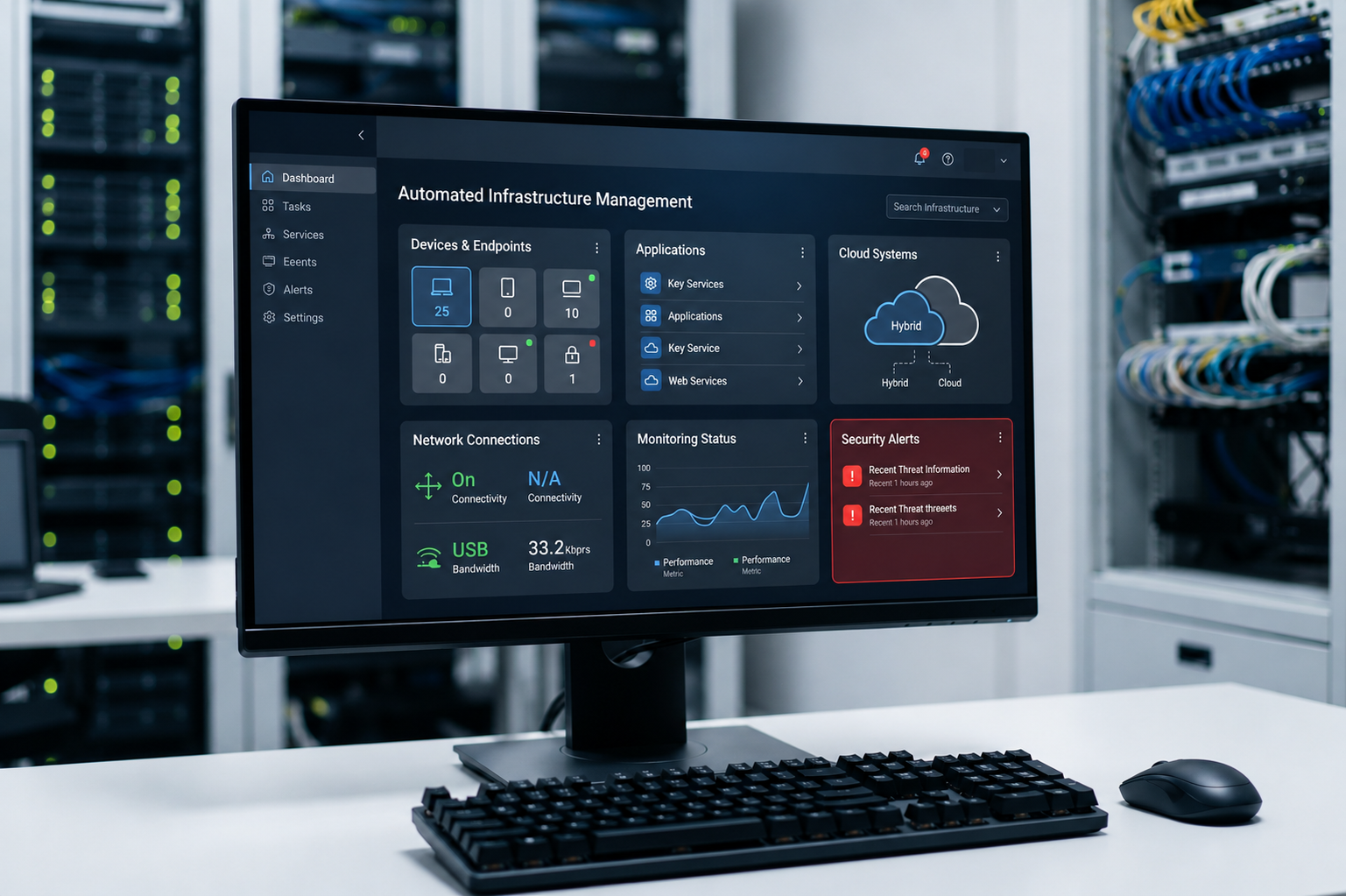
Automated infrastructure management tools help teams reduce repetitive infrastructure work. They usually focus on tasks such as provisioning, deployment, monitoring, configuration, alerts, and scaling.
A tool that automates deployment and management of infrastructure can help teams create resources, apply settings, deploy systems, and track infrastructure changes with less manual effort. This is useful when teams manage many environments, because the same steps can be repeated without starting from scratch each time.
Common tool categories include:
- Provisioning and deployment tools, which help create resources and roll out systems through repeatable workflows. They make setup faster and reduce missed steps during deployment.
- Monitoring and alert automation tools, which track performance, availability, and system health. They help teams detect issues earlier and respond before problems affect more users.
- Configuration management platforms, which help apply consistent settings across systems and environments. They reduce configuration drift and make infrastructure easier to maintain over time.
These tools are useful because they improve speed and consistency. However, they work best when teams already have clear workflows, standards, and ownership. Without that structure, tools can still operate in silos and require manual coordination between teams, systems, and lifecycle stages.
Automated infrastructure management services
Tools and services support different parts of infrastructure automation. Tools usually automate specific tasks, while services help design, manage, and connect automation across broader operations.
Automated infrastructure management services
Automated infrastructure management services help teams implement, connect, and operate automation across infrastructure processes. These services may include managed automation services, infrastructure monitoring and optimization, deployment support, and operational workflow support.
An automated infrastructure management solution may combine tools, workflows, and service support into one connected model. This helps teams reduce the burden of managing separate systems by hand.
This is useful for teams that need more than task level automation. They may need help connecting automation to monitoring, support, security, compliance, and lifecycle management.
Limitations of services
Automated infrastructure management services can reduce workload, but they do not automatically fix every infrastructure problem. Their value depends on how well the service connects with existing systems, workflows, and team responsibilities.
Common limitations include:
- Unclear ownership, where teams are not sure which tasks stay internal and which tasks belong to the service provider
- Limited integration with existing tools, especially when the service does not connect well with monitoring, asset tracking, ticketing, or cloud management systems
- Process mismatch, where the service follows a standard workflow that does not fully match how the company actually operates
- Limited lifecycle visibility, where the service supports deployment or monitoring but does not connect with procurement, support, recovery, or replacement
- Vendor dependency, where teams rely too heavily on the provider and lose internal clarity over how infrastructure is managed
- Scaling gaps, where the service works well in one region or environment but becomes harder to manage across multiple teams, platforms, or locations
This is why companies should evaluate infrastructure automation services as part of a larger operating model. The service should reduce manual work, but it should also improve visibility, ownership, and coordination across the infrastructure lifecycle.
Cloud automation and infrastructure management
Cloud environments increase the need for automation and centralized management. As teams use more cloud resources, manual provisioning, monitoring, and optimization become harder to control.
Managing cloud infrastructure through automation
Cloud automation and infrastructure management help teams manage cloud resources with more consistency. This includes automated provisioning and scaling, cloud monitoring and optimization, and configuration consistency across environments.
For example, automation can help create cloud resources based on approved standards. It can also monitor usage, trigger alerts, and adjust resources when demand changes. This gives teams better control without forcing them to manage every cloud task manually.
Cloud automation also supports stronger governance. When workflows are standardized, teams can reduce configuration drift and improve visibility across cloud systems.
Best practices for cloud infrastructure automation
Cloud automation works best when teams follow clear standards from the start. Without structure, automation can create faster workflows, but still leave teams with inconsistent systems, weak visibility, and security gaps.
Best practices include:
- Standardize deployment workflows, so teams deploy cloud resources in the same way across environments, regions, and applications
- Centralize visibility across cloud environments, so teams can track performance, usage, ownership, and issues from one connected view
- Automate provisioning and scaling, so resources can be created, adjusted, or removed based on business needs without repeated manual work
- Integrate security and compliance automation, so access controls, policy checks, configuration rules, and audit records are built into the workflow
- Use consistent configuration standards, so cloud environments do not drift over time due to manual changes or team-specific setups
- Monitor cost and resource usage, so automation does not create unused resources, overspending, or unmanaged cloud assets
- Document ownership and approval flows, so teams know who manages each environment, who approves changes, and who responds when issues appear
The best security practices for automate cloud infrastructure management include applying access controls early, enforcing secure configurations, monitoring policy changes, and keeping audit records updated. These practices help teams use automation without losing control over security and compliance.
Automated infrastructure management as part of IT lifecycle management
Automation should support the full infrastructure lifecycle, not just isolated operational tasks. When it connects procurement, deployment, tracking, support, and recovery, teams gain better visibility and fewer manual handoffs.
This matters more for distributed teams, where infrastructure may span cloud systems, remote users, regional vendors, and global device operations. Without a connected approach, teams may automate one process but still manage the rest manually.
Esevel supports this lifecycle-driven model by connecting automation with procurement, deployment, tracking, support, and recovery in one system. This helps companies simplify global infrastructure operations without relying only on separate tools.
FAQs
What is automated infrastructure management
Automated infrastructure management is the use of automation to manage provisioning, deployment, monitoring, maintenance, and optimization across IT environments. It helps teams reduce manual work and improve consistency across infrastructure operations.
What are automated infrastructure management tools
Automated infrastructure management tools help automate specific tasks such as deployment, configuration, monitoring, scaling, and alerts. They are useful, but they work best when connected to broader lifecycle workflows.
What are automated infrastructure management services
Automated infrastructure management services help teams design, implement, and operate automation across infrastructure processes. They may include managed automation, monitoring support, deployment workflows, and optimization services.
How does cloud automation and infrastructure management work
Cloud automation and infrastructure management use defined workflows to provision, monitor, scale, and optimize cloud resources. This helps teams manage cloud environments with more consistency and less manual effort.
What are the benefits of automated infrastructure management
The main benefits include faster deployment, better visibility, fewer manual errors, improved consistency, and reduced operational overhead. These benefits are strongest when automation connects across the full infrastructure lifecycle.
Build infrastructure management that scales with your operations
Automated infrastructure management is not just about reducing manual work. It is about creating a more consistent, visible, and scalable way to manage infrastructure as operations grow.
As teams expand across cloud platforms, regions, tools, and vendors, isolated automation is not enough. Companies need automation that connects provisioning, deployment, monitoring, support, and recovery into one lifecycle driven system. A lifecycle approach turns automation into operational control. Esevel supports this by helping companies connect infrastructure automation with global lifecycle management, making it easier to manage procurement, deployment, tracking, support, and recovery in one connected system.

Maytiska Omar Maytiska is an experienced content writer and blog specialist with 4+ years of expertise in creating engaging, SEO-driven content. She focuses on IT and digital topics, turning complex ideas into clear, reader-friendly insights. Her work helps position Esevel as a trusted voice in the digital space.