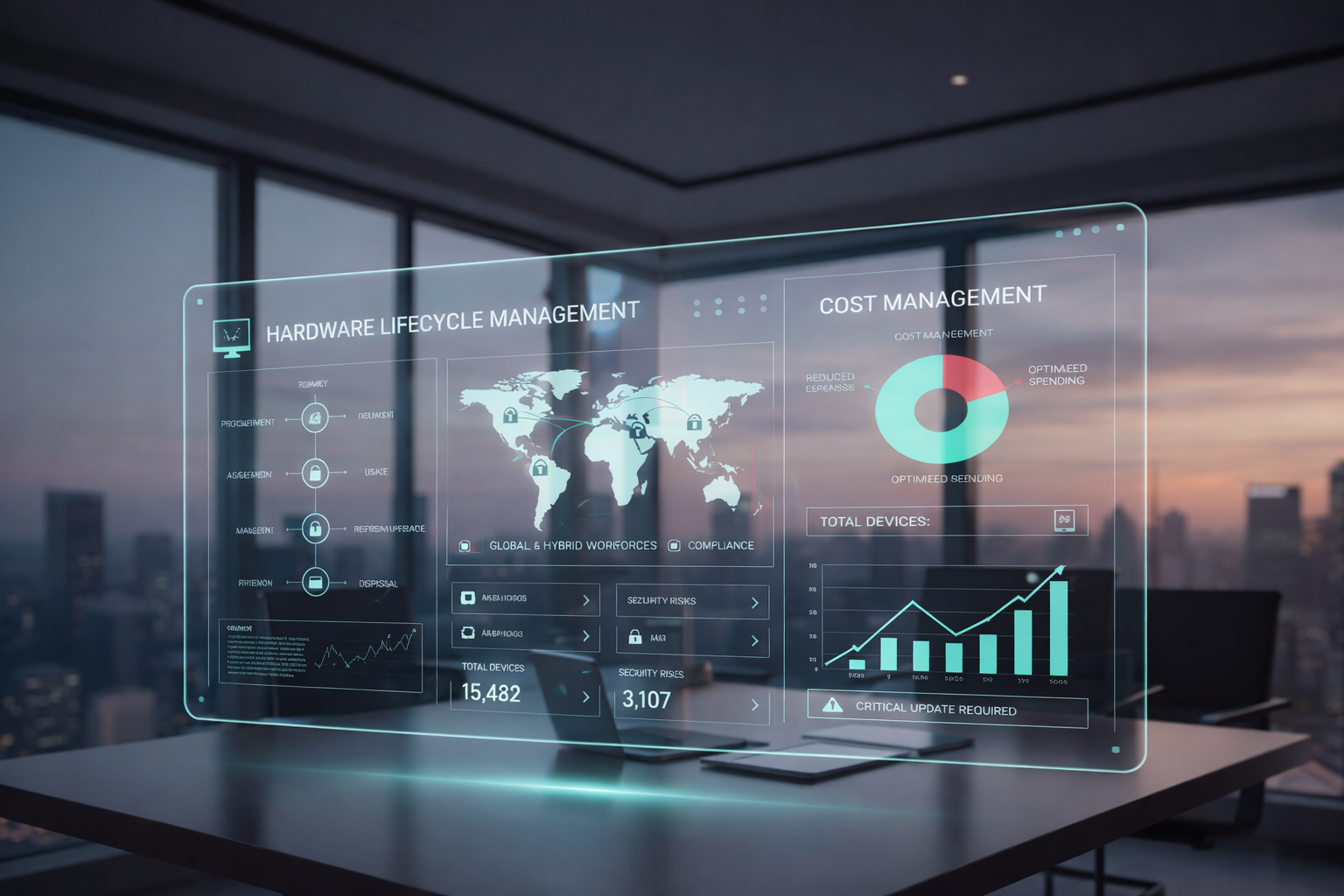
Hardware lifecycle management software is a management platform designed to oversee your IT hardware from procurement and acquisition through usage, refresh/upgrade and eventual retirement or disposal. In other words, it covers the full life cycle of your devices — the “hardware lifecycle” means everything from when the hardware first enters your environment to when it leaves.
This topic is especially timely. With device fleets growing fast, global and hybrid workforces becoming the norm and compliance and disposal risks increasing, you need a strategy that gives you full visibility and control. Hardware asset management isn’t just about tracking devices — it’s about managing cost, reducing security risks and simplifying the process of keeping your estate secure and up to date.
Why hardware lifecycle management matters
Cost control and total cost of ownership
When you implement hardware lifecycle management software, you gain a clear view of asset usage, maintenance costs and end-of-life risks. That means you can plan refresh cycles before warranty expiration or performance decline, avoid surprise disposal costs and reduce the total cost of ownership over time.
Device refresh & upgrade strategy
Outdated hardware often lacks the processing power and security features required by modern operating systems and business applications. With a lifecycle management system, you can automatically track the age, support status and health of hardware components. This means you can schedule upgrades or full replacements proactively, rather than reacting when something fails or reaches end-of-service.
Global or distributed device fleets
In a world where employees might be in multiple locations, remote sites or hybrid work environments, managing hardware across geographies becomes a challenge. With the right software, you can manage asset inventory, asset tracking and hardware lifecycle management for devices no matter where they are. This global support is critical for scale.
Sustainability & compliant disposal
Hardware doesn’t simply vanish at end-of-life. Disposal, recycling and secure wiping are part of the lifecycle. A modern management platform will support workflow from acquisition to disposal, ensuring you stay compliant with regulations, securely destroy data and manage trade-in or reuse. This reduces security risks and environmental impact.
Example scenario
Imagine a company delayed tracking end-of-life dates and continued using hardware well past vendor support. That hardware began to fail more often, lacked security updates and incurred high maintenance costs. With lifecycle software, they would have flagged those assets early and planned replacements, avoiding the unexpected costs and risk of unsupported devices.
Key features to look for in hardware lifecycle management software
When you evaluate solutions, make sure they support everything required across the lifecycle and integrate with your existing systems.
Procurement & lease management
Look for features to manage purchase orders, leases, vendor contracts and hardware inventory. A system that handles acquisition data ensures you know cost, vendor terms and asset history from day one.
Deployment & assignment workflows
Once hardware arrives, you’ll want seamless integration into your asset management software: assigning devices to users, tagging hardware components, tracking location, and managing check-out or check-in processes. This provides full visibility and helps ensure assets are used efficiently.
Lifecycle tracking & refresh planning
The software should alert you when devices approach end-of-life, warranty expiration or performance thresholds. This helps you plan refreshes or upgrades strategically. Without these alerts you risk falling behind, increasing maintenance costs or exposing yourself to security risks.
Retirement/disposal & recycling workflows
When hardware is no longer fit for purpose, you need a process to retire it securely. That includes data wiping, asset deletion, vendor trade-in or recycling, and auditing disposal. A good platform simplifies this entire workflow.
Integration with your tech stack
Your hardware lifecycle management system should integrate with HR systems, endpoint/MDM tools, ITSM/CMDB systems and lease/vendor systems. This enables you to connect asset data with user data, device context, support tickets and location information.
Global/distributed device support
For organisations with remote or hybrid workforces, the platform must handle devices across many sites or countries. That means it supports multi-site logistics, regional variants, remote asset tracking and flexible workflows.
Top software tools to consider
Here are some leading tools categorized by organisational size and priority:
- Tool A: ManageEngine AssetExplorer – Best for mid-sized organisations needing global device support. End-to-end lifecycle tracking, lease retrieval and disposal workflows are key strengths. Trade-off: higher cost/licensing when fully scaled.
- Tool B: ServiceNow IT Asset Management – Best for large enterprises with complex integrations. Offers automatic age tracking, warranty integrations, global device pools, and deep asset tracking. Trade-off: steeper onboarding and higher implementation effort.
- Tool C: Esevel – Best for distributed teams needing procurement-to-recovery lifecycle execution. Combines device procurement, deployment, tracking, support, recovery, and disposal workflows across regions. Trade-off: better suited for companies that need operational lifecycle support, not just basic asset tracking.
- Tool D: Snipe‑IT – Best for SMBs or budget-conscious teams. Simplified lifecycle tracking, ease of deployment, and strong for smaller fleets. Trade-off: fewer advanced features around global/disposal logistics.
- Tool E: Asset Panda – Best for organisations emphasising sustainable disposal and device-reuse. Focuses on secure retirement, trade-in management and lifecycle cost analytics. Trade-off: less emphasis on full procurement-to-deployment workflows compared to broader systems.
Choose based on your organisation’s size, geography, asset volume and workflow complexity:
- For small fleets and tight budgets → Snipe-IT
- For growing mid-sized teams needing global reach → AssetExplorer
- For enterprises with full lifecycle & service desk integration → ServiceNow ITAM
- For organisations prioritising robust disposal, resale/trade-in and sustainability → Asset Panda
Choose based on your size, geography, refresh frequency and integration needs. One size doesn’t fit all.
How to choose the right solution
To make the right decision:
- Assess your asset fleet size, distribution and refresh cadence.
- Map your core workflows: procurement → deployment → usage → refresh → disposal.
- Identify required integrations: HR/MDM/ITSM/CMDB.
- Clarify your disposal/trade-in/recycling needs and sustainability goals.
- Evaluate licensing cost, scalability and vendor support.
- Pilot two vendors, test fit for your workflows, reporting and ease of use.
Selecting a hardware lifecycle management software solution is about aligning with your operations, cost targets and compliance posture.
Frequently asked questions
1. What differentiates hardware lifecycle management software from general asset inventory tools?
While inventory tools show what you have, lifecycle management covers the full journey of hardware — acquisition, usage, refresh planning, disposal — and integrates with workflows and cost analysis.
2. How many years should a typical hardware lifecycle cover before refresh?
It varies based on device type and use case. Many organisations refresh desktops every 3–5 years, servers every 4–7 years. What matters is being able to track this and trigger refresh based on real-time usage and health.
3. Can lifecycle management software handle global/distributed hardware fleets and remote/hybrid device retrieval?
Yes. The right platforms support asset tracking across locations, remote device assignment and retrieval, and disposal workflows no matter where the hardware lives.
4. What are the hidden costs if I neglect hardware lifecycle management?
You risk emergency replacement, high maintenance/repair costs, untracked disposal, audit penalties, and security vulnerabilities from unsupported hardware. These costs often exceed the investment in proper lifecycle software.
5. Is it possible to extend hardware life beyond vendor end-of-service using lifecycle tools?
Partially. Lifecycle tools give you data to decide whether a device can be extended safely. But once hardware lacks security updates or performance drops, it’s often safer to plan replacement rather than relying on extended usage.
Next steps: Building your hardware lifecycle roadmap
Hardware lifecycle management isn’t optional in today’s IT environment — it’s foundational. With full visibility, improved data security and streamlined workflows, you reduce costs, simplify the process and stay compliant.
Here’s what you can do now:
- Audit your current hardware fleet: age, warranties, support status, usage data.
- Map your procurement-to-disposal workflow, identify gaps in tracking or control.
- Shortlist 2-3 hardware lifecycle management software tools that meet your size and global needs.
- Run a pilot: track a subset of devices through acquisition, assignment, usage and retirement.
- Measure outcomes: cost savings, improved refresh decisions, reduction in unsupported hardware.
- Make asset lifecycle management part of your strategy and governance.
At Esevel, we understand the demands of global device fleets, hybrid teams and full-stack IT operations. We help organisations manage their hardware lifecycle — from procurement to deployment, usage, upgrades and disposal — so you can focus on performance, security and growth.