Managing IT assets through their entire product lifecycle is crucial for maintaining efficiency, security, and compliance within an organization. The right IT lifecycle management software acts as a single source of truth—integrating all data and processes needed to manage product from procurement to decommissioning effectively.
With enterprise demands constantly evolving, organizations face the challenge of effectively managing a diverse range of hardware and software assets. Specialized management tools can streamline this management process, saving costs and reducing risks while enhancing user experience for employees and product designers alike.
This guide aims to highlight the most important features to look for in IT lifecycle management software, helping you choose solutions that support product development, ensure regulatory compliance, and provide reporting and analytics to inform decisions. Whether you’re starting fresh or upgrading your current system, understanding these core features will enable you to manage product throughout its stage of the product lifecycle successfully.
What is IT asset lifecycle management software?
IT asset lifecycle management (IT ALM) software is a specialized platform designed to automate, streamline, and optimize every phase of managing IT assets. It provides a centralized system where product data, processes, and operational details are stored, accessed, and managed.
The role of software in automating and optimizing asset management
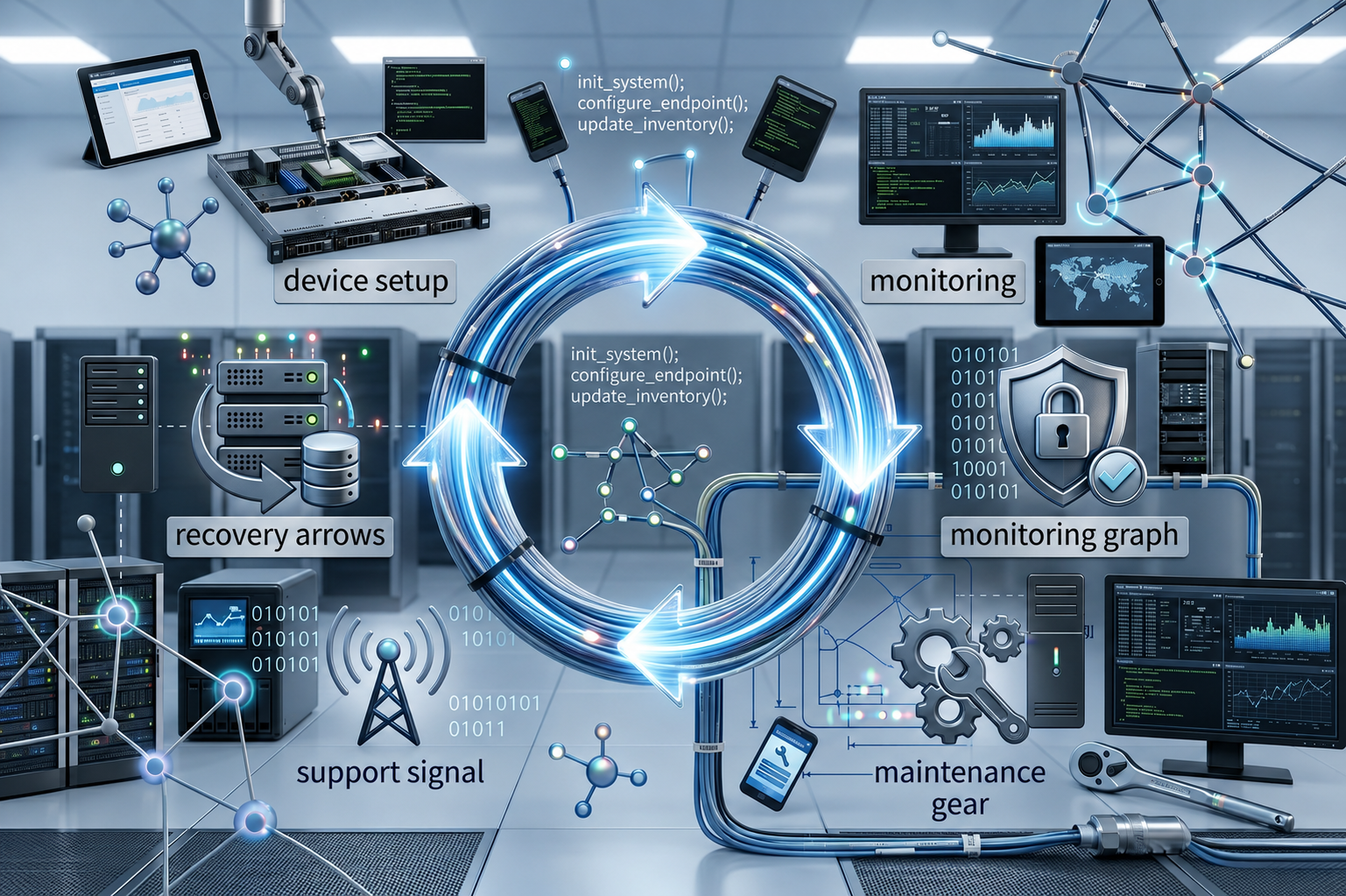
This software integrates asset tracking, procurement, deployment, maintenance, and disposal activities into a single management system. It allows organizations to effectively manage their hardware and software assets, ensuring that each stage of the product lifecycle is optimized.
Moreover, IT ALM software supports real-time monitoring of assets, helping to reduce security risks and improve operational efficiency. Automated workflows for software licenses, security updates, and disposal processes ensure compliance and reduce manual effort.
Integration with IT operations and asset tracking
One of the key benefits is seamless integration with existing IT management tools, such as service desks, security systems, and network monitoring. This integration provides a holistic view of the asset life cycles, enabling manage software with confidence and accuracy.
In essence, IT asset lifecycle management software empowers organizations to make more data-driven decisions, improve security, and manage remote assets more effectively—driving long-term value and supporting strategic growth.
Key features to look for in IT asset lifecycle management software
Selecting the right IT asset lifecycle management (IT ALM) software is essential for effectively managing your product data and management process. Here are the critical features to consider:
1. Asset discovery and inventory management
- Automatic detection and asset tracking of hardware and software.
- Maintains a single source of truth for all assets.
- Ensures real-time visibility to prevent lost or stolen assets.
2. Automated asset tracking and tagging
- Uses asset tags, barcodes, or RFID for easy identification.
- Automates updates to asset attributes, locations, and status.
- Supports manage software licensing and compliance tracking.
3. Lifecycle tracking and maintenance scheduling
- Tracks stage of the product lifecycle, from procurement to disposal.
- Sets automated alerts for maintenance and upgrade schedules.
- Helps reduce costs by optimizing refresh cycles.
4. Software and license management
- Tracks software licenses and product licenses to ensure compliance.
- Automates license renewals, software updates, and patches.
- Prevents over-licensing or non-compliance penalties.
5. Contract and warranty management
- Stores contract details, renewal dates, and warranty info.
- Sends timely reminders for renewals or disposal.
- Ensures contractual obligations are met.
6. Security and compliance monitoring
- Monitors security risks associated with asset security policies.
- Supports regulatory compliance and audit readiness.
- Automates security updates and disposal protocols to mitigate security risks.
7. Reporting and analytics features
- Provides comprehensive reporting on asset usage, costs, and lifecycle status.
- Helps inform decisions on manage software and refresh timing.
- Supports data and processes analysis to optimize long-term ROI.
8. Integration capabilities with other IT management tools
- Integrates with ITSM, network management, and security tools.
- Supports manage remote devices and operating systems.
- Ensures consistency and smooth workflows across IT functions.
9. User access and role-based permissions
- Controls access based on roles to enhance security and accountability.
- Limits sensitive actions like disposal or security changes to authorized personnel.
10. Alert and notification systems
- Notifies managers of security risks, license expirations, or maintenance issues.
- auto-escalates critical alerts to prevent operational disruptions.
Choosing management tools with these features ensures your organization can effectively manage product data, reduce costs, and maximize return on investment.
Examples of top software with notable features
When selecting an IT asset lifecycle management software, understanding the strengths of leading solutions can help guide your decision. Here are some popular options known for their comprehensive features:
1. ServiceNow Asset Management
- Overview: A widely-used management system that offers extensive capabilities for manage software and hardware assets. ServiceNow customers leverage the platform to gain better visibility into asset lifecycles, improve compliance, and optimize asset utilization across their organizations.
- Notable features:
- Advanced asset tracking with real-time data
- Automated disposal and compliance management
- Robust reporting and analytics for ROI insights
- Seamless integration with ITSM workflows
- Role-based access controls for security
2. ManageEngine AssetExplorer
- Overview: An affordable, user-friendly asset management platform suitable for mid-sized organizations.
- Notable features:
- Automated asset discovery
- License compliance and tracking
- Customizable dashboards and detailed reporting
- Supports manage remote assets with mobile support
- Regular updates to adapt to regulatory changes
3. Lansweeper
- Overview: Known for its asset tracking and network inventory capabilities.
- Notable features:
- Supports real-time discovery of product data
- Asset management across operating systems
- Powerful reporting and analytics features
- Supports manage software licenses and disposal workflows
- Easy integration with existing tools
4. Ivanti IT Asset Management
- Overview: Designed for organizations emphasizing security risks mitigation and manage software control.
- Notable features:
- Intelligent asset disposal procedures
- Comprehensive security monitoring
- Lifecycle management aligned with regulatory compliance
- Automates maintenance and updates
- High scalability for enterprise environments
Summary
Each of these solutions brings strong reporting and analytics features, asset tracking, and support for manage software—critical for effectively managing your product data across its stage of the product lifecycle. Choosing the right IT lifecycle management software depends on your specific needs, asset types, and budget.
Conclusion
Having a clear and effective IT asset lifecycle management software is vital for organizations aiming to optimize their management process, control costs, and ensure security risks are minimized. By leveraging management tools that offer asset tracking, real-time monitoring, comprehensive reporting and analytics, and seamless integration, organizations can gain full visibility over their product data and life cycles.
A well-chosen solution enables organizations to better manage software licenses, plan refresh cycles, and support regulatory compliance, all while improving operational efficiency and user experience. Ultimately, effective IT lifecycle management leads to reduced costs, higher return on investment (ROI), and a more secure, agile IT environment.
If you’re ready to elevate your asset management practice, start by assessing your current needs, exploring the features of management software, and selecting a platform that aligns with your long-term strategic goals. The right IT asset lifecycle management software is an investment in your organization’s operational excellence and future growth.
FAQs
1. What is IT lifecycle management software?
IT lifecycle management software is a centralized platform that automates and tracks the entire lifecycle of IT assets—from acquisition to disposal. It integrates asset tracking, maintenance scheduling, license management, and security monitoring to improve efficiency and ensure compliance across all systems.
2. Why is IT lifecycle management software important?
The right software provides real-time visibility into asset performance, costs, and security. It helps organizations reduce manual effort, prevent compliance risks, and make data-driven decisions that extend asset life and improve return on investment (ROI).
3. What features should I look for in IT lifecycle management software?
Key features include automated asset discovery, license and warranty management, lifecycle tracking, security and compliance monitoring, and advanced reporting and analytics. Integration with existing ITSM or network management tools is also essential for seamless operations.
4. How can IT lifecycle management software reduce costs and enhance security?
By automating updates, tracking licenses, and enforcing disposal policies, lifecycle management software eliminates inefficiencies and reduces the risk of data breaches. It ensures assets are used effectively, security patches are applied promptly, and maintenance costs are minimized throughout the asset lifecycle.