IT maintenance covers the ongoing care of your hardware and software, ensuring your systems run smoothly, stay secure and support business operations. Whether you’re managing servers, desktops, applications or network gear, a robust maintenance plan means fewer surprises and smoother performance.
This topic is more timely than ever. IT environments now face rising cyber threats, complex hybrid infrastructures and tighter budgets. With so many moving parts—from operating system upgrades to cloud-based apps—the need for professional maintenance services is critical.
Why maintenance matters
Business continuity
When your IT system maintenance focuses on keeping critical systems up and running, you minimize downtime and protect business operations. Regular maintenance ensures your systems are operational, which prevents unexpected downtime that can disrupt productivity and revenue.
Performance and user experience
Optimized performance comes from regular maintenance. By updating software, cleaning up hardware and tuning systems, you deliver fast, reliable experiences for your team. When user systems lag or crash, productivity suffers and frustration grows.
Security and compliance
Maintenance isn’t just about fixing what’s broken—it’s about protecting what matters. Applying software updates, monitoring for cyber threats and running preventive maintenance helps shield your systems from vulnerable attacks. A strong maintenance program includes security measures embedded in maintenance tasks.
Cost control and total cost of ownership
An IT maintenance plan is cost-effective. Rather than paying for emergency repairs or hardware replacements when something fails, you proactively look after your devices. This reduces corrective maintenance and keeps asset lifespans longer. For many organizations, outsourcing maintenance via managed services offers both specialization and cost savings—they tap external expertise and avoid full-time staffing costs.
Market indication
The global market for IT management and outsourcing services continues to grow, reflecting how important maintenance and support services have become in modern IT strategy.
Types of IT maintenance and what it includes
Preventive maintenance
This type of maintenance focuses on scheduled tasks like software updates, operating system patches, hardware cleaning, backup verification and performance tuning. The idea: prevent issues before they occur. Preventive maintenance ensures your systems are ready for whatever the day brings.
Corrective maintenance
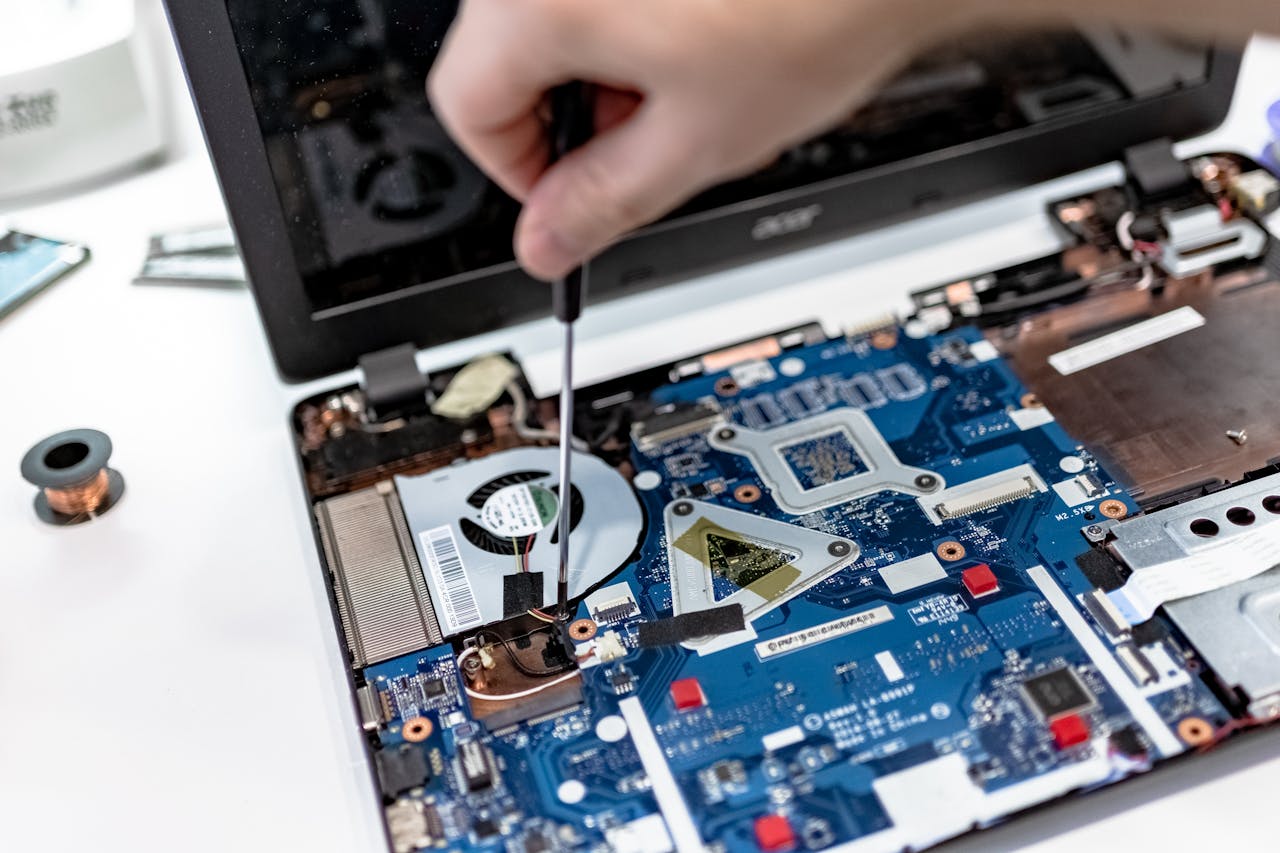
When something breaks or fails, corrective maintenance comes into play. It involves repairing or replacing failed components—either hardware or software. While preventive actions aim to minimize downtime, corrective maintenance deals with the inevitable equipment failures and system faults.
Predictive/Evolutionary maintenance
This maintenance focuses on using data, monitoring tools and analytics to anticipate failures and evolve your systems. Rather than waiting for a fault, predictive maintenance uses indicators (e.g., rising CPU temps, slower responses) to schedule maintenance before failure happens. It’s a more advanced stage of a maintenance program.
Tasks involved
Typical tasks across these maintenance types include:
- Checking hardware health (fans, drives, memory)
- Applying operating system and software updates
- Verifying and testing backups
- Monitoring system logs for potential issues
- Documenting maintenance activities and changes
- Inventorying and tracking hardware and software assets
Strategic considerations for IT maintenance
In-house vs outsourced
You can choose to run your IT maintenance in-house or work with an external provider. In-house gives you direct control, while outsourcing can provide specialization, access to expertise and scalability. If you choose managed services, you benefit from a partner handling the heavy lifting while your team focuses on strategic initiatives.
Embedding maintenance into your IT strategy
Maintenance should not be an afterthought—it must align with your business goals. Your maintenance plan should be tied to asset life-cycles, upgrade windows, business milestones and security posture. A maintenance plan that evolves with your company helps you avoid reactive repairs and support continuous optimization.
Measuring ROI and metrics
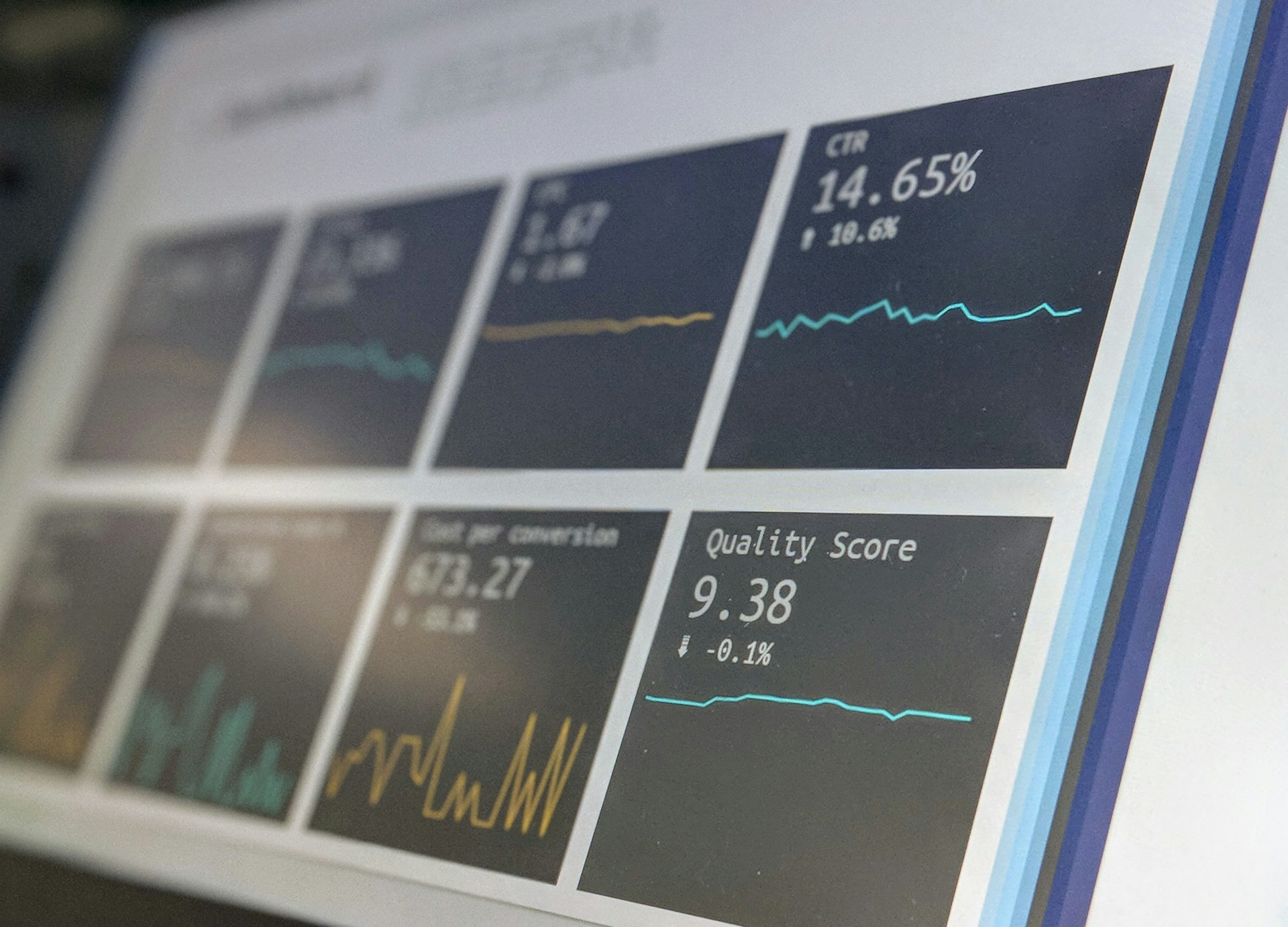
To demonstrate value you should capture metrics such as uptime percentage, mean time to repair (MTTR), number of emergency incidents, cost of maintenance per asset and percentage of assets receiving regular updates. When you can show cost effective maintenance and fewer unexpected incidents, you justify investment in your maintenance program.
Example outcome
One client moved from break-fix only servicing to a structured maintenance strategy and reported a 60 % reduction in emergency repairs and associated downtime costs. While individual results vary, this shows what is possible when maintenance focuses on both preventive and corrective actions.
Frequently asked questions
What’s the difference between preventive, corrective and predictive maintenance?
- Preventive maintenance = Scheduled checks and updates to avoid failures.
- Corrective maintenance = Repairing or replacing after failure or fault.
- Predictive maintenance = Using monitoring and data to anticipate problems and evolve systems.
How often should my company schedule IT maintenance tasks?
It depends on your environment—but typically: weekly for critical updates, monthly for broader patching, quarterly hardware checks, and annual lifecycle reviews. Your maintenance plan should reflect your risk profile and system complexity.
Should I outsource IT maintenance or keep it in-house?
If you have internal expertise and capacity and want full control, in-house may fit. If you prefer cost efficiency, access to specialized skills and scalability, outsourcing via managed services is an excellent option.
What happens if we neglect IT maintenance?
Neglecting maintenance means the risk of unexpected downtime increases, performance degrades, cyber threats may go undetected, and total cost of ownership rises. In short: higher risk, higher unplanned cost, lower productivity.
How do I start building an IT maintenance programme?
- Audit your current IT system maintenance status and asset estate.
- Define your maintenance plan: schedule preventive tasks, allocate corrective resources, select monitoring tools.
- Choose whether you’ll outsource or manage internally.
- Set key metrics and ensure you have reporting in place.
- Communicate and train your team on maintenance services and tasks.
Roadmap to stronger IT system maintenance
Maintaining your IT systems isn’t optional—it’s essential. Whether you’re dealing with legacy systems, cloud apps, hybrid infrastructure or potential cyber threats, a strong maintenance strategy keeps things reliable, cost effective and secure.
Here’s how to move forward:
- Audit your current systems and identify maintenance gaps.
- Establish a maintenance plan that covers preventive, corrective and predictive activities.
- Consider partnering with a managed services provider if internal resources are stretched.
- Invest in tools and processes that monitor hardware and software, apply updates and track outages.
- Measure results: track downtime, cost per incident, time to repair and performance improvements.
- Make maintenance a recurring agenda item at your quarterly IT strategy meeting.
At Esevel, we know that ongoing IT system maintenance is a core pillar of global device management and secure operations. We help companies deploy maintenance frameworks, manage asset life-cycles, plan for software updates, and secure infrastructure across distributed teams—so you can focus on growth, not just keeping things running.