Managing devices across offices, homes, and multiple countries is difficult when IT cannot physically access every endpoint.
A remote device management platform gives IT teams centralized visibility and control over laptops, desktops, smartphones, tablets, and other supported endpoints. Teams can apply policies, deploy software, review device health, troubleshoot issues, and take security actions without requiring the device to return to an office.
For distributed organizations, these capabilities can reduce manual work while helping IT maintain consistent security and support across locations.
What is a remote device management platform?
A remote device management platform is software that allows IT teams to manage, secure, monitor, and support devices from a central console.
In practice, these capabilities are often delivered through mobile device management (MDM), unified endpoint management (UEM), or broader endpoint management platforms.
Common capabilities include:
- Device enrollment and inventory
- Configuration and policy management
- Application deployment
- Operating system and software updates
- Compliance monitoring
- Remote lock, wipe, or retire actions
- Diagnostics and remediation
- Remote support
Not every platform supports the same actions across every operating system. Microsoft Intune, for example, supports actions such as wipe, retire, synchronization, restart, malware scans, diagnostics, and recovery-key rotation, but availability varies by platform and device ownership.
NIST also recommends centralized device management as part of managing and securing enterprise mobile devices throughout their lifecycle.
Criteria for comparing remote device management platforms
Selecting the most suitable remote device management platform requires evaluating several crucial factors. Here are some of the most important aspects to consider:
1. Features and capabilities
The core functions of management tools include remotely monitor device health, manage remote devices, push software updates, enforce security, and troubleshoot issues. Look for platforms that offer features of remote device management software offers such as automated compliance enforcement, real-time alerts, and detailed reporting.
2. Compatibility with operating systems
Organizations often have a diverse device fleet with different operating systems—Windows, macOS, Android, iOS, Linux, etc. A versatile RDM tool must support manage remote devices across these platforms seamlessly.
3. Security measures
Enforcing security is critical. The platform should include advanced security features such as encryption, multi-factor authentication, and remote wipe capabilities. It must enhance security by protecting devices remotely against cyber threats.
4. Pricing and deployment flexibility
Evaluate whether the platform offers flexible pricing models—monthly subscriptions, tiered plans, or custom enterprise quotes. Consider deployment options—cloud-based, on-premises, or hybrid—and choose what aligns best with your security requirements and infrastructure.
5. User-friendliness and support
An intuitive interface reduces training costs and simplifies management. Good management tools also provide comprehensive customer support, onboarding assistance, and documentation.
6. Scalability and integration
Your chosen remote device management platform should manage remote devices efficiently as your organization grows. It should integrate smoothly with existing management tools and security solutions, facilitating monitoring and management across a large device fleet.
By carefully assessing these criteria, organizations can select a remote device management platform that delivers maximum benefits of remote device management software offers—such as reduce downtime, increased security, and improved efficiency.
Top remote device management platforms overview
Remote device management platforms differ in how they approach endpoint security, monitoring, support, and lifecycle management. Some focus primarily on endpoint configuration and control, while others connect those capabilities with broader IT operations.
Here are five platforms to consider in 2026.
1. Microsoft Intune
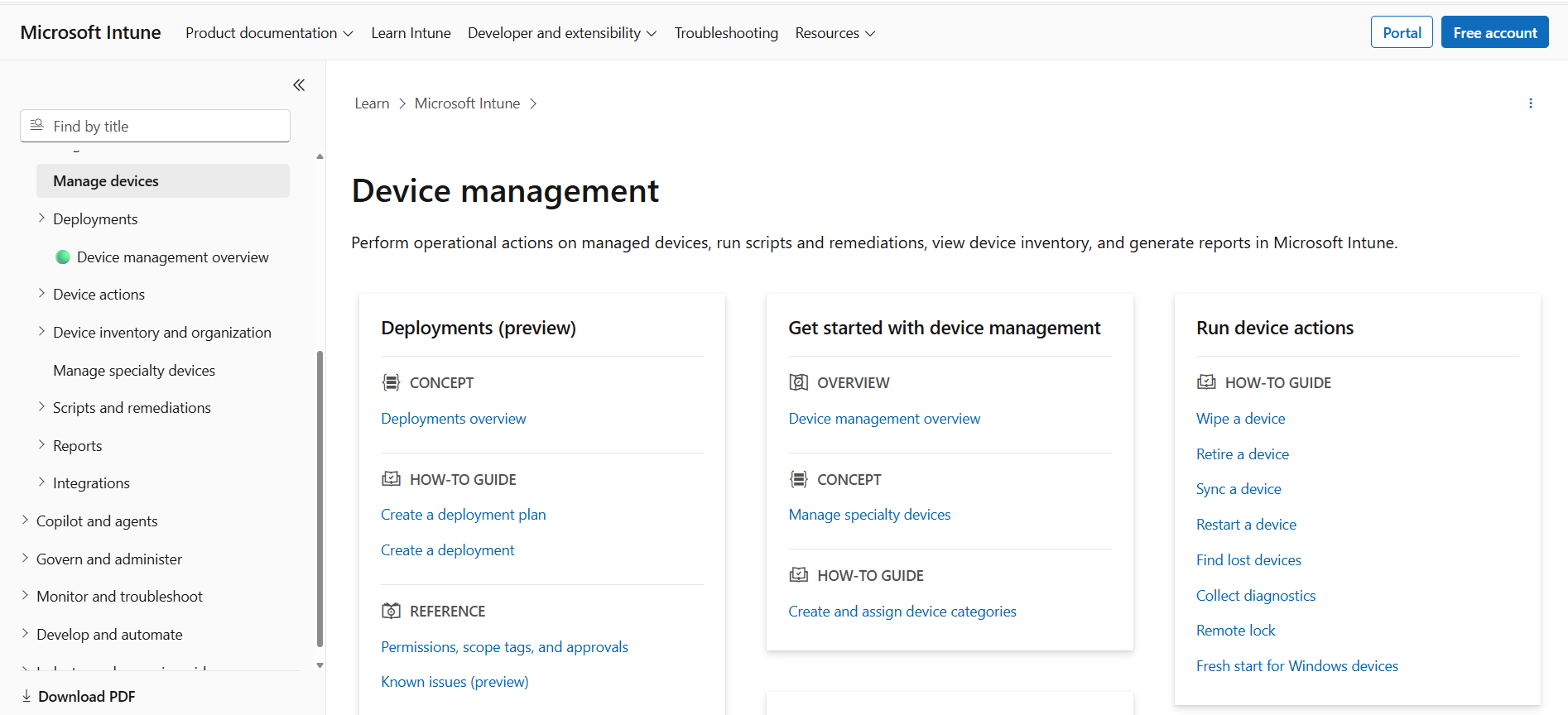
Microsoft Intune is Microsoft’s cloud-based endpoint management platform. It provides centralized management for Windows, macOS, iOS, Android, Linux, and other supported endpoints.
Core features and advantages
- Device enrollment and inventory
- Configuration and compliance policies
- Application deployment
- Endpoint security management
- Remote device actions
- Scripts and automated remediations
- Device health and reporting
- Integration with Microsoft security and identity tools
IT teams can remotely wipe or retire devices, synchronize policies, restart endpoints, run malware scans, rotate recovery keys, collect diagnostics, and perform other supported actions. Intune also provides device inventory, compliance reporting, scripts, and remediation capabilities.
Deployment options: Primarily cloud-based, with co-management options for organizations using Microsoft Configuration Manager.
Pricing overview: Licensing varies depending on the Microsoft plan and whether advanced security, analytics, or remote support capabilities are required.
Best fit: Organizations already using Microsoft 365, Microsoft Entra, Defender, or other Microsoft security and identity services.
2. Omnissa Workspace ONE UEM
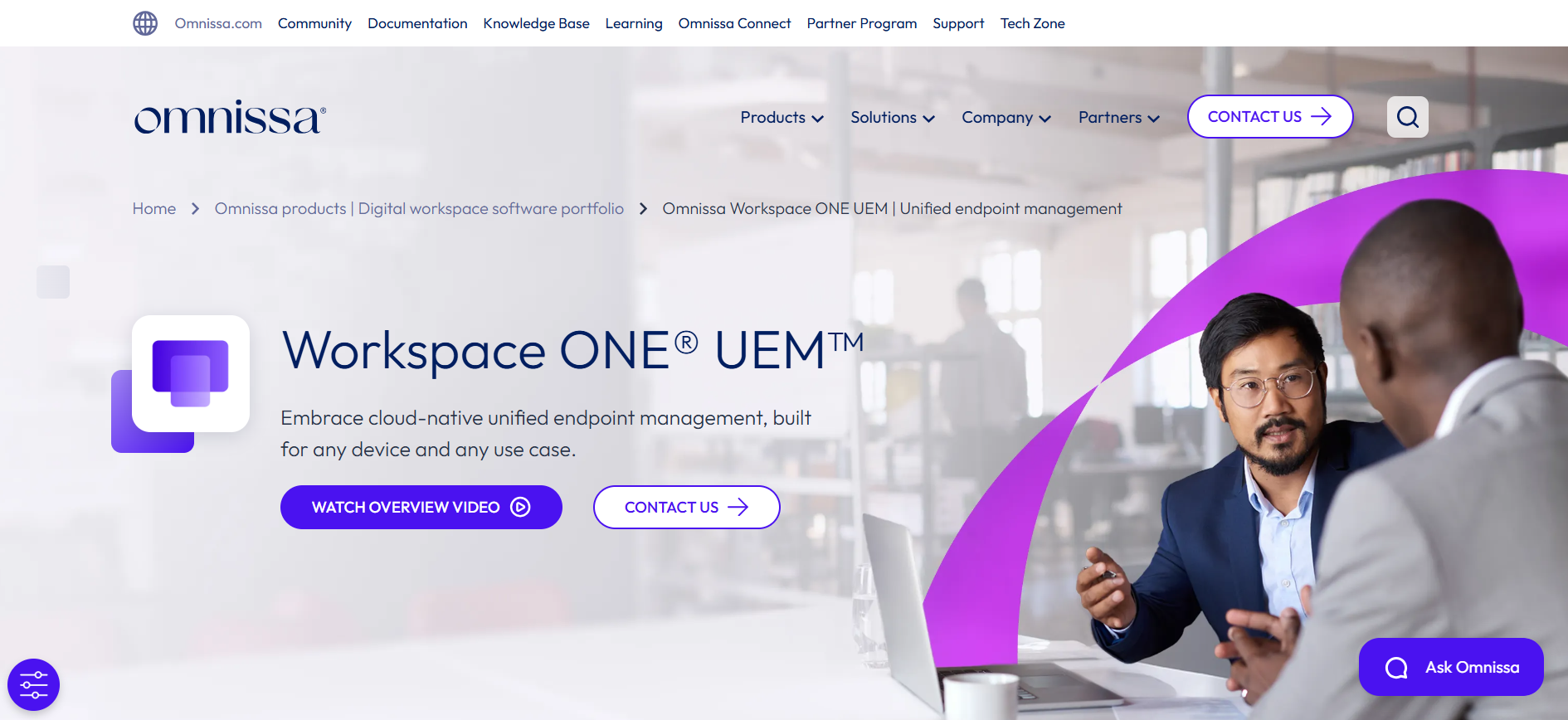
Omnissa Workspace ONE UEM is a cloud-native unified endpoint management platform for managing desktop, mobile, rugged, server, and specialty devices.
It supports Windows, macOS, iOS, Android, Linux, ChromeOS, Windows Server, and other endpoint types from a centralized console.
Core features and advantages
- Cross-platform endpoint management
- Application lifecycle management
- Device compliance and policy enforcement
- Automated onboarding and remediation
- Patch management
- Device health insights
- Role-based administration
- Low-touch remote onboarding
Workspace ONE also provides workflow automation that can reduce repetitive tasks across onboarding, application deployment, policy management, and remediation.
Deployment options: Cloud-based unified endpoint management for distributed endpoint environments.
Pricing overview: Multiple editions are available depending on device types, management depth, analytics, security, and remote support requirements.
Best fit: Large enterprises managing diverse endpoint fleets across multiple operating systems and locations.
3. ManageEngine Mobile Device Manager Plus
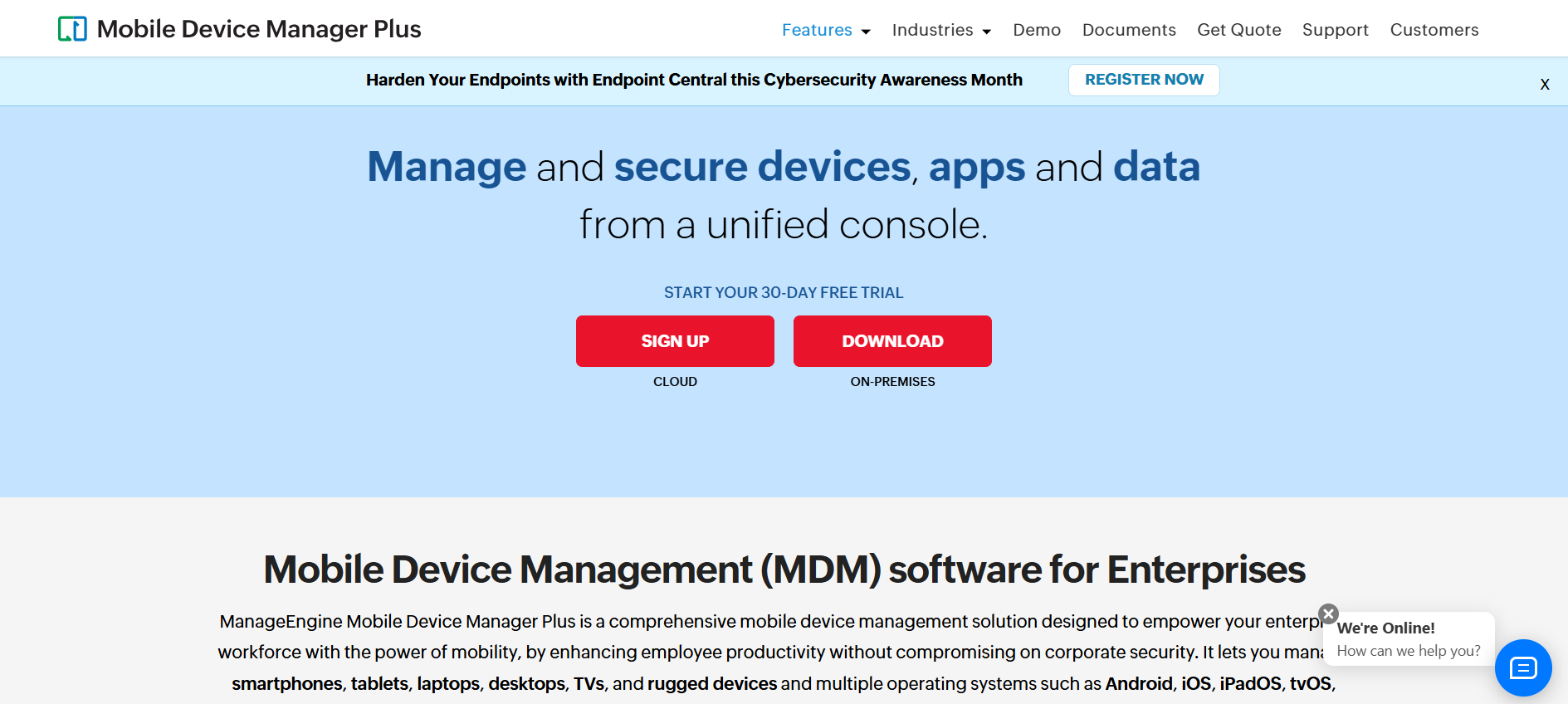
ManageEngine Mobile Device Manager Plus provides centralized management for corporate-owned and employee-owned devices across major operating systems.
The platform continues to receive active 2026 updates, including expanded remote management and support for newer operating systems and device types.
Core features and advantages
- Device enrollment and configuration
- Application management
- Security policies
- Remote lock and wipe
- Device inventory
- Kiosk management
- Remote troubleshooting
- Location and lost-device controls on supported devices
Remote security actions include lock, complete wipe, corporate wipe, passcode controls, restart, and other platform-specific commands.
Deployment options: Cloud or on-premises.
Pricing overview: Different editions are available based on device volume and required management capabilities.
Best fit: Organizations looking for broad device management with the flexibility to choose cloud or on-premises deployment.
4. NinjaOne Endpoint Management
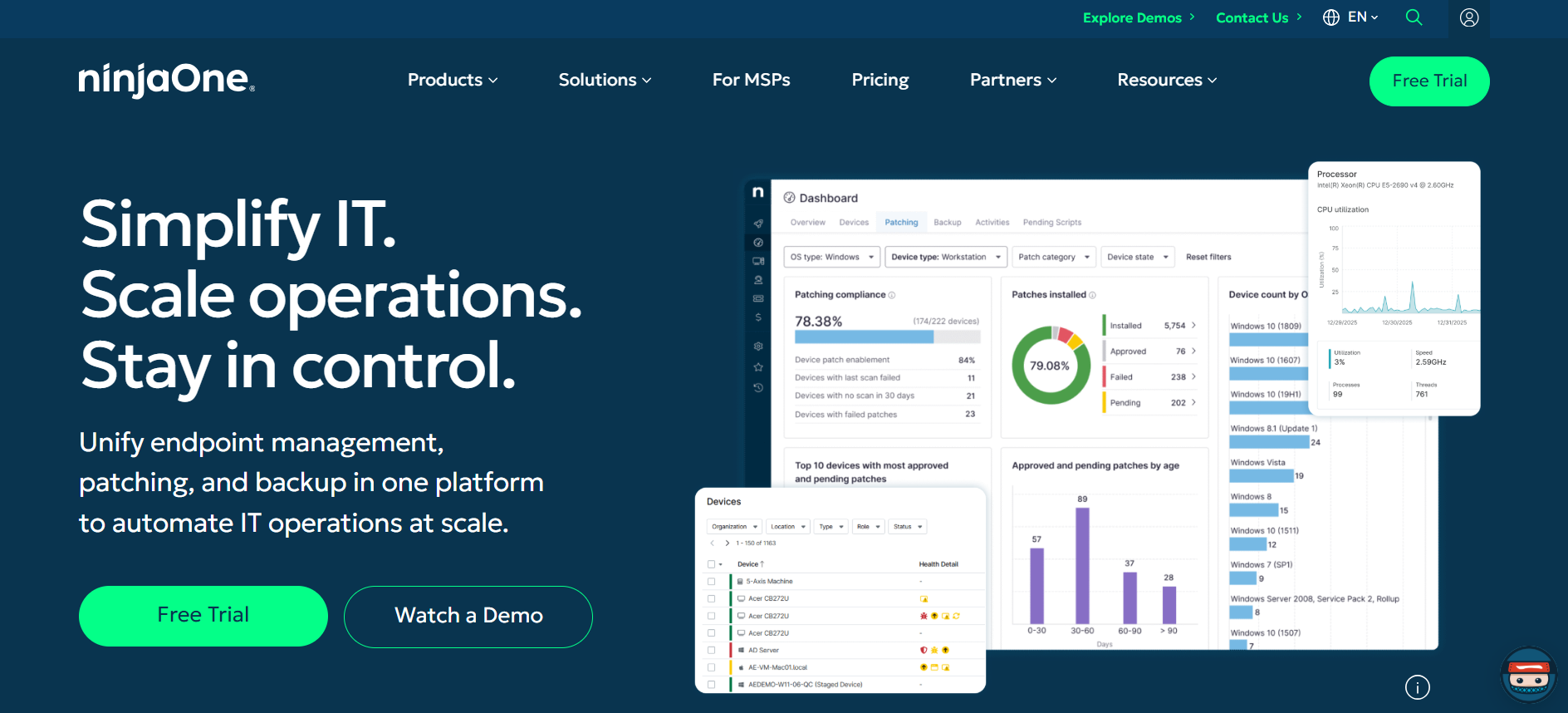
NinjaOne Endpoint Management focuses on remote monitoring, endpoint management, automation, patching, and IT support.
It supports Windows, macOS, and Linux endpoints and is designed for both internal IT teams and managed service providers.
Core features and advantages
- Endpoint monitoring and alerting
- Patch management
- Remote device access
- Automated remediation
- Scripting and task automation
- Hardware and software visibility
- Device reporting
- Remote troubleshooting tools
NinjaOne provides remote tools for managing device processes, files, services, and other endpoint functions without requiring technicians to physically access the machine. Its monitoring capabilities can also trigger automated workflows when endpoint conditions require attention.
Deployment options: Cloud-based endpoint management.
Pricing overview: Pricing depends on the number of endpoints and the combination of endpoint management, remote support, backup, and other services required.
Best fit: IT teams that prioritize remote monitoring, automation, patch management, and hands-on endpoint troubleshooting.
5. Esevel
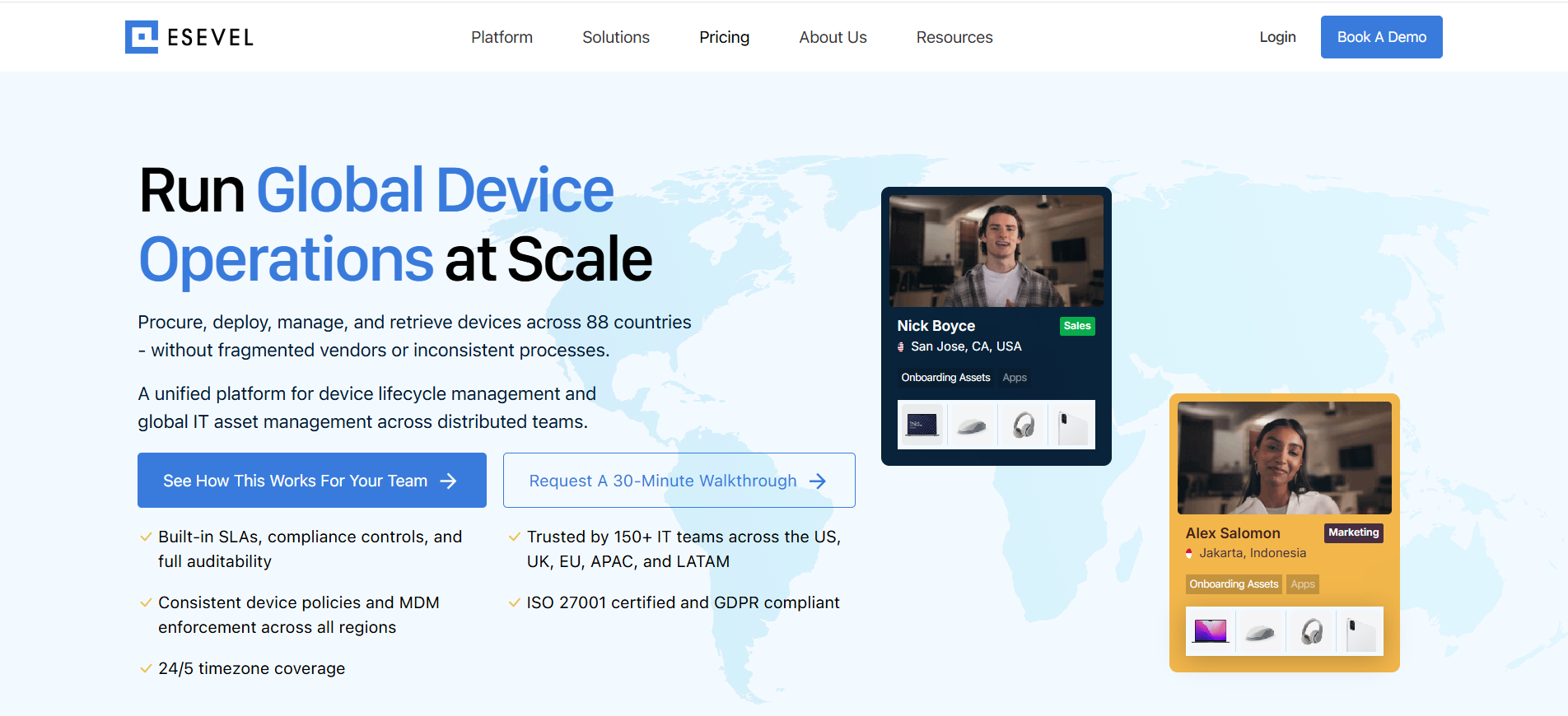
Esevel is an IT management platform that combines managed MDM with global device lifecycle operations. It helps distributed and enterprise teams manage device security while connecting endpoint management with procurement, deployment, support, retrieval, and redeployment across 120+ countries.
Core features and advantages
- Managed MDM
- Centralized device visibility
- OS and security policy management
- Patch and software updates
- Remote lock and wipe
- Device health and compliance monitoring
- Device procurement and deployment
- IT support and repairs
- Retrieval, storage, and redeployment
Esevel combines managed MDM with device lifecycle operations, including inventory, compliance monitoring, remote configuration, updates, lock and wipe, procurement, support, and recovery. Bunker achieved 2x faster device provisioning with Esevel while improving device visibility and security controls. Read the customer story.
Deployment options: Cloud-based IT management platform with managed MDM and global device operations.
Pricing overview: Pricing is tailored based on factors such as team size, regions, MDM requirements, and device lifecycle services.
Best fit: Enterprise and distributed teams that need device security and MDM alongside procurement, deployment, IT support, offboarding, and global device lifecycle operations.
The right platform depends on your device mix, existing IT stack, security requirements, support model, and whether you need endpoint management alone or broader lifecycle operations.
Comparative analysis of leading remote device management platforms
The five platforms differ in device coverage, management depth, deployment model, and operational focus. This comparison highlights where each one fits best.
| Platform | Device coverage | Key strengths | Deployment | Best fit |
|---|---|---|---|---|
| Microsoft Intune | Windows, macOS, iOS, Android, Linux | Compliance, security policies, app management, remote actions, Microsoft integrations | Cloud-based | Microsoft-centered environments |
| Omnissa Workspace ONE UEM | Windows, macOS, iOS, Android, Linux, ChromeOS, servers, specialty devices | Broad UEM coverage, automation, compliance, device health | Cloud-based | Large enterprises with diverse device fleets |
| ManageEngine Mobile Device Manager Plus | Windows, macOS, iOS, Android, ChromeOS and other supported devices | Device management, security policies, remote troubleshooting, flexible deployment | Cloud or on-premises | Teams needing deployment flexibility |
| NinjaOne Endpoint Management | Windows, macOS, Linux | Remote monitoring, patching, automation, remediation, technician support | Cloud-based | IT teams focused on endpoint operations and remote support |
| Esevel | Managed employee devices across distributed environments | Managed MDM, device visibility, security controls, procurement, support, retrieval, and lifecycle operations | Cloud-based | Global teams needing MDM plus device lifecycle management |
No single platform is best for every organization. Microsoft Intune and Workspace ONE offer strong endpoint management for established enterprise environments, while ManageEngine provides more deployment flexibility and NinjaOne focuses heavily on remote endpoint operations.
Esevel is differentiated by combining managed MDM with the physical device lifecycle, making it more suitable for distributed teams that also need procurement, deployment, support, recovery, and redeployment across countries.
Use cases and industry applications of remote device management platforms
Organizations across various industries leverage remote device management platforms to optimize operations, enhance security, and support manage remote devices effectively. Here are some real-world examples:
1. Large enterprises with distributed workforces
A multinational corporation with thousands of employees working across different countries uses cloud-based RDMS solutions to manage remote devices. IT teams remotely monitor device health, deploy software updates, and enforce security policies uniformly across all operating systems. This management approach reduces downtime and ensures compliance, even in regions with varying regulatory requirements.
2. Healthcare industry
Hospitals and healthcare providers handle sensitive patient data and must adhere to strict privacy standards. Hospital Management Software, supported by RDMS tools, helps manage remote devices like tablets and laptops while enforcing security through encryption and remote wipe capabilities. Real-time monitoring helps detect and respond to cyber threats quickly, safeguarding devices that access critical healthcare data.
3. Financial and banking sector
Financial institutions deploy remote device management platforms to monitor devices remotely used by staff and customers. These management tools help uphold compliance, push security patches, and troubleshoot issues swiftly. Remote management reduces physical visits, especially during crises like pandemics, ensuring consistent security and support across device fleets.
4. Retail and e-commerce
Retail chains with devices remotely located in stores or warehouses utilize RDMS solutions to manage remote devices like POS systems, scanners, and tablets. Centralized monitoring and management improve device output devices‘ uptime, facilitate quick troubleshooting, and ensure software updates in-store or on the go, enhancing customer service. Some retailers also use an e-commerce visual solution to keep in-store display screens synced with online product listings.
5. Education sector
Educational institutions supply staff and students with mobile device management solutions that allow manage remote devices such as Chromebooks, tablets, and laptops. These management tools enable IT administrators to enforce policies, restrict access to certain apps, and monitor device usage to ensure safety and compliance.
Trends and future outlook in remote device management
Remote device management is moving beyond basic enrollment and policy deployment. Current platforms increasingly combine endpoint management with automation, security, analytics, and employee experience tools.
More automated remediation: Scripts, workflows, and staged deployments allow IT teams to identify and fix common endpoint problems without managing each device individually.
More cloud-based management: Cloud platforms let IT manage devices without requiring them to connect to an office network, which is especially useful for distributed teams.
Greater use of AI and automation: Platforms are using automation for provisioning, application deployment, compliance remediation, reporting, and troubleshooting. AI can also help identify device issues and prioritize actions.
Stronger security and privacy controls: Device posture is increasingly connected with identity and access decisions, while role-based access, audit logs, and privacy controls help protect managed devices.
Support for more device types: Remote management now extends beyond laptops and smartphones to ChromeOS, Linux, rugged devices, shared endpoints, servers, and other specialized hardware.
More focus on employee experience: Device health insights, self-service options, and better remote support can help IT reduce disruptions caused by slow devices, failed updates, or configuration issues.
Choosing the right approach to remote device management
Remote device management gives IT teams visibility and control over endpoints they may never physically handle.
The right platform can help teams configure devices, maintain security policies, deploy applications, troubleshoot issues, and respond to device risks remotely.
For distributed organizations, software management is only part of the challenge. Devices also need to be procured, delivered, repaired, recovered, stored, and redeployed across locations. Connecting those physical workflows with endpoint management gives IT a more complete view of the device lifecycle.
Esevel supports distributed IT teams with device procurement, deployment, management, support, retrieval, and lifecycle operations alongside their existing endpoint management systems.
FAQs
What is a remote device management platform?
It is software that allows IT teams to manage, secure, monitor, and support devices from a centralized system without requiring physical access.
How do remote device management platforms improve security?
They can enforce policies, monitor compliance, deploy updates, and perform supported actions such as remote lock, wipe, retire, or security scans.
Which remote device management platform is best?
The best platform depends on your operating systems, existing IT stack, security requirements, deployment model, and remote support needs.
What should I look for when comparing remote device management platforms?
Compare OS support, security controls, remote actions, automation, integrations, reporting, scalability, pricing, and support.
Is remote device management the same as MDM?
Not exactly. MDM focuses mainly on managing enrolled devices, while remote device management is a broader term that can also include endpoint monitoring, troubleshooting, remote support, automation, and lifecycle operations.
Doan Van Vinh Doan Van Vinh is a former Content Writer Intern at Esevel. During his time with the company, he helped create blog content and support editorial projects.
Updated by: Maytiska Omar