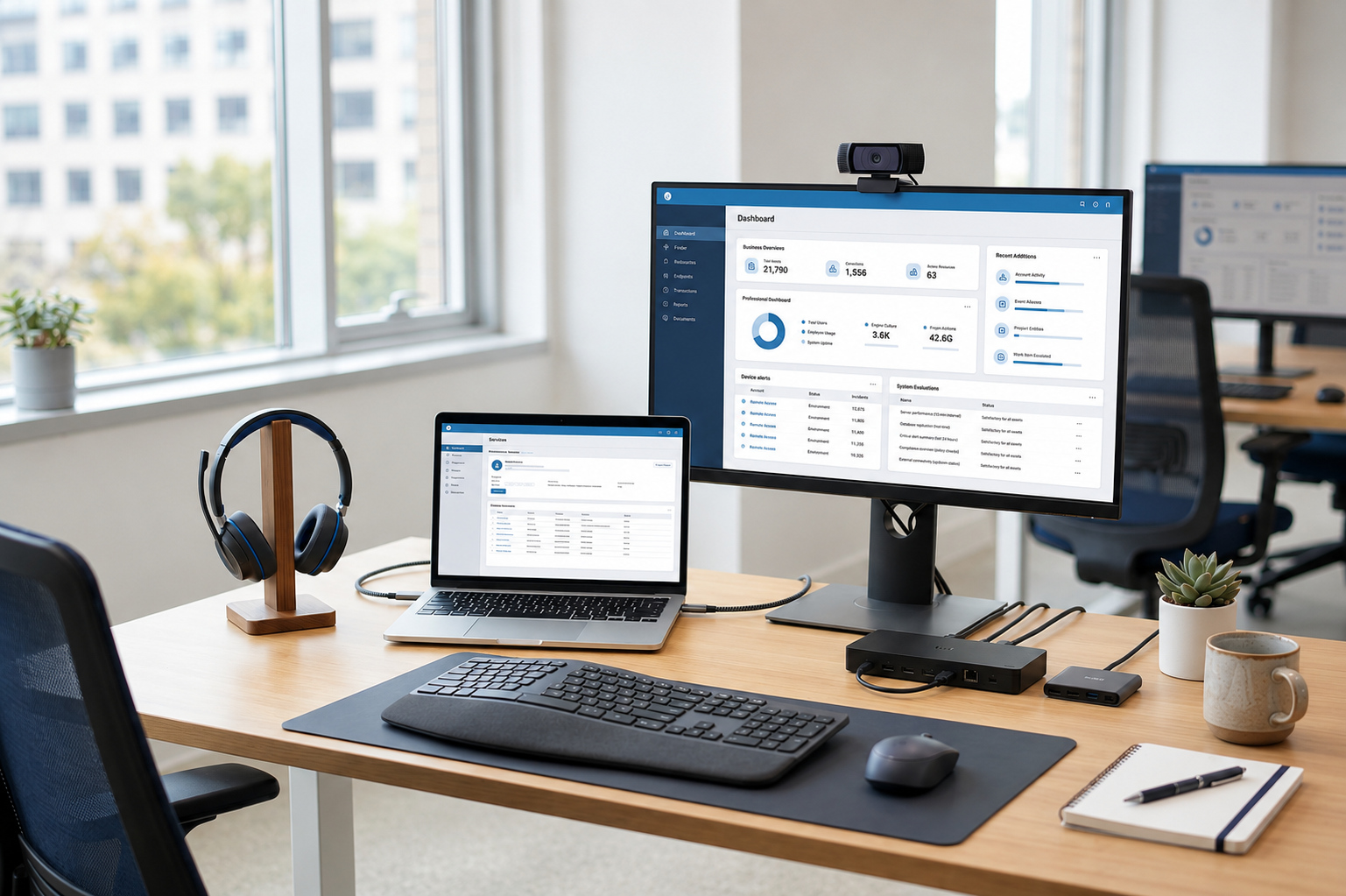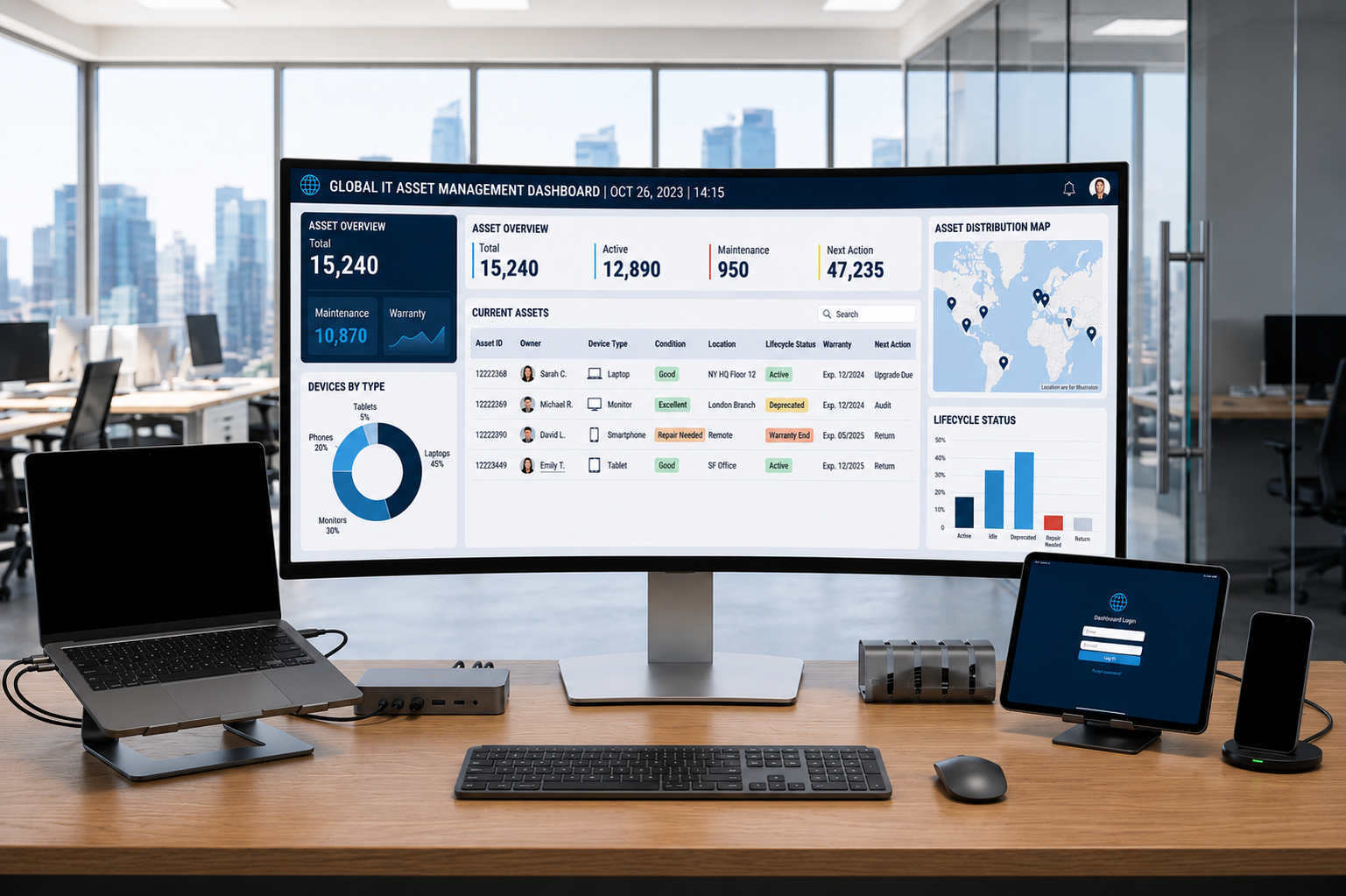
Asset management inventory is the process of recording, tracking, and managing company assets in one system, but for IT teams it should do more than store a list of devices. It should show where every laptop, phone, monitor, and accessory is, who owns it, what condition it is in, and what action needs to happen next.
Asset management inventory needs lifecycle visibility because device issues continue after purchase. The solution is to connect inventory with procurement, deployment, support, recovery, redeployment, refresh, and retirement, so IT teams can move from static records to clear ownership, faster action, and stronger control across distributed devices.
For distributed teams, this turns inventory into lifecycle control. IT teams can reduce manual tracking, improve device accountability, support employees faster, and manage assets across countries with clearer visibility.
What is asset management inventory
Asset management inventory is the process of recording, tracking, and managing company assets in one system. For IT teams, this includes laptops, desktops, phones, monitors, accessories, and other employee devices.
A useful inventory should show more than what the company owns. It should show where each asset is, who has it, what condition it is in, and what action IT should take next.
This makes IT asset management inventory more practical for daily work. Instead of only storing device records, a strong asset inventory system helps teams manage ownership, support, recovery, and refresh planning.
What asset management inventory should include
A strong inventory of asset management helps IT teams make clear decisions. It should be able to support daily work, not just audit logs. The goal is to make each asset record relevant for ownership, support, recovery and refresh planning.
Core asset information
Core asset information helps IT identify what the company owns and where each item came from. This data creates the foundation for procurement records, warranty checks, support, and replacement planning.
At minimum, an asset inventory management system should include:
- Asset name and type
- Serial number or asset tag
- Purchase date
- Warranty details
- Vendor or procurement source
When an asset and inventory management system keeps this data consistent, IT teams can reduce duplicate records and avoid missing device details. It also becomes easier to confirm whether a device should be repaired, replaced, reassigned, or retired.
Ownership and location data
Ownership and location data show who is responsible for each asset and where it is being used. This matters because devices often move between employees, departments, homes, offices, and countries.
A useful asset and inventory tracker should show the assigned employee, department, location, current user status, and custody history. This helps IT teams understand not only where a device is now, but also how it moved over time.
Asset inventory tracking is especially important during onboarding, role changes, and offboarding. Without clear ownership history, teams may lose track of devices that should be returned, repaired, or redeployed.
Condition and lifecycle status
Condition and lifecycle status help IT understand what action each asset needs next. A device may be active, spare, under repair, recovered, missing, retired, or ready for refresh.
The inventory should show device condition, support history, recovery status, current lifecycle stage, and next required action. This helps IT prioritize work instead of treating every asset record the same.
For example, a damaged laptop may need repair, a recovered device may need wiping and redeployment, and an aging device may need refresh planning. This is what turns inventory from a record into a practical tool for IT decisions.
Why spreadsheets fail for distributed IT teams
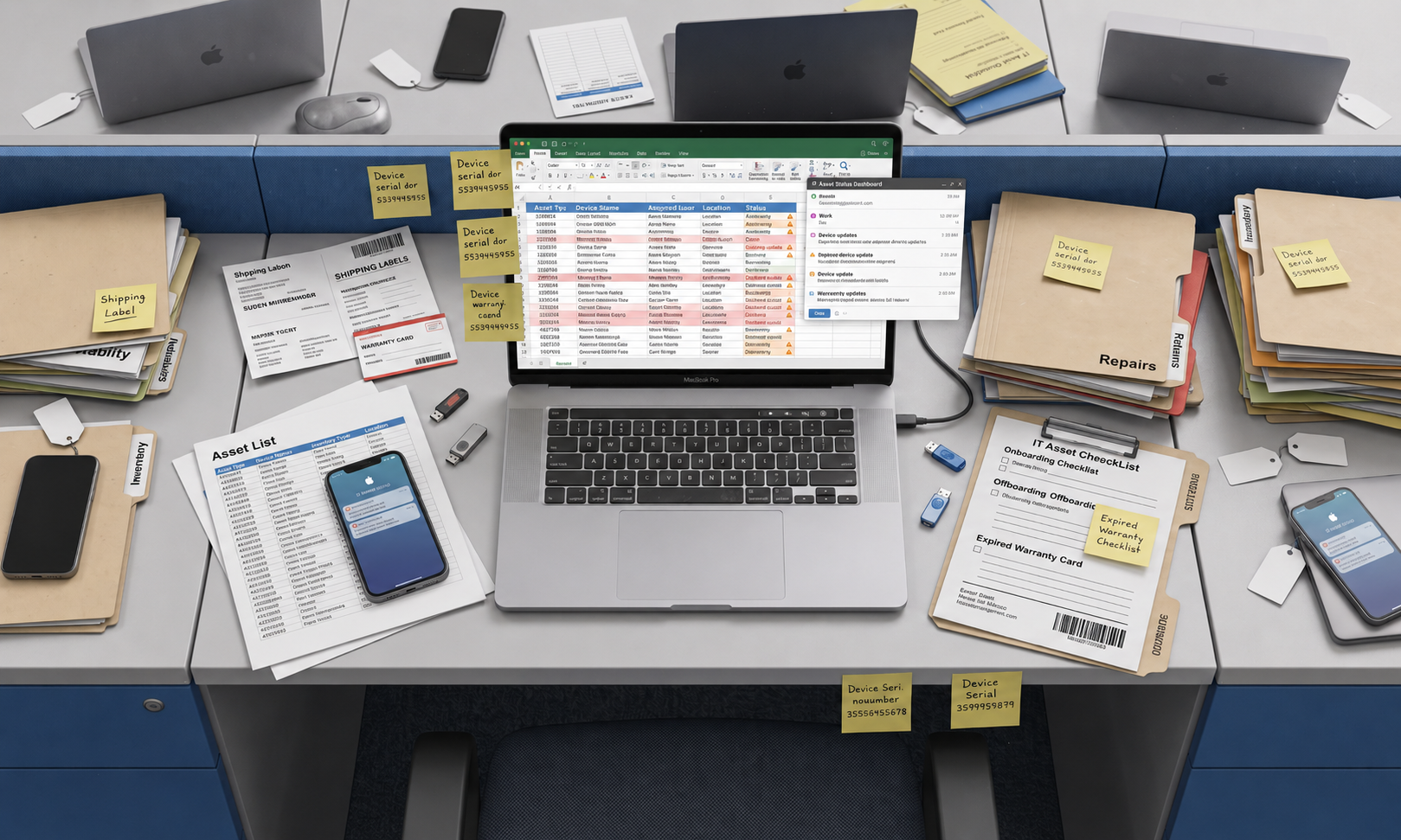
Spreadsheets might do the job if the devices are all in one office and not moving around a lot. Teams span countries, devices change hands, and asset records need regular updating. That’s why they fail.
Common spreadsheet problems
Spreadsheet based inventory depends on people remembering to update records. That becomes unreliable when employees join, move roles, need repairs, receive replacements, or leave the company.
Common problems include:
- Records become outdated quickly
- Teams forget to update ownership changes
- Device condition is not tracked consistently
- Support and repair history sit in separate tools
- Recovery status is often unclear during offboarding
A spreadsheet may show that a device exists, but it may not show whether the device is still active, damaged, recovered, missing, or ready for another employee.
Why this creates operational risk
Bad inventory data creates operational risk across IT, finance, people ops and security. IT teams sometimes don’t know who owns a device. Finance teams lose track of unused or duplicated assets. People Ops might not know if a new hire has the right equipment prior to the start date.
Security teams may also miss devices that need to be locked, wiped, or recovered. This matters even more in remote IT asset management because devices may sit outside company offices for months or years.
For global device management, spreadsheet gaps become harder to manage. Devices may move through different countries, vendors, repair paths, and recovery processes. To fix this, inventory needs to connect with the full IT asset lifecycle.
How inventory supports lifecycle control
Asset management inventory becomes more useful when it follows each device from purchase to recovery. This helps IT teams understand not only what exists, but what needs to happen next.
Lifecycle stages inventory should support
Inventory should update at every major stage of the device journey. Each update should make the asset record more accurate and easier to act on.
Key lifecycle stages include:
- Procurement: record new assets as soon as they are purchased
- Deployment: assign devices to employees and locations
- Support: track repairs, replacements, and service history
- Recovery: mark devices that need to be returned during offboarding
- Redeployment: identify devices that can be reused
- Refresh: plan replacement before devices slow down work
- Retirement: track disposal, resale, or secure recycling
When inventory supports these stages, IT teams no longer need to rebuild asset context every time a device needs attention. The record already shows ownership, status, condition, and history.
From records to action
Inventory records become valuable when they help teams make decisions. Purchase data helps IT plan deployment. Ownership data helps support teams assist employees faster. Condition data helps teams decide whether to repair or replace a device.
Recovery data helps reduce lost assets, while lifecycle data helps improve refresh planning by showing which devices are aging, unused, repaired often, or ready for redeployment.
IT leaders should look for clear asset ownership, remote visibility, status tracking, lifecycle reporting, and workflow support for onboarding and offboarding. The stronger the connection between procurement, support, recovery, and refresh planning, the easier it becomes to turn asset management inventory into operational control.
What modern asset inventory management looks like
Modern asset inventory management gives IT teams a current view of devices, ownership, condition, and next actions. It helps teams manage assets across locations without relying on scattered records or manual spreadsheet updates.
| Capability | What it means | Why it matters |
| Centralized visibility | One system for device records across countries, employees, and departments | IT, People Ops, finance, and operations can work from the same asset data |
| Clear ownership history | A record of who has each device now and who had it before | Teams can manage onboarding, transfers, support, and offboarding with less confusion |
| Real time asset status | Status updates when devices are deployed, repaired, recovered, redeployed, refreshed, or retired | IT can see active, spare, missing, damaged, and recovered devices without relying only on manual edits |
| Condition and support context | Device health, repair history, support issues, and replacement signals | IT can decide whether to repair, replace, redeploy, or retire an asset |
| Remote visibility | Visibility into devices used at home, in offices, coworking spaces, or across countries | Remote IT asset management becomes easier because teams know where devices are and what action they need |
| Global workflows | Clear delivery, support, recovery, and refresh status across regions | Global device management becomes more consistent while still allowing local execution |
Modern asset inventory management turns inventory from a static list into a system that helps IT teams take action. Once teams have this visibility, they can manage distributed devices with more control across procurement, deployment, support, recovery, and refresh.
Once inventory data connects with lifecycle stages, the next question is whether the tool can keep that data accurate. This is where asset inventory management software becomes important.
Asset inventory management tools and software
Asset inventory tools can help teams eliminate spreadsheets. The key is to choose software that supports ownership, location, status and lifecycle workflows.
What asset inventory management software should do
Asset inventory management software should maintain a central inventory of IT assets and update records as devices move through real workflows. It should help IT teams manage assets from purchase through recovery, not only store static records.
A strong asset inventory software should support:
- A central inventory of IT assets
- Device ownership and location tracking
- Status updates as devices move through workflows
- Reporting for IT, People Ops, and finance
- Connections between deployment, support, recovery, and refresh planning
The right tool should help IT teams find answers quickly. It should show who owns each device, where it is, what condition it is in, and what action needs to happen next.
The software becomes more useful when inventory data connects with support history and lifecycle status. This gives teams a clearer view of daily operations and future planning.
Asset tracking and inventory management software
Asset tracking adds movement and status data to inventory. Inventory shows what the company owns, while tracking shows where those assets are, who has them, and what is happening to them.
Asset tracking and inventory management software is especially useful when devices move across locations. IT teams need to know whether a laptop is assigned, shipped, active, under repair, recovered, missing, or ready for redeployment.
The right asset tracking and inventory management software should help teams decide what action comes next. For example, a recovered laptop may need wiping, repair, reassignment, resale, or retirement.
This connection matters because tracking without action still leaves IT teams with extra manual work. The software should help teams turn asset visibility into support, recovery, and redeployment decisions.
FAQs
These questions help clarify how asset management inventory supports IT asset control for distributed teams.
What is asset management inventory?
Asset management inventory is the process of recording, tracking, and managing company assets in one system. For IT teams, it shows who owns each device, where it is, what condition it is in, what status it has, and what action needs to happen next.
What should an IT asset management inventory include?
An IT asset management inventory should include asset type, serial number, assigned user, location, purchase date, warranty details, condition, support history, and current status. It should also show whether the asset is active, spare, under repair, recovered, missing, retired, or ready for refresh.
What is the difference between asset inventory and asset tracking?
Asset inventory shows what assets a company owns. Asset tracking shows where each asset is, who has it, and what is happening to it. IT teams need both to manage devices across locations, ownership changes, support cases, recovery, and lifecycle stages.
Why does asset management inventory need lifecycle visibility?
Asset management inventory needs lifecycle visibility because IT teams must know what happens to each device after purchase. Lifecycle visibility helps teams track deployment, support, recovery, redeployment, refresh, and retirement, so inventory becomes useful for action instead of only record keeping.
How do companies manage asset inventory across global teams?
Companies manage asset inventory across global teams by using centralized records, clear ownership data, remote visibility, real time asset status, and lifecycle workflows. This helps IT teams track devices across procurement, deployment, support, recovery, and refresh with less manual follow up.
Turn asset inventory into lifecycle control
Asset management inventory should not only show what devices a company owns. It should help IT teams understand where each device is, who has it, what condition it is in, and what needs to happen next.
Esevel helps distributed teams manage IT assets across procurement, deployment, tracking, support, recovery, and refresh planning. With the right lifecycle approach, asset inventory becomes a source of control, not just another list to maintain.

Maytiska Omar Maytiska is an experienced content writer and blog specialist with 4+ years of expertise in creating engaging, SEO-driven content. She focuses on IT and digital topics, turning complex ideas into clear, reader-friendly insights. Her work helps position Esevel as a trusted voice in the digital space.