Laptop provisioning is the process of preparing a laptop so an employee can use it securely from the start. This can include device enrollment, configuration, application setup, security policies, and user assignment.
Different tools automate different parts of that process. Some focus on Windows or Apple environments, while others connect identity, HR, device management, and asset systems.
For IT teams, the main comparison comes down to four areas: automation, integrations, security, and distributed-device readiness.
What is laptop provisioning?
Laptop provisioning prepares a new or reset laptop for a specific employee, department, or role. The finished device should be enrolled, configured, secured, equipped with required applications and access, associated with the correct employee, and recorded in the company’s asset system.
Provisioning is narrower than device deployment. Deployment can also include planning, procurement, physical delivery, and activation. Ongoing device management begins afterward and covers updates, monitoring, support, and policy maintenance.
What are the essential steps in laptop provisioning?
Most new hire laptop provisioning follows six core stages:
- Register and enroll: Add eligible hardware to the required management environment and start enrollment.
- Assign the employee: Associate the device with the correct user, department, role, or group.
- Configure and secure: Apply device settings, encryption, security baselines, and access policies.
- Install applications: Deploy business software, security tools, and role-specific applications.
- Validate readiness: Confirm enrollment, required applications, security controls, and acceptable compliance status.
- Record the asset: Update the user, serial number, location, and device status in the appropriate asset system.
Physical delivery sits alongside this process, but the detailed shipping and deployment workflow is separate from provisioning itself.
What should IT teams compare in laptop provisioning software?
The strongest comparison focuses on four areas rather than generic MDM feature counts.
Provisioning automation
Check how many stages can happen without IT manually touching the laptop, including enrollment, user assignment, configuration, application deployment, security policies, and readiness checks.
Automox’s 2026 State of Endpoint Management report found that 43% of IT teams spend 10 or more hours each week on manual endpoint tasks, while only 6% report full automation.
Tools integration
Provisioning should connect with systems that already hold employee, identity, device, and asset information.
Evaluate HRIS, identity and SSO, MDM/UEM, ITSM, ITAM, security, and procurement integrations. Verify what actually synchronizes rather than assuming an available API equals a ready-to-use integration.
Security and compliance
Security should be active before the laptop is considered ready. Check management enrollment, encryption, required security applications, baseline policies, OS requirements, compliance validation, and identity-based access.
Distributed device readiness
Provisioning also needs to work when IT never physically handles the laptop.
As of August 2026, Gallup reported that 54% of U.S. employees with remote-capable jobs worked hybrid, while 25% worked exclusively remotely. For distributed teams, remote enrollment, device registration, direct delivery, asset assignment, replacement, and support can therefore matter alongside digital setup.
Best laptop provisioning software at a glance
Laptop provisioning tools vary in OS support, automation, integrations, and physical device capabilities.
| Platform | Best for | Provisioning approach | Integration focus | Physical operations |
| Microsoft Intune + Windows Autopilot | Microsoft-centric IT | Windows Autopilot, plus Apple ADE through Intune | Entra and Microsoft ecosystem | No |
| Jamf Pro | Apple-first organizations | Apple Automated Device Enrollment | Apple and enterprise ecosystem | No |
| JumpCloud | Identity-led provisioning | Apple ADE plus user and device provisioning | Identity, directory, SSO | No |
| Hexnode UEM | Cross-platform provisioning | Windows Autopilot + Apple ADE | UEM and identity ecosystem | No |
| ManageEngine Endpoint Central | Broad endpoint automation | Autopilot + Apple Business enrollment | IT management ecosystem | No |
| Scalefusion UEM | Cross-platform and identity-aware setup | Autopilot + Apple ADE | Identity and UEM | No |
| Rippling IT | HR-triggered provisioning | Employee-driven setup and device logistics | HR, identity, IT | Yes, where available |
| Esevel | Global teams needing devices sourced, shipped and enrolled | Zero-touch via your MDM: pre-registered in ABM or Autopilot | Intune, Jamf, Entra ID, Okta, Google Workspace | Yes |
The right option depends on which parts of the provisioning workflow your IT team needs to automate.
Best laptop provisioning software for distributed IT teams
The best option depends on your operating systems, automation needs, integrations, security requirements, and whether physical device operations are also part of the workflow.
Microsoft Intune + Windows Autopilot
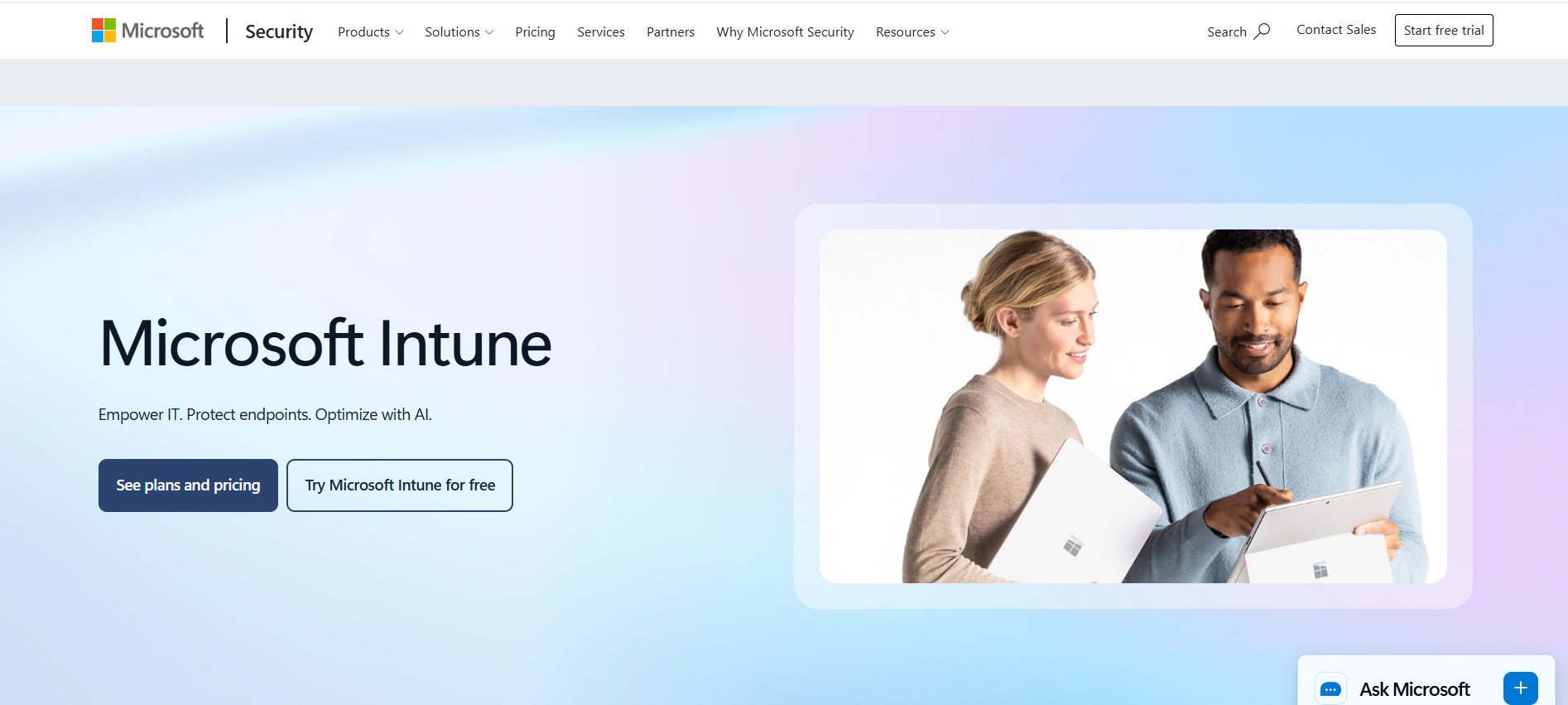
Best for Microsoft-centric and Windows-heavy environments.
Windows Autopilot device preparation can provision Windows devices with applications, scripts, configuration, and deployment reporting. Microsoft added device association in August 2026, while Intune also supports Apple Automated Device Enrollment for corporate Macs.
Its strongest fit is organizations already using Microsoft Entra and Intune.
Jamf Pro
Best for Apple-first laptop fleets.
Jamf Pro integrates with Apple Automated Device Enrollment, allowing organization-owned Macs to enroll and receive configuration when employees first activate them.
Jamf also maintains Apple device inventory and configuration data. Its main advantage is Apple specialization rather than equal Windows and macOS provisioning depth.
JumpCloud
Best for identity-led provisioning across Windows and Mac environments.
JumpCloud supports Apple Automated Device Enrollment and can associate an authenticated user with a device during zero-touch onboarding.
Its Windows and macOS account provisioning also connects managed users with local devices, making it particularly relevant when identity and device setup need to operate together.
Hexnode UEM
Best for cross-platform teams using Windows and Apple devices.
Hexnode supports Windows Autopilot and Apple Automated Device Enrollment. It can apply configurations, applications, policies, and supported security settings as devices enroll.
Its focus is primarily digital UEM provisioning, so physical procurement, delivery, and retrieval generally require separate processes.
ManageEngine Endpoint Central
Best for provisioning within a broader endpoint administration environment.
Endpoint Central supports Windows Autopilot and Apple Business enrollment alongside application deployment, configuration, inventory, patching, remote support, and endpoint administration.
It is a useful fit when provisioning needs to sit inside a wider endpoint-management workflow rather than operate as a standalone process.
Scalefusion UEM
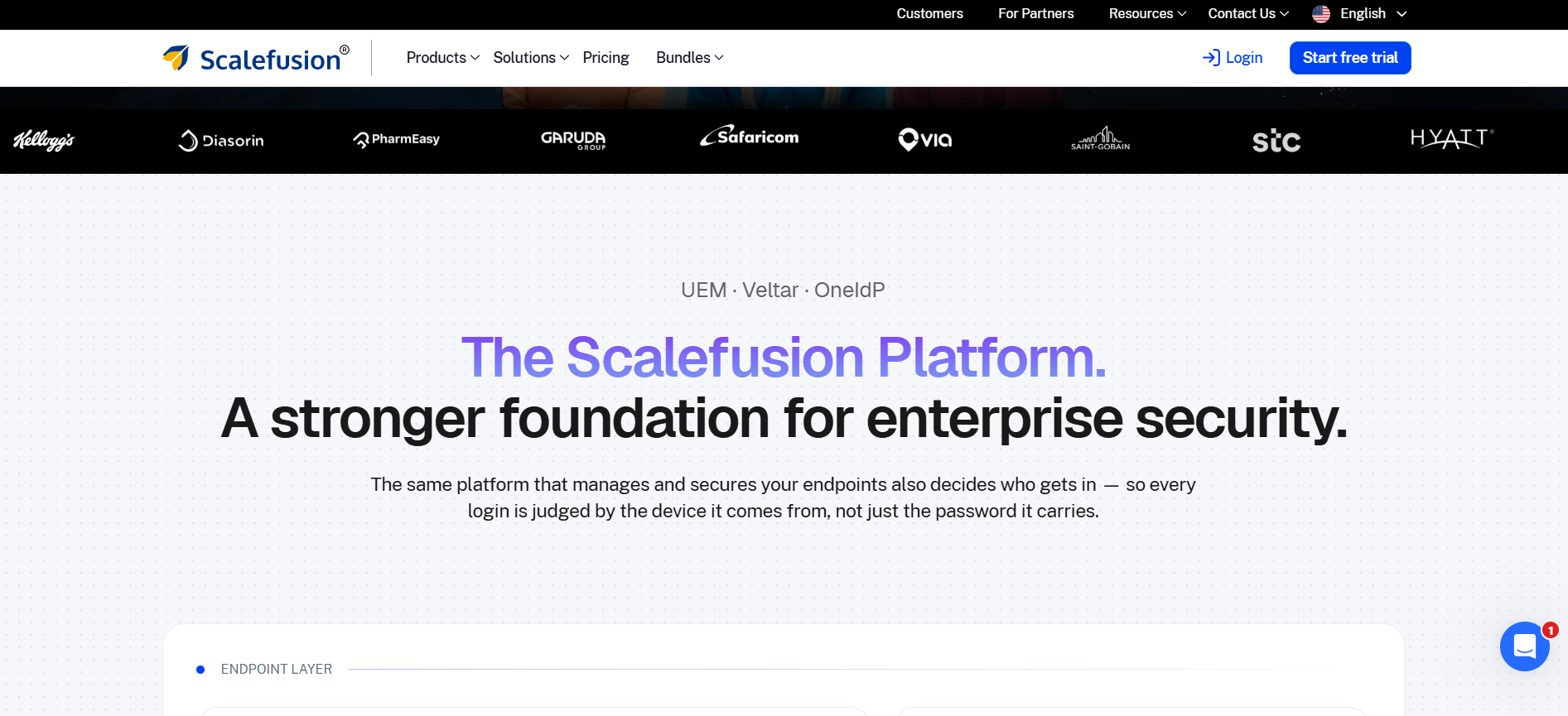
Best for cross-platform provisioning with identity-aware setup.
Scalefusion supports Windows Autopilot and Apple Automated Device Enrollment. Its September 2026 updates also added Platform SSO capabilities for macOS during ADE, with support for Microsoft Entra and Okta.
That makes it relevant for companies connecting device provisioning with identity-based Mac setup.
Rippling IT
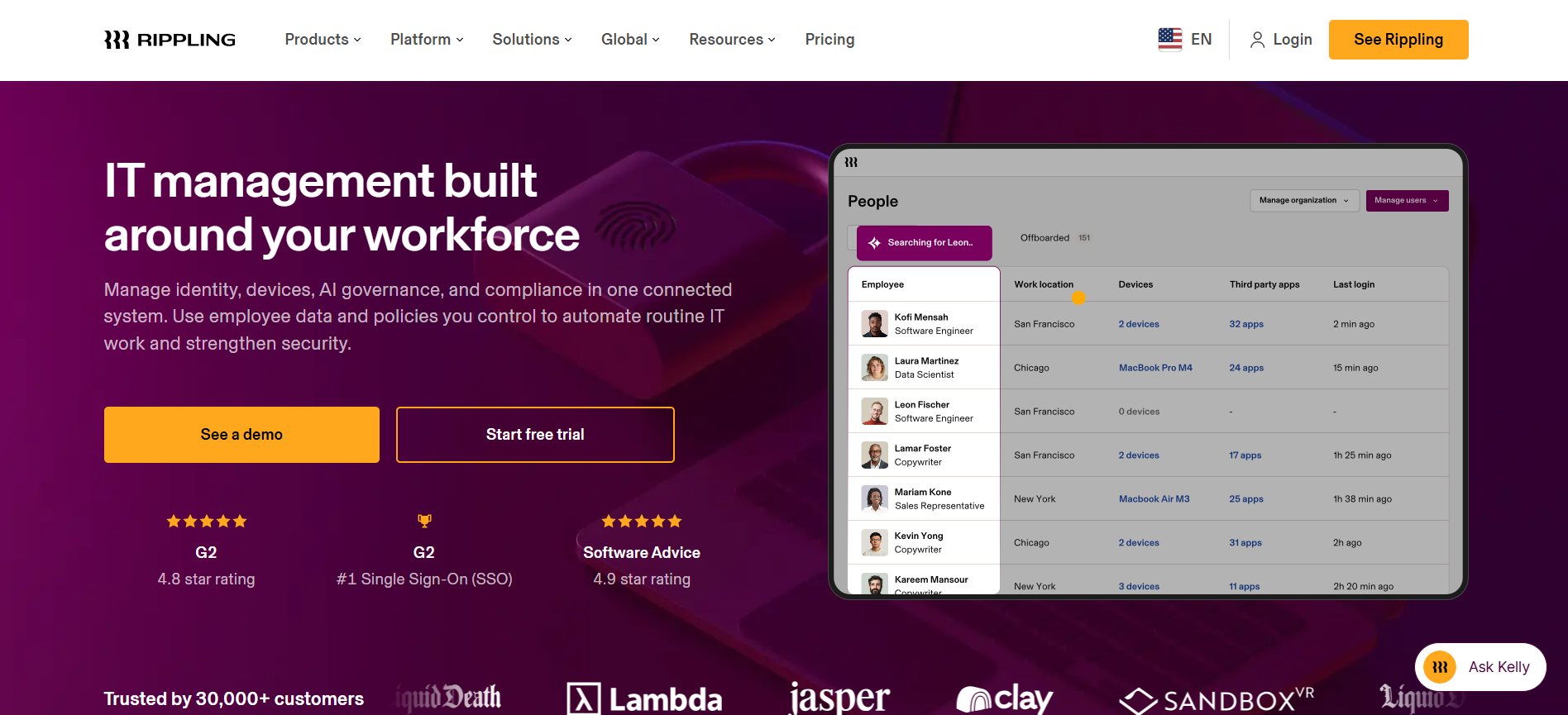
Best for companies that want employee lifecycle data to trigger provisioning.
Rippling connects HR and IT workflows. A hire event can trigger device purchasing, configuration, application installation, security policies, and shipment.
It also supports device retrieval, storage, reassignment, and remote controls. Companies should confirm physical service availability for the countries where employees are located.
Esevel
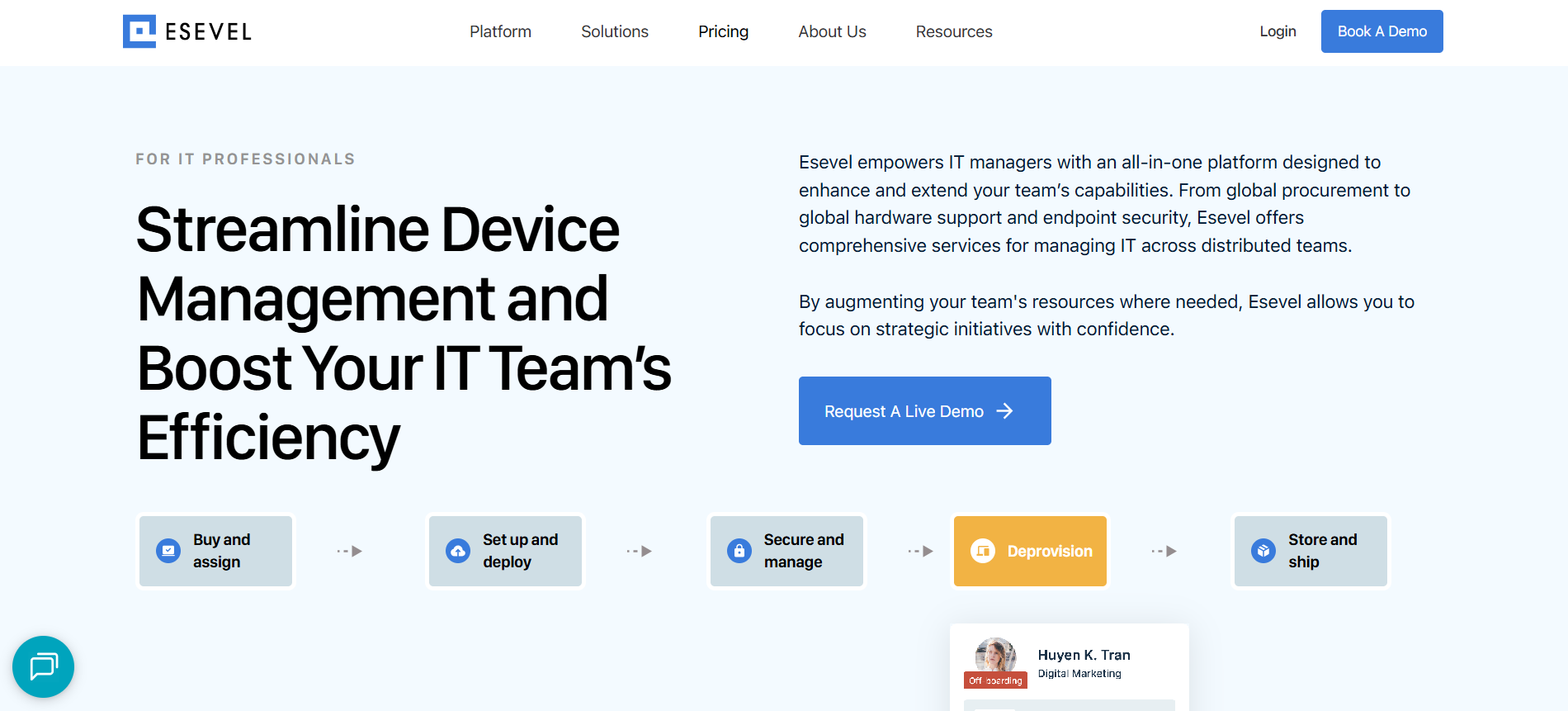
Best for distributed teams that need digital provisioning connected with physical device operations.
Esevel, a device lifecycle management partner in 120+ countries, adds procurement, preconfiguration, enrollment coordination, delivery, asset assignment, support, replacement, and retrieval to your existing endpoint tools.
Bunker used Esevel alongside JumpCloud and reported 2× faster device provisioning, with preconfigured laptops delivered directly to distributed employees.
Its differentiation is physical execution around the existing MDM/UEM and identity stack rather than replacing those specialist systems.
What tools should laptop provisioning software integrate with?
Laptop provisioning may move through several systems before the employee receives a ready device.
| Tool category | Common tools buyers ask for | Role in provisioning | What to verify |
| HRIS | Workday, BambooHR, HiBob, Rippling HR | Employee, role, location, start date, provisioning trigger | Event and field sync |
| Identity and SSO | Okta, Microsoft Entra ID, JumpCloud | User creation, groups, access, SSO, role-based provisioning | User and group assignment |
| MDM/UEM | Microsoft Intune, Windows Autopilot, Jamf, Apple Business Manager/ADE, JumpCloud | Enrollment, configuration, applications, security policies, compliance | Enrollment and policy workflow |
| ITSM | ServiceNow, Jira Service Management | Requests, approvals, exceptions, onboarding tasks, support | Ticket triggers and workflow updates |
| ITAM and CMDB | Jira Assets, ServiceNow ITAM, ServiceNow CMDB | Serial number, user assignment, location, device status, lifecycle record | Asset and status synchronization |
| Procurement and device operations | Procurement platforms, Esevel | Device order, supplier, asset assignment, delivery, replacement, retrieval | Order-to-device handoff |
Not every company needs every integration. Requirements depend on which systems already own employee, identity, device, and asset data.
A connected workflow may look like:
HRIS event → identity created → laptop assigned → MDM enrollment → configuration and apps → security validation → ITAM updated → employee handoff
This can reduce duplicate data entry, incorrect assignments, missed applications, and gaps in asset records.
Buyers should still verify whether each integration is native, marketplace-based, middleware-driven, or custom, along with fields synchronized, trigger logic, update frequency, and conflict handling. API availability alone does not mean a ready-to-use integration exists.
What security capabilities should laptop provisioning software have?
Security should be built into provisioning rather than added after the employee starts using the laptop.
Look for:
- Management enrollment: The laptop enters the approved MDM or UEM environment.
- Encryption and security baselines: Required protections apply before normal use.
- Applications and OS requirements: Security software and supported operating systems are validated.
- Compliance and identity: Readiness can reflect compliance and appropriate employee access.
- Remote response: Lock, wipe, or similar controls remain available after handoff.
Not every platform performs these controls directly. Some depend on an integrated MDM, UEM, identity, or security system.
Before handoff, IT should also confirm that enrollment is complete, required applications are installed, security controls are active, identity and access are correct, compliance is acceptable, and the asset record exists.
A laptop is ready when it is usable, secured, correctly assigned, and visible to IT.
When is laptop provisioning software not enough?
Provisioning software can enroll devices, assign users, configure settings, install applications, apply policies, and validate readiness.
Physical tasks still need execution. Someone has to procure the hardware, arrange international delivery, repair failed laptops, replace devices, store returned equipment, and retrieve hardware after employees leave.
For context, Esevel’s delivery speed is 2–3 days from local warehouses.
A broader provisioning service becomes more relevant when employees are spread across countries and IT also needs regional procurement, preconfiguration, direct delivery, asset assignment, support, replacement, and retrieval.
Esevel is one example of this model, connecting physical device operations with an existing endpoint-management environment instead of replacing Intune, Jamf, JumpCloud, or other specialist tools.
The more provisioning depends on moving laptops across locations, the less likely software alone is to cover the entire workflow.
Which laptop provisioning approach is right for your team?
For Windows and Microsoft-heavy environments, start with Intune and Windows Autopilot. Apple-first teams should prioritize Automated Device Enrollment and strong Apple management depth, such as Jamf.
An identity-centric environment may suit JumpCloud. Teams needing broad cross-platform UEM provisioning can compare Hexnode, ManageEngine, and Scalefusion, while HR-driven IT operations make Rippling a distinct option.
When global physical provisioning is the main challenge, an organization can retain its preferred endpoint technology and add an operational layer such as Esevel.
The best solution is the one that moves devices through the required automation, integrations, security checks, and physical handoffs with the least unnecessary manual work.
Choose laptop provisioning around employee readiness
Effective laptop provisioning is not about finding the platform with the longest feature list. Start with the required workflow, then compare automation, integrations, security, operating-system depth, and distributed-device readiness.
The process should end with a laptop that is secure, correctly assigned, visible to IT, and ready for the employee to use, with Esevel helping connect provisioning with procurement, delivery, support, and retrieval across distributed teams.
FAQs
What is laptop provisioning?
Laptop provisioning is the process of preparing a device for a specific employee or role by enrolling it in management, applying settings and security controls, installing applications, assigning access, and confirming that it is ready for work.
What software is used to provision laptops?
Organizations may use MDM or UEM platforms, Apple-specific management software, identity and device platforms, HR-driven IT systems, or broader provisioning services. The right combination depends on operating systems, integrations, automation requirements, and physical device needs.
What tools should laptop provisioning software integrate with?
Common integrations include HRIS, identity and SSO, MDM or UEM, ITSM, ITAM, procurement, and security platforms. The required integrations depend on which systems own employee, device, configuration, access, and asset information.
What security controls should be applied during laptop provisioning?
Typical controls include management enrollment, encryption, security baselines, required security applications, supported operating system versions, compliance validation, identity-based access, and remote response capabilities such as lock or wipe.
Can laptop provisioning be automated for remote employees?
Yes, when the hardware, operating system, registration method, network connectivity, and management tools support remote or zero-touch enrollment. Physical procurement, delivery, repair, or retrieval may still require separate operational processes.

Maytiska Omar Maytiska is an experienced content writer and blog specialist with 4+ years of expertise in creating engaging, SEO-driven content. She focuses on IT and digital topics, turning complex ideas into clear, reader-friendly insights. Her work helps position Esevel as a trusted voice in the digital space.