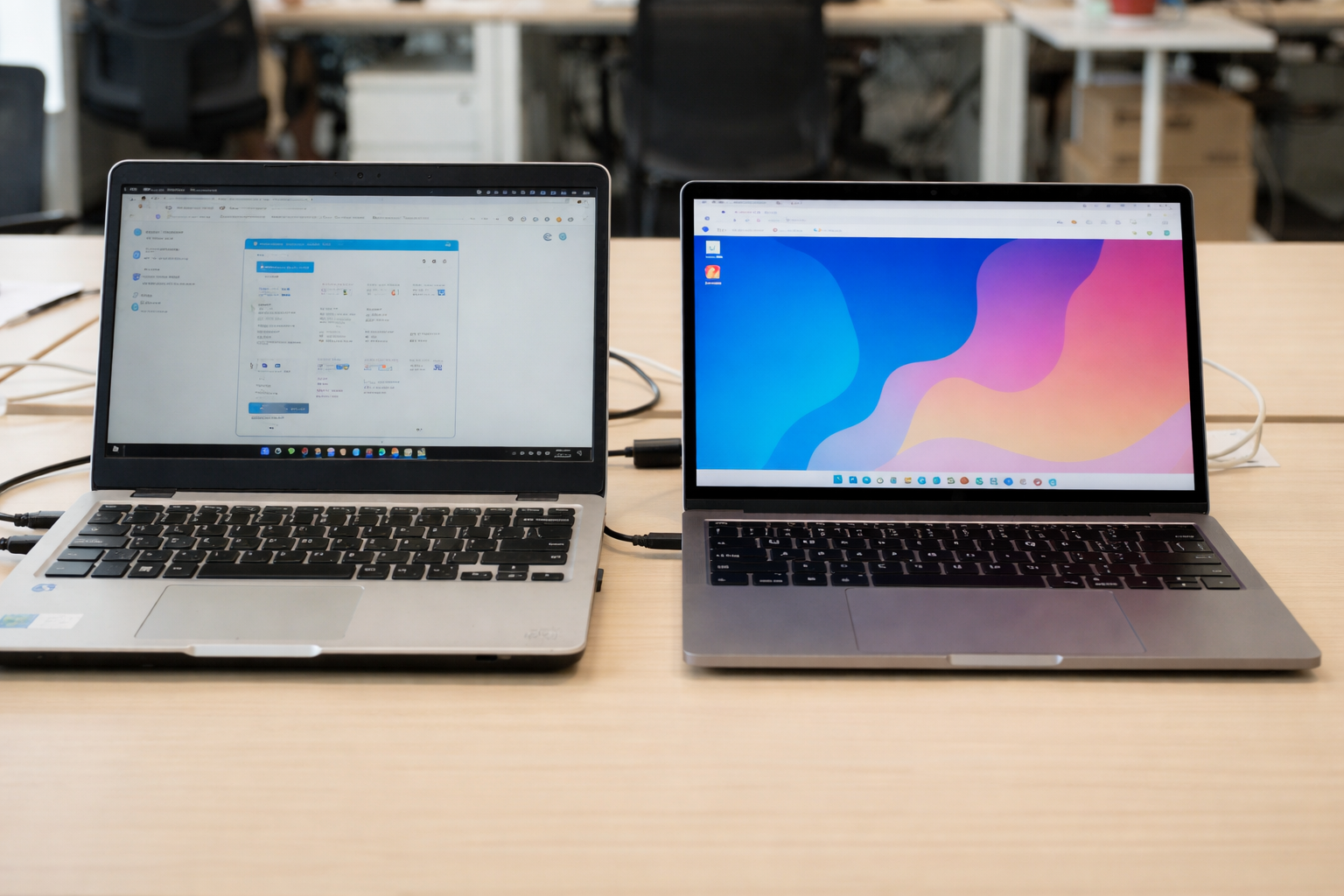
A hardware refresh strategy is a structured and repeatable approach to replacing ageing IT equipment — from laptops and servers to networking and storage devices. It’s more than a one-time swap-out. It’s a planned, data-driven process that keeps your systems running on the latest technology while aligning with your business goals.
It’s important to distinguish a hardware refresh from a simple upgrade. A refresh replaces the entire device or system, ensuring it meets modern performance, compatibility, and security standards. An upgrade, on the other hand, might enhance a component — like adding more RAM or storage — but doesn’t resolve the deeper issues caused by ageing hardware.
Today’s IT landscape makes refresh planning critical. Many organizations still rely on outdated hardware that’s past warranty expiration, missing critical security features, and struggling to support new operating systems. Meanwhile, users expect high performance and reliability. Without a defined hardware refresh cycle, businesses face greater risk of downtime, rising maintenance costs, and gaps in cybersecurity.
Why a hardware refresh strategy matters
Productivity and user experience
Outdated hardware slows people down. Lagging applications, long startup times, and frequent crashes all chip away at productivity. Studies show that employees can lose hours each week due to poor device performance — time that adds up to real costs.
Refreshing your hardware ensures teams always have the processing power they need to work efficiently. It improves user experience, reduces IT support tickets, and boosts overall satisfaction. When people have reliable tools, they simply perform better.
Security and compliance
Security threats evolve faster than ever. Devices running on unsupported or obsolete operating systems are easy targets for cyber threats because they lack the latest updates and built-in security features.
A consistent hardware refresh plan closes these gaps. Modern devices come with updated firmware, secure boot configurations, biometric access options, and stronger encryption. Refreshing regularly also helps ensure compliance with industry standards that require up-to-date security measures and patch coverage.
Cost control and maintenance
Keeping old equipment running might seem cost-effective at first — until repair bills and downtime start to pile up. Outdated hardware often needs frequent fixes, spare parts, and extended troubleshooting, all of which increase maintenance costs.
An effective hardware refresh strategy keeps expenses predictable. By replacing systems before they fail, you minimize downtime, avoid emergency purchases, and maintain a steady IT budget. Newer devices also consume less power, adding further savings over the long term.
Lifecycle management and sustainability
A planned refresh process is a cornerstone of strong asset management. It allows you to monitor the full lifecycle of your devices — from deployment to disposal — so nothing slips through the cracks.
Tracking warranty expiration, vendor support timelines, and performance data helps avoid surprises like end-of-life announcements. Refreshing on schedule also supports sustainability. Retired hardware can be refurbished, resold, or responsibly recycled, keeping e-waste to a minimum.
How to build a hardware refresh strategy
1. Audit and assessment
Start with a comprehensive inventory of all your existing hardware. Note the age, performance levels, warranty status, and security posture of each asset. Look for signs of outdated hardware that struggles with newer applications or can’t support modern operating systems.
Assess which devices are still delivering high performance and which are showing signs of wear — like increased repairs or slower response times. This audit forms the foundation of your hardware refresh planning and helps you prioritize replacements effectively.
2. Define replacement policy
Once you have visibility, define replacement timelines for each category of equipment. Typical examples include:
- Laptops and desktops: every 3–5 years
- Servers: every 4–7 years depending on workload
- Networking and infrastructure: every 5–8 years or when industry standards evolve
Your policy should consider both performance and security thresholds. When hardware can no longer handle the latest updates, fails to meet minimum processing power, or loses warranty coverage, it’s time to schedule a refresh.
3. Procurement and deployment plan
With your policy set, develop a procurement roadmap. Budget for replacements well in advance and spread purchases across the year to avoid “big-bang” refresh cycles that strain cash flow.
When selecting new equipment, align with current and future needs. Choose devices with strong security features, robust support lifecycles, and scalability for the next few years. Conduct pilot rollouts to test compatibility with your software stack before full deployment.
This step is also an opportunity to negotiate vendor contracts, explore bulk pricing, or leverage trade-in programs that make the refresh more cost-effective.
4. Retirement, disposal, and renewal
When retiring old devices, ensure secure data erasure to prevent unauthorized access. Partner with certified recyclers or refurbishers to dispose of or repurpose equipment responsibly.
Log every retired asset in your asset management system so your records stay accurate. Proper end-of-life management not only reduces maintenance costs but also ensures compliance with data protection and environmental regulations.
5. Monitoring and optimization
After implementation, continuously monitor device performance, maintenance requests, and warranty cycles. Use this data to fine-tune your refresh strategy over time. If certain models show higher failure rates or maintenance costs, shorten their refresh cycle. If others maintain stable performance, consider extending theirs.
The key is to evolve your hardware refresh process based on real-world insight rather than a rigid schedule.
6. Best practices for success
- Align with business goals: Your hardware refresh strategy should directly support productivity, security, and scalability objectives.
- Automate tracking: Use IT asset management software to monitor device age, warranty, and usage automatically.
- Avoid “all at once” replacements: Spread your refreshes to reduce disruption and cost spikes.
- Engage stakeholders: Include finance, IT, and operations in planning for smoother execution.
- Focus on experience: Remember that refreshed hardware directly impacts how employees work, collaborate, and innovate.
Alternative approach: Need-based refresh
Rethinking the traditional cycle
While most companies follow time-based hardware refresh cycles, a need-based approach uses real-time data and performance monitoring to determine when a device should be replaced. Instead of swapping all devices after three or five years, you refresh only when necessary.
Benefits of need-based refresh
- Cost optimization: Extend the life of reliable hardware, reducing unnecessary replacements.
- User-centric: Replace devices based on usage patterns — high-performance users get earlier upgrades, while lighter users keep existing hardware longer.
- Sustainability: Fewer premature replacements mean less waste and more efficient resource use.
Example in practice
A global company introduced a need-based refresh strategy by using digital experience monitoring (DEM) tools. These tools tracked real-time performance data — CPU health, battery cycles, crash frequency — to identify which devices needed attention. As a result, they extended the refresh cycle for nearly 30% of their fleet, saving substantial budget while maintaining performance standards.
Pros and cons
- Time-based approach: Predictable budgeting and scheduling; simple to manage.
- Need-based approach: More precise and efficient; requires data collection tools and deeper analytics.
Most organizations benefit from a hybrid model — combining a fixed refresh schedule for critical infrastructure with a performance-based approach for endpoints.
Frequently asked questions
1. How often should we refresh hardware devices?
It depends on the device and how it’s used. Desktops and laptops usually need replacing every 3–5 years, while servers and network equipment may last 5–7 years. Evaluate based on performance metrics, warranty status, and security requirements rather than age alone.
2. What’s the difference between a hardware refresh and a hardware upgrade?
A refresh replaces the entire system to ensure long-term stability, compatibility, and security. An upgrade improves specific components — such as RAM or storage — but doesn’t necessarily resolve the issues caused by ageing hardware.
3. How do we prioritize devices for refresh when budgets are limited?
Start with assets that have reached warranty expiration, fail to support the latest updates, or generate high maintenance costs. Use asset management data to rank devices by risk and impact on productivity.
4. What happens if we delay hardware refresh too long?
Delaying a refresh can lead to higher repair costs, slower performance, increased risk of data breaches, and compliance issues. Outdated hardware may also fail to support modern operating systems or business software, limiting productivity.
5. Can extending device life too far pose hidden risks?
Yes. Extending use beyond intended lifecycles increases exposure to cyber threats, incompatibility with new applications, and higher maintenance costs. Over time, the cost of keeping old hardware running can exceed the price of timely replacements.
Building your long-term hardware refresh roadmap
A well-designed hardware refresh strategy is not a one-time project — it’s an ongoing process that keeps your technology environment secure, efficient, and future-ready. It strengthens user experience, reduces unplanned downtime, and ensures your company operates on modern, high-performance infrastructure.
Here’s how to move forward:
- Audit your existing hardware: Identify outdated assets, warranty expirations, and performance gaps.
- Set clear refresh cycles: Define timelines for each device category based on usage and business impact.
- Integrate with asset management: Use ITAM tools to automate tracking, alerts, and reporting.
- Plan procurement and deployment: Budget ahead and align upgrades with your fiscal calendar.
- Retire and recycle responsibly: Protect data and follow environmental standards during disposal.
- Measure results: Track improvements in uptime, maintenance costs, and employee satisfaction.
- Iterate: Refine your refresh plan yearly based on lessons learned and technology changes.
At Esevel, we help distributed teams simplify their IT lifecycle management — from procurement and deployment to ongoing maintenance and secure hardware replacement. Our global platform streamlines every step of the hardware refresh process so companies can focus on what matters: performance, security, and growth.