Computer systems are more than laptops and desktops alone. The peripherals connected to them shape how employees communicate, collaborate, present information, and complete daily work.
A monitor, headset, webcam, docking station, keyboard, or adapter may look small compared with a laptop. However, these devices can affect how quickly employees start work, how well meetings run, and how often IT teams handle support requests.
As companies scale across locations, computer system peripherals become part of the broader IT environment. That means IT teams need to manage them with the same visibility and structure used for other company devices.
What are computer system peripherals
Computer system peripherals are connected devices that expand what a computer system can do. They support input, output, storage, communication, and connectivity functions that employees use every day.
Computer system peripherals definition
A computer system peripheral is an external or connected device that works with a computer but is not the main computer itself. The main system may include the processor, memory, internal storage, and operating system, while peripherals add extra functions.
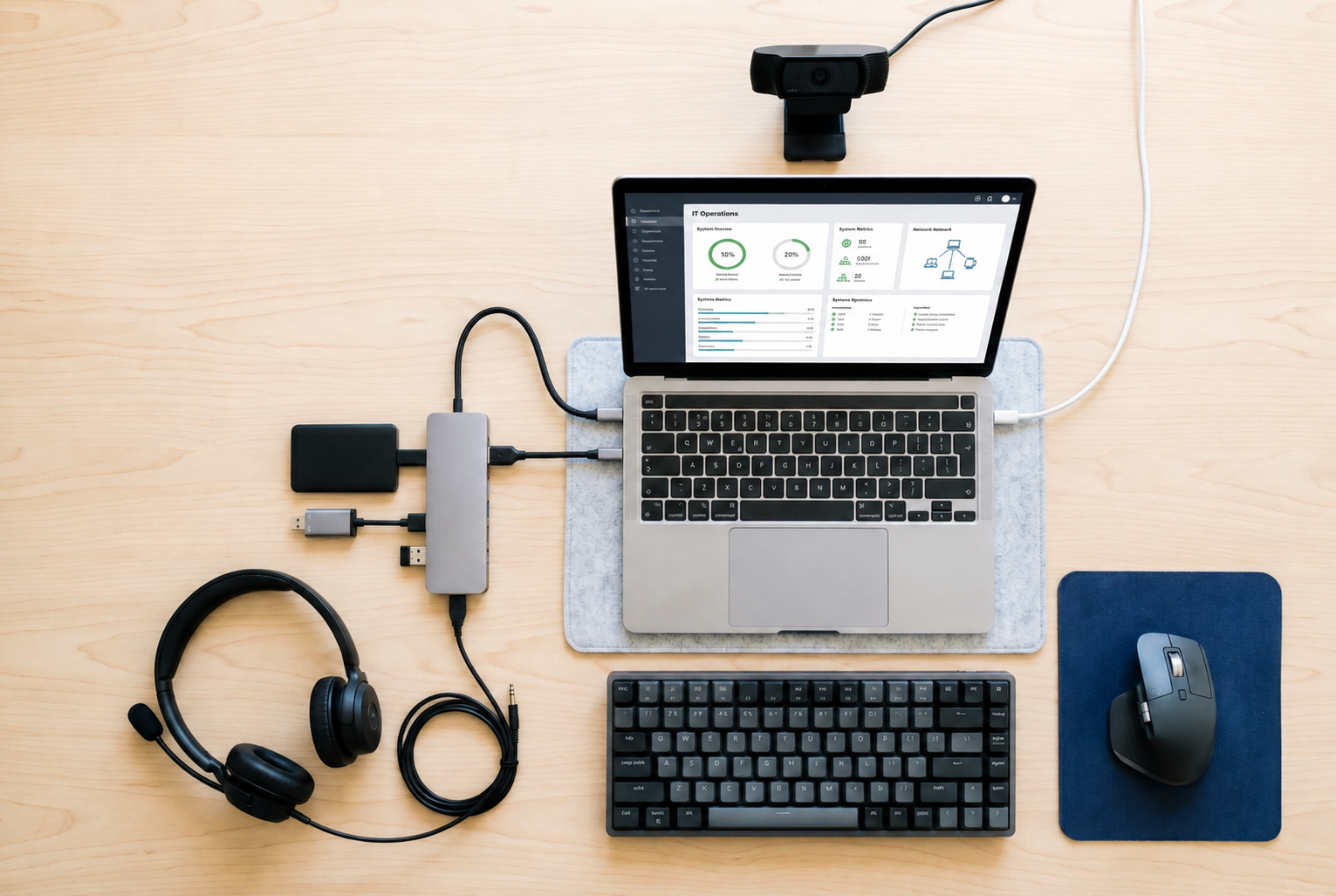
Common peripherals of computer system include keyboards, mice, monitors, printers, webcams, microphones, speakers, scanners, docking stations, and external drives. These peripheral devices of a computer system help users enter data, receive output, connect equipment, store files, or communicate with others.
In simple terms, peripheral devices of computer system are the tools that make the computer more useful in real work settings. Without them, many tasks become slower, harder, or less effective.
Does a computer system include peripheral devices
Yes, a computer system can include peripheral devices when we talk about the full working setup. A complete computer system often includes both core hardware and connected peripherals that help users perform tasks.
The difference is that internal components are built into the main computer, while peripherals are connected to it. For example, memory and processors are core components, while monitors, keyboards, printers, and webcams are external or add-on devices.
This is why terms like computer system including peripherals and computer system components and peripherals matter. In daily IT operations, teams manage the full setup, not only the laptop or desktop.
Peripherals are part of daily business operations, not just accessories. The next step is understanding the types of peripherals employees use.
Types of computer system peripherals
Modern workplaces rely on many types of peripherals across different workflows. Some help employees send information into a computer, while others help them receive information, connect devices, or store data.
Computer system peripherals list
| Peripheral type | Examples | Main function |
| Input peripherals | Keyboard, mouse, scanner, webcam, microphone | Help users enter data, commands, images, audio, or video |
| Output peripherals | Monitor, printer, projector, speakers, headset | Help users view, print, present, hear, or receive information |
| Storage peripherals | External drive, USB drive, memory card reader | Help users store, transfer, or back up files |
| Connectivity peripherals | USB hub, docking station, network adapter | Help users connect devices, displays, and networks |
Input peripherals include keyboards, mouse devices, scanners, webcams, and microphones. These devices help employees type, click, scan documents, join video calls, and record audio.
Output peripherals include monitors, printers, projectors, speakers, and headsets. These devices help employees view information, print documents, present work, and join calls with clear sound.
Storage and connectivity peripherals include external drives, USB hubs, docking stations, and network adapters. These devices help employees connect multiple devices, move files, and create better workstation setups.
These are common examples of peripheral devices in a computer system. Even if someone asks for 4 peripheral devices of a computer system, a simple answer could include a keyboard, mouse, monitor, and printer.
These devices directly affect how employees work every day. That makes their role more operational than many teams realize.
What peripherals are used for in computer systems
Peripherals extend the functionality of computer systems across many business activities. They help employees communicate, collaborate, manage documents, store files, and work more comfortably.
Common business use cases
So, what are peripherals used for in computer systems? They are used to help employees complete tasks that the main computer cannot handle alone.
Common business use cases include:
- Communication and collaboration, such as using webcams, microphones, and headsets for meetings
- Video conferencing and presentations, such as using monitors, projectors, and docking stations
- Printing and document management, such as using printers and scanners for paperwork
- Data storage and file transfer, such as using external drives and USB devices
These use cases show why peripherals matter in business environments. They support the daily workflows that employees depend on to do their jobs well.
Why peripherals matter operationally
Employees depend on peripherals for productivity. A support agent may need a reliable headset. A designer may need a larger monitor. A sales team may need webcams and microphones for client calls.
Different roles often require different peripheral setups. This is why one standard laptop may not be enough for every employee. IT teams need to understand which accessories each role needs to work properly.
Peripheral quality also affects employee experience and workflow consistency. Poor audio equipment can affect meetings. Incompatible adapters can slow setup. Missing docking stations can make workstations harder to use.
This operational role makes peripherals important for IT management. They are not just add-ons. They are part of how work gets done.
Computer system components and peripherals in modern workplaces
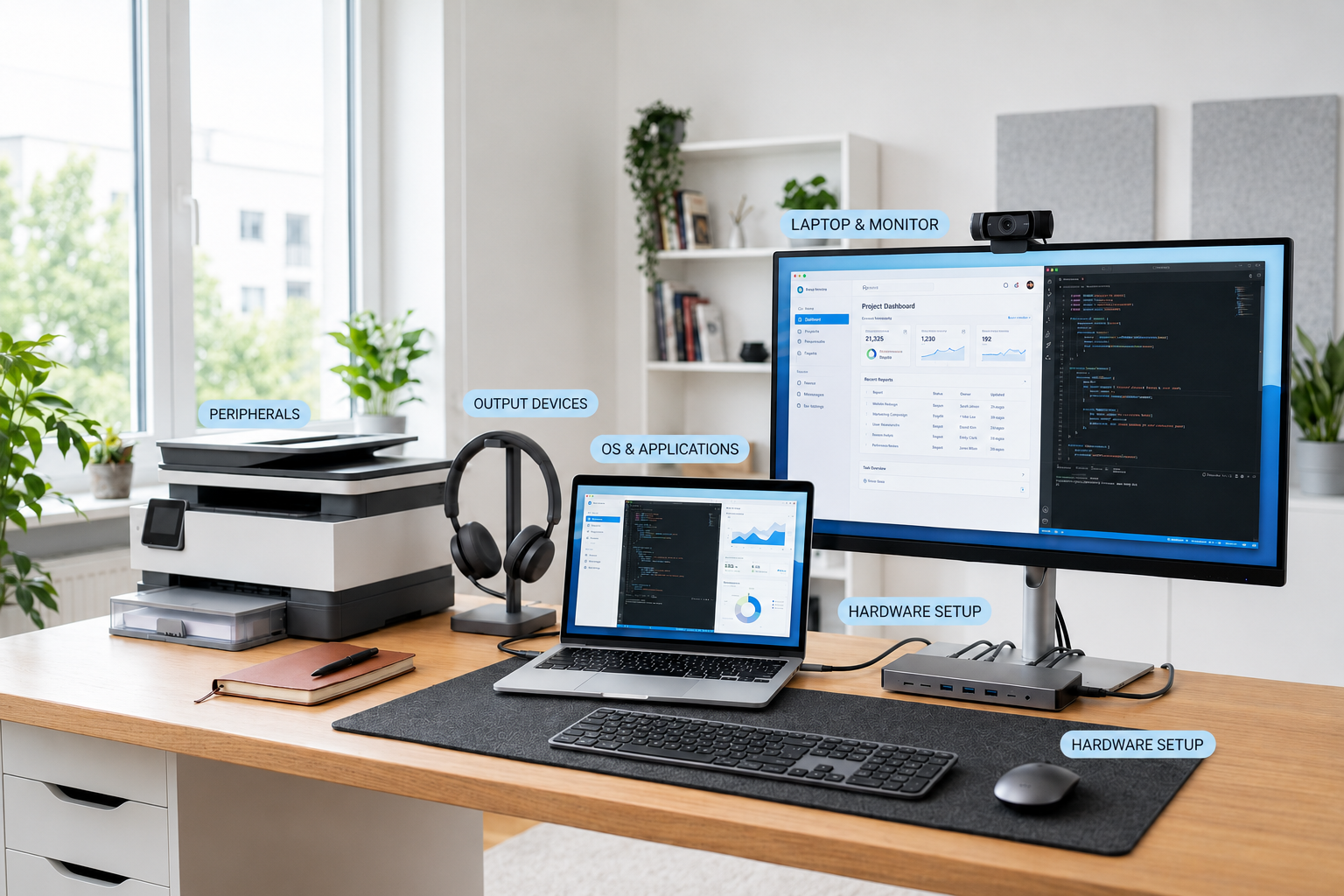
IT teams manage both core systems and connected devices together. A computer setup includes hardware, software, and peripherals that need to work as one complete environment.
Hardware, software, and peripheral components
The hardware software and peripheral components of a computer system all play different roles. Hardware includes the physical device and internal parts. Software includes the operating system and applications. Peripherals include the connected accessories employees use to work.
Examples include:
- Core hardware systems, such as laptops, desktops, processors, memory, and internal storage
- Operating systems and applications, such as Windows, macOS, productivity apps, and business tools
- Connected peripherals and accessories, such as monitors, headsets, webcams, printers, and docking stations
These various hardware software and peripheral components of a computer system need to work together. If one part fails or is incompatible, the employee may not be able to work smoothly.
How peripherals connect with infrastructure operations
Devices and peripherals are often deployed together. When a new employee receives a laptop, they may also need a monitor, keyboard, mouse, headset, adapter, or docking station.
Peripheral compatibility affects system performance and support quality. A monitor may need the right adapter. A headset may need to work with meeting software. A docking station may need to support the employee’s laptop model.
Standardized setups reduce support complexity. When employees use approved peripherals, IT teams can troubleshoot faster, replace equipment more easily, and reduce compatibility issues.
Managing peripherals becomes harder as teams grow across locations. This is where many IT teams start to see gaps in visibility and control.
Peripheral management challenges for IT teams
Peripheral management often becomes fragmented in distributed environments. Many companies track laptops, but they do not track accessories with the same level of detail.
Common challenges
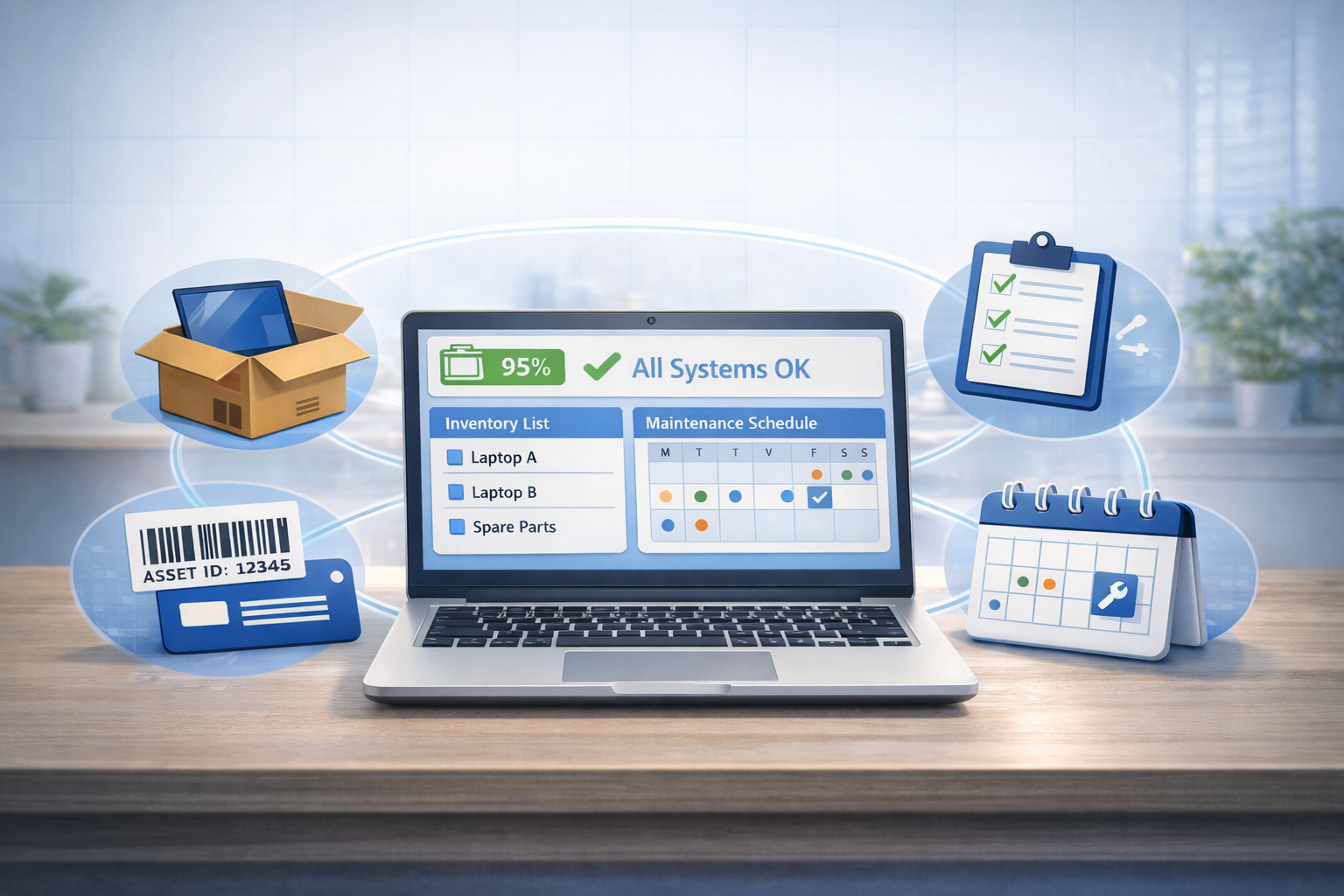
The first challenge is limited visibility into peripheral inventory. IT may know which laptop an employee has, but not which monitor, docking station, headset, or adapter was assigned.
Another challenge is inconsistent setups across employees and locations. Some employees may receive full workstation kits, while others buy accessories on their own. Over time, this creates more support issues and less standardization.
Common challenges include:
- Limited visibility into peripheral inventory, which makes it harder to know what exists and who owns it
- Inconsistent setups across employees and locations, which increases support complexity
- Manual tracking of accessories and replacements, which creates outdated records
- Procurement coordination across vendors and regions, which slows delivery and replacement workflows
These issues may seem small at first. However, they become more costly when repeated across hundreds of employees and multiple regions.
Why spreadsheets and manual tracking fail
Spreadsheets can work for a small team, but they become unreliable as equipment moves. Peripheral data becomes outdated quickly when employees relocate, replace items, or leave the company.
Accessories are also harder to recover and replace. A laptop may be tracked carefully during offboarding, but a monitor, headset, adapter, or docking station may be missed.
Manual tracking also gives IT limited visibility over usage and ownership. Teams may not know whether a peripheral is active, broken, unused, missing, or ready for reassignment.
These challenges increase in remote and hybrid environments, where IT teams cannot physically see every setup.
Computer system peripherals in remote and hybrid work
Distributed work environments increase dependence on peripherals. Employees now work from homes, coworking spaces, regional offices, and temporary locations.
Why remote teams rely heavily on peripherals
Remote teams rely heavily on peripherals because employees work from multiple environments. A laptop may be portable, but it does not always provide the full setup employees need for focused work.
Collaboration depends on audio and video devices. Webcams, microphones, speakers, and headsets affect meeting quality, onboarding calls, sales conversations, interviews, and training sessions.
Productivity also depends on reliable workstation setups. Monitors, keyboards, mice, docking stations, and adapters help employees work more comfortably and efficiently.
When remote employees lack the right peripherals, they may buy their own equipment. This creates more variation and makes IT support harder.
Operational challenges in remote environments
Remote environments create several operational challenges for IT teams. Peripherals need to be shipped, tracked, replaced, and supported across many locations.
Common challenges include:
- Shipping peripherals across regions
- Managing replacements and upgrades
- Supporting multiple device configurations
- Tracking ownership across remote employees
- Recovering accessories during offboarding
These workflows require peripherals to be managed as part of the IT lifecycle. Without that lifecycle view, companies may lose equipment, duplicate purchases, and create inconsistent employee setups.
Peripheral procurement and lifecycle management
Peripheral management should extend across the full employee lifecycle, not stop at purchasing. IT teams need to plan, source, deliver, track, support, replace, and recover peripherals as part of one connected process.
Peripheral procurement workflows
Peripheral procurement should start with standardization. IT teams need to define which computer system devices and peripherals are approved for different roles, locations, and work setups.
This may include standard monitor models, headset options, docking stations, adapters, keyboards, mice, and other peripheral components of a computer system. Standardization helps reduce confusion and improves support.
Procurement workflows should cover:
- Standardizing accessories across teams, so employees receive compatible setups
- Bulk purchasing and vendor coordination, so teams can manage cost and availability better
- Delivering peripherals alongside employee devices, so new hires receive complete work kits
- Managing replacements and upgrades, so broken or outdated accessories do not block work
This process becomes more important for remote and global teams. If peripherals are purchased separately from employee devices, onboarding can become slower and harder to coordinate.
Connecting peripherals with IT lifecycle management
Peripheral management should be part of the full device lifecycle. When an employee joins, IT should know which laptop and accessories they need based on their role and location.
Tracking should cover both devices and accessories, including monitors, headsets, docking stations, and adapters. Support and recovery should also include missing, damaged, returned, reused, or retired peripherals.
Esevel helps companies connect procurement, deployment, tracking, support, and recovery in one lifecycle-driven process. This gives distributed teams better visibility, fewer manual tasks, and more consistent employee support.
FAQs
What is a computer system peripheral
A computer system peripheral is a device connected to a computer to add extra function. It can support input, output, storage, communication, or connectivity.
What are examples of peripheral devices in a computer system
Examples of peripheral devices include keyboards, mice, scanners, webcams, microphones, monitors, printers, projectors, speakers, headsets, external drives, USB hubs, docking stations, and network adapters. These devices help employees interact with and extend the computer system.
Does a computer system include peripheral devices
Yes, a complete computer system can include peripheral devices when discussing the full working setup. Core hardware and software run the system, while peripherals help users perform daily tasks.
Why are peripherals important in computer systems
Peripherals are important because they affect productivity, collaboration, communication, and employee experience. They also affect IT operations because they need to be purchased, tracked, supported, replaced, and recovered.
How do IT teams manage computer system peripherals
IT teams manage computer system peripherals through asset tracking, procurement workflows, assignment records, support processes, and recovery workflows. The strongest approach connects peripherals with the full IT lifecycle, including provisioning, deployment, support, and offboarding.
Build IT operations beyond core devices
Peripherals are part of operational infrastructure, not just small accessories. They affect how employees communicate, collaborate, present information, and complete daily work.
As teams grow across locations, IT needs more than basic inventory records. Companies need lifecycle visibility that connects peripherals with device procurement, deployment, support, replacement, and recovery.
Esevel helps companies manage devices and peripherals together in one connected IT lifecycle. With procurement, deployment, tracking, support, and recovery in one system, teams can support employees better while keeping global IT operations more consistent.

Maytiska Omar Maytiska is an experienced content writer and blog specialist with 4+ years of expertise in creating engaging, SEO-driven content. She focuses on IT and digital topics, turning complex ideas into clear, reader-friendly insights. Her work helps position Esevel as a trusted voice in the digital space.