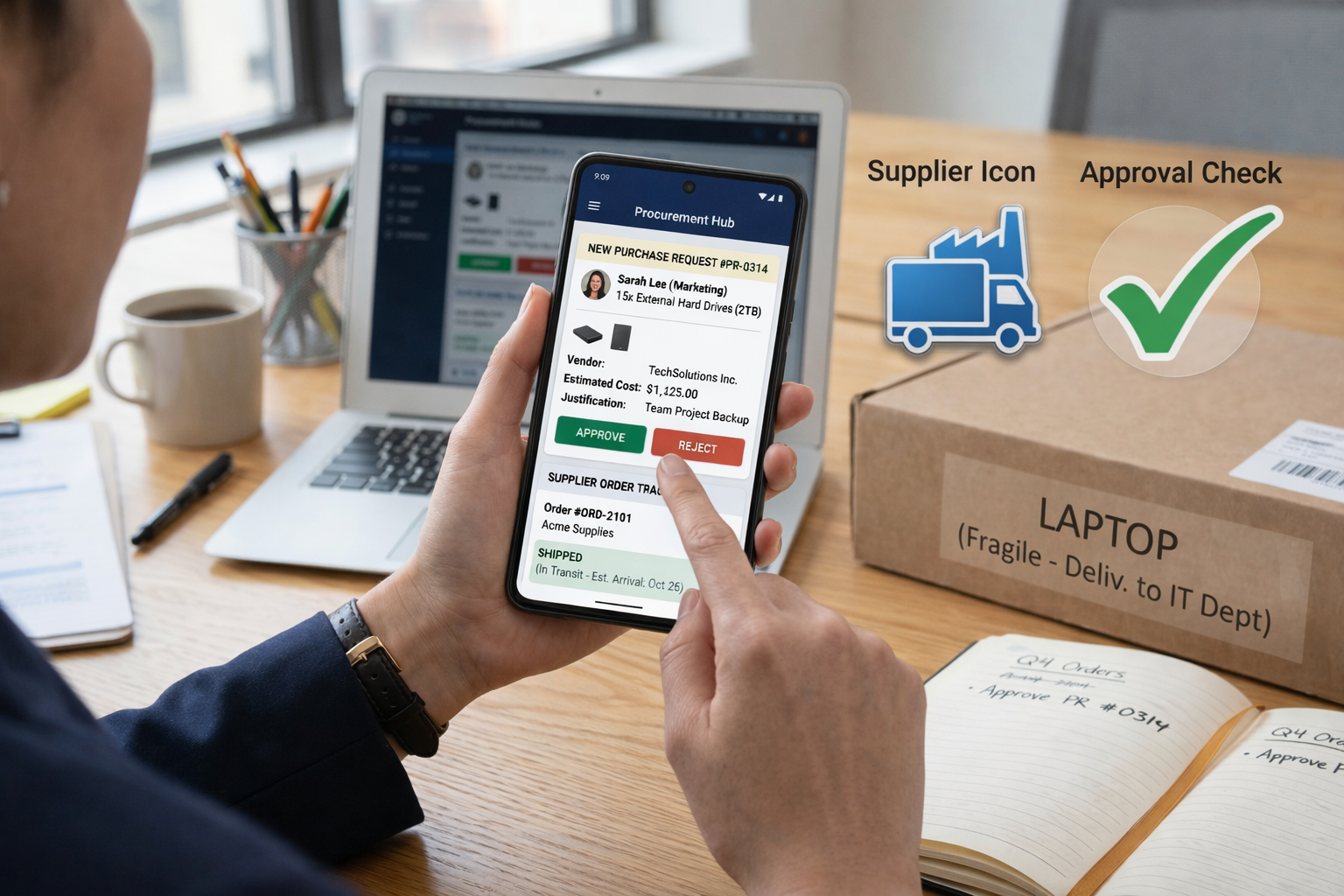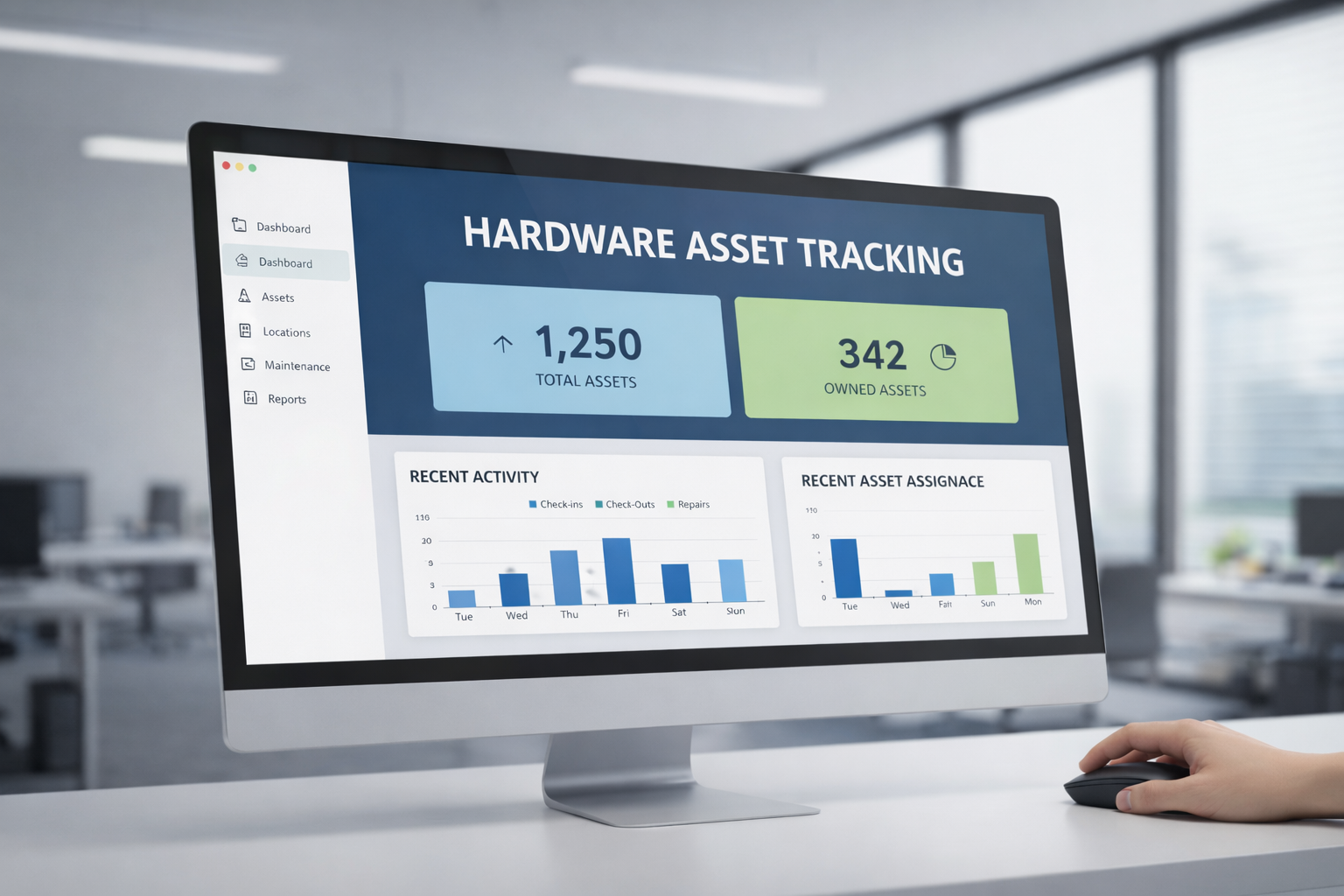
Your startup is growing fast. Devices are everywhere—laptops in home offices, servers in co-locations, network gear in regional hubs. With remote or hybrid setups, the risk of loss, misplacement, or misconfiguration goes up.
Many organizations still use spreadsheets, sticky notes, or disconnected systems to try to keep hardware in check. That’s a recipe for errors, blind spots, and wasted costs.
But effective hardware asset tracking builds clarity. You’ll reduce waste, tighten control, and finally see what you own and where it is. In this post, I’ll walk you through what it means, how to do it well, best practices, future directions—and how this ties into broader IT strategy.
Definition and context
What is hardware asset tracking?
Hardware asset tracking focuses on locating, monitoring, and recording physical IT assets across their lifecycle. It’s more than just listing devices. You want to know who has what, where it is, the status, and its history.
This differs from basic inventory in that tracking implies continuous updates, audit reconciliation, movement logs, and workflows—not just a one-time snapshot.
How tracking relates to HAM and ITAM
- HAM (Hardware Asset Management) is a broader discipline: tracking + lifecycle, maintenance, disposal, cost control.
- ITAM (IT Asset Management) includes HAM plus software, cloud, licensing, financials, and more.
So hardware asset tracking is a core component of HAM, which in turn is a vital subset of ITAM.
Scope: what hardware should you track?
Good tracking covers:
- End-user devices: laptops, desktops, mobile devices, tablets
- Network gear: routers, switches, firewalls
- Data center hardware: servers, racks, storage
- Peripherals: monitors, printers, headsets, cables, docking stations
Don’t forget “edge assets” (devices in branch offices, field kits) or loaners that travel. The more distributed your team, the more widely your tracking must reach.
Core tracking components
A tracking system is only as good as its pieces. Here are the essential components you must get right.
Tagging strategies
Before you track, you must identify each asset uniquely. Common options:
- Barcode/QR codes – Cheap, readable, easy to scan manually
- RFID/NFC tags – More automated scanning, less line-of-sight needed
- Smart tags/BLE beacons – For “active tracking” (see future trends)
Tag each device with a unique ID tied to your system. If you skip tagging or allow duplicates, you’ll lose trust in your data fast.
Automated discovery and scanning
To stay current, you need automated discovery:
- Agent-based scanning (installed on device) for local details
- Agentless scanning/network scan via SNMP, WMI, IP probes
- Hybrid, combining both
This uncovers devices you didn’t manually log. It ensures your system remains fresh.
Audit and reconciliation
No system is perfect—some assets move, are offline, or go missing. Use audits:
- Spot checks: random sampling to validate physical vs system data
- Full audits: periodic complete reconciliation
- Mismatch resolution: steps to fix discrepancies
If your system says a device is in “NY office” but physically it’s with someone in Singapore, audit reveals that difference.
Process workflows and chain of custody
You need clear workflows:
- Check-in/check-out process
- Approval steps for assignments
- Movement logging (who moved, when, why)
- Return, repair, disposal steps
This chain of custody solves the question: “who last handled this device?”
Data normalization, duplicate detection, status updates
Over time, your data will accumulate inconsistencies:
- Duplicate records
- Misspelled fields
- Incomplete status (unknown, in repair)
You need rules and tools that detect duplicates and force normalization of key fields (serial, model, MAC addresses). Keep status updates synchronous with real events.
Automation, integration, and systems
Tracking in isolation is weak. You get real power when you integrate with your broader IT systems.
Integration with CMDB, ITSM, endpoint tools
- When a ticket opens (repair request), asset info should auto-populate
- Changes in HR (new hire, termination) should sync to assignment
- Endpoint/security tools can feed status updates (offline, vulnerable)
This ensures your tracking system is part of your operational flow—not an afterthought.
Workflows, triggers, alerts
Set automatic triggers:
- When a device is moved, send notification
- When a warranty expires, notify IT
- If a device is offline for X days, flag it
These alerts let you catch drift early.
API sync and consistency
You’ll likely want to sync with external systems (procurement, ERP, identity directory). Use APIs or scheduled syncs to ensure data consistency. Avoid manual imports if you can. When implementing these integrations, reviewing top OSS API security tools can help safeguard data exchanges and proactively address potential API vulnerabilities.
Handling offline or disconnected assets
Not all assets stay on your network. For remote employees or field kits, you need fallback methods:
- Mobile app or offline scan upload
- Periodic re-connection checks
- Manual audit flags
Design your system to survive disconnected modes.
Best practices and process recommendations
Here are rules and patterns that help you scale a tracking program that lasts.
Audit cadence and frequency
Set regular audits:
- Spot audits weekly or monthly
- Full audits quarterly or semiannually
- For high-risk classes (servers, security gear), audit more often
Don’t let audits be a once-a-year burden—they should be ongoing.
Start with critical assets
Not all hardware is equally important. Begin tracking:
- Servers, network gear, firewalls
- Devices with high replacement cost
- Equipment in high-risk zones
Once those work reliably, expand to peripherals, accessories, etc.
Chain of custody and movement logs
Every device should have a clear log of who moved it, when, and why. That record prevents loss, misuse, or theft and helps accountability.
Keep processes simple and repeatable
Complex processes kill adoption. Better to do less reliably than ask for perfect workflows no one will follow. You can add complexity gradually.
Assign accountability and training
You need owners: someone in IT or operations takes responsibility. Train staff who scan, move, or audit assets. Make it part of job roles.
Incremental rollout
Don’t try to track every asset on day one. Pilot with one location or asset class. Learn, refine, then expand.
Anecdote or illustrative example
Let me share a story (based on real MSP/IT practices):
An MSP client had 200 servers and firewall devices across multiple offices. They believed their inventory was accurate—until they ran a full audit. They found:
- Several firewalls physically located in one office but recorded as located in another
- A server decommissioned months ago but still listed as active
- Duplicate entries for the same switch under different names
By reconciling those mismatches, they avoided unnecessary duplicate purchases, reduced their support costs, and tightened control. They even prevented a compliance gap when a security audit wanted proof of location of sensitive gear.
Later, the MSP implemented rules to automate location changes (based on IP) and alarms when a device is offline without an expected check-in. That example shows how tracking solves pain you didn’t even know you had.
Future trends and evolving technology
Hardware tracking is evolving. Keep an eye on these trends:
BLE/Bluetooth/proximity tracking
Using Bluetooth beacons, you can approximate where a device is (within a room). It’s not perfect, but for confined spaces, it helps layer tracking.
A recent paper on low-power IoT showed submeter accuracy in matching assets to users using BLE and filtering algorithms.
IoT sensors & active real-time tracking
Devices might carry sensors that broadcast their presence continuously. That shifts from passive tracking to nearly live location tracking.
Hybrid tracking models
Passive methods (barcode, RFID scans) plus active ones (BLE, IoT) give you redundancy and accuracy. Combining them is powerful.
Digital twins and supply chain traceability
Tracking not just “this asset in your office” but tracing its origin, components, modifications, and lifecycle in real time is becoming more feasible thanks to cyberphysical systems research.
Tracking systems that tie into supply chain and digital twin architectures will let you trace a server’s life from factory build to disposal.
FAQs
1. Which tagging technology works best in which environment?
- Barcode/QR code: great where manual scanning is fine (offices, labs)
- RFID/NFC: better where you need bulk scanning without line-of-sight
- BLE/proximity: useful in constrained spaces or when you want approximate real-time location
2. How often should hardware audits run?
Depends on scale and risk. For many organizations, quarterly full audit plus monthly spot checks is a good starting point.
3. How do you track assets that are offline or disconnected?
Use offline syncing tools, manual disclosure workflows, or store “last known location” plus periodic reconnection checks. For field devices, require periodic check-ins.
4. Can tracking be integrated with HAM or ITAM systems?
Absolutely—and it should. Tracking provides the live data that HAM/ITAM layers need for lifecycle, cost, and policy workflows.
Making hardware tracking work in practice (your blueprint)
So what steps do you take to build a robust system?
- Define your scope (which asset classes, locations)
- Choose tag strategy (barcode, RFID, BLE)
- Deploy tagging + initial scan to baseline your inventory
- Set up tracking workflows (check in/out, movement rules)
- Integrate with your ITSM, CMDB, HR, procurement
- Define audit schedule and reconciliation routines
- Train staff and assign accountability
- Start small (pilot), learn, then scale
- Monitor data quality, clean duplicates, fix drift
- Explore automation (alerts, triggers) and advanced tracking tech
If you follow that blueprint, you’ll turn chaotic hardware into a controlled, visible asset base. That gives you confidence, cost savings, and fewer surprises.
At Esevel, we help companies build this kind of tracking and management layer across procurement, delivery, assignment, device lifecycle, and support. If you’d like to learn more about effective hardware tracking frameworks, we have plenty of insights and examples to get you started.