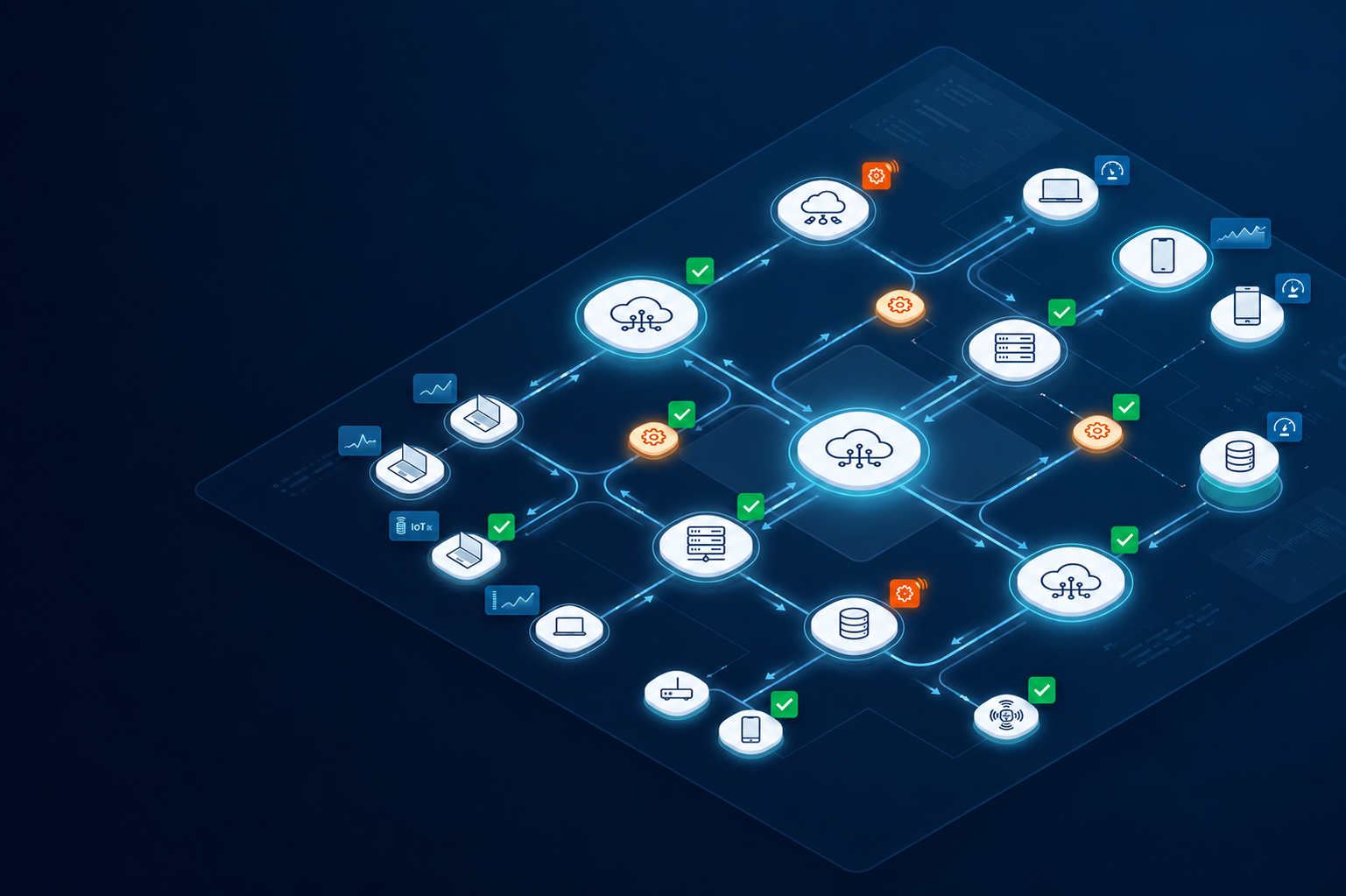
Many companies deploy Mobile Device Management (MDM) tools but struggle to make them work across real teams, devices, and workflows. Identity management, access control, and device policies often remain disconnected.
This gap creates inconsistent security policy enforcement, fragmented user directories, and limited visibility across devices. As teams grow across regions, these issues become harder to manage.
Custom MDM implementation addresses this by aligning device management with identity systems such as cloud directory and SSO integration. With the right setup and JumpCloud support services, organizations can manage users, devices, and access from a single, structured system.
What is custom MDM implementation
Custom MDM implementation refers to configuring mobile device management systems based on how an organization actually operates. Instead of relying on default settings, IT teams define how devices, users, and access policies should work together.
This approach ensures that device management aligns with identity management and security requirements across the organization.
How MDM supports device and identity management
MDM systems help IT teams manage devices while linking them to user identities. Each device is assigned to a user, and policies are applied based on that user’s role and access level.
This connection allows organizations to control:
- Device access to company systems
- Application usage on managed devices
- Security configurations across endpoints
By combining device and identity management, organizations maintain consistent control over both users and hardware.
Role of cloud directory and user directory systems
Cloud directory and user directory systems store and manage user identities. These systems define who can access applications, devices, and internal systems.
When integrated with MDM, the cloud directory becomes the central source of truth. IT teams can manage users, assign devices, and enforce policies from one system.
This setup simplifies identity management while improving visibility across users and devices.
Why organizations need custom MDM implementation
Standard MDM configurations often do not reflect real operational needs. Organizations have different user roles, device types, and security requirements, which require more tailored configurations.
Custom implementation helps align technology with these operational realities.
Inconsistent security policy enforcement across devices
Without customization, security policies may not apply consistently across all devices. Some devices may lack encryption, while others may not follow access control rules.
Custom MDM implementation ensures that policies are applied uniformly across all managed devices.
Challenges in managing distributed users and devices
As teams expand across regions, managing devices becomes more complex. Different locations may use different processes, which leads to inconsistency.
Custom MDM setups help standardize device management across distributed teams.
Gaps in identity management and access control
Disconnected systems can create gaps between user identities and device access. Employees may retain access to applications even when their roles change.
Custom implementation ensures that identity management and access control remain aligned.
JumpCloud support services in MDM implementation
JumpCloud support services play a key role in building a structured MDM environment. As a cloud directory platform, JumpCloud connects identity management with device control and access systems.
This integration helps organizations manage users and devices through a unified system.
SSO integration and unified access control
SSO integration allows users to access multiple applications with a single set of credentials. This reduces password complexity and simplifies access management.
With SSO, IT teams can:
- Control access to applications from one system
- Reduce password related security risks
- Manage user authentication across platforms
SSO integration improves both security and user experience.
User directory and cloud directory management
JumpCloud provides a centralized user directory that stores identity information. IT teams can manage user accounts, assign roles, and control access permissions.
This centralized approach ensures that identity management remains consistent across systems and devices.
Security policy enforcement across devices
Security policy enforcement ensures that devices follow company standards. Policies may include encryption requirements, password rules, and application restrictions.
By integrating JumpCloud with MDM, organizations can enforce these policies across all managed devices.
Key components of custom MDM implementation
Custom MDM implementation includes several components that work together to manage devices and identities effectively.
Identity management and access control
Identity management defines how users access systems and devices. Access control ensures that users only interact with resources relevant to their roles.
Device configuration and policy management
Device configuration includes setting up operating systems, security settings, and application access. Policy management ensures that these configurations remain consistent.
SSO integration across applications
SSO integration connects multiple applications to a single authentication system. This reduces complexity and improves access control.
Monitoring and security enforcement
Monitoring allows IT teams to track device activity and ensure compliance with security policies. Security enforcement ensures that devices meet required standards.
How custom MDM implementation works in practice
A custom MDM implementation follows a structured process that connects identity management, device configuration, and security policy enforcement. Instead of deploying tools in isolation, organizations align systems to create a unified management environment.
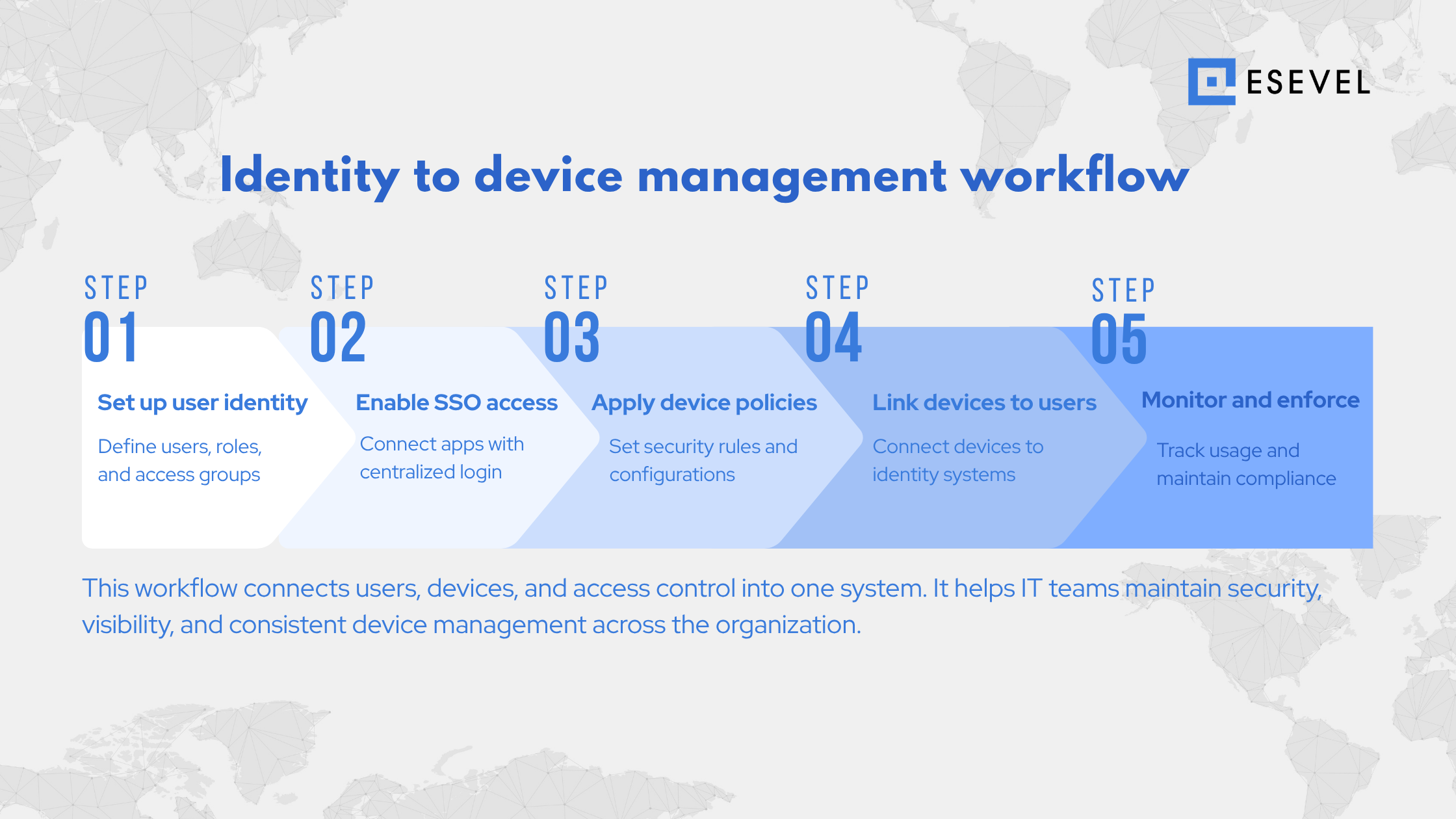
Step 1: Define identity and user directory structure
The process begins with setting up a centralized user directory using a cloud directory system. This includes defining user roles, access levels, and group structures.
By organizing identity data early, IT teams ensure that device policies and access controls align with user responsibilities.
Step 2: Configure SSO integration and access control
Next, organizations implement SSO integration across business applications. This allows users to access systems using a single identity while enabling IT teams to manage authentication centrally.
SSO integration also supports consistent access control across devices and applications.
Step 3: Apply device configuration and security policies
Devices are then configured based on organizational standards. IT teams define security policy enforcement rules such as:
- Device encryption requirements
- Password and authentication policies
- Application access restrictions
- Compliance settings for managed devices
These configurations ensure that all devices meet security requirements before use.
Step 4: Connect devices to identity and management systems
Once configured, devices are linked to user identities through the MDM platform and cloud directory. This connection allows IT teams to monitor device usage and enforce policies based on user roles.
This step creates a direct relationship between users, devices, and access systems.
Step 5: Monitor, enforce, and maintain compliance
After deployment, IT teams continuously monitor devices and enforce policies. This includes tracking device status, updating configurations, and ensuring compliance with security standards.
Ongoing monitoring ensures that device management remains consistent as teams grow and change.
Custom MDM for distributed teams
Distributed teams require consistent device and identity management across multiple regions. Without centralized control, managing devices becomes fragmented. Custom MDM implementation provides a unified framework for managing global teams.
Managing devices across Europe, the United States, and APAC
Organizations with global teams must manage devices across different regions. Each region may have different operational requirements, but device management must remain consistent. Custom MDM systems help IT teams apply the same policies across Europe, the United States, APAC, and other regions.
Enforcing policies across remote environments
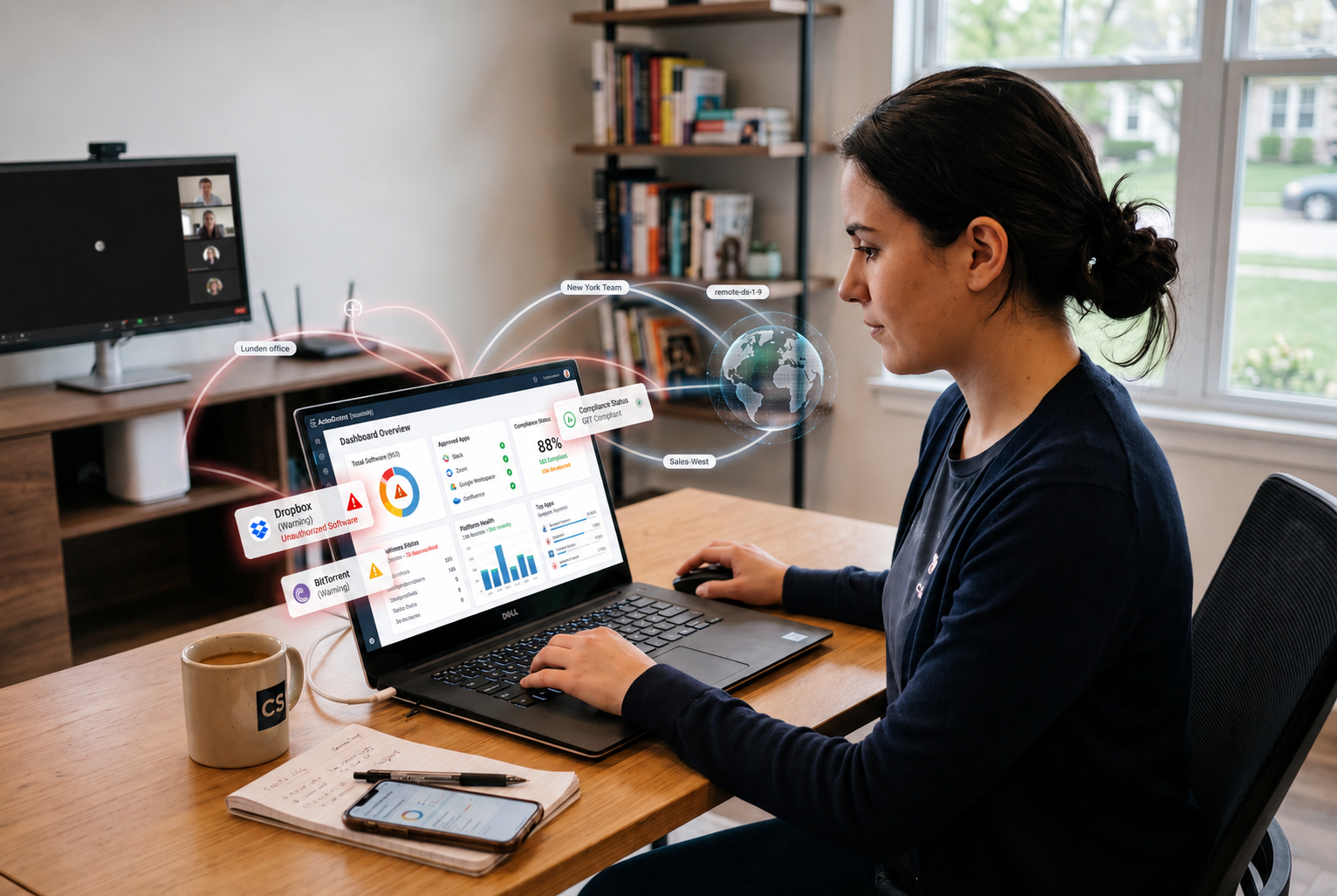
Remote work environments require strong policy enforcement. Devices must follow security standards regardless of location. MDM systems ensure that policies such as encryption and access control are applied consistently.
Maintaining visibility across users and devices
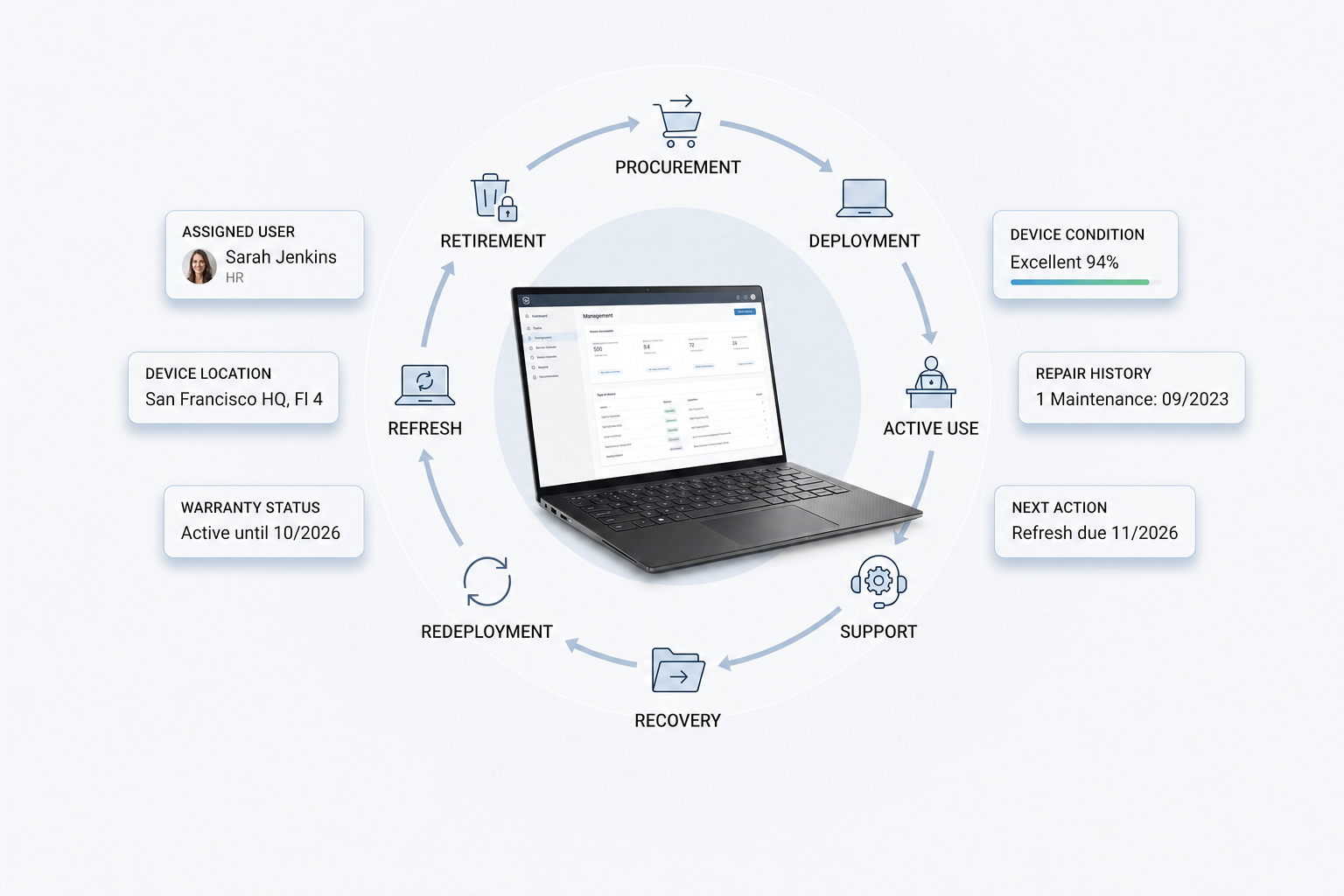
Visibility allows IT teams to track devices, monitor user activity, and maintain accurate asset records. Centralized dashboards help organizations manage devices across regions.
Platforms such as Esevel support this process by combining device management, identity integration, and global operational support. This allows organizations to manage devices and users across distributed teams without the complexity of local setup.
Common questions about custom MDM implementation
What is custom MDM implementation?
Custom MDM implementation is the process of configuring device management systems based on organizational needs, including identity management and security policies.
What does JumpCloud do in MDM?
JumpCloud provides a cloud directory that manages user identities, supports SSO integration, and connects identity management with device control.
Why is SSO integration important?
SSO integration simplifies user access by allowing one set of credentials across multiple applications while improving security and access control.
How does identity management work in MDM?
Identity management links users to devices and controls access to systems based on roles and permissions.
What is a cloud directory?
A cloud directory is a centralized system that stores user identities and manages access to devices and applications.
Building a scalable MDM strategy for global teams
A scalable MDM strategy requires alignment between devices, users, and access systems. Organizations must ensure that identity management, device control, and security policies work together.
Custom MDM implementation supported by JumpCloud allows IT teams to manage users, devices, and access through a unified system. When combined with operational support, organizations can maintain consistent device management across Europe, the United States, APAC, and other regions.
Esevel supports this approach by helping organizations implement and operate MDM systems alongside global device lifecycle management. This ensures that devices are provisioned, managed, and secured consistently across all locations while reducing operational complexity.