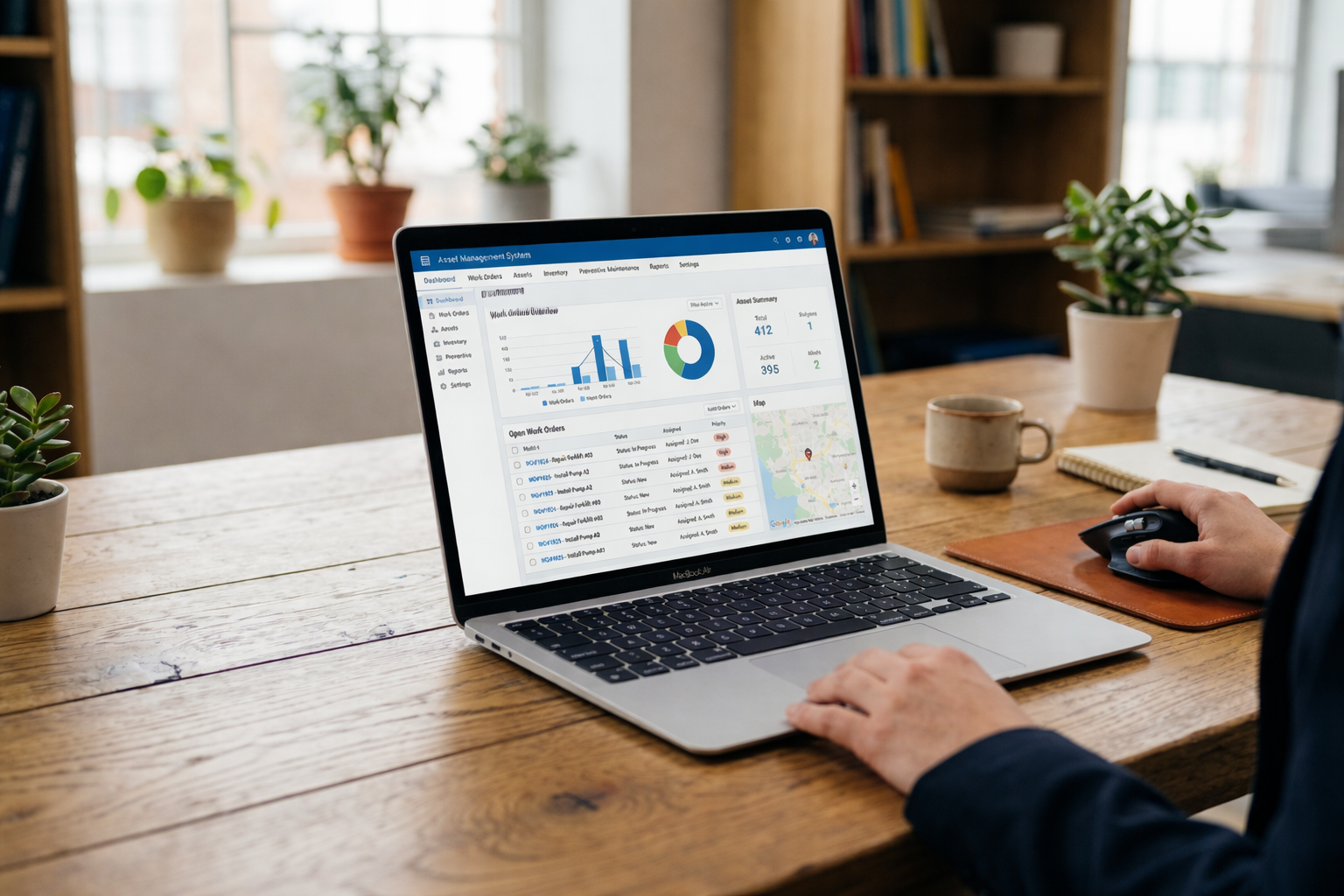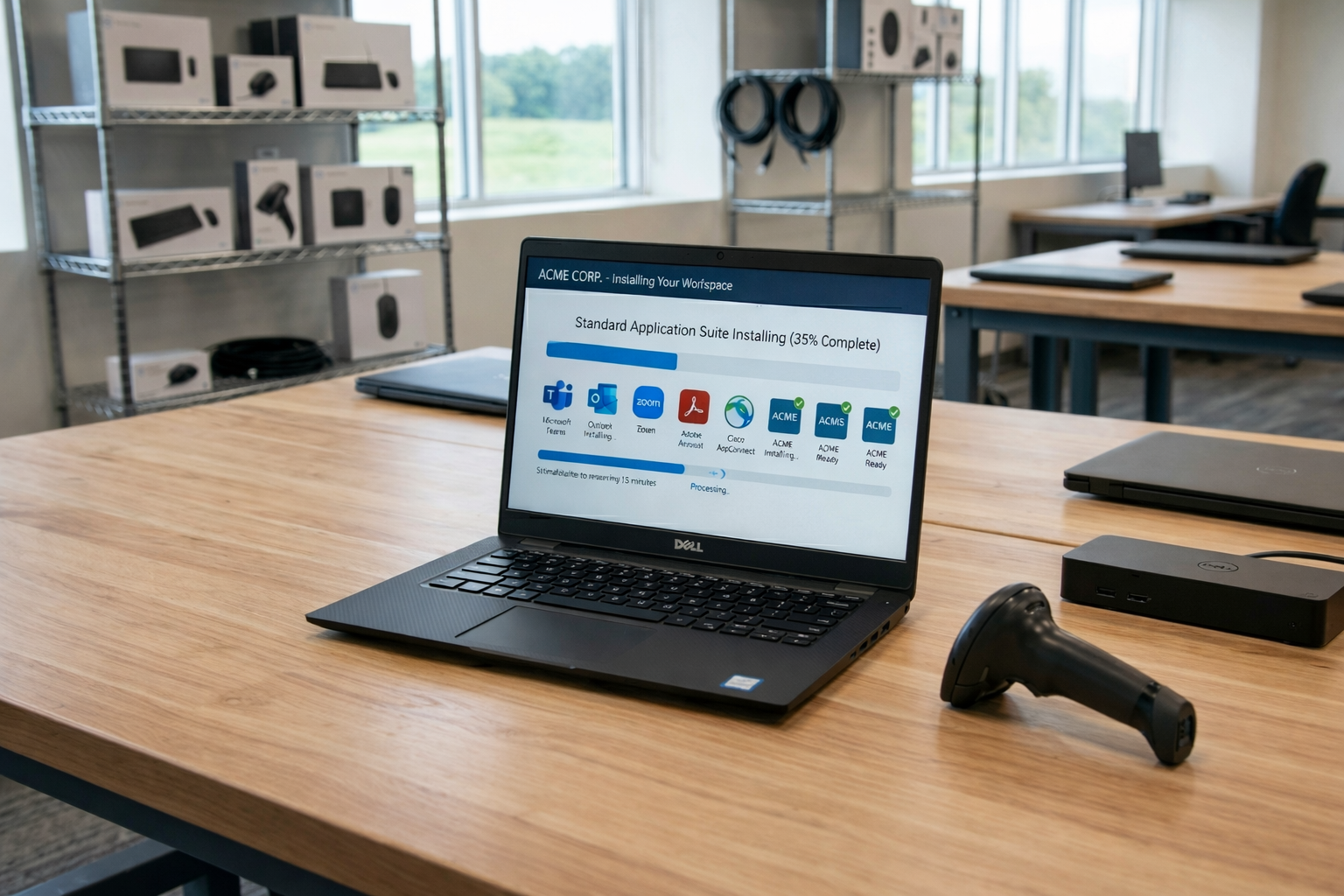
Hardware asset management software should give IT teams accurate visibility into physical technology assets and help them manage those assets as ownership, location, condition, and lifecycle status change. The right solution depends on the hardware you manage, how devices enter your environment, where employees work, and how much of the device lifecycle you need to control.
Some companies mainly need accurate inventory and discovery. Others need to connect hardware records with assignment, repair, recovery, redeployment, and retirement.
This guide explains what to look for in hardware asset management software, how to evaluate different capabilities, and when software visibility alone may not be enough.
What is hardware asset management software?
Hardware asset management software, or HAM software, helps IT teams record and manage physical technology assets such as laptops, desktops, mobile devices, servers, networking equipment, and peripherals.
It typically stores information about ownership, location, condition, warranty, assignment, and lifecycle status. Depending on the platform, HAM software may also connect with MDM, ITSM, HR, procurement, or other systems.
When should you consider HAM software?
A 2025 WanAware survey of 600 IT professionals found that nearly a quarter of IT teams still track assets in spreadsheets and email, and estimated that up to 25% of IT spend gets lost to “ghost assets” that no longer exist or deliver value but remain on the books. You probably need dedicated HAM software if:
- Spreadsheets no longer scale: Asset records require frequent manual updates or multiple teams maintain separate versions.
- Devices are spread across locations: IT needs visibility across offices, employee homes, storage locations, or countries.
- Ownership records become unreliable: Teams cannot easily confirm who has a device or when an assignment changed.
- Warranty and repair data sit in different systems: Hardware history becomes difficult to follow.
- Offboarding devices are difficult to recover: IT cannot easily connect employee departures with device returns.
- Audits require manual reconciliation: Teams spend significant time checking records against MDM, procurement, finance, or physical inventory.
- Lifecycle status is unclear: IT cannot quickly identify whether a device is active, under repair, stored, returned, or ready for reuse.
These problems usually indicate that the organization needs more than a static inventory. It needs a consistent system for maintaining hardware information as devices move through their lifecycle.
What should hardware asset management software include?
The exact feature set will vary, but several capabilities are particularly important when evaluating hardware asset management software.
Reliable hardware inventory
The foundation is a system that creates and maintains an accurate asset record: serial number, model, device type, assigned employee, location, status, and purchase information. If the underlying inventory is unreliable, every other feature built on top of it is too.
Automated discovery and data capture
Rather than evaluating specific discovery technologies, decide what your organization actually needs: agent-based discovery, network discovery, MDM integrations, barcode scanning, procurement data feeds, or some combination. Teams with mostly office-based hardware have different needs than teams with devices scattered across home offices and coworking spaces.
Employee and location assignment
The platform should reliably connect assets to employees, departments, offices, countries, and storage locations. This matters most for distributed teams, where a device might be purchased in one country, shipped to another, and reassigned months later without anyone updating a spreadsheet.
Lifecycle status visibility
Evaluate whether the system can clearly show if a device is available, assigned, in repair, being retrieved, ready for reuse, or retired. The point here is software requirements, not the lifecycle process itself.
Warranty and service records
Check whether IT can see warranty status, repair history, vendor information, service dates, and replacement status in one place, instead of hunting through vendor portals and email threads.
Integrations
Consider which systems the software needs to connect to: MDM/UEM, ITSM, HRIS, identity providers, procurement, and finance. A HAM tool that doesn’t talk to the rest of your stack creates manual reconciliation work that defeats the purpose of buying software in the first place.
Reporting and audit history
Look for historical change logs, ownership and location change tracking, reporting, data exports, and audit trails. You’re checking whether the system can answer “what changed and when,” not whether it can run a full audit for you.
What should global and distributed teams evaluate?
Teams operating across multiple countries have requirements that a single-office deployment doesn’t. Evaluate whether the system supports:
- Assets across multiple countries and regions
- Employee home locations as valid asset locations
- Multiple procurement sources by region
- Remote employee assignment without an office address
- Cross-border device movement
- Repair status tracking across locations
- Retrieval and redeployment visibility
- Consistent asset records regardless of region
These are requirements created specifically by distributed operations, not general IT asset management practices.
HAM software vs broader ITAM software
| Area | HAM software | ITAM software |
| Physical hardware | Primary focus | Included |
| Hardware ownership and status | Core capability | Usually included |
| Software licenses | Limited or absent | Common |
| SaaS and cloud assets | Limited | May be included |
| Financial IT asset data | Varies | Often broader |
Choose HAM-focused software when physical hardware is the primary management problem. Consider broader ITAM when hardware, software licenses, SaaS, and financial data all need to sit within one framework.
Asset visibility remains a challenge even for established ITAM programs. Flexera’s 2026 State of ITAM Report found that only 36% of organizations reported complete visibility into their IT estate, showing how difficult accurate technology records can become as environments grow.
Questions to ask HAM software vendors
- How does hardware enter the system?
- Can assets be assigned to individual employees?
- Can we track devices across offices and countries?
- Which lifecycle statuses can we configure?
- How does the platform handle remote or offline devices?
- Can warranty and repair history be recorded?
- Which MDM, ITSM, HRIS, and procurement tools integrate with it?
- Can we export a complete asset history?
- How does the system prevent duplicate records?
- Can different teams have different access permissions?
- How does pricing scale as asset volume grows?
- Does the vendor provide only software, or operational hardware support as well?
How to evaluate hardware asset management software
A simple scorecard can make different options easier to evaluate consistently.
| Criteria | Questions to evaluate |
| Inventory | Can it maintain accurate and centralized hardware records? |
| Discovery | How do devices enter and update the system? |
| Assignment | Can assets connect to employees and locations? |
| Lifecycle | Can it track repair, recovery, reuse, and retirement? |
| Integration | Does it connect with MDM, ITSM, HRIS, procurement, and other systems? |
| Reporting | Can IT quickly identify missing, aging, or changing assets? |
| Global operations | Can it maintain visibility across countries and distributed locations? |
| Operations | Does it only record lifecycle events or help execute them? |
You can score each area based on its importance to your organization. For example, automated discovery may receive a higher weighting in a large infrastructure environment, while retrieval and redeployment may matter more for a distributed employee device environment.
The goal is not to find software with every possible capability. It is to find the platform that best supports how your organization actually manages hardware.
When software alone may not be enough
Hardware asset management software can provide excellent visibility, but some lifecycle problems require physical action.
A platform can record that a device needs replacement, but someone still needs to source and deliver the replacement. It can mark a laptop as returned, but someone must retrieve, inspect, wipe, and store it. The same applies to repairs, redeployment, and disposal.
The end of the hardware lifecycle also deserves attention. According to ITU’s Global E-waste Monitor 2024, the world generated about 62 million tonnes of e-waste, while only around 22% was formally collected and recycled. Global e-waste is projected to reach 82 million tonnes by 2030.
For IT teams, accurate lifecycle records can support better decisions about whether hardware should be repaired, recovered, reused, redeployed, or moved through an appropriate disposal process.
For distributed teams, this is where asset management can become an operational challenge rather than simply a software problem. In an Esevel customer survey of 15 respondents, 93% rated lifecycle management as either “Most Useful” or “Very Useful,” highlighting the value customers place on managing devices beyond basic asset visibility.
Esevel connects hardware visibility with device procurement, deployment, support, recovery, and other lifecycle operations. This gives distributed IT teams a way to connect asset records with the physical work required when hardware changes location, user, or lifecycle stage.
How to make the final choice
Define requirements. Separate must-have capabilities from nice-to-haves before you look at a single vendor.
Shortlist solutions. Only evaluate tools that meet your essential requirements; everything else is noise.
Test with real asset data. Import representative devices, employees, and locations, and run your actual workflows rather than a vendor’s demo data.
Check the operating model. Decide whether you need software visibility alone, or software plus physical IT operations to act on what it shows you.
Most evaluations fail for one of two reasons: teams skip the requirements step and buy on feature count, or they test with clean demo data instead of their own messy records. Either mistake shows up months later, once the tool is already in production.
FAQs
What is hardware asset management software?
Hardware asset management software helps IT teams track physical devices, ownership, location, condition, and lifecycle status.
What features should hardware asset management software have?
Look for inventory, discovery, employee assignment, lifecycle tracking, warranty records, reporting, audit history, and integrations.
How is hardware asset management software different from inventory software?
Inventory software shows what hardware exists. HAM software also tracks ownership, lifecycle changes, maintenance, repair, and retirement.
How do I choose hardware asset management software?
Choose based on the hardware you manage, how assets enter the system, required integrations, lifecycle needs, and whether you need global or physical operations support.
Can hardware asset management software support distributed teams?
Yes. The right platform can track devices across employees, offices, countries, repair locations, storage, and other distributed environments.
Making hardware visibility actionable
Choosing HAM software starts with understanding what information IT needs and what has to happen once that information becomes visible. For distributed organizations, maintaining the asset record is often only part of the challenge; procurement, deployment, support, repair, retrieval, and disposal still require someone to physically carry them out across every location you operate in.
Esevel connects that visibility to execution: the same platform that tracks device status also handles procurement, deployment, repair, and retrieval across 120+ countries. If your evaluation surfaces a gap between what your HAM software can show you and what your team can act on, that’s worth a closer look.

Maytiska Omar Maytiska is an experienced content writer and blog specialist with 4+ years of expertise in creating engaging, SEO-driven content. She focuses on IT and digital topics, turning complex ideas into clear, reader-friendly insights. Her work helps position Esevel as a trusted voice in the digital space.
Updated by: Maytiska Omar