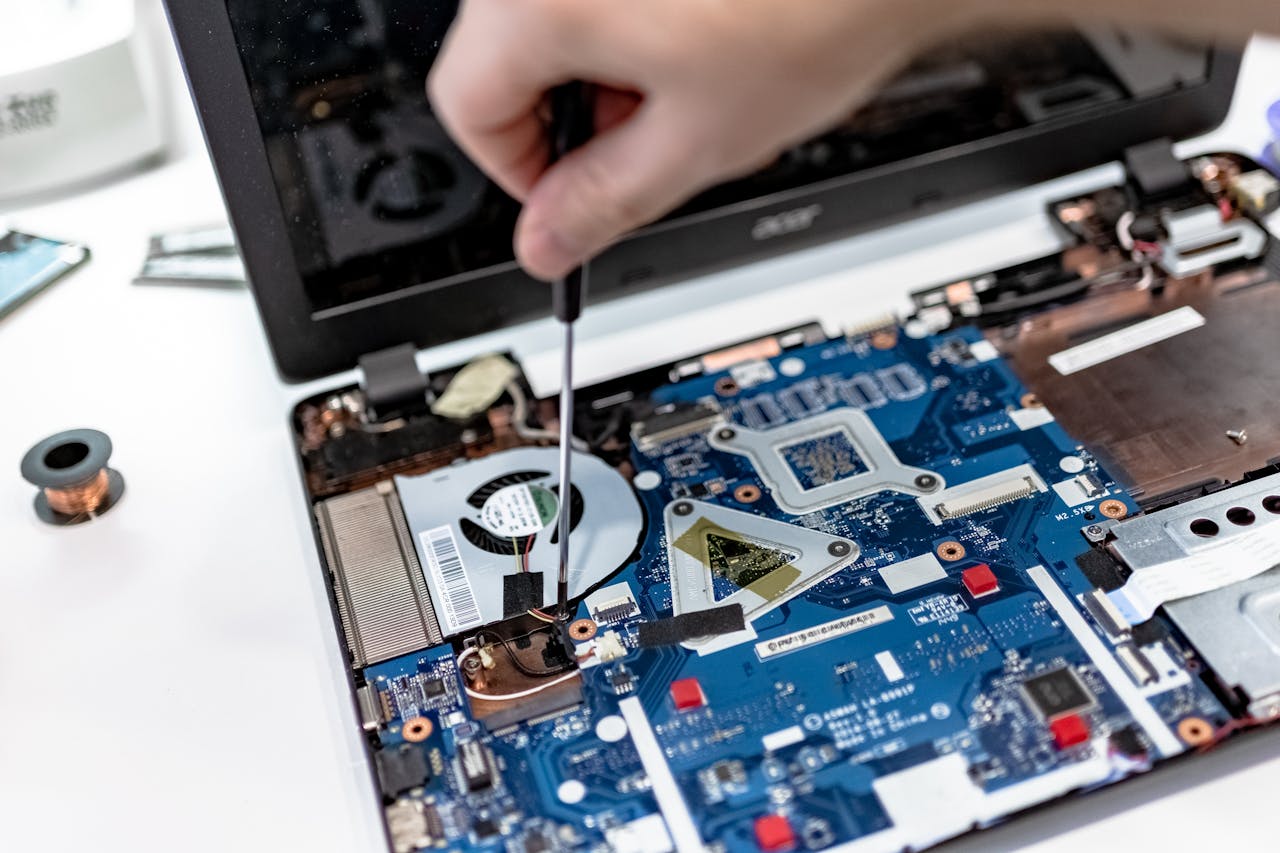
Hardware deployment is one of the pillars of scalable IT operations. As your organization grows, deploying physical assets—servers, switches, desktops, storage—is a complex, high-stakes task. Done right, it powers business operations reliably. Done poorly, it brings downtime, compatibility nightmares, and security gaps.
Many teams treat deployment as “plug and play.” That attitude causes trouble. The hardware deployment process needs structure, foresight, and coordination across facilities, networking, and security domains.
In this guide, you’ll learn what hardware deployment really encompasses, step-by-step phases, pitfalls to avoid, and strategic best practices that help you achieve efficient deployment and long-term stability.
Definition & scope of hardware deployment
What “hardware deployment” means in IT (beyond mere installation)
When we talk about hardware deployment, we mean more than physically connecting a device. Deployment includes planning, procurement, physical setup, configuration, testing, integration, validation, handover, and future support. It spans in-office and distributed environments.
It’s different from just repairing or installing one device. Deployment is repeatable, rigorous, and intentional.
How it differs from simple installation or repair
- Installation/repair is reactive and limited in scope—just get the box working.
- Deployment is proactive, with design, rollouts, and standards in place before devices arrive. It anticipates dependencies and prevents surprises.
Types of hardware included
In your deployment portfolio, you may deploy:
- Servers and compute nodes
- Networking equipment (switches, routers, firewalls)
- Storage arrays
- Edge/IoT appliances
- Workstations, desktops, laptops
- Peripherals (printers, access points, cameras)
Each class has different complexities: firmware, drivers, networking protocols, rack layout, power/cooling, etc.
Key phases/steps in hardware deployment
Here’s a structured breakdown of phases in a robust deployment plan.
Assessment & planning
Before touching gear, you must analyze the environment.
- Audit existing infrastructure: how many racks, power lines, cable paths
- Check site readiness: power capacity, cooling, cable trays, floor loading
- Evaluate cabling, network topology, backbone capacity
- Define deployment strategy: big bang, phased, pilot
- Allocate resources: team, budget, timeline
- Prepare fallback/rollback paths
A miscalculation in this early phase can knock the entire rollout off schedule.
Procurement & vendor coordination
Now you bring in the gear.
- Write precise specifications (e.g. CPU, memory, ports, redundancy)
- Engage vendors, compare quotes, confirm lead times
- Coordinate delivery windows and staging locations
- Track orders, confirm packing lists, inspect upon arrival
- Assign responsibility (vendor or internal) for unpacking and staging
Late or missing hardware will block subsequent steps.
Installation & configuration
This is where the hardware becomes physical.
- Rack and mount servers, networking gear
- Connect power and cabling (redundant paths where needed)
- Apply initial firmware, BIOS or device updates
- Install base operating systems and drivers
- Load baseline configuration (VLANs, IP schema, access lists)
A consistent deployment plan ensures every device is set up the same way.
Integration & testing
New hardware needs to integrate smoothly.
- Test connectivity to existing systems
- Check interoperability (e.g. routing, VLANs, SAN, clustering)
- Run performance and stress tests
- Validate failover, redundancy, high availability
- Document behavior and troubleshoot issues
If connectivity or configuration is wrong, devices may appear alive but malfunction under load.
Validation, handover & documentation
Before handing to users or operations:
- Perform final checks (ping, services, logs)
- User acceptance tests if applicable
- Create deployment documentation: diagrams, config files, IP maps
- Train support teams or users
- Hand over to operations or support
Documentation is your safety net when issues appear later.
Infrastructure & environmental considerations
Hardware deployment isn’t just about the device—it lives in a physical environment.
- Power & redundancy: dual circuits, UPS, PDU
- Cooling: airflow, hot/cold aisles, redundancy
- Rack layout & floor load: ensure weight and spacing are safe
- Cabling & structured network: manage horizontal and vertical runs
- Environmental constraints: humidity, dust, ventilation
Poor environmental setup jeopardizes the reliability of your hardware.
Challenges, risks & common pitfalls
Hardware deployment is full of traps unless you’re cautious.
- Deployment causes downtime or disruption if not scheduled tightly
- Incompatibility with existing systems or firmware mismatches
- Missing infrastructure (e.g. insufficient power or cabling)
- Security gaps during deployment (open ports, default credentials)
- Inadequate testing leads to surprises in production
- Lack of fallback or rollback plan makes errors expensive
Anticipating and planning for these will keep your project on track.
Best practices & strategic tips
To make hardware deployment efficient and resilient, adopt these strategies:
- Prevalidate gear and infrastructure in staging
- Run pilot deployments before mass rollouts
- Always have redundancy or fallback paths
- Involve stakeholders early (facilities, security, networking)
- Use standardized configuration templates for hardware settings
- Keep versions, change logs, and audit trails
- Use documentation and checklists religiously
- Monitor post-deployment and track changes
These practices help minimize surprises and maintain consistency.
Example scenarios & illustrations
Let’s bring this to life with real-world examples.
Rolling out a cluster of servers into a data center
A company orders a rack of 16 servers. At staging, they apply firmware updates, verify RAID and BIOS settings. At the data center, they rack the hardware, cable redundant power, connect network, integrate into cluster, test failover, document everything, and hand over to operations.
Deploying networking equipment across branch offices
You roll out new switches and routers to five regional offices. The hardware deployment includes pre-loading configs, shipping with serial scripts, so local IT only racks, powers, and the devices integrate automatically.
Upgrading or refreshing end-user hardware
You replace 500 desktops across offices. The deployment plan ensures OS imaging, security setup, encryption, software installation, and minimal user disruption. Documents help support staff understand the new fleet.
Handling cutover migration with minimal disruption
You replace legacy hardware with new devices overnight. The deployment plan includes fallback to old gear, tests before cutover, and rollbacks in case of issues, ensuring business continuity.
FAQs
1. What if new hardware is incompatible with existing systems?
You’ll need adapters, firmware updates, or sometimes replacing dependent systems. Compatibility checks in planning avoid surprises.
2. How much downtime should I allocate for deployment?
Estimate extra buffer—often 25–50% above nominal time. Consider business hours, backups, and staging time.
3. Can deployment be automated or zero-touch?
Yes, for some hardware (servers, network devices) you can use orchestration tools or scripts. But automation works best when the infrastructure and firmware support it.
4. What metrics should I monitor post-deployment?
Monitor uptime, latency, resource usage, error counts, configuration drift, support tickets, and performance degradation.
5. How to plan rollback or fallback if deployment fails?
Keep original hardware or configuration backups, have rollback scripts, and never remove fallbacks until new gear is proven stable.
The future of hardware deployment
Hardware deployment is shifting from manual operations to orchestration, automation, and integration with full life-cycle asset management. Expect tighter coupling between deployment, monitoring, and support. Predictive analytics may flag failing hardware before deployment. IT will treat deployment not as a one-off project but as an ongoing service.
If your current process feels ad hoc or reactive, now is the time to formalize it. Evaluate your deployment workflows, identify weak links, pilot improvements with regimented planning and automation—and you’ll build a more reliable, scalable IT infrastructure.
If you’d like help refining your hardware deployment process for your distributed or hybrid environment, Esevel is ready to assist—from planning to execution to ongoing maintenance and support.