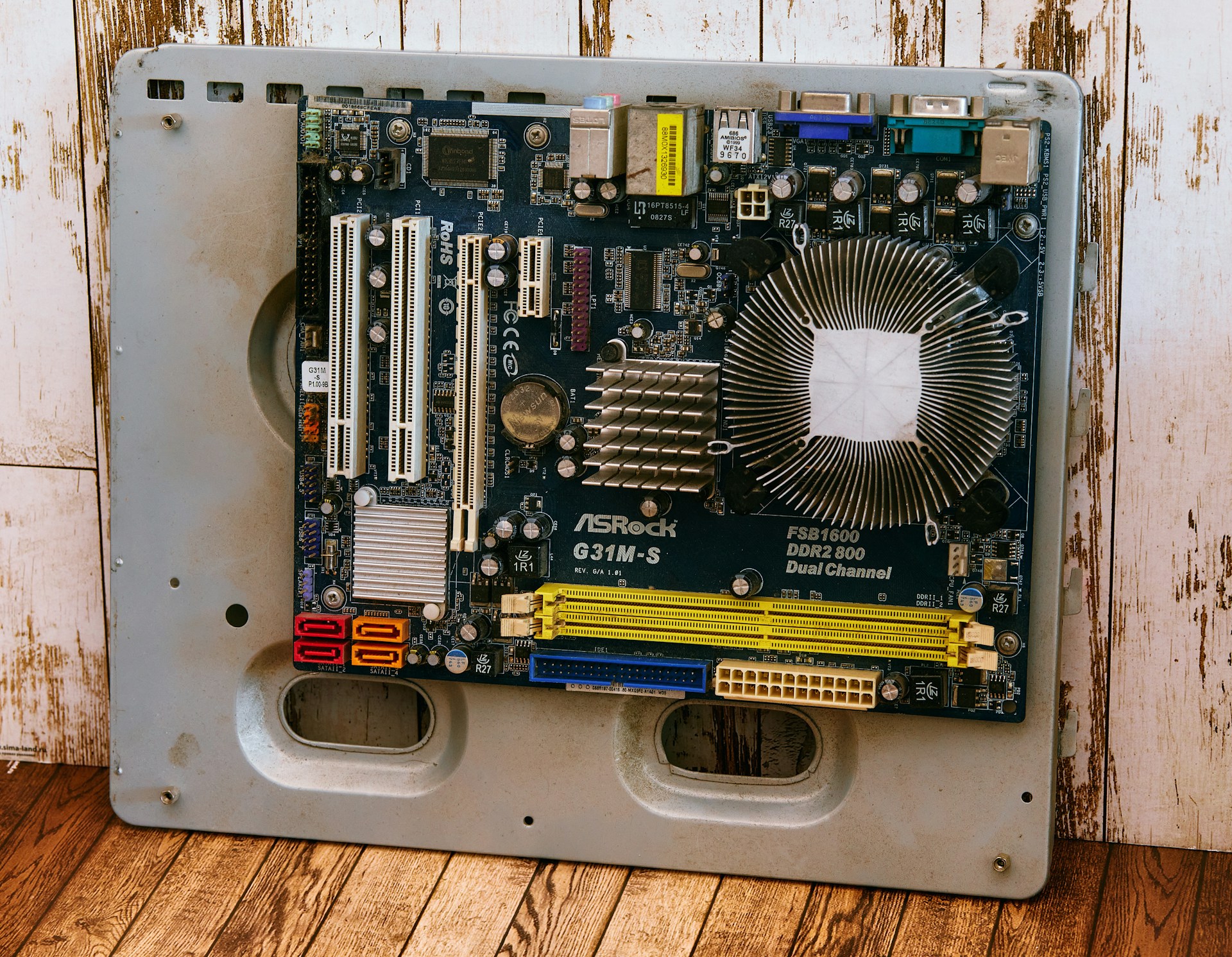
Every company accumulates IT assets over time—laptops, servers, storage devices, network gear, and more. At some point, those assets reach end of life, become obsolete, or are replaced. But how you dispose of them matters a great deal. Improper disposal can expose sensitive data, violate regulatory requirements, harm the environment, and damage your reputation.
Many think “disposal” means throwing hardware in a bin. But in the world of IT, disposal isn’t trash—it’s a structured, secure, auditable process. In this article, you will learn:
- What information technology asset disposal (ITAD) means
- Why it is more than just throwing away devices
- The itad process and its major steps
- Best practices and risk areas to watch
- Real examples and actionable tips
Let’s walk through it carefully so your next disposal is safe, compliant, and value-aware.
Definition & context: Information technology asset disposal (ITAD)
What is ITAD
Information Technology Asset Disposal (ITAD) is the formal process of retiring, decommissioning, and disposing of IT hardware in a secure, compliant, and environmentally responsible way. It ensures that data is destroyed, assets are tracked, and disposal is auditable.
In short, ITAD is how you wrap up the final part of an asset lifecycle management program.
How ITAD fits into the asset lifecycle
Your IT assets go through phases: procurement, deployment, use, maintenance, and finally retirement or disposal. ITAD is the endpoint of that lifecycle. A good ITAD process ensures your organization does not neglect critical steps when devices are no longer useful.
Disposal ≠ simply throwing away
Disposal in IT isn’t about tossing hardware into recycling bins without oversight. A structured asset disposition process includes sanitization, chain of custody, auditing, and often reuse or resale when possible. Everything in disposal must respect data security, environmental responsibility, and compliance.
Why ITAD is important
Data security/breach risk
IT devices often carry sensitive information—customer data, credentials, corporate documents. Without proper sanitization techniques or secure destruction, those devices may lead to data breaches long after decommissioning.
Regulatory & compliance needs
Laws such as GDPR, HIPAA, or local e-waste regulations require you to prove that disposed devices had data securely destroyed. Poor handling can result in fines or legal liability.
Recovering residual value
Many retired devices still have value—refurbish, resell, or donate them. A well-run ITAD can recover part of your investment rather than losing it entirely.
Sustainability/environmental duty
E-waste contains toxic materials and valuable metals. Responsible disposal ensures you do not harm the environment and supports recycling. Certified ITAD practices help combine security and environmental goals.
ITAD process: Key steps in disposal
Below is a structured breakdown of steps in the disposal of IT assets.
Step 1: Inventory & assessment
Start by cataloging what you have. Capture:
- Asset types, models, serial numbers
- Condition, age, performance
- Data risk classification (how sensitive stored content is)
This assessment helps you choose the proper disposal method.
Step 2: Data sanitization & secure destruction
Before assets leave your control, you must protect sensitive data:
- Wiping/software erasure (overwriting data multiple passes)
- Degaussing (for magnetic media)
- Physical destruction (shredding, crushing)
Use standards like NIST 800-88 to ensure completeness. This step prevents unauthorized recovery of data. (media sanitization is the technical term for these methods.)
Step 3: Decommissioning & removal
Once sanitized, assets are safely transported out:
- Use secure logistics and chain of custody
- Track transfer, handoff, and location changes
- Secure handling to prevent loss or tampering
Step 4: Reuse/resale/recycling/donation
Evaluate each device:
- If viable, reuse or resell (remarketing)
- If not, route to certified recycling
- Document which path each device took
These choices maximize value and reduce waste.
Step 5: Documentation, reporting & audit trail
This is critical. You need:
- Certificates of destruction or sanitization
- Logs of chain of custody
- Audit-ready reports showing compliance
- Records retained for legally mandated periods
This ensures transparency and accountability.
Best practices & vendor selection strategy
Choosing the right partner and following disciplined policies are essential.
- Use certified ITAD providers (look for e-Stewards, R2, NAID AAA)
- Enforce chain of custody & auditability: track each asset along the way
- Vet liability, insurance, certifications
- Conduct periodic audits and ensure vendor compliance
- Establish internal ITAD policy & governance among team members
- Carry out cross-functional coordination (IT, legal, compliance)
These practices help you avoid surprises and maintain trust.
Risks & challenges
No process is perfect. Here are typical challenges:
- Incomplete sanitization leading to residual data exposure
- Legal or environmental penalties for improper disposal
- Vendor failure or inability to deliver on promises
- Difficulty handling large or complex assets (servers, data center gear)
- Transporting hazardous materials
- Logistics costs and cross-border regulatory constraints
Understanding these factors helps you mitigate risk ahead of time.
Illustrative examples/scenarios
Decommissioning a data center
When shutting down a data center, you must manage dozens or hundreds of servers, storage systems, switches. Each piece goes through inventory, media wiping or destruction, removal, and often recycling or resale. Because scale is large, logistics, transportation, and audit documentation are critical.
Retiring a laptop fleet
Your company replaces 1,000 laptops. The rollout includes collecting them, wiping user data, certifying destruction, potentially refurbishing and reselling some, and recycling the rest.
Mixed device disposal
You have desktops, network gear, some broken items. Each requires different sanitization techniques and pathways. You sort, assess, sanitize, and route each device correctly.
Certificate of destruction example
After vendor processing, you receive a formal certificate indicating which assets were wiped or destroyed, when, by whom, and what methods were used. That documentation helps you meet audit and compliance obligations.
FAQs
1. Is secure wiping always sufficient or is physical destruction needed?
Wiping is fine for many devices—but for highly sensitive data or magnetic media, physical destruction or degaussing adds extra certainty.
2. How do I verify that the vendor actually destroyed data?
Require a certificate of data destruction, audit trails, and third-party verification or reporting.
3. When should I choose reuse/resale vs recycling/destruction?
Use resale when the device still has operational life and market demand. Choose destruction or recycling when it’s obsolete, broken, or untrusted.
4. How long should I keep disposal records/certificates?
It depends on regulatory rules in your region. Many organizations retain them for 5–7 years or more to meet audit or legal requirements.
5. What asset categories should be included in ITAD (beyond computers)?
Include servers, storage systems, networking devices, copiers, peripherals, mobile devices, IoT, and media (tapes, backup drives). Any device storing or processing data.
Toward smarter disposal: The future of ITAD
ITAD is evolving beyond yesterday’s routines. Emerging trends include:
- Circular economy models, where assets are reused or refurbished, not simply thrown away
- Strict e-waste regulations and tougher enforcement in many countries
- Blockchain or traceability systems tracking each asset from decommission to final disposal
- Automated or AI-assisted vendor matching and routing
If your current disposal feels ad hoc or risky, now is the time to review and upgrade your ITAD policy. You can start by auditing your existing disposal workflows, enforcing data security, and contracting with a certified ITAD provider.For organizations handling distributed teams or global operations, Esevel can help integrate disposal into your broader asset lifecycle management, ensure compliance, and reduce risk—so your IT assets never become liabilities.