Enterprise IT hardware procurement is the process of planning, sourcing, buying, delivering, and managing the devices a company needs. It covers laptops, desktops, monitors, phones, peripherals, and other endpoint devices. It matters because every purchase affects cost, employee readiness, security, asset visibility, and ongoing IT support.
A strong procurement process should connect technology planning, budgeting, vendor selection, purchasing, delivery, device setup, asset tracking, support, recovery, reuse, refresh, and retirement. For enterprise and distributed teams, this creates a consistent way to equip employees while keeping hardware controlled throughout its lifecycle.
The problem starts when procurement ends at purchase or delivery. Devices can arrive late, lack the right setup, or disappear from asset records. The solution is to connect procurement with onboarding and lifecycle management. The action is to build one workflow that tracks each device from the initial request through deployment, support, recovery, and retirement.
Why IT procurement matters for modern teams
Technology buying is now a big cost for business. Gartner predicts global IT spending will hit $6.37 trillion in 2026. It also anticipates spending on devices will reach $868 billion, an increase of 9.8 percent from 2025. Clear standards and lifecycle planning can assist companies with managing this investment with less waste.
Procurement affects employee readiness
A delayed laptop purchase can become a delayed onboarding process. A new hire may need a laptop, monitor, headset, software, security settings, and account access before the first working day.
Procurement should connect with hiring dates and device provisioning plans. IT, People Ops, and hiring managers need enough time to approve the equipment, confirm the delivery address, prepare the device, and test access.
Procurement affects cost and vendor control
Unstructured buying can lead to duplicate purchases, too many device models, and weak ownership records. Different teams may also use different vendors, prices, warranty terms, and approval methods.
Companies can improve control by standardizing device models, setting approval limits, tracking purchases in one system, and reviewing the total cost of ownership. This can include shipping, accessories, setup, software, support, warranty coverage, repairs, and retirement.
Procurement affects global operations
Global IT procurement requires planning for local stock, delivery times, regional warranty coverage, support options, replacement paths, and customs where relevant. A device that is easy to source in one country may be hard to find in another.
Gallup found that 78 percent of United States employees with remote capable jobs worked either in hybrid or fully remote arrangements in May 2026. That level of location flexibility makes device delivery and support a continuing business need.
The difference becomes clearer when traditional purchasing is compared with a device ready approach.
Traditional IT procurement vs device ready IT procurement
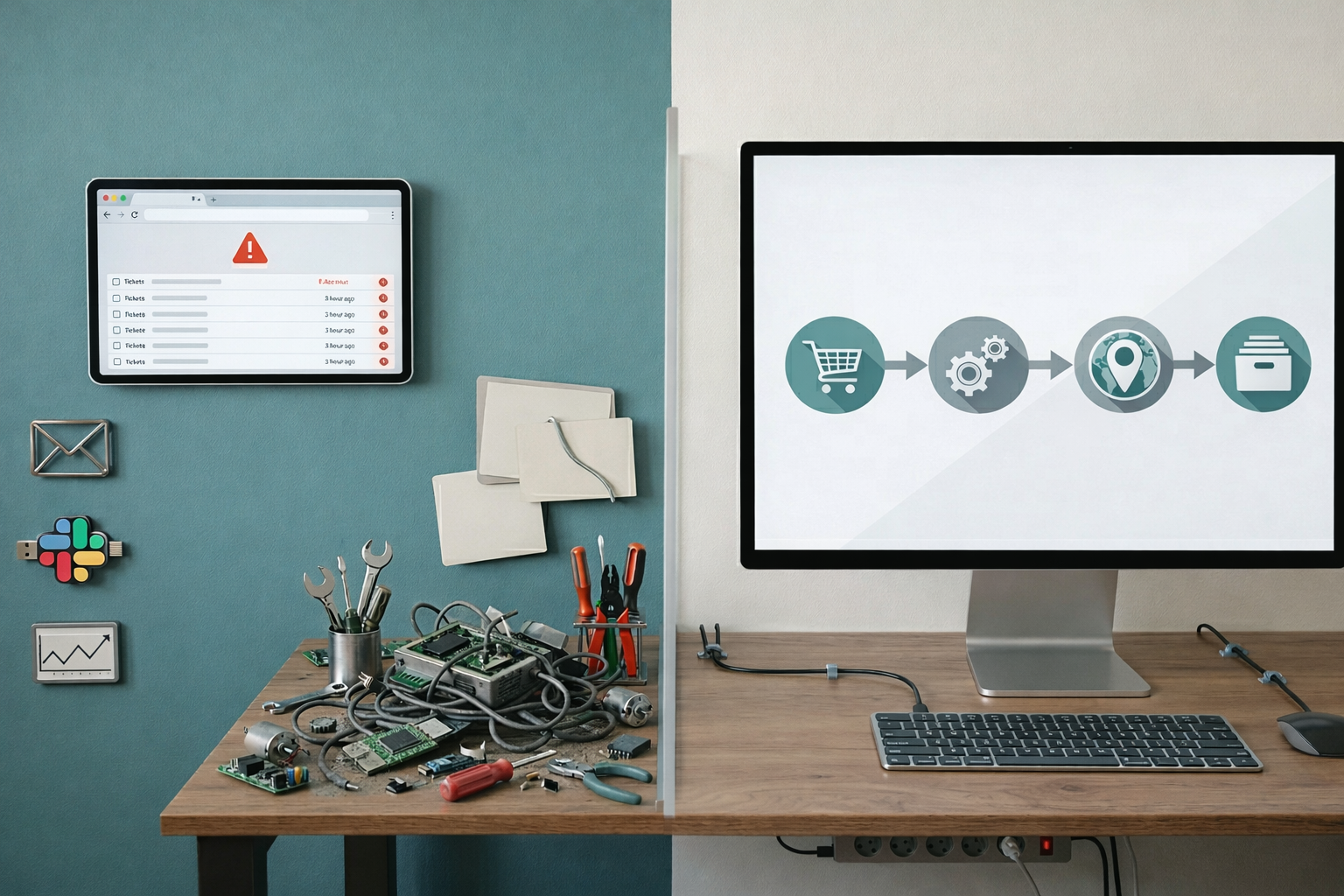
Traditional procurement often focuses on product selection, approval, and delivery. Device ready procurement connects those steps with setup, assignment, support, and lifecycle control.
| Traditional IT procurement | Device ready IT procurement |
| Focuses on buying the device | Focuses on preparing the employee to work |
| Starts after an urgent request | Plans around hiring and refresh needs |
| Orders vendor by vendor | Uses a standard procurement workflow |
| Ends when delivery is confirmed | Includes delivery, setup, assignment, and readiness |
| Creates asset records later | Creates the asset record at purchase |
| Focuses on purchase price | Reviews the total cost of ownership |
| Buys new devices by default | Checks spare and recovered devices first |
| Offers limited visibility after purchase | Tracks the device through its lifecycle |
Traditional procurement can leave gaps after the order is complete. A laptop may arrive without the right software, security settings, asset record, or support process.
Device ready procurement connects the purchase with the employee’s full setup. It also links buying decisions with tracking, recovery, reuse, and refresh planning.
This difference matters most during employee onboarding.
The IT procurement process step by step
A strong IT procurement process should manage more than the purchase itself. Each stage should create information that supports the next stage of the device lifecycle, from initial planning through recovery, reuse, refresh, and retirement.
Step 1: Identify technology needs
Start by defining what the employee and business need. Consider the role, workload, location, software, security, hardware, and support requirements, as well as how long the device is expected to remain useful.
Step 2: Set the budget and requirements
Set the budget, approval rules, device standards, security needs, and delivery timeline. Include not only the purchase price, but also setup, accessories, warranty, support, repair, recovery, refresh, and retirement costs.
Step 3: Choose approved technology
Create approved device, software, and service options for different roles and regions. Standard choices make procurement easier while also simplifying future setup, support, repairs, replacement, and redeployment.
Step 4: Evaluate vendors and suppliers
Compare vendors based on pricing, stock, delivery speed, warranty, support, and regional coverage. Also check whether they can support repairs, replacements, returns, and other needs after the initial purchase.
Step 5: Approve the request and place the order
Confirm the employee, device, cost, delivery location, required date, and budget owner before approval. Keep the purchase request and order details in a shared system because this information will later support asset tracking and lifecycle decisions.
Step 6: Coordinate delivery and setup
Track the shipment and prepare the device before handover where possible. Install required software, apply security settings, configure access, and confirm that the device is ready for the employee rather than treating delivery as the end of procurement.
Step 7: Assign and track the asset
Create the asset record when the device is purchased and update it when ownership, location, condition, or status changes. This record becomes the link between procurement and lifecycle management because it shows what the company owns, who uses it, and what happens to it over time.
Step 8: Manage support, recovery, refresh, and retirement
Lifecycle management continues after deployment. Track repairs, warranty status, device condition, recovery during offboarding, redeployment, refresh timing, and secure retirement.
When a device returns, review whether it can be repaired or reused before purchasing a replacement. Over time, device age, repair history, warranty data, and recovery status can also help procurement teams forecast demand and plan future hardware budgets.
This makes procurement a continuous lifecycle process rather than a one time buying task.
How Milieu Insights cut IT procurement time by 50%
Milieu Insights was managing IT across six Southeast Asian countries, with fragmented vendors and manual asset tracking making procurement harder to standardize.
With Esevel, Milieu centralized procurement for laptops, monitors, and accessories through one platform. This cut procurement time by 50%, while also standardizing devices and connecting purchasing with setup, asset tracking, onboarding, and ongoing device management.
The case shows how procurement becomes more effective when it connects with the wider device lifecycle instead of ending at delivery.
How procurement connects to asset tracking and lifecycle management
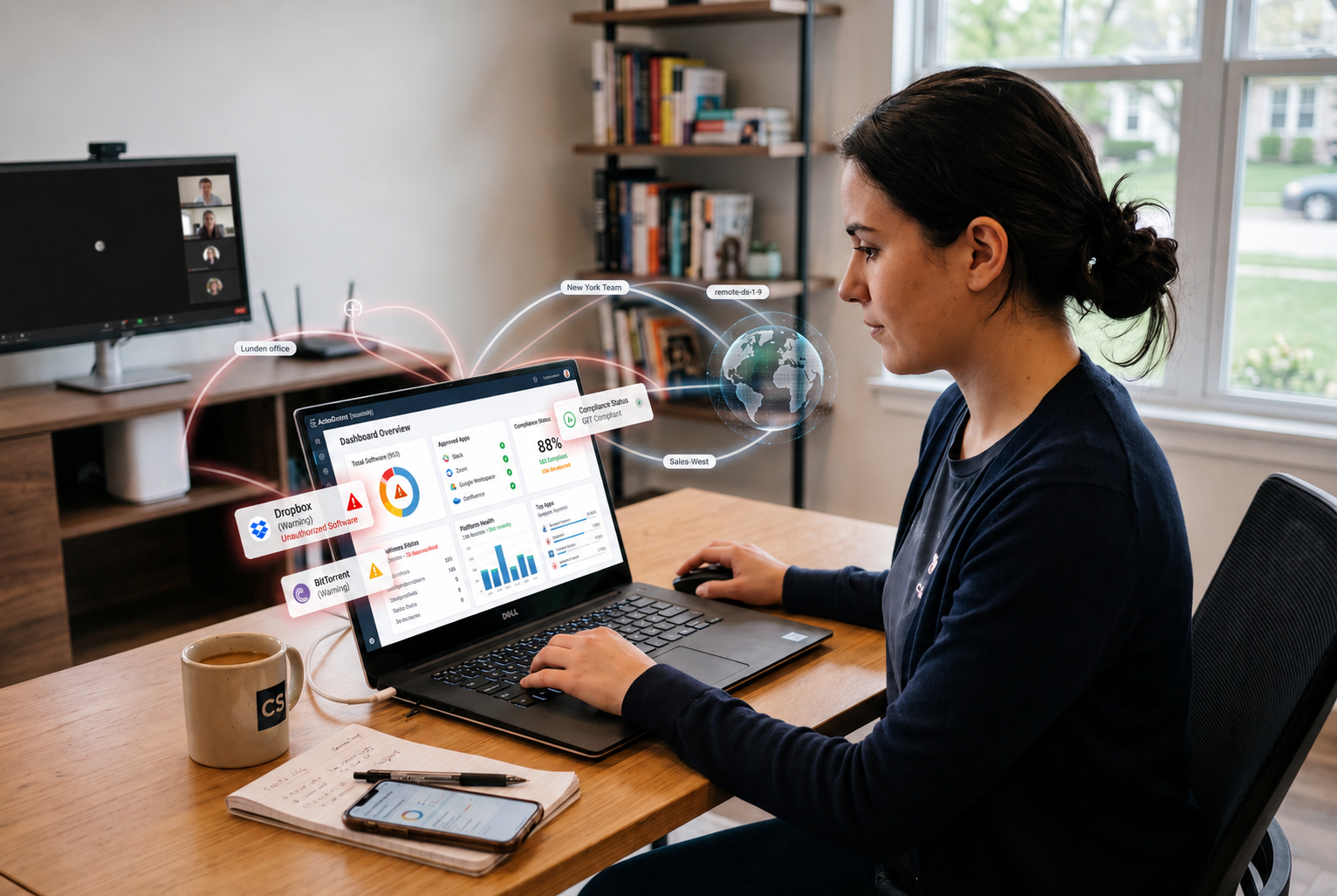
Procurement creates the first record in the device lifecycle. NIST identifies asset inventory as a foundation for reducing cybersecurity risk and connects asset management with the lifecycle from purchasing through decommissioning and disposal.
The asset record should include the device model, serial number, vendor, cost, warranty, assigned employee, location, condition, and current status. Creating this record at purchase gives IT and procurement clear visibility before the device reaches the employee.
Lifecycle visibility helps teams decide whether to repair, recover, reuse, refresh, or retire each device. Platforms like Esevel can connect procurement with device tracking, recovery, support, and lifecycle operations so distributed teams can manage hardware beyond the initial purchase. The ITU reported that the world generated 62 billion kilograms of electronic waste in 2022, while only 22.3 percent was formally collected and recycled.
IT procurement best practices for large enterprises
Large enterprises need clear procurement standards across teams, roles, and locations. These practices help control spending, reduce delays, and keep device records accurate.
Standardize devices by role and region
Create approved device options based on employee role, workload, security needs, and location. This reduces device variation and makes setup, support, and replacement easier.
Centralize approvals and procurement records
Use one workflow for purchase requests, approvals, vendor details, costs, delivery dates, and employee assignments. Central records give IT, finance, and operations a shared view of each order.
Review the total cost of ownership
Compare more than the purchase price. Include accessories, shipping, setup, warranty, repairs, support, downtime, recovery, reuse, refresh, and retirement.
Plan procurement around hiring and refresh cycles
Connect procurement with hiring forecasts, start dates, device age, warranty status, and repair history. Early planning helps teams prepare devices before employees need them.
Connect procurement with asset tracking
Create the asset record when the device is purchased. This helps teams track ownership, location, condition, recovery, reuse, refresh, and retirement.
IT procurement checklist
Use this checklist to keep each IT purchase connected to employee readiness, cost control, asset visibility, and lifecycle planning. It gives teams a quick way to confirm that the main procurement steps are covered.
- Planning: Confirm the employee need, budget, approved device, security requirements, and expected start or refresh date
- Vendor selection: Check price, stock, delivery time, regional coverage, warranty, and repair support
- Purchase approval: Confirm the employee, role, location, device, cost, vendor, and delivery date before ordering
- Delivery and setup: Track the shipment, prepare the device, apply required software and security settings, and confirm readiness
- Asset tracking: Create the asset record at purchase and record the serial number, owner, location, warranty, and status
- Lifecycle planning: Plan recovery, reuse, refresh, repair, and secure retirement before buying a replacement
A clear checklist helps prevent gaps between purchasing, delivery, tracking, and lifecycle management. The goal is to make every device easier to manage from the first request through recovery, refresh, or retirement.
FAQs
What is IT hardware procurement
IT hardware procurement covers physical technology such as laptops, desktops, phones, monitors, peripherals, and networking equipment. It should also connect each purchase with delivery, setup, tracking, support, and lifecycle planning.
What are the benefits of outsourcing IT procurement
Outsourcing IT procurement can reduce vendor coordination, support global device delivery, improve purchasing consistency, and connect procurement with onboarding and asset tracking. It can also give internal IT teams more time to focus on security, standards, and strategic work.
How can companies improve IT procurement for remote teams
Companies can improve IT procurement for remote teams by planning around employee start dates, standardizing approved devices, using reliable regional vendors, and creating asset records at purchase. They should also connect procurement with device setup, support, recovery, and refresh planning.
Build IT procurement around device readiness
IT procurement works best when purchasing connects with delivery, setup, employee assignment, asset tracking, support, recovery, and refresh planning. This creates a more consistent process and helps companies control costs while keeping devices ready for employees.
For global and distributed teams, procurement should support the full device lifecycle rather than stop after delivery. Esevel helps companies manage procurement, onboarding, tracking, recovery, support, and lifecycle operations through one platform, giving IT teams clearer visibility across locations.
Start by reviewing where your current process still depends on manual handoffs, disconnected vendors, or incomplete asset records. Improving these areas can make devices easier to source, deploy, manage, and recover.
Nguyen Le Nguyen Le is a former Esevel writer / Marketing Consultant who helped build the company’s blog from its early days. From September 2023 to November 2025, she contributed articles that made workplace IT topics clearer and more useful for business readers.
Updated by: Maytiska Omar