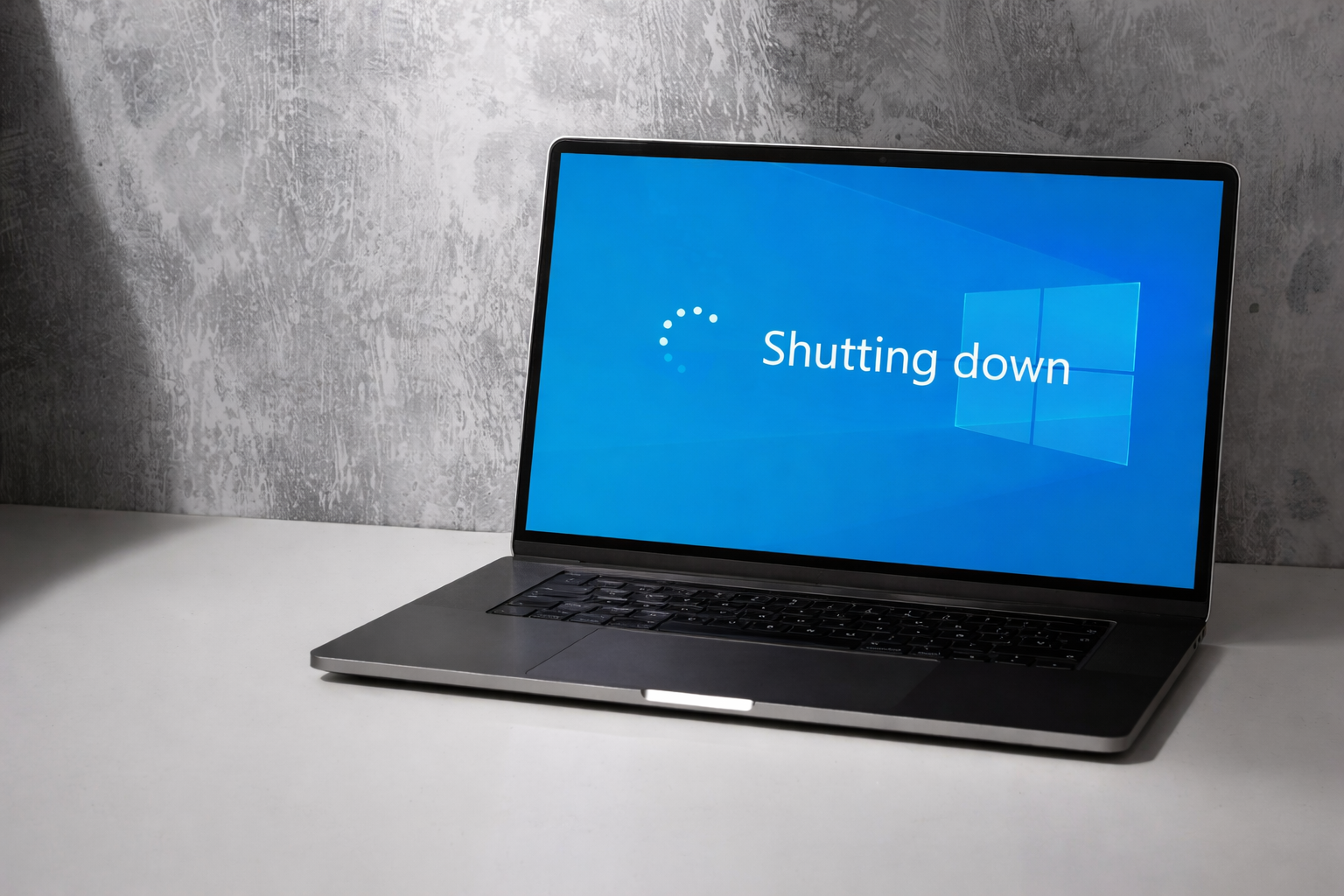
The windows 10 end of life has already happened, but many businesses are still running it. With no more security updates or official support, every Windows 10 device now carries hidden risk.
This creates a quiet problem. Security gaps grow over time, audits become harder to pass, and software license compliance gets more complicated, especially for remote and hybrid teams. What feels like a delay today can turn into a costly issue later.
The good news is there is a clear way forward. With the right steps, businesses can reduce risk, stay compliant, and modernize their IT without disrupting daily work.
What Windows 10 end of life means
Windows 10 end of life refers to the point when Microsoft officially stops supporting the operating system. Support ended on October 14, 2025, and from that date, Windows 10 no longer receives security updates, bug fixes, or technical support.
This applies to all major editions, including Home, Pro, Education, and Enterprise.
What support ending actually changes
After the end of life, Microsoft no longer fixes new vulnerabilities or performance issues. Any security weakness discovered after support ends remains unpatched.
Over time, this creates permanent security gaps that attackers can exploit.
Why devices keep working anyway
Windows 10 devices do not stop functioning after support ends. Employees can still log in, run apps, and complete daily work.
This often creates a false sense of safety, even though protection is slowly declining in the background.
How Windows 10 end of life affects security and compliance
Once Windows 10 becomes unsupported, businesses face increasing risk across security, compliance, and IT governance.
Growing security exposure over time
Without security updates, Windows 10 systems become easier targets. New malware, ransomware, and phishing methods are no longer blocked by operating system patches.
In distributed teams, a single compromised device can expose shared tools, cloud apps, and sensitive data.
Impact on software license compliance
This is where software license compliance becomes more complex. Many compliance frameworks and customer requirements expect supported operating systems.
Even with valid licenses, unsupported software can fail security reviews, audits, and vendor assessments.
Why vendors and Microsoft move on
Windows 10 end of life does not only affect Microsoft. The broader technology ecosystem follows the same lifecycle.
Software vendors stop optimizing for Windows 10
As Windows 10 fades out, software vendors gradually stop testing their products on it. This can lead to compatibility issues and limited support when problems occur.
Over time, businesses may find themselves locked into outdated software versions.
Microsoft’s push toward Windows 11
Microsoft encourages businesses to move to Windows 11, which was built with modern security protections and better device management features.
To support large-scale upgrades, Microsoft and IT platforms promote automated and zero-touch deployment approaches. These methods help companies upgrade devices with minimal disruption, especially in remote and hybrid environments.
The practical path forward after Windows 10 end of life
For most businesses, the solution is not complicated. It just needs to be handled in the right order. The goal is to move off Windows 10 safely, without creating new security gaps or compliance issues.
Step one is checking device readiness
Before doing anything else, companies need to understand what they already have. Not every device running Windows 10 can move to Windows 11.
This step usually includes:
- Reviewing the current Windows version on each device
- Checking hardware requirements such as CPU, TPM, and secure boot
- Identifying devices that are eligible for a direct upgrade
Many businesses skip this step and assume all devices can be upgraded. That mistake often leads to delays, rushed purchases, or unsupported setups later.
Upgrade to Windows 11 where possible
If a device supports Windows 11, upgrading should be the priority. This restores security updates, keeps systems supported, and helps maintain software license compliance.
Upgrading supported devices allows businesses to:
- Close security gaps created after Windows 10 end of life
- Stay aligned with modern compliance expectations
- Avoid unnecessary hardware spending
- Extend the useful life of existing devices
For distributed teams, upgrades should be planned carefully to avoid downtime and confusion, especially when devices are spread across locations and time zones.
When devices cannot support Windows 11
Some Windows 10 devices simply do not meet the requirements for Windows 11. In those cases, keeping the device is no longer a safe option.
Replace unsupported hardware instead of delaying
If a device cannot upgrade, replacing it is the only responsible path forward. Continuing to use unsupported hardware increases security exposure and complicates audits over time.
When planning replacements, leaders should focus on:
- Standardizing supported hardware models
- Aligning device choices with security requirements
- Ensuring licenses are correctly assigned and tracked
This approach helps prevent shadow IT and reduces long-term support costs.
Use zero-touch provisioning to reduce friction
When acquiring new devices, modern deployment methods make a big difference. Technologies like Windows Autopilot allow companies to ship devices directly to employees and have them configured automatically during first login.
With zero-touch provisioning, businesses can:
- Enroll devices without manual IT setup
- Apply security policies and configurations instantly
- Reduce onboarding time for new hires
- Maintain better control over software license compliance
This approach is especially valuable for remote and hybrid teams that cannot rely on in-office device setup.
Platforms like Esevel build on these capabilities by combining global device procurement, automated enrollment, and ongoing device management in one place. Instead of treating upgrades as one-off projects, companies can turn device lifecycle management into a repeatable process.
FAQs
Can businesses still use Windows 10 after end of life
Yes, Windows 10 devices will continue to run, but they no longer receive security updates or support. This creates growing security and compliance risk over time.
What happens if a business does nothing after Windows 10 end of life
Nothing breaks immediately, but unsupported systems become easier targets for attacks. Over time, this can also impact audits and software license compliance.
Do all Windows 10 devices support Windows 11
No. Windows 11 requires specific hardware features, and many older devices are not eligible for an upgrade.
Should devices that cannot upgrade to Windows 11 be replaced
Yes. Replacing unsupported devices is the safest option to reduce security risk and avoid long-term compliance issues.
How can companies manage device upgrades across multiple countries
Zero-touch deployment tools allow devices to be shipped and configured remotely. Platforms like Esevel simplify global procurement, deployment, and device management.
What Windows 10 end of life means for your next IT move
Windows 10 end of life has made one thing clear. Unsupported systems create ongoing security and compliance risk. The longer businesses wait, the harder the problem becomes.
The solution is simple. Upgrade devices that support Windows 11. Replace hardware that does not. Use modern, zero-touch deployment to keep upgrades and onboarding fast and consistent. This approach restores security updates and helps maintain software license compliance without slowing teams down.
If your business needs to refresh devices in bulk across multiple countries, Esevel can help. From global device procurement to zero-touch deployment and ongoing device management, Esevel supports teams through every step of the transition, without adding operational complexity.