Most people think about laptops and software when discussing workplace technology, but employees interact with output devices throughout the day. Whether they are reviewing reports, attending meetings, presenting ideas, or printing documents, output peripherals help turn digital information into something employees can use.
As organizations support remote and hybrid work, computer output peripherals play a critical role in productivity, communication, and employee experience. The right devices help employees work efficiently, while poor or missing peripherals can slow down daily operations.
What are computer output peripherals
Computer output peripherals are devices that present information from a computer to users. Unlike input devices, which send information into a computer, output peripherals deliver the results of computer activity through visuals, audio, or physical documents.
Common output peripherals include monitors, printers, speakers, headsets, projectors, and digital displays. These devices help employees view information, hear audio, print documents, and share content in meetings or daily work.
In simple terms, peripheral output devices for computers convert digital information into a format people can see, hear, or use. Without them, employees would have no practical way to interact with the work produced by their computers.
Quick Examples of computer output peripherals
Most employees use output peripherals every day. Monitors, printers, and speakers are among the most common examples because they provide visual, physical, and audio output from a computer.
3 peripherals that are used for computer output
If someone asks for 3 peripherals that are used for computer output, the most common examples are a monitor, printer, and speaker.
Monitor
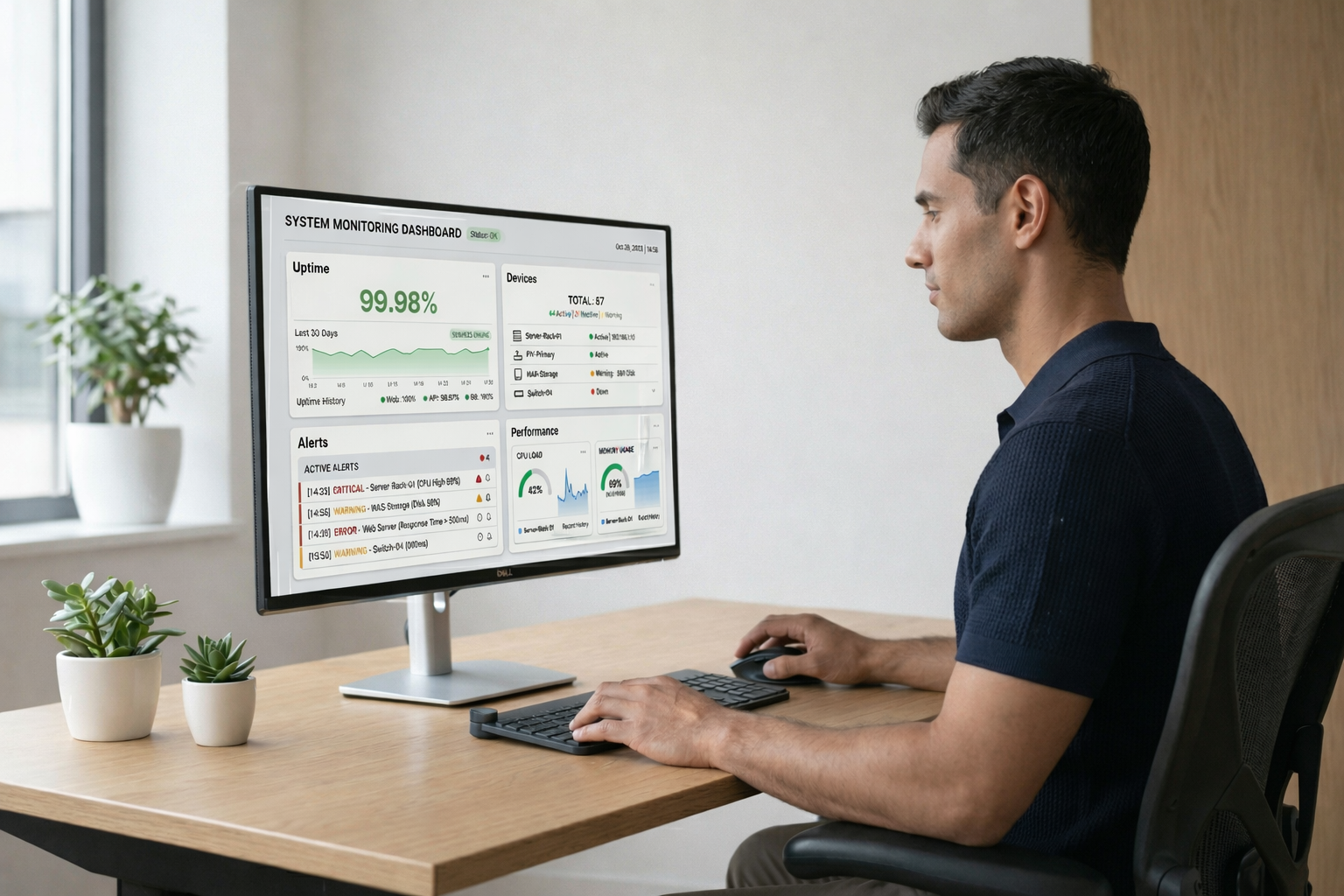
A monitor displays visual information from a computer. For example, a finance employee may use a monitor to review spreadsheets, while a designer uses it to edit graphics and presentations. Without a monitor, employees cannot easily view or interact with digital work.
Printer
A printer converts digital files into physical documents. For example, HR teams may print employment contracts, while logistics teams print shipping labels and packing slips. Printers remain important in industries that require physical documentation.
Speaker
A speaker outputs audio from a computer. Employees use speakers to hear meeting discussions, training videos, alerts, and presentations. For example, a marketing team may play a presentation through speakers during a client meeting, while employees use them to listen to webinars and company announcements.
These three devices are among the most common and recognizable examples of computer output peripherals because they provide visual, physical, and audio output from a computer.
Types of computer output peripherals
Different output devices support different workplace activities. Some help employees view information, some support audio communication, and others create physical or shared output.
Examples of computer peripherals output devices
| Type | Examples | Workplace use |
| Visual output devices | Monitors, projectors, digital displays | Reviewing work, presenting ideas, sharing information |
| Audio output devices | Speakers, headsets, conference room audio systems | Meetings, calls, training, collaboration |
| Printing and physical output devices | Printers, label printers, specialized output equipment | Documents, labels, forms, physical records |
Visual output devices
Visual output devices help employees see information from a computer. Monitors are the most common example because they support daily tasks such as writing, reviewing reports, analyzing data, and joining video calls.
Projectors and digital displays are also important in meeting rooms, training spaces, and shared offices. They help teams present ideas, review plans, and collaborate around the same information.
Audio output devices
Audio output devices help employees hear information from a computer. Speakers, headsets, and conference room audio systems support meetings, presentations, training, and daily communication.
For remote and hybrid teams, headsets are especially important. They help employees hear clearly, reduce background noise, and communicate better during long calls.
Printing and physical output devices
Printing and physical output devices turn digital information into physical materials. Printers are still used for contracts, forms, shipping labels, invoices, and office documents.
Label printers and specialized output equipment support teams that manage inventory, logistics, facilities, or operational workflows.
Why computer output peripherals matter in the workplace
Computer output peripherals are essential because they directly affect how employees consume information, communicate with others, and complete their work. Even the most powerful computer becomes less effective if employees cannot clearly see information, hear conversations, or share outputs with colleagues and customers.
1. They improve productivity
Output peripherals help employees work faster and more accurately. A larger monitor allows employees to view multiple applications at once, compare documents side by side, and reduce time spent switching between windows.
Audio devices such as speakers and headsets improve communication during meetings and calls. Clear audio reduces misunderstandings, minimizes repeated explanations, and helps teams collaborate more effectively.
Printers also remain important in many industries where contracts, invoices, shipping labels, forms, or compliance documents require physical copies.
2. They support communication and collaboration
Modern workplaces rely heavily on communication. Employees attend virtual meetings, participate in training sessions, collaborate across departments, and interact with customers.
Output devices make these interactions possible. Monitors display presentations and shared content, while speakers and headsets allow employees to hear discussions clearly. In meeting rooms, projectors and displays help teams collaborate around the same information.
Without reliable output peripherals, communication becomes slower, less effective, and more frustrating.
3. They improve employee experience
Employees spend hours every day interacting with output devices. Poor-quality monitors can cause eye strain, while unreliable audio equipment can make meetings difficult and exhausting.
Providing employees with the right peripherals creates a more comfortable and consistent work environment. It also helps new hires become productive faster because they receive the equipment needed to perform their jobs from day one. Building a strong understanding of workplace technology through online learning can help professionals use these tools more effectively in professional environment.
4. They are critical for remote and hybrid work
Remote employees depend heavily on output peripherals because they do not have access to shared office equipment. A monitor can significantly improve productivity compared to working solely on a laptop screen, while a quality headset helps employees communicate effectively from any location.
As organizations continue supporting distributed teams, output peripherals become a key part of maintaining consistent employee experiences across different work environments.
Because these devices influence productivity, communication, and employee satisfaction, organizations should treat them as important workplace assets rather than simple accessories.
Computer output peripherals in remote and hybrid work
Distributed work increases reliance on output devices because employees no longer use one shared office setup. Each person needs the right equipment to work well from home, a coworking space, or a regional office.
Why remote teams depend on output peripherals
Remote communication relies heavily on audio devices. Headsets, speakers, and conference audio tools affect how clearly employees hear meetings, customer calls, training sessions, and team discussions.
Productivity also depends on quality displays. A laptop screen may be enough for basic work, but many roles need monitors to review data, manage tasks, compare documents, or work across several apps.
Employees also need consistent workstation setups. If one employee has a proper monitor and headset while another uses poor equipment, the work experience becomes uneven across the team.
Challenges in distributed environments
Managing output peripherals across remote and hybrid teams creates new challenges for IT. Devices need to be shipped, replaced, tracked, and supported across many locations.
Common challenges include:
- Shipping and replacing peripherals across different regions
- Tracking ownership across remote employees and offices
- Supporting different workstation configurations
- Managing upgrades when devices become outdated or incompatible
- Recovering equipment when employees leave
These challenges show why peripheral computer devices should not be treated as one-time purchases. They need a lifecycle approach that connects procurement, deployment, support, and recovery.
Managing output peripherals across teams
Output peripherals become harder to manage as organizations grow. What starts as a few monitors, printers, and headsets can quickly become a large inventory spread across employees, offices, and remote locations.
Building visibility and consistency
As organizations scale, maintaining visibility into output peripherals becomes increasingly important. IT teams need to know which devices are assigned, where they are located, and when they may need replacement or support.
A structured approach to peripheral management helps organizations:
- Maintain consistent workstation setups across employees
- Improve visibility into assigned and available equipment
- Plan upgrades and replacements more effectively
- Reduce unnecessary purchases and duplicate inventory
- Support employees faster when issues arise
- Keep accurate ownership and assignment records
When output peripherals are tracked consistently, IT teams can make better decisions about procurement, budgeting, and lifecycle planning. This becomes especially valuable in remote and hybrid environments where devices are distributed across many locations.
Why output devices should be tracked
Output devices should be tracked because they are part of the employee workstation. They affect productivity, support, budgeting, and planning.
Tracking computer peripherals gives IT better asset visibility. Teams can see which monitors, headsets, speakers, printers, and other computer peripherals output devices are assigned, available, damaged, or due for replacement.
Tracking also simplifies replacements and upgrades. When IT knows what equipment employees have, it can plan refresh cycles, avoid duplicate purchases, and support employees faster.
These challenges become more visible in remote and hybrid environments, where IT teams need to manage output devices without seeing them in person.
Output peripherals as part of IT lifecycle management
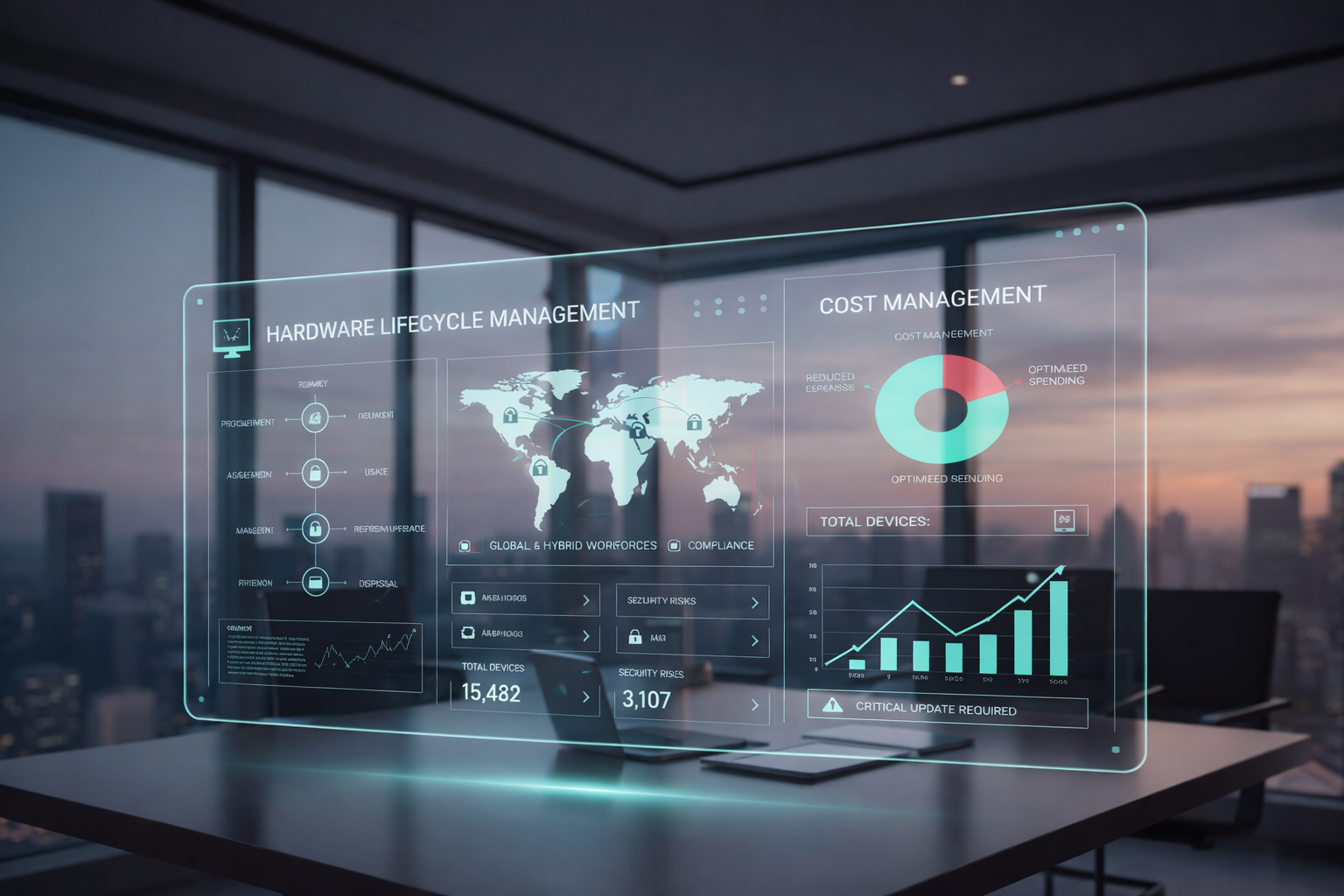
Peripheral devices of a computer should be managed throughout the same lifecycle as laptops and other IT assets. This gives IT teams better visibility into what was purchased, who received it, how it is supported, and what should happen when it is no longer needed.
Output device lifecycle stages
Output peripherals should move through clear lifecycle stages. This helps IT teams manage devices from the moment they are purchased until they are replaced, recovered, or reassigned.
The main stages include:
- Procurement and assignment, where approved devices are purchased and linked to employees or locations
- Deployment and setup, where output devices are delivered and connected as part of the workstation
- Usage and support, where IT helps with setup issues, damage, compatibility, or troubleshooting
- Replacement and upgrades, where outdated or broken devices are refreshed
- Recovery and reassignment, where devices are collected, reused, or retired when employees leave
This lifecycle view helps teams avoid treating output peripherals as random accessories. Instead, each device becomes part of a managed IT operation.
Connecting output devices with broader IT operations
Output devices should be managed alongside laptops and other employee equipment. This gives IT teams a complete view of the workstation and simplifies procurement, support, replacement, and offboarding processes.
Esevel helps companies manage devices and peripherals together by connecting procurement, deployment, tracking, support, and recovery into one lifecycle-driven workflow.
FAQs
What are computer output peripherals
Computer output peripherals are devices that present information from a computer to users. They help employees see, hear, print, display, or receive information generated by a computer system.
What are examples of computer output peripherals
Examples of computer output peripherals include monitors, printers, speakers, headsets, projectors, digital displays, label printers, and conference room audio systems. These devices support visual, audio, and physical output in the workplace.
What is the difference between input and output devices
Input devices send information or commands into a computer, such as keyboards, mice, webcams, and microphones. Output devices present information from a computer, such as monitors, speakers, printers, and projectors.
Why are output peripherals important in the workplace
Output peripherals are important because they affect how employees see, hear, present, and share information. Good output devices improve productivity, communication, collaboration, and employee experience.
How do companies manage computer output peripherals
Companies manage computer output peripherals through inventory tracking, assignment records, procurement workflows, support processes, and recovery planning. The best approach connects output devices with the full IT lifecycle.
Build better workstations with the right output devices
Output peripherals are part of operational infrastructure, not small extras. They shape how employees review information, join meetings, present work, and collaborate across teams.
As workplaces become more distributed, companies need more than one-time purchases and disconnected inventory records. They need lifecycle visibility that connects output peripherals with procurement, deployment, support, replacement, and recovery.
Esevel helps companies manage devices and peripherals together as part of one connected IT lifecycle. With procurement, deployment, tracking, support, and recovery in one system, teams can build better workstations while keeping IT operations consistent across locations.

Maytiska Omar Maytiska is an experienced content writer and blog specialist with 4+ years of expertise in creating engaging, SEO-driven content. She focuses on IT and digital topics, turning complex ideas into clear, reader-friendly insights. Her work helps position Esevel as a trusted voice in the digital space.