Device provisioning platforms that integrate with Okta and Intune give global IT teams one workflow for every new hire. Okta or Microsoft Entra ID creates the identity. Intune applies policy at first sign-in. A laptop that was bought, registered and delivered in the employee’s country is ready on Day One.
The software integrations are the easy part to buy. The harder part is making sure each device is enrolled for zero touch provisioning at the moment of purchase, in every country a company hires. That physical side is the part Esevel handles as a device lifecycle management provider, with coverage in 120+ countries, with in-country presence in 75+. Without that step, even a well-built Okta and Intune setup still ends with someone enrolling a laptop by hand.
What is a device provisioning platform for global IT teams?
A device provisioning platform is the set of tools and services that turns a hiring decision into a working, compliant device. For global teams, that work splits across three layers, and each layer needs a different kind of vendor.
| Layer | What it does | Typical tools |
|---|---|---|
| Identity | Creates the user, assigns apps and groups, enforces sign-in policy | Okta, Microsoft Entra ID, Google Workspace |
| Device management (MDM) | Applies configuration, security policy and compliance checks | Microsoft Intune, Jamf, JumpCloud |
| Physical lifecycle | Buys, registers, delivers, repairs, retrieves and wipes the device | Lifecycle partners, IT asset management software, local resellers |
In practice, the gaps tend to sit at the joins between these layers rather than inside any one of them. That makes the identity and MDM connection the first join to understand.
How do Okta and Intune integrations work with a provisioning platform?
Okta and Intune each expose a defined integration path, and a provisioning platform must fit both. Building on those three layers, the provisioning platform consumes events rather than asking IT to retype them.
- Okta: REST APIs and SCIM support automated user and group provisioning and lifecycle changes. Device posture is synced separately, through Okta Verify or integrations with external device posture providers. For device trust, Okta requires the MDM to support Managed App Configuration, which deploys a management hint to Okta Verify, and SCEP for certificate-based trust.
- Intune: every programmatic action in the Intune admin center runs through the Microsoft Graph API. Intune relies on Entra ID for identity and Conditional Access, and third-party compliance partners send device state to Entra ID to enforce policy.
- Connected apps: Okta’s own integration guidance frames connecting an application to Okta as a way to strengthen authentication and protect data through identity-driven access controls.
The workflow Hire → Identity created → Device assigned → Enrolled → Compliant → Day One either holds together at each arrow or breaks there.
What pairing of Okta vs Entra ID and Intune vs Jamf suits global teams?
A related question is which identity and MDM tools to pair, and the answer is less either/or than most comparisons suggest.
- Okta vs Entra ID: Intune relies on Entra ID for Conditional Access, so Intune customers already have Entra ID in the compliance path. The real decision is whether Okta sits in front as the SSO and lifecycle source for other apps. That decision usually follows the app estate: the more non-Microsoft apps a company runs, the stronger the case for Okta in that role.
- Intune vs Jamf: Intune manages Windows alongside macOS, iOS and Android. Jamf focuses on Apple devices. Some mixed fleets run Intune for Windows and Jamf for Mac, which means each device must be routed to the right MDM at purchase.
Whatever the pairing, both tools assume the device was registered before it reached the employee. That assumption is where global rollouts get harder.
Why does zero touch provisioning fail across multiple countries?
Zero touch provisioning works only when a device’s serial number is tied to the company’s tenant before the employee first powers it on. For Intune zero touch deployment, the device must be registered in Windows Autopilot. For Macs, it must be assigned in Apple Business Manager through Automated Device Enrollment. Registration usually happens at purchase, by the manufacturer or an authorised reseller, or is added manually afterwards.
The result can include:
- A laptop bought from a local retailer, or bought by the employee and reimbursed, that never appears in Autopilot or Apple Business Manager.
- A device shipped across a border and held in customs, so Day One passes without it.
- The correct model with the wrong keyboard layout or power adapter for the country.
- A leaver’s device still assigned to the old tenant, which blocks reuse or resale.
Each of these is a procurement or logistics issue, not an identity one. Evaluation therefore has to cover both.
How should IT teams evaluate provisioning platforms that integrate with Okta and Intune?
Once the failure points are clear, evaluation becomes a five-step check. The same steps apply to teams comparing Firstbase alternatives, Workwize alternatives or a local reseller model.
- Map the identity trigger. Ask: Which event starts provisioning, a new user in Okta, in Entra ID or in the HR system? Check: whether HR systems connect directly or through Okta.
- Confirm pre-enrolment per country. Ask: Are devices registered in Autopilot or Apple Business Manager at purchase in every country you hire? Check: which countries are served in-country and which rely on cross-border shipping.
- Test the asset record. Ask: Does the record reconcile to your IT asset management software by serial number? Check: API, CSV export or a scheduled feed.
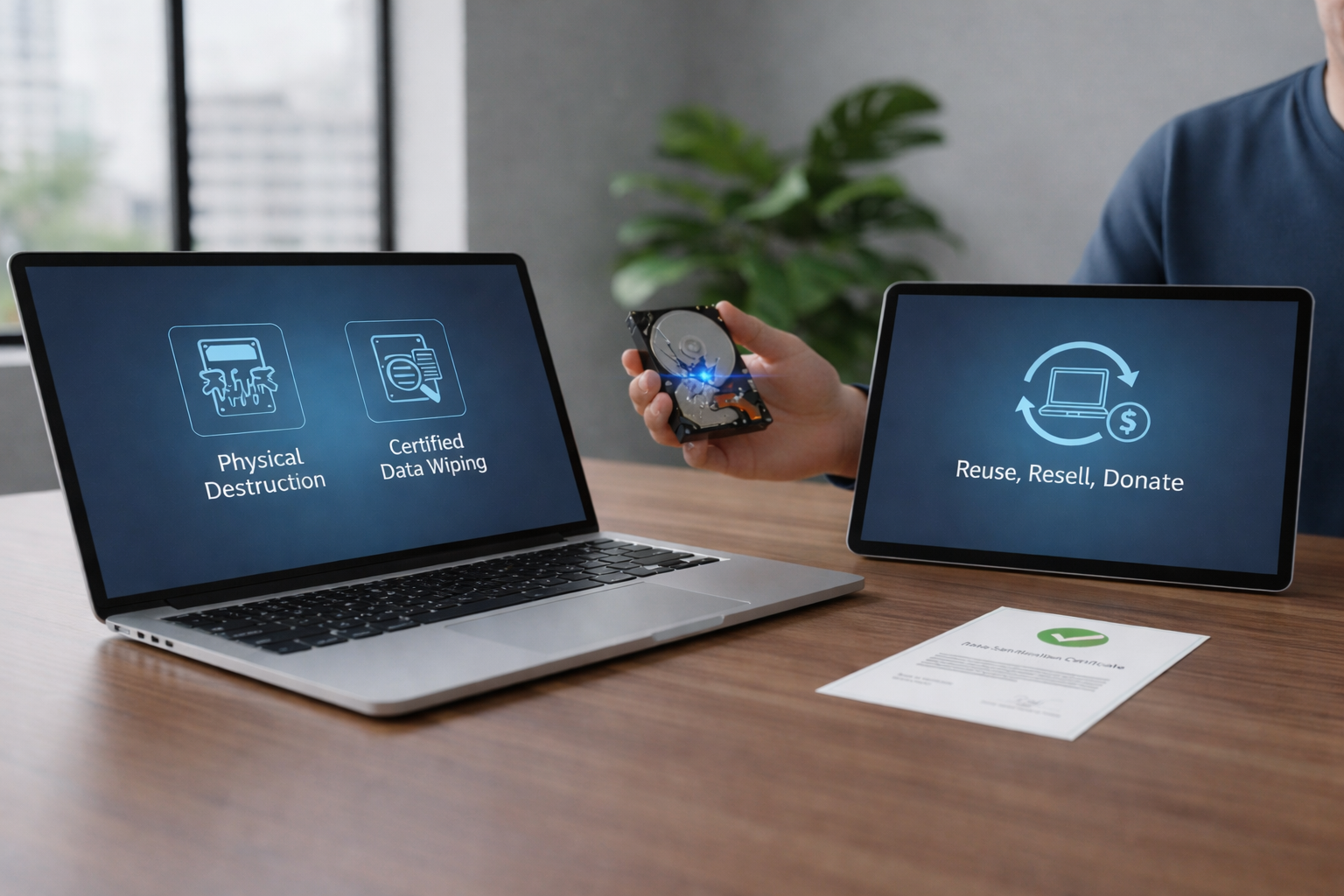
- Run an offboarding drill. Ask: Who triggers retrieval, and who confirms the wipe and release from the tenant? Check: what wipe evidence is provided.
- Review security credentials. Check: ISO 27001 certification, GDPR compliance, and sector frameworks such as HIPAA or PCI DSS where they apply.
Red flags: an “integration” that turns out to be a manual upload with no stated cadence; enrollment that depends on the new hire following instructions; no clear answer on which countries are served in-country.
Applied consistently, these steps show where a platform stops and where your team’s manual work begins.
Where does Esevel fit in an Okta and Intune stack?
Esevel covers the physical lifecycle layer and connects it to the identity and MDM tools teams already run.
- Bought in-country: devices are bought and delivered through in-country operations in 75+ countries. They come with local warranties, keyboard layouts and power adapters, plus Apple Business Manager or Autopilot pre-enrolment at purchase.
- Integrations: Okta, Microsoft Entra ID and Google Workspace for identity. Intune, Jamf and JumpCloud for MDM. Jira Service Management and Jira Assets via API for records. BambooHR, and Workday via Okta or Jira, for remote employee onboarding triggers.
- Fairly priced: hardware at competitive market rates with transparent, published rates. Esevel earns on the service, not the device.
- One accountable partner: one contract, a named account manager, and a 24/5 helpdesk with a real person, not a chatbot, with first responses in minutes, not hours.
Where it may not fit:
- MDM-only buyers may not need the physical lifecycle services.
- Integrations focus on Jira, Okta, Intune and Jamf. Other systems connect via open API, webhooks or CSV.
- In-country operations cover 75+ of the 120+ countries served, so confirm in-country support per country.
Request a live demo with Esevel to see how in-country procurement and pre-enrolment connect to an existing Okta and Intune setup.
The remaining questions are the ones IT teams raise most often during evaluation.
What are the most frequently asked questions about Okta and Intune device provisioning?
How are Okta and Intune used together?
Okta can handle SSO and user lifecycle while Intune manages devices. Intune still relies on Entra ID for Conditional Access. For device trust, Okta requires the MDM to support Managed App Configuration and SCEP.
Does zero touch provisioning work for devices bought locally?
Only if the device is registered in Autopilot or Apple Business Manager. That happens at purchase through the manufacturer or an authorised reseller, or manually by IT before handover.
Is Intune or Jamf better for a global Mac fleet?
Jamf focuses on Apple devices. Intune suits teams standardising on Microsoft across Windows and Mac. The provisioning partner should support whichever MDM the company runs.
What is device lifecycle management?
Device lifecycle management covers buying, setting up, delivering, storing, repairing, retrieving, wiping and disposing of devices. Okta and Intune govern access and policy within that cycle, not the physical steps.
Does IT asset management software replace an MDM?
No. IT asset management software tracks ownership, cost and location by serial number. An MDM enforces configuration and security. Global teams need both, connected.
How long does remote employee onboarding take with zero-touch?
Timing depends on the country, where stock is held, and whether the device was pre-enrolled at purchase. Ask each vendor for committed dates per country rather than a single global figure.
About Esevel
Esevel provides device lifecycle management for distributed teams, with coverage in 120+ countries, with in-country presence in 75+. Devices are bought in-country at fair market prices, pre-enrolled for Intune or Jamf, and connected to Okta, Entra ID and Jira through Esevel’s integrations. The service runs through procurement, delivery, support, retrieval and certified data wipe, with one contract and one escalation path across every country Esevel serves. Esevel is ISO 27001 certified and GDPR compliant, focused on local execution, fair pricing and one accountable partner across every country it serves.
References
- Okta Integration Guide | Application Integration (okta.com)

Maytiska Omar Maytiska is an experienced content writer and blog specialist with 4+ years of expertise in creating engaging, SEO-driven content. She focuses on IT and digital topics, turning complex ideas into clear, reader-friendly insights. Her work helps position Esevel as a trusted voice in the digital space.