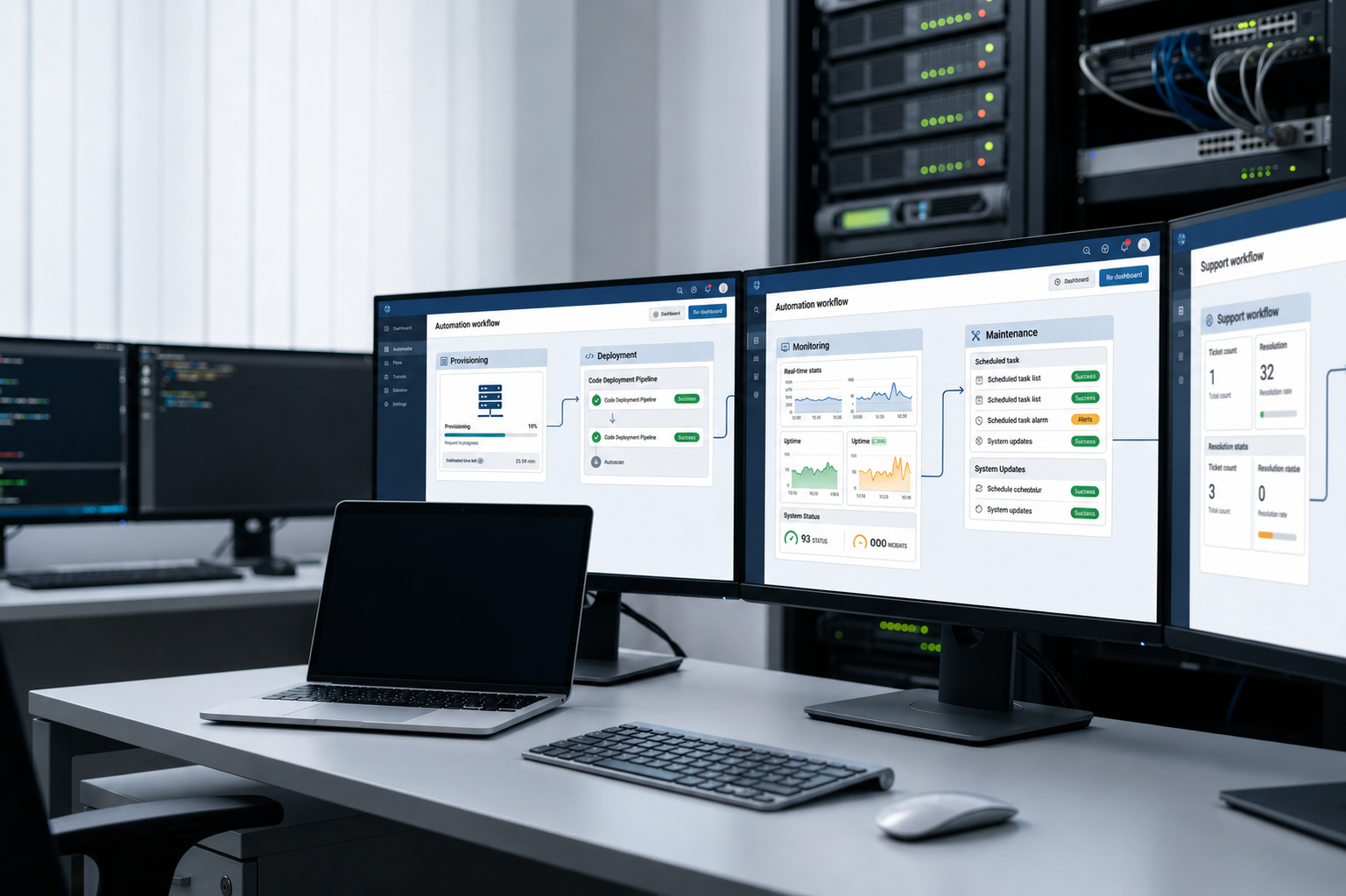
Infrastructure automation services and tools help teams reduce repetitive infrastructure work, improve consistency, and manage complex environments with less manual effort. They are useful when IT teams need a better way to provision, configure, maintain, or operate systems at scale.
Still, not every automation solution solves the same problem. Some products focus on infrastructure as code or cloud provisioning. Others help with configuration, remediation, maintenance, or operational lifecycle workflows.
This article compares seven options across different use cases. For a deeper explanation of how the technology works, read our guide to infrastructure automation.
What should you look for in infrastructure automation tools and services?
There is no single best product for every team. The right choice depends on your environment, internal skills, automation goals, and how much operational work your team wants to manage.
Before comparing infrastructure automation tools, look at:
• Primary automation use case
• Infrastructure coverage
• Integration capabilities
• Cloud or on premises support
• Ease of implementation
• Governance and visibility
• Ongoing management needs
• Scalability
The best option is the one that matches the work you need to automate. With that in mind, here are seven infrastructure automation services and tools to consider.
7 infrastructure automation services and tools to consider
The products below solve different infrastructure automation problems. The order does not mean one product is always better than another. It simply gives you a practical way to compare tools, platforms, and service approaches by use case.
1. Red Hat Ansible Automation Platform
Best for: Broad IT automation across infrastructure and operations
Red Hat Ansible Automation Platform helps teams automate a wide range of IT work, including provisioning, configuration management, application deployment, orchestration, and security or compliance related changes. Red Hat also describes the platform as an enterprise automation command center where teams can define, operate, scale, and delegate automation.
This makes Ansible useful for organizations with mixed IT environments. It can support teams that need repeatable automation across servers, networks, applications, security tasks, and operations.
Key strengths
• Broad coverage across infrastructure, applications, security, and operations
• Strong fit for repeatable configuration and orchestration tasks
• Useful for teams managing mixed IT environments
Trade off
Ansible can support many workflows, but teams still need internal automation knowledge. To get full value, organizations need clear playbooks, process ownership, and people who can build and maintain automation content.
2. HashiCorp Terraform
Best for: Infrastructure as code and multi cloud provisioning
HashiCorp Terraform focuses on infrastructure as code. It lets teams define cloud and on premises resources in configuration files, then use a consistent workflow to provision and manage infrastructure. HashiCorp also describes Terraform as a way to build, change, and version infrastructure safely and efficiently.
Terraform solves a different problem from lifecycle or service based automation. It is mainly about defining infrastructure, planning changes, applying changes, and managing state.
Key strengths
• Strong infrastructure as code workflow
• Works across cloud and on premises resources
• Helps teams version and reuse infrastructure definitions
Trade off
Terraform focuses heavily on provisioning, resource changes, and state management. Teams may still need other tools or services for support, maintenance, repair, device operations, and other workflows after deployment.
3. AWS Systems Manager
Best for: Organizations managing AWS heavy environments
AWS Systems Manager helps teams organize, monitor, and automate management tasks on AWS resources. Its Automation capability can simplify common maintenance, deployment, and remediation tasks for AWS services such as Amazon EC2, Amazon RDS, Amazon S3, and more.
This makes it useful for teams that already run many workloads inside AWS. It can support operations teams that need runbooks, remote management, patching, and remediation inside the AWS ecosystem.
Key strengths
• Strong fit for AWS operations and resource management
• Supports automation runbooks for common tasks
• Useful for maintenance, deployment, and remediation workflows
Trade off
AWS Systems Manager delivers the clearest value for teams already operating heavily in AWS. It should not be treated as a universal platform for every cloud, device, or operational lifecycle need.
4. Esevel
Best for: Distributed teams that need automation connected to device lifecycle execution
Esevel is a different type of option from infrastructure as code products. Instead of focusing on cloud resource provisioning, it connects automation with the operational work of managing employee devices across locations.
Esevel supports global device lifecycle operations from procurement and deployment to retrieval and redeployment. Its pricing page also lists capabilities such as global procurement and deployment across 88 countries, real time tracking, secure retrieval, wipe, and redeployment.
This approach is useful when the problem is not only configuring cloud infrastructure. Many distributed teams also need to execute device operations across regions, including procurement, delivery, onboarding, tracking, support, recovery, and refresh planning.
Key strengths
• Global device lifecycle execution
• Centralized visibility across distributed devices
• Connected procurement, deployment, tracking, support, and recovery workflows
Trade off
Esevel is better suited to companies managing distributed device operations than teams looking mainly for infrastructure as code or cloud resource provisioning. It can sit beside tools like Terraform or Ansible because it addresses a different operational layer.
5. Pulumi
Best for: Infrastructure teams that want infrastructure as code using familiar programming languages
Pulumi is an open source platform for building, deploying, and managing cloud infrastructure with common programming languages. Its documentation highlights languages such as TypeScript, Python, Go, C sharp, and Java.
This makes Pulumi useful for engineering led teams that want to manage cloud infrastructure through code while using familiar language tools and workflows.
Key strengths
• Supports infrastructure as code with common programming languages
• Works with major cloud and infrastructure providers
• Fits teams that want software engineering style workflows
Trade off
Pulumi may suit engineering led teams more than teams looking for managed operational execution. Companies still need people who can write, review, maintain, and troubleshoot infrastructure code.
6. Microsoft Azure Automation
Best for: Microsoft centric and hybrid infrastructure environments
Microsoft Azure Automation helps teams automate processes with runbooks. Microsoft also documents Hybrid Runbook Worker, which lets teams run runbooks directly on non Azure physical servers or virtual machines and manage local resources in that environment.
This makes Azure Automation relevant for organizations that use Azure and Microsoft based operations. It can support process automation, infrastructure operations, and hybrid runbook execution.
Key strengths
• Useful for process automation through runbooks
• Fits Microsoft and Azure focused environments
• Can support hybrid operations through Hybrid Runbook Worker
Trade off
Organizations deeply invested in Azure may get the clearest value from Azure Automation. Teams outside the Microsoft ecosystem should compare it carefully against broader or more cloud neutral options.
7. Google Cloud Infrastructure Manager
Best for: Google Cloud teams using Terraform based infrastructure as code
Google Cloud Infrastructure Manager is a managed service that automates the deployment and management of Google Cloud infrastructure resources. Google Cloud documentation states that infrastructure is defined using Terraform and deployed onto Google Cloud through Infrastructure Manager.
This makes it a focused option for Google Cloud teams that want managed deployment and management of infrastructure through Terraform configurations.
Key strengths
• Managed deployment for Google Cloud infrastructure
• Uses Terraform configurations
• Fits teams that want IaC workflows inside Google Cloud
Trade off
Google Cloud Infrastructure Manager is mainly relevant to Google Cloud infrastructure. It is not designed to cover broader device operations or cross platform lifecycle management.
Infrastructure automation tools comparison
This table compares the seven options by use case. Use it as a shortcut, not as a final decision.
| Product | Best for | Primary focus | Best environment |
| Red Hat Ansible Automation Platform | Broad IT automation | Configuration and orchestration | Mixed IT environments |
| Terraform | Infrastructure as code | Provisioning and resource management | Multi cloud |
| AWS Systems Manager | AWS operations | Maintenance and remediation | AWS |
| Esevel | Distributed device operations | Device lifecycle execution | Global and distributed teams |
| Pulumi | Developer led infrastructure | Infrastructure as code | Multi cloud |
| Azure Automation | Microsoft infrastructure | Process and operations automation | Azure and hybrid |
| Google Cloud Infrastructure Manager | Google Cloud provisioning | Terraform based IaC | Google Cloud |
Compare these products by use case, not by feature count alone. A tool with many features may still be the wrong fit if it does not match your environment, team skills, or operational need.
How to choose the right infrastructure automation solution
The right infrastructure automation solution should match the work your team actually needs to automate. Start with the problem, then compare tools and services based on fit.
Start with the problem you need to automate
Cloud provisioning, configuration management, remediation, device operations, and lifecycle management require different solutions. Terraform may fit infrastructure as code. Ansible may fit broad IT automation. Esevel may fit distributed device lifecycle execution.
Consider your existing environment
Your environment shapes the decision. AWS, Azure, Google Cloud, multi cloud, hybrid, and distributed device environments all create different needs.
A cloud specific platform may work well if most resources sit in one cloud. A broader automation platform may fit better if your environment spans many systems.
Evaluate internal expertise
A sophisticated automation platform can create more work if no one can build, maintain, and troubleshoot workflows. Internal skill level matters as much as product capability.
Before choosing, ask who will own the automation after launch. Also ask who will update it when systems, policies, or business needs change.
Check integration and visibility
Automation should reduce fragmentation, not create another disconnected system. The tool should connect with the systems your team already uses for identity, infrastructure, support, assets, and reporting.
Visibility also matters. IT leaders need to know what automation ran, what changed, what failed, and who owns the next step.
Consider what happens after automation runs
Automation does not remove the need for monitoring, exception handling, maintenance, and accountability. A workflow can run successfully and still need human review when an edge case appears.
This is why teams should compare tools and services by full operating model. The best choice is the one that helps your team manage both the automated task and the work around it.
FAQs
What are infrastructure automation services?
Infrastructure automation services help companies design, implement, operate, or maintain automated infrastructure workflows. They can support tasks such as provisioning, configuration, remediation, monitoring, lifecycle execution, and ongoing management.
What is the difference between infrastructure automation tools and services?
Infrastructure automation tools provide the software or platform used to automate tasks. Automation services can add design, implementation, integration, maintenance, or hands on execution around those tools.
Which infrastructure automation solution is best?
There is no universal best infrastructure automation solution. Terraform can fit infrastructure as code, Ansible can fit broad IT automation, AWS Systems Manager can fit AWS operations, and Esevel can fit distributed device lifecycle execution.
Choose automation that matches your operations
Infrastructure automation is not one single product category. The right choice depends on what you need to automate, which environment you use, and how much internal execution your team wants to manage.
Cloud provisioning, configuration management, remediation, and device lifecycle operations all need different approaches. A team choosing between infrastructure automation solutions should compare tools by operational fit, not by brand familiarity alone.
Companies that manage distributed employee devices may need automation beyond cloud provisioning or configuration. Esevel connects procurement, deployment, tracking, support, recovery, and device lifecycle operations across regions. To build a more connected device operation, explore how Esevel helps global teams manage the work around automation, not just the task itself.