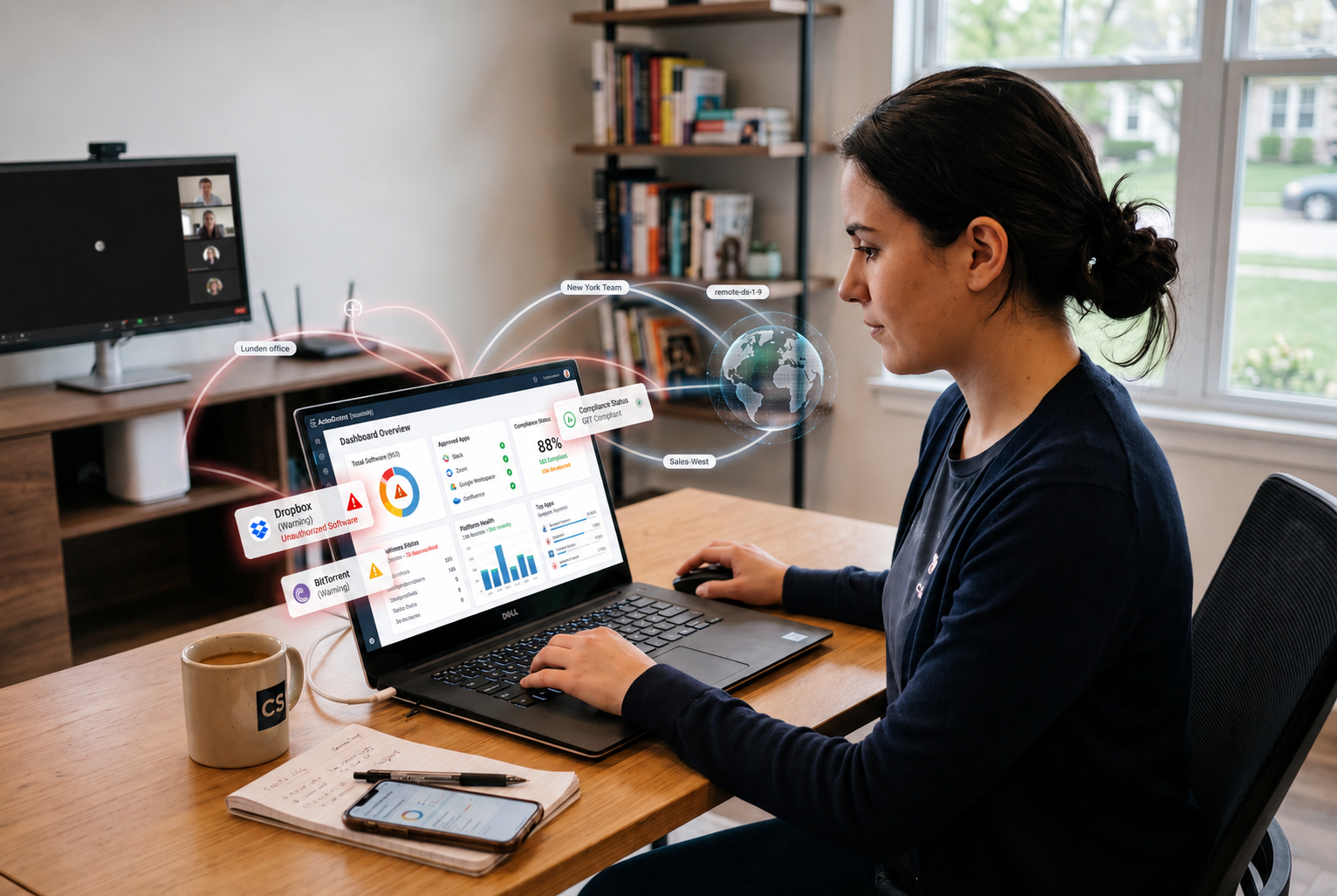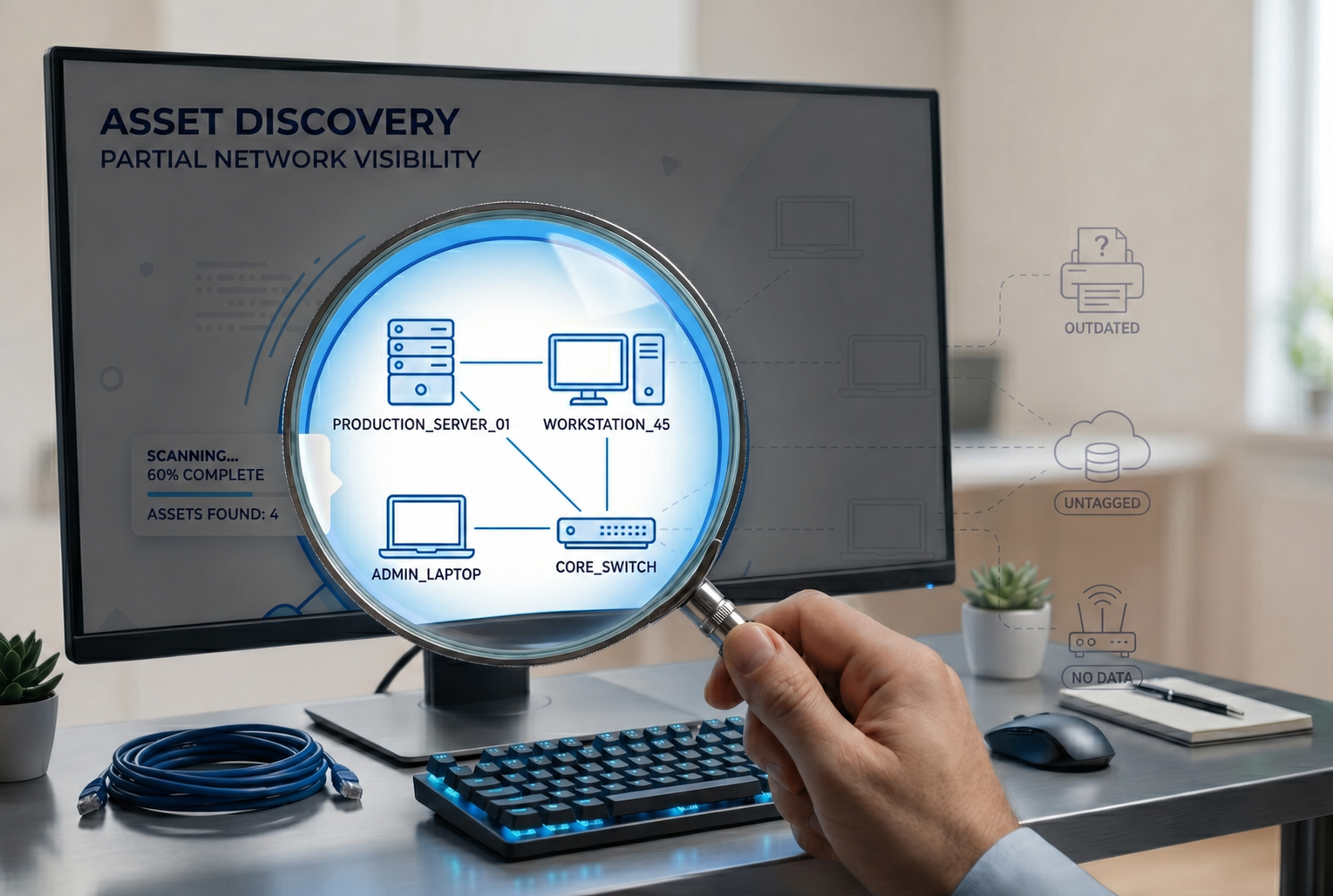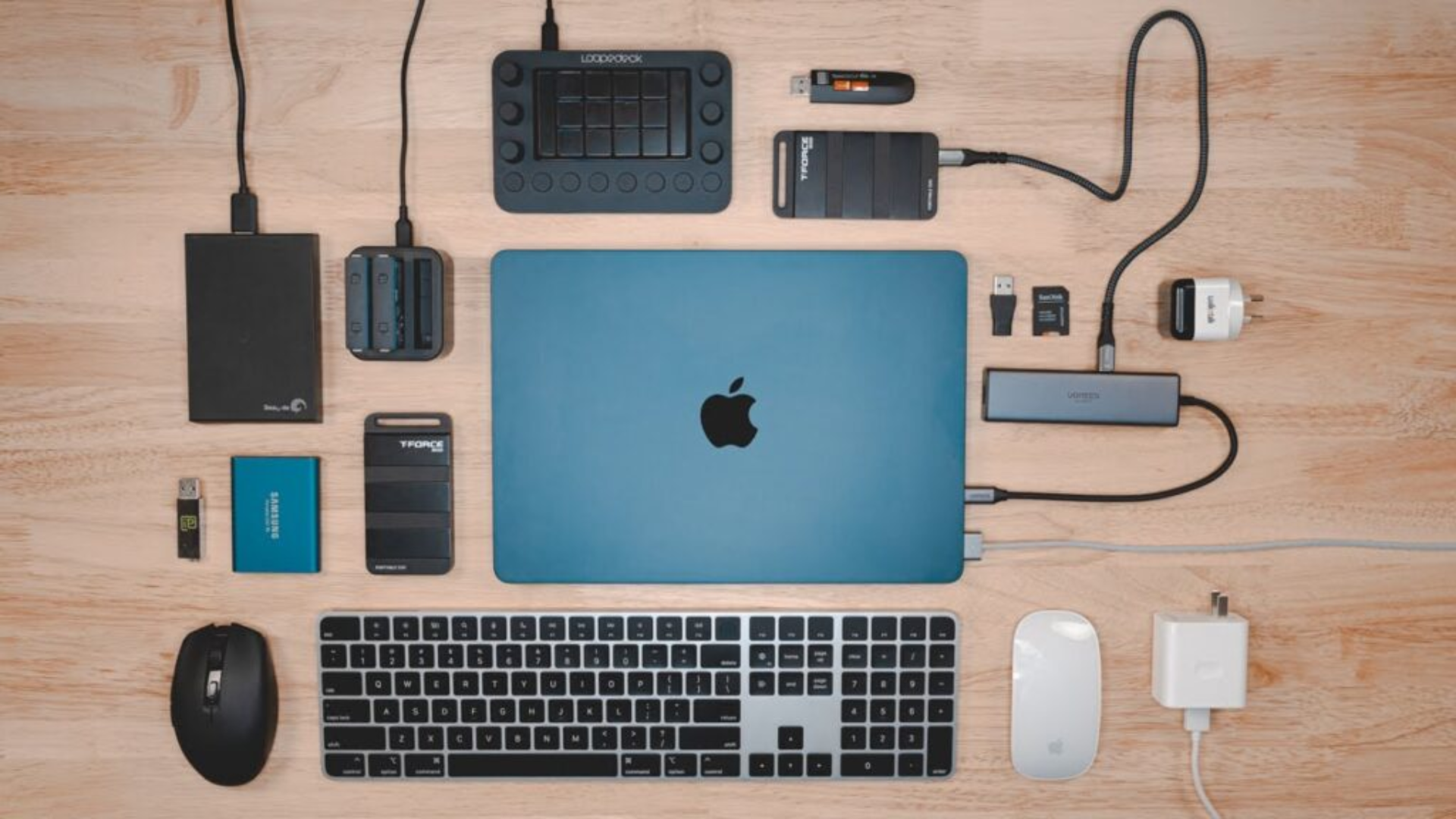
Peripheral devices are essential components that extend and improve the core capabilities of your computer. These hardware components, whether input output devices or external storage options, make computing faster, more versatile, and tailored to your needs—be it work, entertainment, or communication.
From connecting a keyboard and mouse to managing large data with external storage devices, peripherals play a crucial role in how efficiently and comfortably we interact with our computer system daily. They serve to store data, convert incoming data, and deliver processed data back to us in ways that make our digital lives easier and more productive. Understanding the different types of peripheral device computer options available can help you choose the right tools to enhance your overall experience.
Main categories of peripheral devices
Peripheral devices can be broadly classified based on their primary function within a computer system. They serve as vital hardware components that convert incoming data and store data, enhancing the core processing capabilities of your device.
Input devices
Input devices are peripherals that allow users to interact with the computer system by inputting commands, data, or images. These devices include:
- Keyboard: The primary input device for typing commands and text.
- Mouse: Used to navigate and interact with on-screen elements.
- Scanner: Converts physical documents or images into digital formats.
- Webcam: Captures video input, essential for communication or content creation.
- Microphone: Records audio, useful for calls, voice commands, or recording.
Input devices include hardware that converts incoming data into signals a computer can process, typically electrical signals transmitted via USB, Bluetooth, or other connection methods.
Output devices
Output devices display or project the results of the computer’s processing back to the user. These devices output data in visual, audio, or physical form:
- Monitor: Displays visual output; also known as a visual display.
- Laser printer: Produces physical hard copies of digital documents.
- Speakers and Headphones: Output sound, audio, and music directly to the user.
- External display screens: Larger or dual monitors for better user experience.
Output devices are any devices output devices that convert processed data into human-perceivable formats.
Storage devices
Storage devices are peripherals used to store data externally, providing additional space beyond what’s available internally:
- External hard drives: Offer massive hardware device storage capacity for backups or large files.
- Flash drives (USB drives): Portable external storage devices ideal for quick data transfer.
- Memory cards: Used mainly in cameras or portable media devices, adding quick expandable storage.
These external storage devices store data temporarily or permanently and are crucial for backup, data transfer, and archiving.
Other peripherals
Beyond the basic categories, there are many other peripherals that serve specific functions:
- Gaming controllers: Enhance gaming experiences.
- External webcams: Improve video quality for streaming or conferencing.
- Docking stations: Expand connectivity options for laptops.
- Smart card readers: Use in security and identification.
Peripheral devices include various hardware components that support specific input output functions or extend the device’s capacity.
Connection methods
How peripheral devices connect to a computer system greatly influences their ease of use, support and management, and overall user experience. There are primarily two types of connection methods: wired and wireless.
Wired connection
Wired peripherals connect directly through physical cables, which often ensures a more stable and faster input output device experience. Common wired connection types include:
- USB: The most prevalent connection type for many peripherals such as external hard drives, flash drives, keyboards, mice, and printers.
- HDMI and DisplayPort: Used for output devices like monitors and projectors, allowing high-definition video and audio transmission.
- Thunderbolt: High-speed connection options that support fast data transfer for external storage devices and external hardware devices.
Advantages:
- Reliable connection with minimal latency.
- High data transfer speeds suitable for large external storage devices.
- No interference issues common with wireless connections.
Disadvantages:
- Limited mobility due to cable dependence.
- Clutter and cable management challenges.
Wireless connection
Wireless peripherals eliminate the need for cables, providing greater mobility and ease of setup. Common wireless connection types include:
- Bluetooth: Widely used for input devices like keyboards, mice, wireless cameras, and speakers.
- Wi-Fi: Some external storage devices or hardware components can connect directly via Wi-Fi, enabling support and management without physical cables.
- NFC (Near Field Communication): Limited use cases for quick pairing and device output devices in certain peripherals.
Advantages:
- Increased location freedom, especially helpful for input devices.
- Cleaner workspace and effortless mobility.
Disadvantages:
- Slightly increased latency with lower support for some tasks.
- Potential interference and limited range depending on the environment.
Impact on usability and convenience
The way a peripheral connects can influence overall system performance. For example, wireless input output devices provide more flexibility but may introduce minor delays, while wired connections offer higher stability, crucial for professional or gaming use.
In today’s environment, many users prefer a combination of both, selecting the connection method suited for their specific needs—be it mobility, support and management, or performance.
The role of peripherals in enhancing computing experience
Peripheral devices do more than simply extend your hardware—they fundamentally improve how you interact with your computer system, boosting productivity, entertainment, and accessibility.
Improving productivity
Peripherals like external storage devices—such as external hard drives and flash drives—make it easier to store data and transfer large files quickly. Input devices like ergonomic keyboards and high-precision mice help users work more efficiently, reducing fatigue during long tasks.
Docking stations combined with external output devices allow laptops to function like desktop workstations, providing multiple input output device connections in one sleek hardware component. This setup enhances device management and streamlines workflows for professionals.
Elevating entertainment
For entertainment, peripherals dramatically support immersive experiences. Gaming controllers, high-refresh-rate monitors, and surround sound output devices create lively, engaging environments. Output devices, such as speakers and digital cameras, enrich media playback or streaming, turning your setup into a home theater or content creation station.
Increasing accessibility
Peripherals also improve access to technology for users with different needs. Adaptive input devices, such as programmable keyboards or specialized input output devices, enable better control for people with disabilities, making computing more inclusive.
Tailored to specific needs
Whether you’re a professional handling complex data, a gamer seeking high performance, or someone with accessibility requirements, peripherals allow customization. They convert incoming data or store data efficiently based on your purpose, making your experience more intuitive and enjoyable.
In essence, peripherals are vital tools that support and enhance how we communicate with our hardware, transforming simple devices into powerful, personalized systems designed for everyday life.
Brief history and evolution of peripherals
The development of peripheral devices has been integral to the advancement of computing, evolving alongside technology to meet users’ changing needs.
Early beginnings: punch cards and basic input devices
In the dawn of computing, peripheral devices like punched cards acted as the primary means to store data and provide instructions to early computer systems. Early input devices such as simple keyboard units and mechanical printers allowed basic input output device functions, but were limited in speed and capacity.
The rise of external devices
As technology progressed through the 20th century, external storage devices like floppy drives and external hard drives revolutionized data storage and transfer capabilities. These hardware devices enabled users to store data outside of the main computer system, facilitating better data management and portability.
Wireless revolution and digital cameras
In recent decades, wireless input output devices such as Bluetooth keyboard and mice, digital cameras, and wireless speakers transformed user experience. The gadgets became more support and management friendly, reducing clutter and increasing flexibility.
The modern era: high-performance peripherals
Today, peripheral devices come with cutting-edge features like flash memory for rapid data access, laser printers with high-speed output, and external storage devices supporting terabyte-scale store data functions. Devices output devices such as 4K monitors and smart microphones enhance user experience in gaming, content creation, and professional environments.
Future outlook: smart and integrated devices
Moving forward, peripherals will be increasingly integrated with AI and IoT, offering smarter interactions. Devices like digital cameras with live streaming capabilities or external devices with support and management features will continue to evolve, making our digital interactions more seamless and intuitive.
The trajectory of peripheral device development underscores their importance—not only as tools for extending system capabilities but as integral hardware components shaping our digital landscape.
Common myths and misconceptions about peripheral devices
Peripherals are often misunderstood, leading to misconceptions that can prevent users from fully leveraging their capabilities. Clarifying these myths helps ensure better understanding and smarter device choices.
Myth 1: Peripherals process data or affect core system performance
Reality: Peripherals output devices or input devices do not process core data in a way that impacts the central processing unit (CPU) directly. They simply convert incoming data into a form that the computer system can understand or display processed data out to users. They are hardware components that support, but do not interfere with, the core computer processes.
Myth 2: All external devices slow down the computer
Reality: Well-designed external storage devices like external hard drives or flash drives are optimized for high-speed data transfer. When connected via appropriate connection methods (USB or Thunderbolt), they support quick data exchange and do not hinder overall system performance.
Myth 3: Wired peripherals are outdated and less preferred
Reality: While wireless peripherals offer convenience, wired devices such as external storage devices and input output devices often provide faster, more stable connections—particularly important for store data intensive tasks and professional applications.
Myth 4: Peripheral devices are expensive and not worth it
Reality: Although some peripherals, especially hardware devices like laser printers or external storage devices, can be costly, they are often a cost-effective solution in the long run. They support productivity, improve user experience, and can save time, making them valuable investments.
Myth 5: More peripherals always lead to better performance
Reality: Adding peripherals that are incompatible or unnecessary doesn’t automatically improve your computer system. Proper device management and choosing peripherals suited to your specific needs is key to truly enhancing your setup.
Conclusion
Peripheral devices are fundamental components that expand and enrich our interactions with computers. From input devices like keyboards and mice to output devices such as monitors and speakers, and external storage devices that store data, peripherals make working, entertainment, and communication more efficient and enjoyable.
Understanding the various types of peripheral device computer options, their connection methods—wired or wireless—and their roles in converting incoming data or outputting processed data helps you make informed choices suited to your needs.
As technology continues to advance, peripherals are becoming smarter, more ergonomic, and seamlessly integrated into our digital lifestyles. Whether you’re looking to boost productivity, enhance entertainment, or improve accessibility, exploring the right peripheral devices is a step toward a more optimized, user-friendly computing experience.
Remember: peripherals are more than accessories—they are essential hardware components shaping the future of how we interact with technology. Start tailoring your setup today to unlock new possibilities!
FAQs
1. What are peripheral devices used for?
Peripheral devices are external hardware components that expand your computer’s functionality. They allow you to input data, display or output information, and store data externally. Examples include keyboards, monitors, printers, external hard drives, and USB flash drives.
2. What are the three main types of peripheral devices?
The three main types are:
- Input devices – used to send data to the computer (e.g., keyboard, mouse, microphone).
- Output devices – used to display or share processed data (e.g., monitor, printer, speakers).
- Storage devices – used to store or back up information externally (e.g., SSDs, USB drives, SD cards).
3. What is the difference between wired and wireless peripherals?
Wired peripherals connect using cables such as USB, HDMI, or Thunderbolt, offering faster and more stable data transfer.
Wireless peripherals use technologies like Bluetooth or Wi-Fi, providing mobility and a clutter-free workspace, though they may experience minor latency or connection limits.
4. How do peripheral devices improve productivity and user experience?
Peripherals make computing more efficient, comfortable, and enjoyable. Ergonomic input devices reduce strain, external storage speeds up file management, and high-resolution output devices like monitors or speakers enhance creativity and entertainment. The right peripherals help tailor your setup to specific needs—whether for work, gaming, or accessibility.