Remote IT support helps employees solve IT issues without waiting for an IT person to be in the same office. But for hybrid and distributed teams, support often breaks when it only covers helpdesk tickets.
The problem gets worse when employees work across time zones, devices sit in different countries, and hardware issues need local repair or replacement. A slow laptop fix, delayed access request, or unclear support path can affect meetings, onboarding, and daily work.
Strong remote IT support connects helpdesk access, device provisioning, hardware troubleshooting, local repair support, recovery, and device lifecycle management. This gives employees faster help and gives IT teams better visibility into every device, issue, and next action.
What is remote IT support
Remote IT support helps employees solve IT issues from any location. It can cover helpdesk support, access issues, software setup, device troubleshooting, and hardware issue coordination.
For remote and hybrid teams, support should connect with the employee device experience. IT needs to know who owns the device, where it is, what issue happened, and what action should come next.
Why remote IT support breaks for distributed teams
Remote IT support becomes harder when employees, devices, and support teams sit in different places. A simple issue can take longer to solve when IT lacks device context, local repair options, or onboarding visibility.
Employees work across locations and time zones
Employees may work from homes, offices, coworking spaces, or different countries. Internal IT may support people they never meet in person, so clear support paths matter more.
Time zone gaps can make slow support feel worse. Managed IT support for hybrid teams should give employees a clear way to get help, while IT support for hybrid and remote teams should keep device visibility consistent across locations.
Helpdesk support lacks device context
A remote helpdesk can respond quickly, but it may still struggle if support agents do not know who owns the device, where it is, or what condition it is in. Without that context, every ticket starts with basic questions.
Remote IT support for distributed teams works better when helpdesk records connect with device records. This helps IT see ownership, support history, and device status before deciding the next action.
Hardware support is handled manually
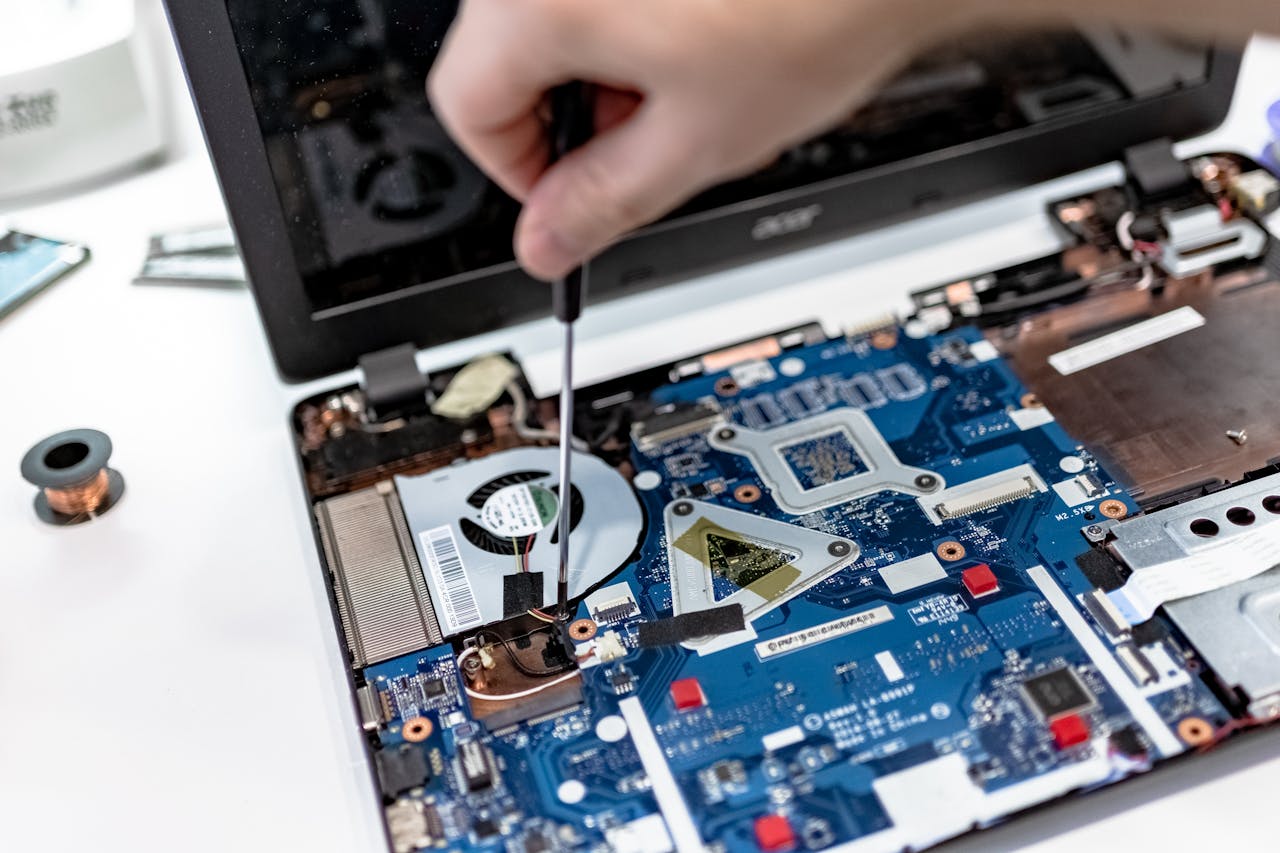
Hardware issues are harder to solve from a distance. A broken screen, faulty charger, damaged keyboard, or laptop failure may need local repair, replacement, or hands on support.
A hardware device troubleshooter or hardware and devices troubleshooter process can help identify the issue. But distributed teams still need local support options, repair coordination, and clear updates in the device record.
Onboarding support starts too late
Many onboarding problems happen because support begins after the employee starts. The laptop may not be ready, access may not work, or required software may still need setup.
Device provisioning should happen before day one. IT should confirm the device, access, software, and support path before the new hire starts, so People Ops and IT know the employee is ready.
Remote IT support as part of device lifecycle management
Remote IT support should not only react to tickets. It should support the employee device lifecycle, from setup before day one to support during active use and recovery after offboarding.
Support before day one
Before the employee starts, IT should confirm device provisioning, access, software, and support paths. This helps reduce onboarding problems because the new hire receives a device that is ready to use, not just a laptop that has been shipped.
Support during active use
During active use, support teams need visibility into device ownership, location, condition, and support history. This helps IT troubleshoot faster and decide whether an issue needs remote help, local repair, or device replacement.
Support after offboarding
After offboarding, support should connect with device recovery and lifecycle updates. The returned device may need repair, redeployment, refresh, or retirement, so the asset record should stay accurate after the employee leaves.
Platforms like Esevel help distributed teams connect remote IT support with device provisioning, tracking, local support, recovery, and lifecycle management. This keeps support tied to real device operations, not just helpdesk tickets.
Basic remote helpdesk vs lifecycle connected remote IT support
Helpdesk access matters, but it is not enough alone. Distributed teams need support that connects remote assistance, local help, asset tracking, and device recovery.
| Basic remote helpdesk | Lifecycle connected remote IT support |
| Handles support tickets | Supports the full employee device experience |
| Reacts after issues happen | Uses device visibility to solve issues faster |
| Focuses on software and access | Covers software, hardware, and device support |
| Works remotely only | Combines remote and local IT support when needed |
| Updates happen manually | Device records update across lifecycle stages |
| Solves one issue at a time | Connects support with onboarding, recovery, and refresh |
| Has limited asset context | Links support history with device ownership and status |
The stronger model supports both employees and IT operations. Employees get clearer help, while IT teams get better visibility into devices, tickets, repairs, and lifecycle actions.
After this comparison, the next step is knowing what strong remote support should include in practice.
What strong remote IT support should include
Strong remote IT support should help employees get help fast and help IT keep control of device operations. Each support capability should connect to employee productivity and IT visibility.
Remote helpdesk and troubleshooting
A remote helpdesk should give employees a clear way to ask for help. It should support ticket intake, response, access issues, software setup, and common device troubleshooting.
For hardware issues, IT needs clear escalation paths. A hardware device troubleshooter may help identify the issue, but teams still need repair, replacement, or local support options when the problem cannot be solved remotely.
Device provisioning and onboarding support
Device provisioning should happen before the employee starts. IT should prepare the device, install required tools, confirm access, and assign the laptop to the employee.
This reduces onboarding problems because the new hire starts with a working setup. It also gives People Ops a clearer view of device readiness before day one.
Local support, repair, and replacement
Local IT support for remote teams matters when hardware needs hands on help. Some issues need repair, parts, a device swap, or a local technician.
Managed IT support for hybrid teams should include repair coordination, replacement device workflows, and shipment or handover visibility. This helps remote employees avoid long delays when hardware fails.
Asset visibility and recovery
Remote support should connect with asset visibility. IT needs to know who owns each device, where it is, what support history it has, and what should happen during offboarding.
Device recovery also matters. A support model that links tickets with asset records can help IT decide whether a returned device should be repaired, redeployed, refreshed, or retired.
These capabilities also help solve one of the biggest pain points for People Ops teams, which is onboarding.
Device provisioning and onboarding support
Device provisioning should happen before the employee starts. IT should prepare the device, install required tools, confirm access, and assign the laptop to the employee.
Strong remote IT support should reduce onboarding problems by making sure new hires have the right device, access, software, setup instructions, and support path before day one. This gives People Ops a clearer view of readiness and helps new employees start work with fewer delays.
How remote IT support improves IT team efficiency
Remote support improves IT team efficiency when it reduces repeated work. It gives teams better context, clearer ownership, and fewer manual follow ups.
Where IT teams save time
IT teams save time when support records connect with device records. They do not need to ask the same questions again and again.
Strong support can reduce:
- Follow ups across IT, HR, vendors, and employees
- Repeated questions about device ownership
- Manual checks for location and asset status
- Extra coordination for repairs and replacements
- Unclear recovery steps during offboarding
This helps improve IT team efficiency because support work becomes easier to route, solve, and track.
Why visibility improves support quality
Visibility improves support because IT can see device history before responding. A support agent can check ownership, location, prior tickets, repair history, and lifecycle status.
This helps teams route issues more clearly. It also helps leaders spot common support patterns, such as repeated device failures or frequent setup issues.
Device lifecycle visibility can also support refresh and replacement planning. IT can see when support issues point to a device that may need repair or replacement.
Teams can use a checklist to see whether their support model is ready for distributed work.
Choosing the right remote IT support model
Choosing the right support model means looking beyond ticket response. The right model should help IT teams reduce downtime while keeping support, assets, and lifecycle actions connected.
What to look for in support tools
IT support tools for remote teams should help support agents see the employee, device, issue, and history in one place. They should also make remote troubleshooting easier.
Useful tool features include:
- Remote helpdesk access
- Device and employee assignment visibility
- Support history linked to assets
- Remote troubleshooting workflows
- Reporting for IT leaders
Remote IT support for distributed teams also needs clear status tracking. IT should know whether an issue is still open, waiting on the employee, waiting on a vendor, or tied to a hardware repair.
What to look for in support providers
Support providers should understand hybrid and remote teams. They should offer remote help, local support options, hardware troubleshooting, repair coordination, and device lifecycle support.
Device lifecycle support providers should also help teams connect support with onboarding, recovery, redeployment, and refresh. This is where end user device lifecycle support becomes more useful than ticket handling alone.
Some teams may need IT support providers on site remote full device lifecycle management. In simple terms, that means a model that supports remote help, local hands on work when needed, and lifecycle visibility across every employee device.
The right model should help IT teams reduce downtime while keeping support, assets, and lifecycle actions connected.
FAQs
These questions reinforce that remote support is most useful when it supports the full device lifecycle.
What is remote IT support?
Remote IT support helps employees solve IT issues without being in the same office as IT. It can include helpdesk support, access help, software setup, troubleshooting, and hardware coordination.
What should remote IT support include for distributed teams?
Remote IT support for distributed teams should include remote helpdesk access, device provisioning, hardware troubleshooting, local support options, repair coordination, and lifecycle visibility. The goal is to support the full employee device experience.
How does remote IT support help with onboarding problems?
Remote IT support helps with onboarding by making sure new hires have the device, access, software, and support path they need before day one. Connected support reduces first week friction because IT can solve issues with better device context.
What is the difference between remote helpdesk and lifecycle connected support?
A remote helpdesk handles support tickets. Lifecycle connected support links those issues with device records, ownership, support history, recovery, replacement, and refresh planning.
Why do hybrid teams need local IT support too?
Hybrid teams need local IT support because some hardware issues require repair, replacement, or hands on help. Local support works best when it connects to remote IT records and device lifecycle workflows.
Build remote support around the full device lifecycle
Remote IT support should not stop at ticket response. It should help teams provision devices, solve access issues, troubleshoot hardware, coordinate local support, recover devices, and keep lifecycle records accurate.
For distributed teams, this means support should connect the employee, device, location, issue, and next action. That is how IT can reduce downtime and support employees across time zones with more control.
Esevel helps distributed teams connect remote IT support with device provisioning, onboarding, tracking, repair support, recovery, and lifecycle management. If your team wants faster support with better device visibility, start by building remote support around the full device lifecycle.

Maytiska Omar Maytiska is an experienced content writer and blog specialist with 4+ years of expertise in creating engaging, SEO-driven content. She focuses on IT and digital topics, turning complex ideas into clear, reader-friendly insights. Her work helps position Esevel as a trusted voice in the digital space.