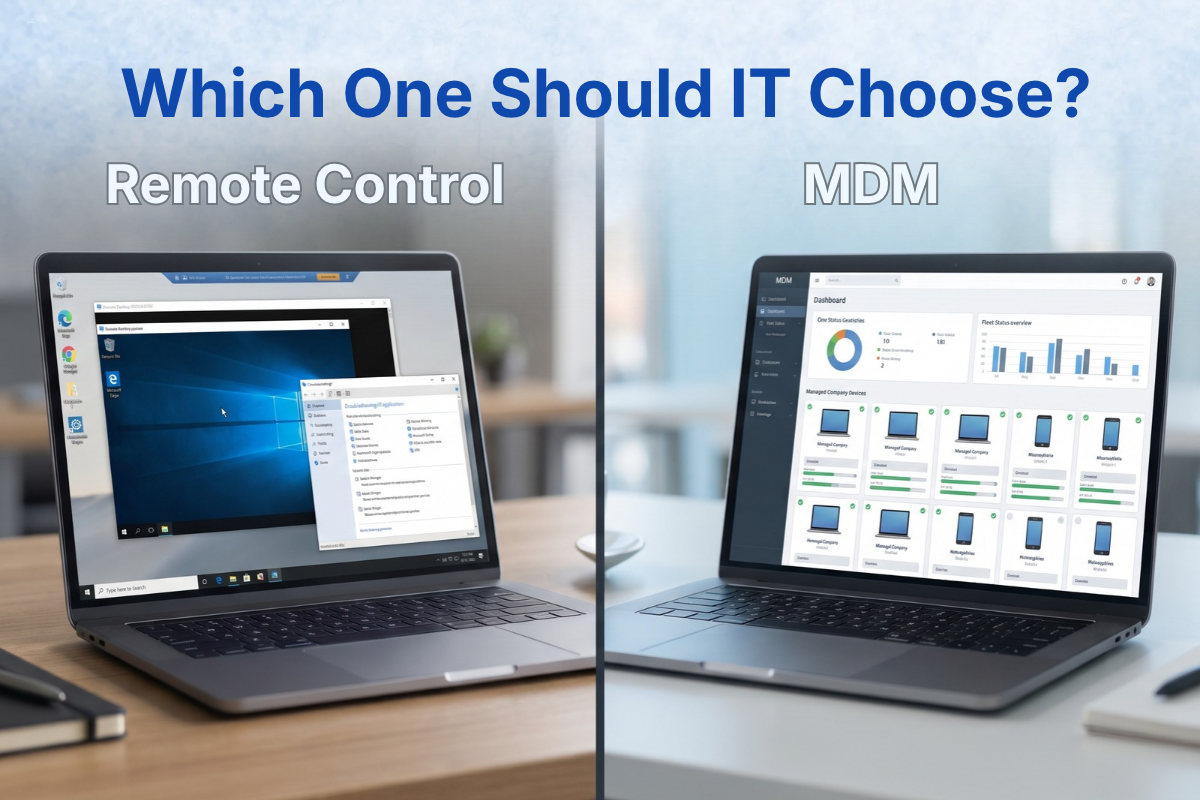
Mobile device management (MDM) is the better default for managing computers across a distributed workforce. It enforces security and configuration on every device automatically. Remote control software fixes one machine at a time and works best as an exception tool. Neither one handles the physical laptop.
Esevel provides device lifecycle management for distributed teams, with coverage in 120+ countries and in-country presence in 75+, and integrates with MDM platforms including Microsoft Intune, Jamf and JumpCloud. That work shows where MDM policy holds up on real devices and where it fails.
What is the difference between remote control and MDM?
MDM manages the state of every device, while remote control manages one live session on one device.
The core difference is scope.
- Remote control software opens a screen-sharing session so a technician can operate a user’s computer. Unattended remote access lets the technician connect through an installed agent when no user is present.
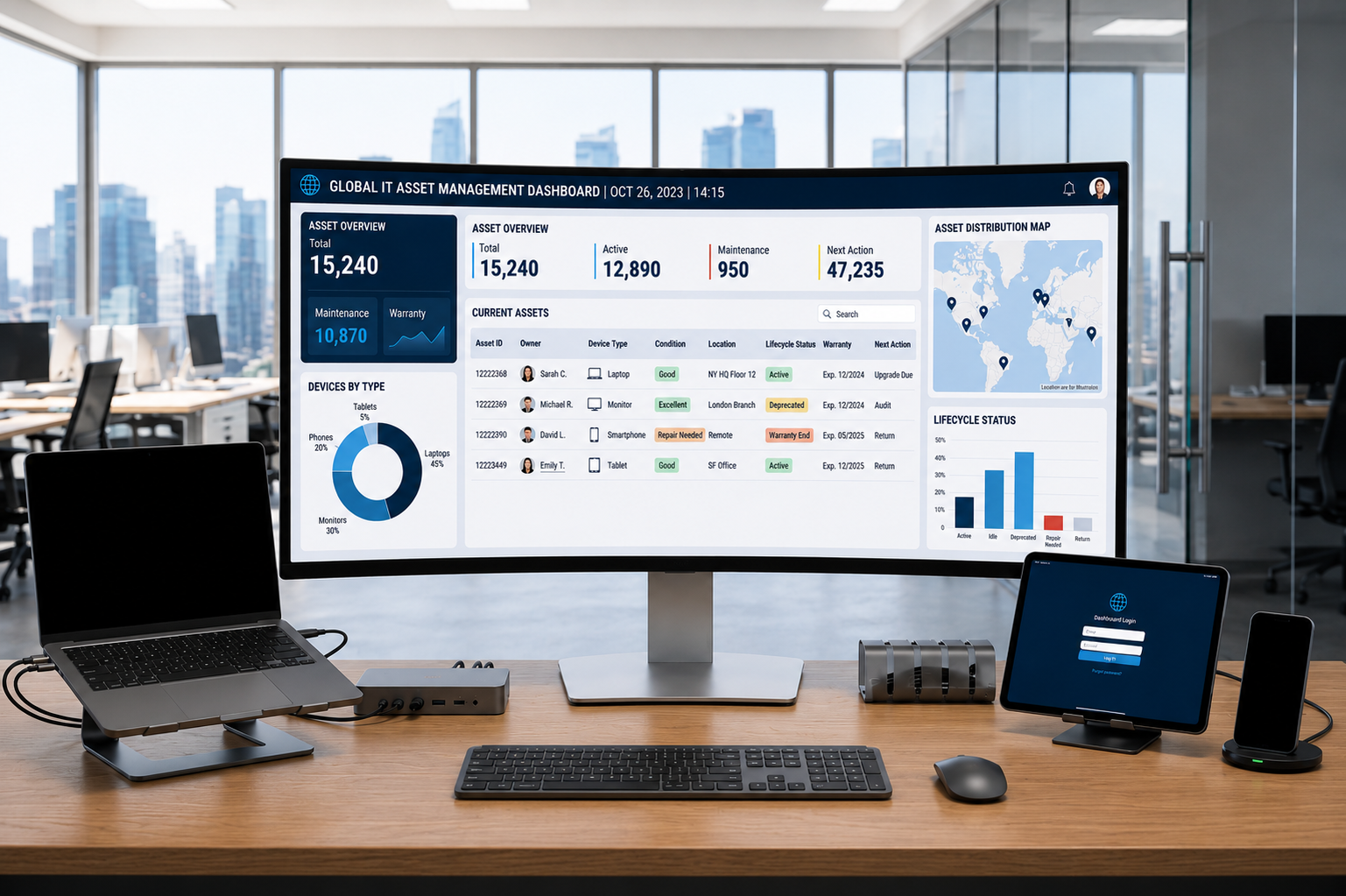
- Mobile device management software enrols devices into a central console and pushes policies, apps, encryption and updates. Each device applies them when it checks in.
- Unified endpoint management (UEM) extends MDM to laptops, desktops and phones in one console. “Endpoint management software” is the umbrella term for the category.
A thermostat shows how each one works. MDM sets the target temperature once, and every room adjusts itself without anyone visiting. Remote control is a technician walking into one room to adjust one radiator. That helps when a radiator breaks, but it never keeps the whole building warm, and every visit needs an open door.
That open door is where the security comparison starts.
Why is MDM the better default for a distributed workforce?
Controls that depend on a technician being online cannot hold across time zones.
MDM is the better default because data protection rules such as GDPR and HIPAA push companies towards controls that MDM enforces by design:
- Device encryption
- Multi-factor authentication
- Audit logs
- Remote wipe for lost or stolen devices
The risk evidence points the same way. At-Bay’s 2026 InsurSec Report found that remote access tools, mainly VPNs together with RDP, drove 87% of its ransomware claims. MDM carries its own risk, though. Attackers who compromise an MDM console can push rogue remote tools or malware to the entire fleet. Console access therefore needs MFA, a short list of admins and logged changes.
| Factor | Remote control | MDM / UEM |
|---|---|---|
| How it works | Live session run by a technician | Policy applied at every check-in |
| Scale | One device at a time | Whole fleet |
| Best for | Troubleshooting and user help | Security baseline and compliance evidence |
| Main risk | Exposed access paths | A compromised console reaches every device |
One rule of thumb follows from this. Every repeated remote fix is a policy that should have been written once. Remote access still has a real role, but a narrower one.
When does a distributed IT team still need remote access software?
Remote access is needed for problems no policy can predict.
Typical examples are an unexplained application error, a first-login walkthrough, or a device that has drifted out of MDM compliance. Use this checklist when comparing the best remote access software:
- Ask: does it require MFA and single sign-on for technicians?
- Ask: can unattended access be limited to named devices and approved hours?
- Check: are sessions logged for audit?
- Red flags: shared technician accounts, or agents installed by hand outside MDM.
Deploying the agent through MDM keeps it inventoried and removable. That brings the decision back to the MDM platform itself.
Which MDM platform fits a multi-country fleet?
The platform choice depends mostly on operating-system mix, not country count.
With an MDM-first approach in place, roundups of the best MDM solutions compare tools on device security, app management and compliance features. Operating-system fit usually decides the shortlist:
| Platform | Strongest fit | Trade-off |
|---|---|---|
| Microsoft Intune | Windows-centric fleets on Microsoft 365 | Steeper learning curve for Mac management |
| Jamf | Apple-focused fleets that need deep automation | Native Android support is a recent addition; Apple management remains its core focus |
| JumpCloud | Mixed fleets managing devices and identity together | Check advanced endpoint features against fleet requirements |
Cost needs the same comparison. Jamf Pro pricing, Intune licensing and JumpCloud plans are packaged differently, so IT teams should model the per-device cost of the full fleet using current vendor quotes.
Whichever platform wins, it can only manage devices that arrive enrolled.
What does MDM miss for distributed teams?
MDM manages software state, but it cannot buy, ship, repair or retrieve a laptop.
Zero-touch deployment shows why this matters. Apple Business Manager and Microsoft Autopilot enrol a device into MDM on first boot only if it is registered to the company, usually by the reseller at purchase. A laptop bought at a local shop and reimbursed typically arrives unregistered and needs manual enrolment. Zero-touch is therefore a result of how devices are bought as much as an MDM setting.
MDM also leaves these physical gaps:
- Local keyboard layouts, power adapters and warranties
- Cross-border shipping and customs holds
- Repairs and loaner devices where there is no local IT staff
- Retrieval and verified data wipe at offboarding
Filling these gaps is the job of device lifecycle management, the physical side of IT. It covers buying, delivering, repairing, retrieving, wiping and disposing of devices. Esevel buys devices in-country where employees work and pre-enrols them in Apple Business Manager or Autopilot, with integrations with Intune, Jamf and JumpCloud. Request a live demo with Esevel to see how lifecycle management fits alongside an existing MDM. Its 24/5 help desk puts users in touch with a real person, not a chatbot, with first responses in minutes, not hours. Teams that only need MDM software may not need these physical lifecycle services.
How should IT teams combine MDM, remote access and lifecycle management?
All three work as one model when each layer is clear.
MDM sets the baseline, remote access handles exceptions, and lifecycle management supports both.
Choose → Enforce → Enrol → Support → Retrieve
- Step 1: Choose the MDM or UEM platform by operating-system mix.
- Step 2: Write the baseline once, covering encryption, MFA, OS updates, the app catalogue and remote wipe.
- Step 3: Register every device for zero-touch enrolment in each country where the company hires.
- Step 4: Deploy one remote access tool through MDM, limited to named technicians and logged.
- Step 5: At offboarding, lock, retrieve and wipe the device, then update the asset record by serial number.
Remote device management holds up only when all five steps run outside HQ as well as inside it.
Frequently Asked Questions
Is MDM the same as remote access software?
No. MDM enforces policies across all enrolled devices automatically. Remote access software gives a technician live control of one device.
Can MDM replace remote control entirely?
Rarely. MDM removes most repeat fixes, but complex troubleshooting still benefits from a scoped, logged remote session.
Is unattended remote access safe?
It can be. It needs to be restricted to named devices and technicians, protected by MFA, logged, and deployed through MDM.
What is the difference between MDM and UEM?
UEM extends MDM to laptops, desktops, phones and tablets in a single console.
Does zero-touch deployment work for hires in other countries?
Only if devices are registered to the company’s Apple Business Manager or Autopilot account at purchase. Devices bought locally and reimbursed usually need manual enrolment.
Does a company with MDM still need device lifecycle management?
Yes, if employees work in several countries without local IT staff. MDM does not source, deliver, repair or retrieve hardware.
References
- At-Bay, 2026 InsurSec Report

Maytiska Omar Maytiska is an experienced content writer and blog specialist with 4+ years of expertise in creating engaging, SEO-driven content. She focuses on IT and digital topics, turning complex ideas into clear, reader-friendly insights. Her work helps position Esevel as a trusted voice in the digital space.