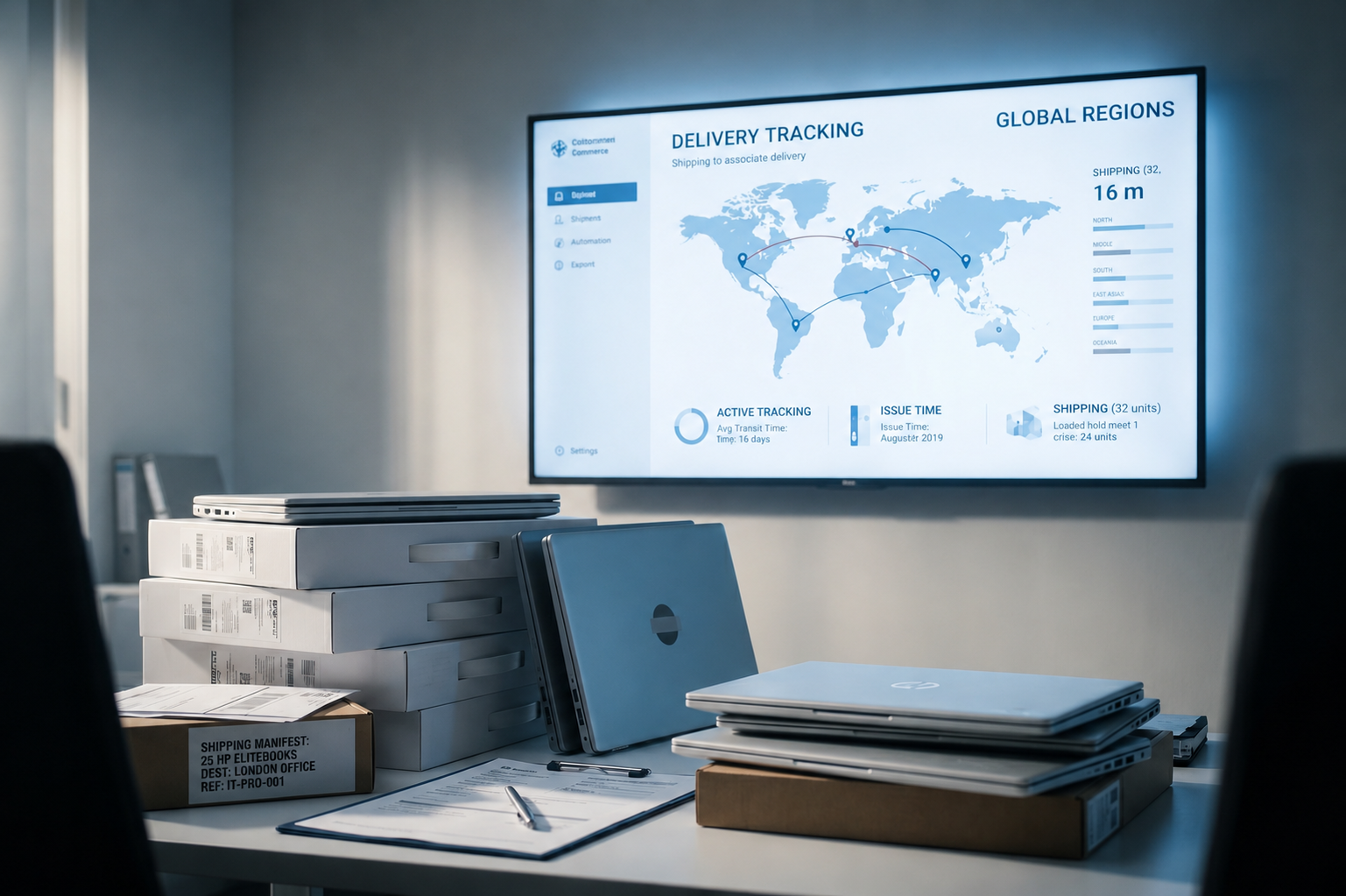
Laptop onboarding for a remote hire works when each team owns the data it already controls. IT owns the device: spec, sourcing, enrolment, security and the asset record. HR owns the trigger: start date, role, country and delivery address. Delays often happen at the handoffs between the two teams, so every handoff needs one named owner and one visible signal.
Esevel provides device lifecycle management for distributed teams, with coverage in 120+ countries and in-country presence in 75+, so it works inside this HR-to-IT handoff for hires in many countries at once.
About the Author: This article was written by the Esevel team. Esevel buys, configures, delivers, supports and retrieves employee devices in-country for IT teams at distributed companies.
Who owns each step of laptop onboarding for a remote hire?
Each step has one accountable owner. The owner is the team that holds the data the step depends on. The workflow runs: Offer accepted → Request → Approve → Source → Enrol → Deliver → First login → Record.
| Step | Accountable | Supports | Handoff signal |
|---|---|---|---|
| 1. Offer accepted, start date set | HR | Hiring manager | Hire record created |
| 2. Device request raised | HR | IT | Ticket with role, country, start date |
| 3. Spec approved, device sourced | IT | Procurement partner | Order with committed delivery date |
| 4. Device enrolled and configured | IT | MDM and identity tools | Device shows as enrolled |
| 5. Accounts and access created | IT | HR (role data) | Identity account active |
| 6. Address confirmed, device shipped | IT | HR (holds address) | Tracking shared with hire |
| 7. Day One login and support | IT | Helpdesk | First login confirmed |
| 8. Asset record updated | IT asset manager | Finance | Serial assigned to employee |
The split is deliberate. IT is accountable for anything with a serial number and the Day One outcome. HR is accountable for the trigger: when the start date is set, the request moves forward. That looks simple on paper, which makes the reasons it fails in practice the more useful question.
Why do HR-to-IT laptop handoffs break down?
Building on that split, handoffs break because each team finishes its own steps correctly while nobody owns the gap between them.
The failure point is the handoff itself. Work is rarely lost within a single team’s steps. They are dropped in the exchange zone, where the incoming runner assumes the baton is passed and the outgoing runner assumes it is held. Onboarding behaves the same way. HR marks the hire done once the ticket is raised. IT treats the ticket as new until it is triaged. For a few days, the laptop belongs to no one.
The result can include:
- Start dates agreed before anyone checks device lead time in that country, especially where devices cross borders and wait in customs
- Delivery addresses held only in the HR system, so IT chases them by email
- No role profile, so IT guesses the spec or waits
- Shipping status in a different tool from the HR record, so neither team sees the full picture
Remote employee onboarding has become widespread practice since the pandemic, expanding the scope and complexity of device provisioning across multiple geographies and time zones. These gaps now affect routine hiring, not edge cases.
What should an IT onboarding checklist for remote hires include?
Closing those gaps starts with an IT onboarding checklist that lists every input IT needs before acting and every signal HR needs to see.
Check (before the offer is signed):
- The country of work and whether devices can be bought locally there
- A role profile mapped to a standard device spec
- A realistic lead time for that country, shared with recruiters
Check (after acceptance):
- Delivery address and phone number, shared only with whoever ships the device
- Identity account and app access tied to the role
- MDM enrolment confirmed before dispatch
Red flags:
- Home addresses sent in spreadsheets or chat threads, which spreads personal data covered by GDPR
- “Shipped” treated as the final status instead of “first login confirmed”
Once the inputs are clean, configuration is the step where ownership can shrink the most.
How does zero-touch deployment change who owns device setup?
Zero-touch deployment turns configuration from manual work on each laptop into policy that IT sets once.
With Apple Business Manager or Microsoft Autopilot, the device is registered to the company when it is bought. When the hire signs in, the device pulls its profile from an MDM such as Intune, Jamf or JumpCloud. It then installs apps and security settings. Ownership changes as follows:
- IT owns enrolment profiles and security policies.
- The buying partner owns registering each serial to the company account.
- HR owns nothing in configuration, which removes a handoff entirely.
Controls such as MDM enrolment, full-disk encryption, automated patching and role-based access control are common ways to protect remote devices from the first login. These controls produce timestamped audit trails that support regulatory requirements. Configuration ends at Day One. Ownership does not.
Who owns the laptop after Day One, through offboarding?
Because configuration ends at Day One, IT owns the rest of the device’s life. HR’s role narrows to reporting changes in the person’s status.
- Support: IT, through an internal helpdesk or remote IT support services
- Repairs and replacements: IT
- The asset record: the IT asset manager, kept in IT asset management software and reconciled by serial number
An employee offboarding checklist mirrors onboarding:
- HR records the leaving date and tells IT the same day.
- IT schedules access removal for the final working hour.
- IT or its partner sends a retrieval kit to the confirmed address.
- The device is wiped and the wipe is logged against the serial.
- The asset record moves to returned, redeployed or retired.
Offboarding fails in the same exchange zone, in reverse. HR closes the record and assumes the laptop is on its way back. Across several countries, that risk multiplies.
How do distributed teams keep ownership clear across several countries?
A related but harder question is scale. Every new country tends to add a local reseller and courier, and every vendor adds another handoff for IT to own.
Five countries can mean five suppliers, five invoices and five escalation paths, with the IT asset manager combining status updates by hand. The practical fix is fewer parties per step. Esevel takes this approach. Devices are bought in-country in 75+ countries with local warranties, keyboard layouts and power adapters. Each customer works under one contract and one escalation path, with a named account manager. Its global IT helpdesk runs 24/5 with a real person, not a chatbot. Integrations with Okta, Microsoft Entra ID, Intune, Jamf and Jira Service Management keep status in the tools IT already uses, and new-hire and leaver events can start from BambooHR or from Workday.
The same test applies to any model a company chooses. Can the IT team name one owner for every step in every country? Request a live demo with Esevel to see how one accountable partner simplifies that ownership across your hiring markets.
Frequently Asked Questions
Should HR or IT order the laptop for a remote hire?
HR raises the request with the role, country and start date. IT approves the spec and places the order.
How early should HR tell IT about a remote hire?
HR should tell IT as soon as the country and start date are known, ideally before the offer is signed. Lead time depends on where the device must be bought and delivered.
Who should hold a new hire’s home address?
HR holds it. HR should share it only with the party shipping the device, which limits how widely personal data travels.
What is device lifecycle management?
Device lifecycle management is the work of buying, configuring, delivering, supporting, retrieving, wiping and disposing of employee devices.
What should teams compare when reviewing Firstbase alternatives?
Teams reviewing Firstbase alternatives or any device lifecycle management software should check several points:
- In-country sourcing in their hiring markets
- Integrations with their MDM and identity tools
- Asset records at the serial-number level
- Support hours that match their time zones
Does zero-touch deployment remove IT from onboarding?
No. It removes manual setup. IT still owns the policies, the enrolment check and the asset record.
About Esevel
Esevel provides device lifecycle management for distributed IT teams, with coverage in 120+ countries and in-country presence in 75+. It buys devices in-country at fair market prices and earns on the service, not the device. IT teams get one accountable partner, ISO 27001 certified and GDPR compliant, for procurement, onboarding, support, retrieval and certified data wipe. Same Day One, in London or Manila.

Maytiska Omar Maytiska is an experienced content writer and blog specialist with 4+ years of expertise in creating engaging, SEO-driven content. She focuses on IT and digital topics, turning complex ideas into clear, reader-friendly insights. Her work helps position Esevel as a trusted voice in the digital space.