Remote wiping a company laptop that an employee abroad will not return means sending an MDM command that erases the device the next time it connects. This keeps company data protected even if the hardware never comes back. The order of actions matters more than the command itself:
- Revoke identity access.
- Lock the device.
- Make one documented local retrieval attempt.
- Wipe last.
Wiping comes last because a full wipe ends the visibility IT still has. Esevel handles device retrieval and secure data wipe for distributed teams, with coverage in 120+ countries and in-country presence in 75+. Its offboarding service includes retrieval kits, trusted couriers and structured HR follow-up.
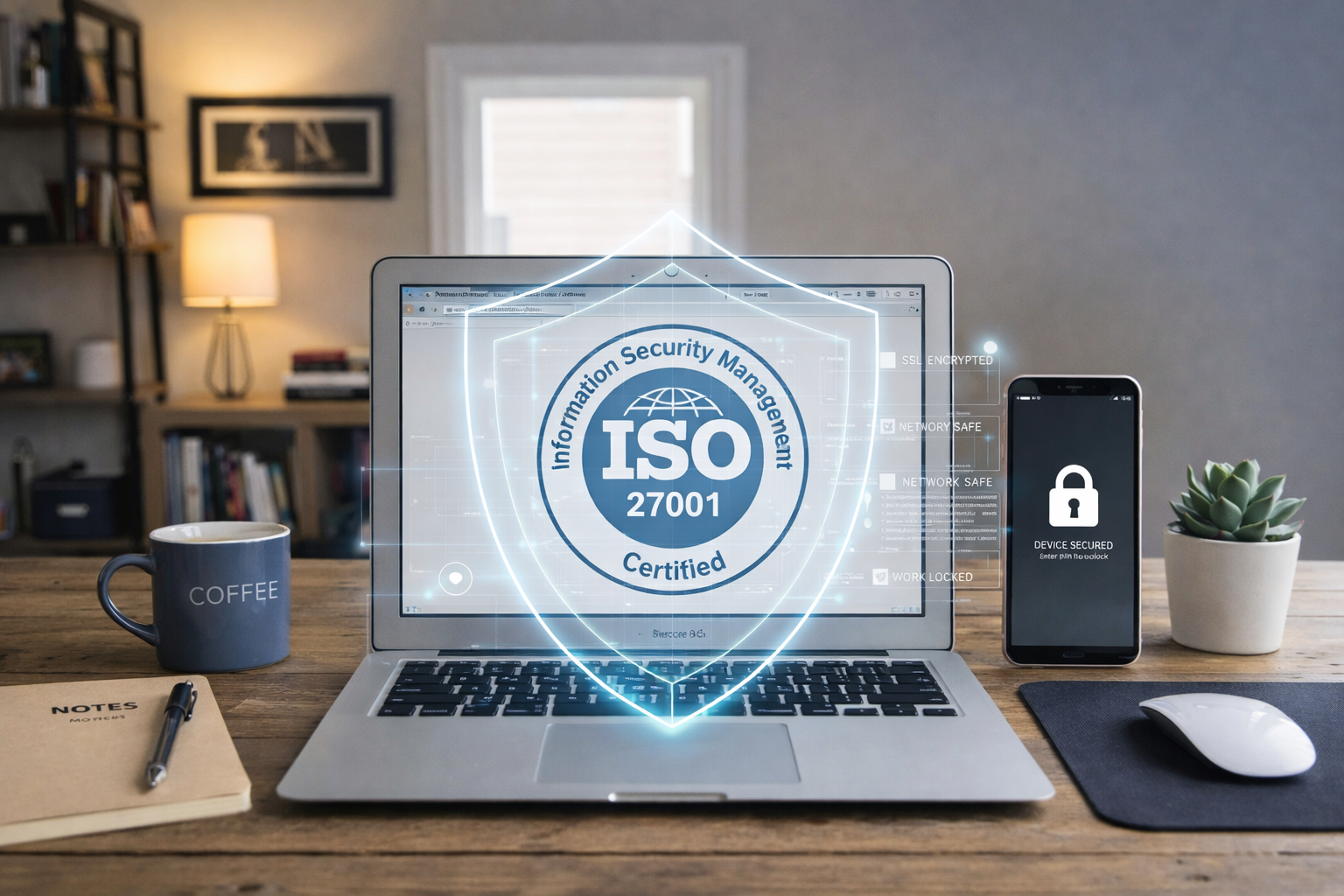
About the Author: Written by the Esevel team. Esevel provides device lifecycle management for distributed teams, including retrieval kits, trusted couriers, MDM-verified wipes and certified data wipe, and is ISO 27001 certified and GDPR compliant.
What does a remote wipe actually do to an unreturned laptop?
A remote wipe is an instruction from a mobile device management (MDM) platform, such as Microsoft Intune, Jamf or JumpCloud, telling a managed device to erase itself or remove company data. It is a data-protection control. On its own, it does not locate, recover or disable the hardware.
The mechanism explains most of the confusion. An MDM command works like a registered letter held at a post office: it is only delivered when the device checks in. A laptop that stays switched off or offline never receives it.
That means:
- The wipe only protects data once the laptop reconnects.
- Cloud data stays reachable through any session still signed in elsewhere until identity access is revoked.
- Full-disk encryption (BitLocker or FileVault) is what protects data on a laptop that never comes back online.
Because the command can sit undelivered, the actions taken before it matter as much as the wipe itself.
Why should IT lock a laptop before wiping it?
Building on that delivery problem, locking first keeps IT’s remaining leverage intact. A full factory wipe typically removes the device from MDM management. The admin console then loses the check-in history and status data that show whether the laptop is still in use. A lock issued through MDM preserves that visibility while rendering the device unusable, which extends the window for retrieval attempts before full data erasure becomes necessary.
How the lock works depends on the platform:
- On Macs: the MDM lock command sets a passcode and can display a return message.
- On Windows: remote lock is still in preview in Intune, so also disable the account and revoke sessions in Microsoft Entra ID.
Pre-enrolled devices are the exception. Laptops enrolled through Apple Business Manager (ADE) or Windows Autopilot can be configured to re-enrol into company management after a reset. A wiped device then asks for corporate credentials at setup, so wiping earlier carries less risk.
With that logic clear, the process can be set out as stages.
What steps should IT follow when an employee abroad won’t return a laptop?
The workflow runs: Offboarding trigger → Revoke access → Lock → Retrieve → Wipe → Reconcile.
- Stage 1: Revoke access. On the last working day, disable the account and clear active sessions in Okta, Microsoft Entra ID or Google Workspace.
- Stage 2: Lock and record. Lock the device where the platform supports it. Note the last check-in time, and log the serial number and status in the asset system.
- Stage 3: Make returning easy. Send a prepaid retrieval kit through a local courier. For remote employees, anti-static bags and a rigid outer box are the minimum packaging for a laptop in transit.
- Stage 4: Escalate with a deadline. HR sends a written request that references the equipment agreement and sets a clear return date.
- Stage 5: Wipe. If the deadline passes, issue the full wipe. Record when the command was sent and its confirmation status.
- Stage 6: Reconcile. Mark the asset as recovered, written off or under legal follow-up, so finance and auditors see one consistent record.
Stage 5 looks different depending on the platform.
How does an Intune remote wipe differ from a remote wipe on a MacBook?
An Intune remote wipe and a remote wipe on a MacBook both erase the device. The options available, and what IT keeps afterwards, differ.
| Action | What it does | What IT keeps | Best used when |
|---|---|---|---|
| Intune Wipe (Windows) | Resets to factory settings, with an option to retain enrolment state | Management, if enrolment is retained or the device is Autopilot-registered | The return deadline has passed |
| Intune Retire | Removes company apps, data and profiles but leaves personal data | No full reset; the device leaves management | Personally owned devices |
| MDM Lock (Mac, via Intune or Jamf) | Locks with a passcode (a 6-digit recovery PIN in Intune); Jamf can also display a custom lock message | Full management and check-in data | The return is still being arranged |
| MDM Erase (Mac, via Intune or Jamf) | Erases the Mac | Re-enrolment at setup, if ADE-enrolled | The deadline has passed or data risk is confirmed |
Macs carry one specific risk. If the employee turned on Find My with a personal Apple ID, Activation Lock can block reuse of a recovered Mac unless the company’s MDM holds a bypass code.
These technical choices also carry legal weight, especially across borders.
What legal and data issues apply when wiping a laptop abroad?
A related but distinct question is consent. Wiping a device held by an employee in another country is a data-processing event as well as an IT action. Company laptops often hold personal files, and how an employer may treat them depends on local law and the employment contract.
Check:
- The equipment policy states that the company may remotely lock and wipe its devices, and the employee acknowledged it.
- Employees were told to keep personal data off company devices, or were given time to remove it.
- Local employment law permits any deduction from final pay before one is made. Rules vary by country.
- GDPR applies for employees in the EU or UK, including a record of why and when the wipe ran.
Red flags: no signed equipment agreement, wipes issued without a log, or cost deductions made without local legal advice.
Most of these issues are easier to settle before an employee leaves.
How can IT teams prevent the standoff before it starts?
Prevention moves the hard work to onboarding, when the employee and IT still want the same outcome. Pre-enrolment into Apple Business Manager or Windows Autopilot, combined with mandatory full-disk encryption, shifts the calculus: a wiped device becomes difficult to repurpose outside the company, which often discourages retention in the first place.
- Pre-enrol every device through Apple Business Manager or Windows Autopilot.
- Enforce full-disk encryption through MDM.
- Have the equipment agreement signed on Day One.
- Trigger retrieval from the offboarding date in the HR system.
Ask any lifecycle partner:
- Can retrieval kits and couriers be arranged inside the employee’s country?
- Which wipe methods are offered, and is a certified data wipe available once the device is recovered?
- Does the partner integrate with the MDM and identity tools already in use?
Esevel covers this as part of device lifecycle management. Its retrieval process includes retrieval kits, trusted couriers, condition photos and structured HR follow-up. Devices then receive a factory, MDM-verified or certified data wipe. Its Complete plan adds MDM-based remote lock and wipe, with integrations with Intune, Jamf, JumpCloud, Okta and Microsoft Entra ID. To see how Esevel handles retrieval, remote lock and certified wipes for employees across multiple countries, request a live demo.
Frequently Asked Questions
Can you remote wipe a laptop that is turned off?
No. The command waits until the laptop connects. Until then, full-disk encryption and revoked identity access are what protect company data.
What happens after an Intune wipe device command is sent?
The command shows as pending until the device checks in. The device then resets. Unless enrolment state was retained or the device is Autopilot-registered, it leaves management.
Should IT wipe immediately when an employee abroad resigns?
Usually not. Revoke access and lock the device first. Wipe after the return deadline passes or once a data risk is confirmed.
Is a remote wipe the same as a secure data wipe?
No, not necessarily. A remote wipe sends a command to erase data, but this alone does not confirm successful sanitization. The updated NIST SP 800-88 Rev. 2 defines three sanitization methods: Clear, Purge, and Destroy, and emphasizes verification, validation, and documentation. A certified data wipe should provide documented evidence that the appropriate sanitization method was completed and validated.
Does a remote wipe stop someone from using the laptop?
Only if the device was pre-enrolled through ADE or Autopilot and configured to re-enrol. Otherwise, a wiped laptop can be set up as a personal device.
Who owns the process, IT or HR?
Both. IT owns access, the lock, the wipe and the asset record. HR owns communication with the employee and the equipment agreement.
About Esevel
Esevel provides device lifecycle management for distributed teams, covering procurement, deployment, tracking, retrieval and secure data wipe. It offers coverage in 120+ countries, with in-country presence in 75+, where devices are bought in-country to avoid cross-border shipping. Esevel operates with one contract, one escalation path and a named account manager per customer, with hardware at fair market prices. Esevel is ISO 27001 certified and GDPR compliant, and runs a 24/5 help desk with real IT engineers and first responses in minutes, not hours.
References
- Gartner. (2024). IT Onboarding and Offboarding Benchmark. Gartner research report.
- UK Information Commissioner’s Office. (2024). GDPR and Employment. ICO guidance on employer data processing obligations.
- Microsoft. MDM Wipe and Retire documentation. Microsoft Intune reference materials.
- Jamf. MDM Comparison Guide. Jamf platform documentation.
- National Institute of Standards and Technology. (2025). NIST Special Publication 800-88 Revision 2: Guidelines for Media Sanitization. NIST technical standard.

Maytiska Omar Maytiska is an experienced content writer and blog specialist with 4+ years of expertise in creating engaging, SEO-driven content. She focuses on IT and digital topics, turning complex ideas into clear, reader-friendly insights. Her work helps position Esevel as a trusted voice in the digital space.