Onboarding software helps companies automate the work required to prepare new employees, from paperwork and training to accounts, applications, and devices. But the best onboarding software depends on which part of onboarding your company actually needs to manage.
Some platforms focus on HR records and employee workflows. Others specialize in training, compliance, identity, application access, or device readiness. For IT teams, that difference matters because assigning a device task in software is not the same as sourcing, configuring, delivering, and supporting the physical equipment.
This guide compares eight onboarding software providers based on their primary onboarding focus, HR workflows, account and application provisioning, device support, and fit for distributed teams.
What is onboarding software?
Onboarding software is a platform that organizes and automates tasks involved in preparing new employees for work. Common capabilities include employee forms, e-signatures, checklists, task assignments, training, reminders, progress tracking, application access, and employee records.
However, not every onboarding platform handles the same layer. An HR platform may automate paperwork, while an IT onboarding tool may focus on user access and devices. Training software may instead concentrate on role knowledge and company processes.
For companies comparing onboarding software solutions, the first question should therefore be what needs to be ready when the employee starts.
How we evaluated these onboarding platforms
We evaluated each platform based on five areas relevant to IT and distributed teams:
- Onboarding focus: The primary problem the platform is designed to solve
- HR workflows: Employee records, forms, approvals, checklists, and onboarding administration
- Account and application provisioning: User creation, access management, and application setup
- Device support: Device procurement, configuration, deployment, enrollment, tracking, and retrieval
- Global team support: Capabilities relevant to companies onboarding employees across multiple countries
We reviewed publicly available product documentation, feature pages, and support resources to distinguish between capabilities provided directly by each platform and workflows handled through integrations or third-party providers.
Because “onboarding software” covers several different categories, we did not treat every platform as a direct substitute. Instead, we compared where each product fits within the broader employee onboarding process.
Best onboarding software at a glance
The eight providers below address different parts of onboarding. The table focuses on what each platform actually handles rather than using simple yes or no labels.
| Provider | Primary onboarding focus | HR workflows | Account and app provisioning | Device support | Global team fit |
| Esevel | IT and physical device onboarding | Connects employee onboarding events with IT and device workflows | Integrates with identity, MDM, ITSM, and asset systems | Procurement, configuration, delivery, tracking, support, and retrieval | Built for enterprise teams managing devices across multiple countries |
| BambooHR | HR led onboarding | Packets, e-signatures, checklists, employee records, and offboarding | Mainly handled through integrations and assigned tasks | Can coordinate device tasks but does not execute hardware logistics | Supports centralized onboarding for remote, hybrid, and multi-location teams |
| Enboarder | Employee onboarding journeys | Coordinates HR, IT, managers, learning, and employee tasks | Orchestrates access tasks through workflows and connected systems | Can coordinate device preparation but does not physically deliver hardware | Journeys can adapt by role, location, seniority, and employee needs |
| Greenhouse | Hiring to onboarding | Onboarding plans, paperwork, tasks, goals, and reminders | Access setup can be assigned internally or connected through integrations | Coordinates equipment tasks rather than physical fulfillment | Plans can vary by role, location, office, and employee status |
| Gusto | Payroll and HR onboarding | Checklists, forms, benefits, payroll setup, and employee information | Can create or remove accounts for supported software | Device setup can be added as a task but hardware is not supplied | Strongest for US focused teams, with more limited international provisioning |
| WorkBright | Remote paperwork and compliance | Mobile forms, I-9, E-Verify, reminders, and records | Not focused on identity or application provisioning | Does not manage physical employee devices | Useful for distributed hiring where paperwork must be completed remotely |
| Trainual | Training and process onboarding | Role based training, SOPs, learning paths, and completion tracking | Integrations can trigger training, but it does not provision accounts | Documents device and tool knowledge rather than deploying hardware | Useful for consistent training across remote and multi-location teams |
| JumpCloud | Technical user and device onboarding | Focuses on IT setup rather than HR administration | Provisions users across devices, applications, networks, and other resources | Device enrollment, MDM, user binding, and zero touch setup | Cloud based identity and device management supports distributed IT teams |
8 best onboarding software providers for 2026
1. Esevel
Best for: Global IT and device onboarding
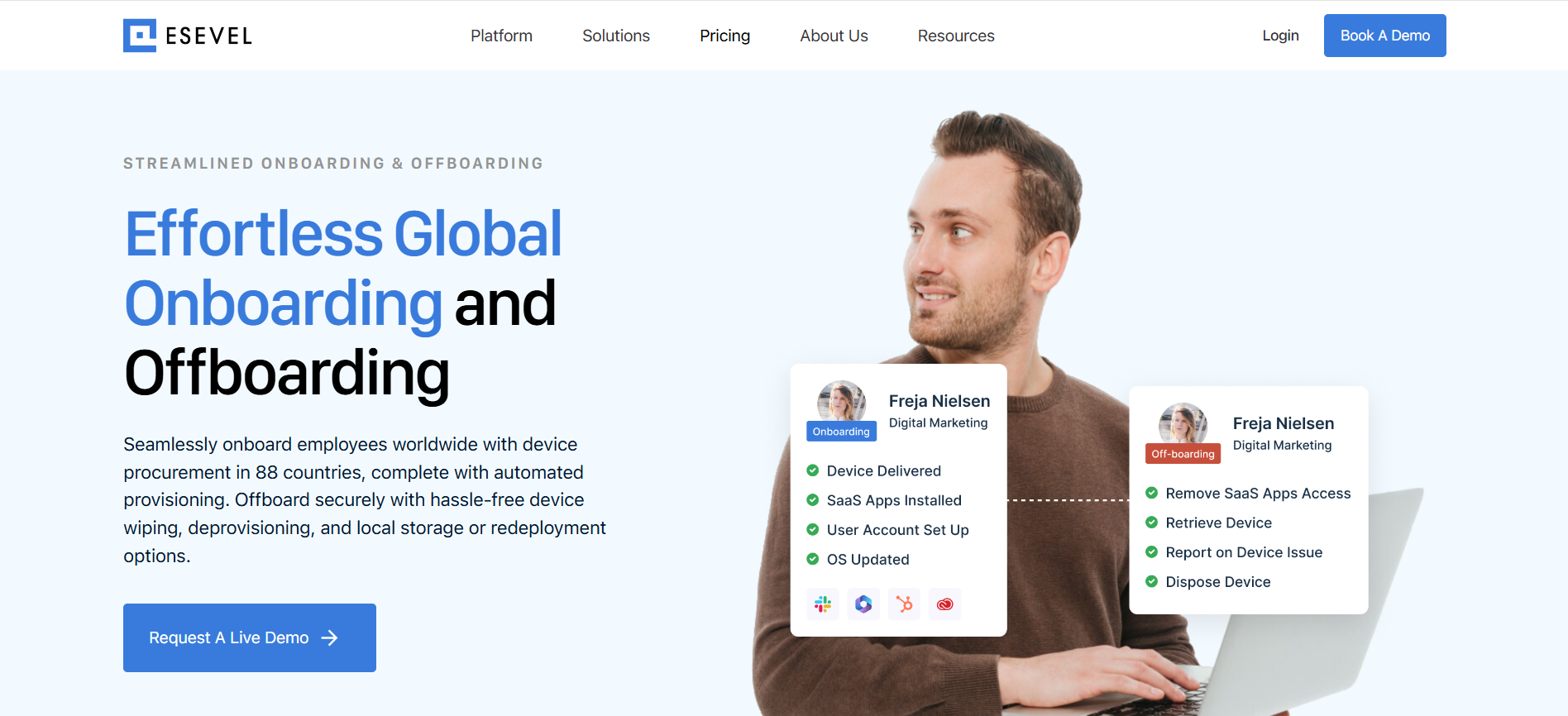
Esevel focuses on the technical and physical side of onboarding for enterprise and distributed teams. It connects device procurement, configuration, deployment, assignment, tracking, IT support, and later retrieval, while integrations with identity, MDM, ITSM, and asset management systems can connect device actions with existing IT workflows. Luno, a customer with more than 600 employees across several countries, reported cutting onboarding time by 75%, from around two weeks to three days.
Esevel’s operational data also shows an 89.2% on-time fulfilment rate across 241 completed orders, with an average order-to-delivery time of 6.8 business days across all markets.
Key onboarding capabilities: device procurement, configuration, deployment, tracking, IT support, retrieval, and system integrations.
Limitation: Esevel focuses on IT and device readiness rather than HR paperwork, payroll, or employee training.
2. BambooHR
Best for: HR led employee onboarding
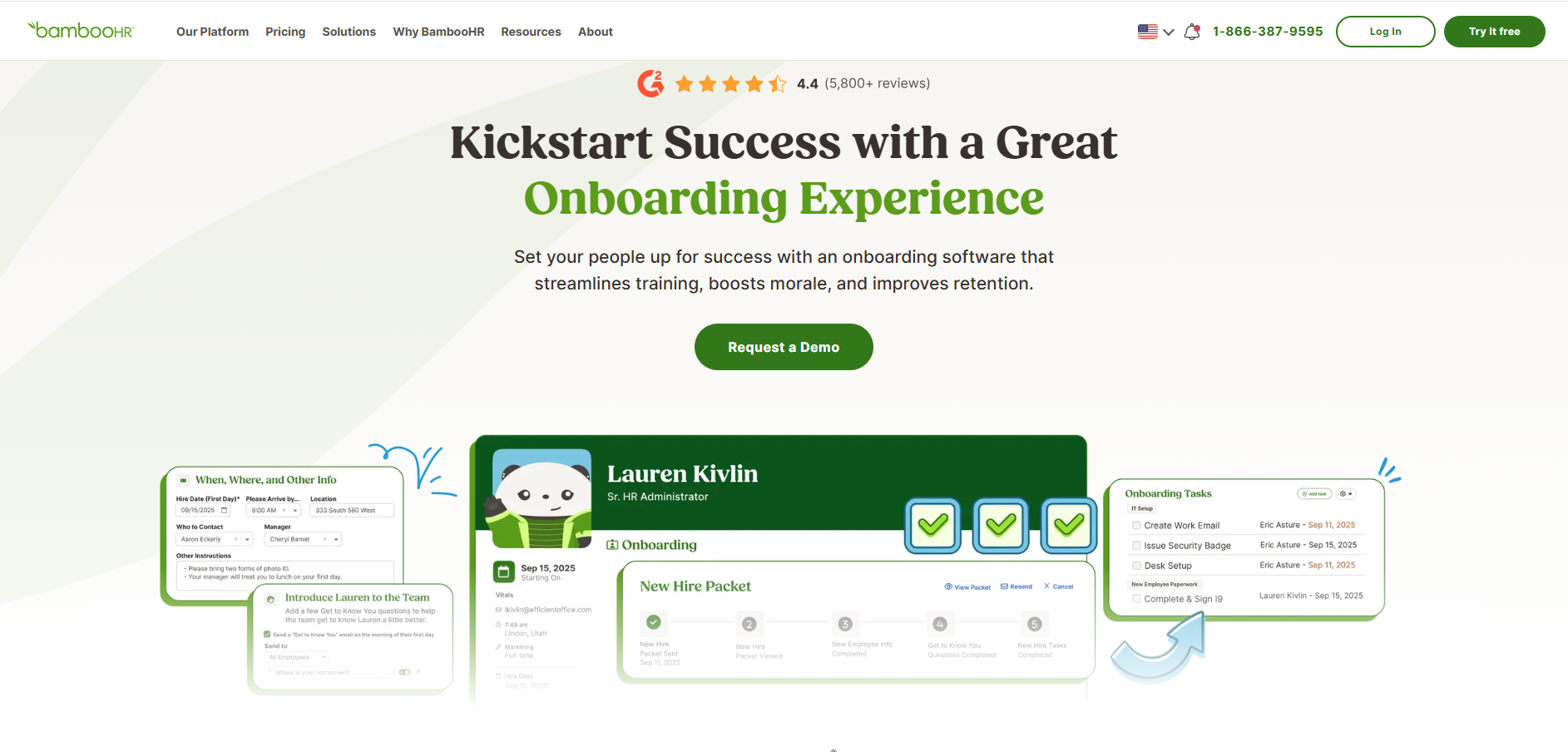
BambooHR centers onboarding around HR administration and the employee record. Teams can create onboarding experiences based on role or work mode, send preboarding packets, collect e-signatures, automate checklists, and track new hire information in one system. Employee information flows into BambooHR records, while its integration marketplace can connect onboarding with other tools already used by HR and IT.
Key onboarding capabilities: onboarding packets, e-signatures, customizable checklists, employee records, reminders, and offboarding workflows.
Limitation: Physical device procurement, configuration, delivery, and retrieval require other tools or providers.
3. Enboarder
Best for: Personalized onboarding journeys
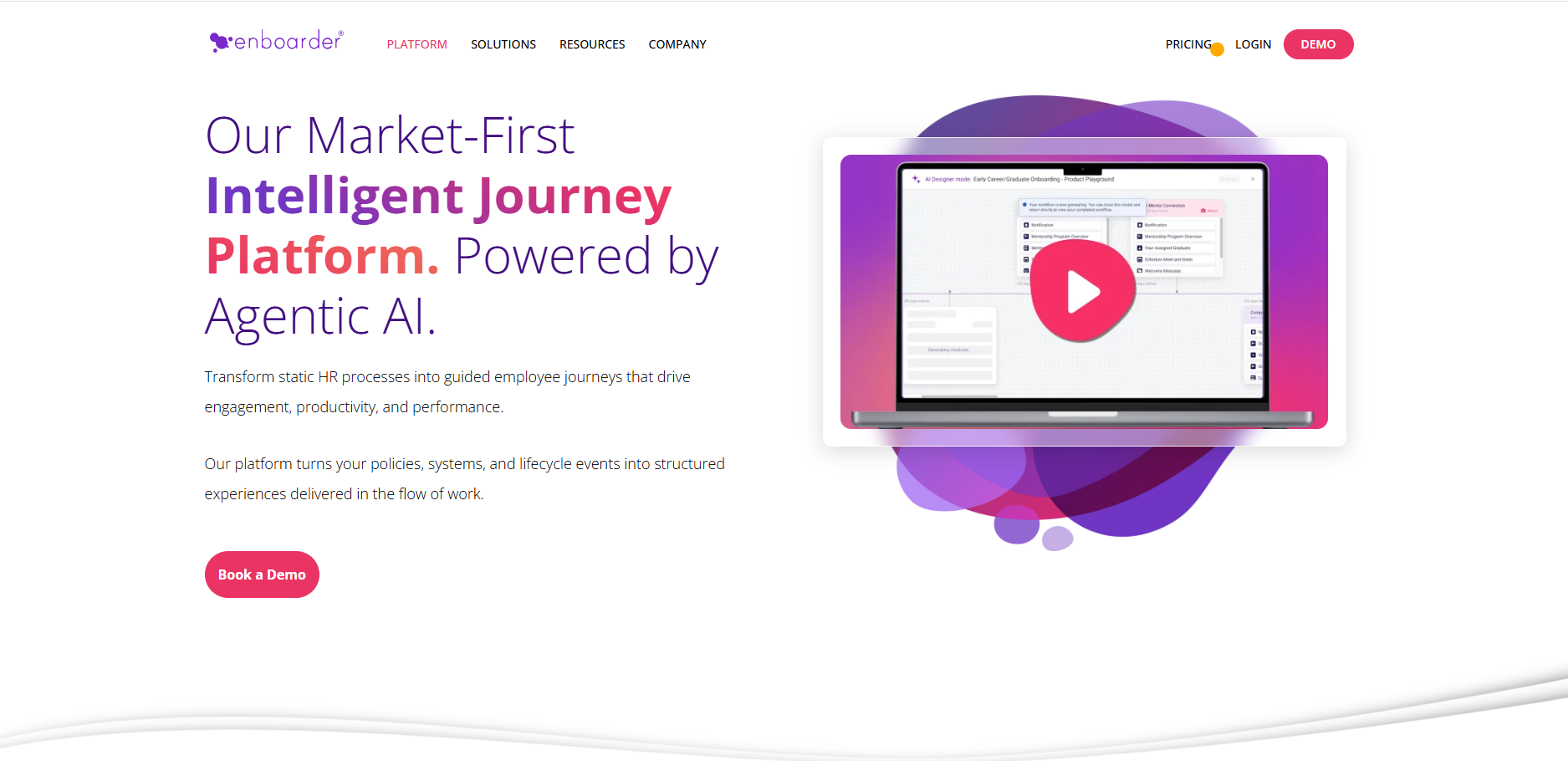
Enboarder focuses on orchestrating the employee journey across HR, IT, managers, learning, and other stakeholders. Onboarding workflows can adapt based on role, location, seniority, behavior, and progress, while new hire enablement features support role specific onboarding and individualized ramp plans. Its platform also includes AI tools for creating and improving employee journeys.
Key onboarding capabilities: personalized journeys, stakeholder coordination, ramp plans, automated tasks, learning coordination, and AI assisted workflow creation.
Limitation: Enboarder can coordinate IT and equipment tasks, but physical device fulfillment remains outside the platform.
4. Greenhouse
Best for: Moving employees from hiring into onboarding
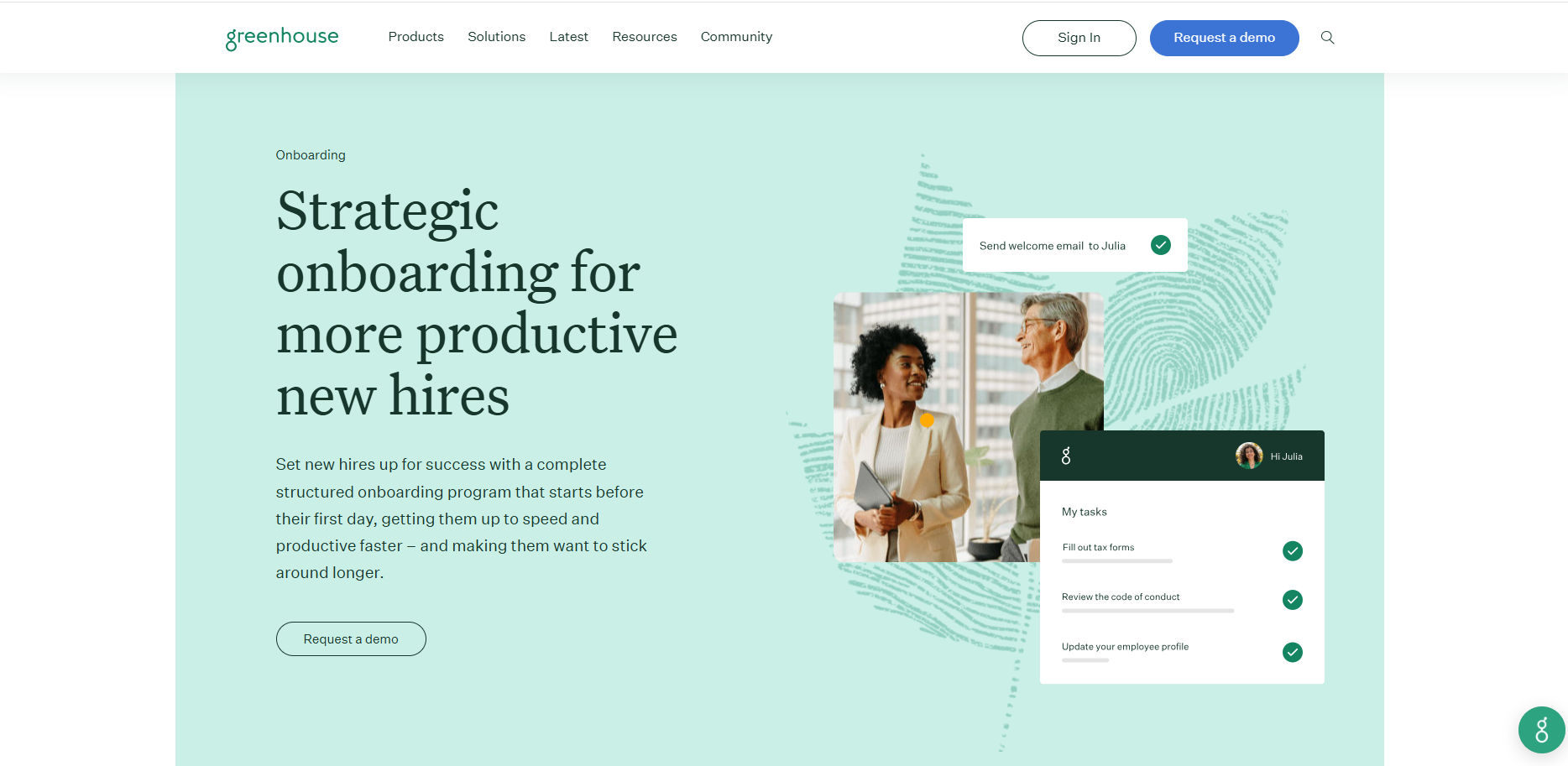
Greenhouse Onboarding connects the recruiting handoff with structured onboarding. Companies can create onboarding plans based on role, office, or employee status, assign tasks to different stakeholders, manage paperwork, send automated communications, and track early employee goals. New hire information can also move from Greenhouse Recruiting into onboarding and connected HR systems.
Key onboarding capabilities: recruiting handoff, onboarding plans, administrative tasks, welcome communications, stakeholder assignments, and progress tracking.
Limitation: Greenhouse coordinates IT related tasks but does not procure, configure, or physically deploy employee devices.
5. Gusto
Best for: Payroll and HR onboarding
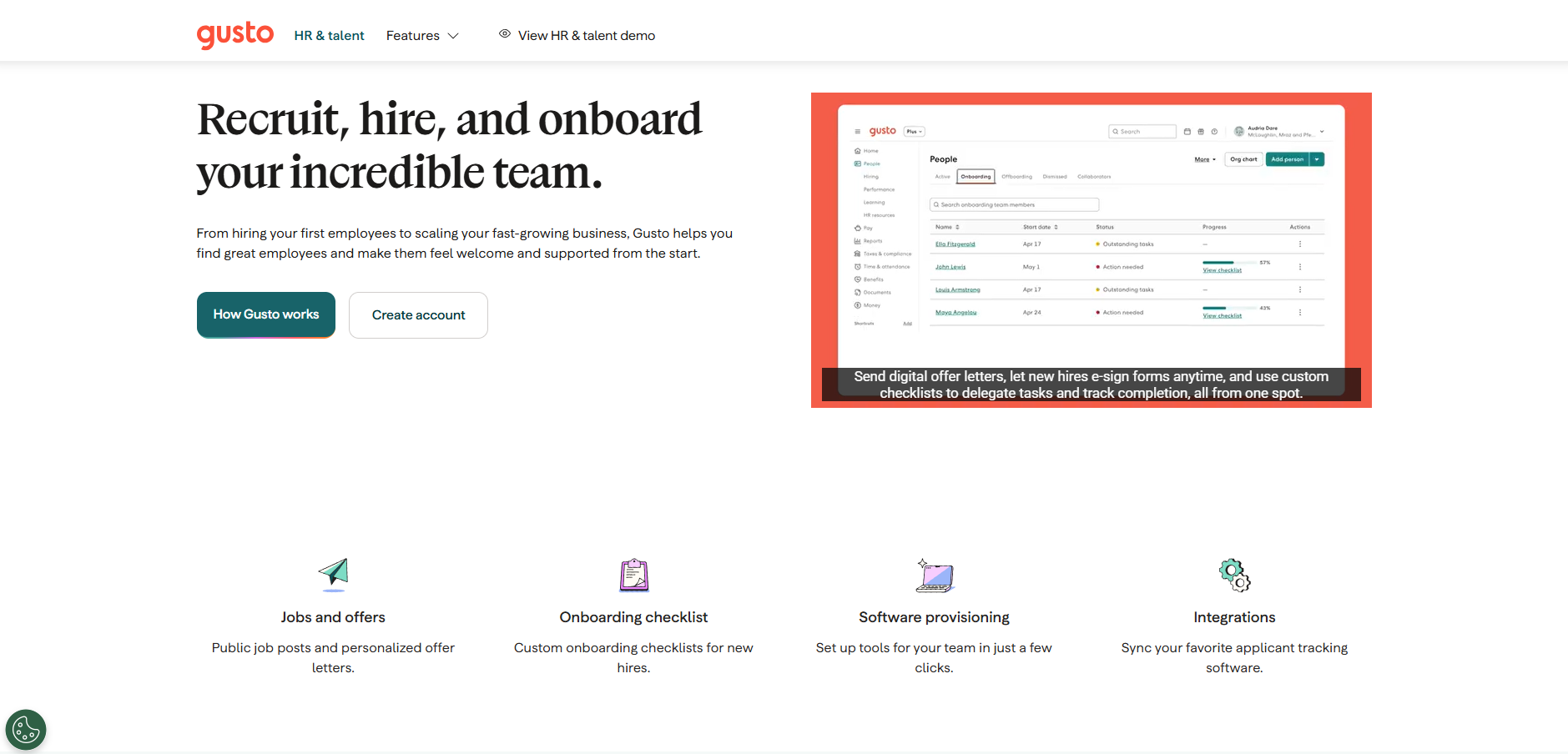
Gusto combines employee onboarding with payroll and HR administration. Its onboarding tools include customizable checklists, e-signatures, employee documents, benefits setup, welcome tasks, and software provisioning. Supported integrations can also create or remove accounts for workplace applications, giving teams a basic IT access layer alongside HR onboarding.
Key onboarding capabilities: onboarding checklists, documents, payroll setup, benefits, e-signatures, and application provisioning.
Limitation: Gusto is primarily built around US HR and payroll. Its provisioning integrations currently do not support international employees or international contractors.
6. WorkBright
Best for: Remote paperwork and compliance
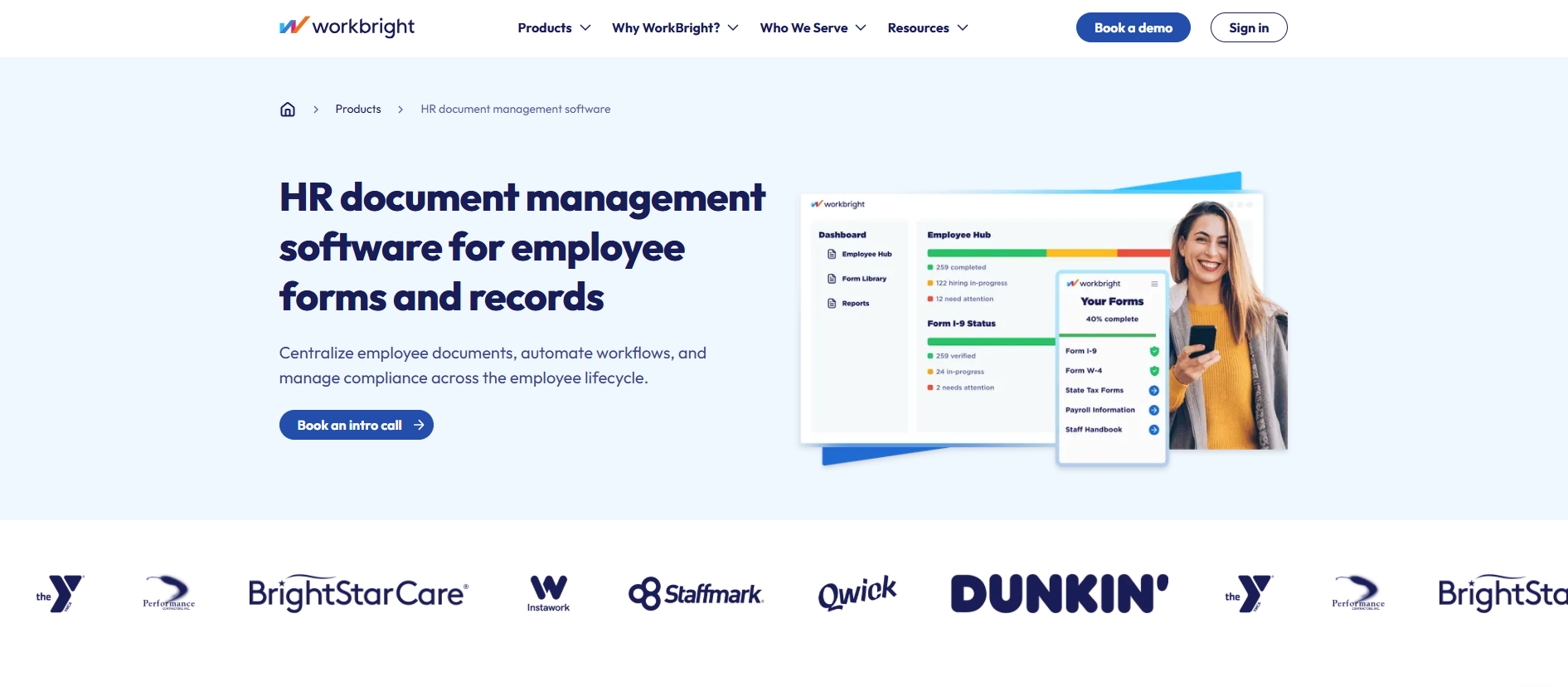
WorkBright specializes in getting employee paperwork completed remotely. New hires can complete mobile friendly forms from phones, tablets, or computers, while employers can send forms by text or email, automate reminders, track deadlines, and manage employee records centrally. Its platform has a strong focus on I-9, E-Verify, and compliance workflows for companies processing large numbers of new hires.
Key onboarding capabilities: mobile forms, automated reminders, electronic employee records, I-9 workflows, E-Verify, and compliance tracking.
Limitation: WorkBright does not focus on account provisioning, application access, employee training, or physical device deployment.
7. Trainual
Best for: Training and process onboarding
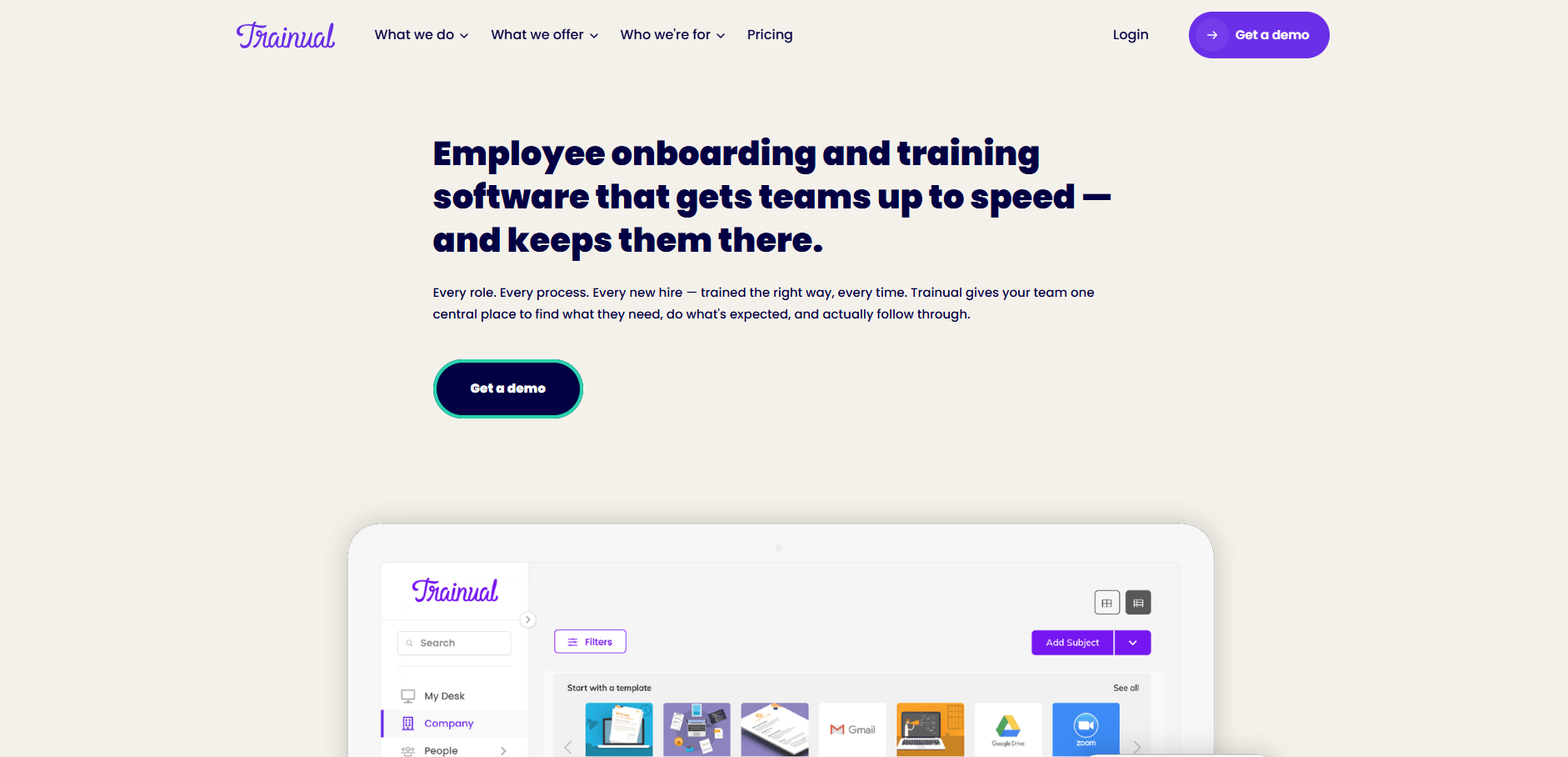
Trainual focuses on what employees need to know once they join. Teams can document SOPs, create role based training, assign learning by employee or team, test knowledge, and monitor completion. It also provides a centralized place to document the software, systems, and equipment employees use, helping new hires understand company processes without turning the platform into an IT provisioning tool.
Key onboarding capabilities: role based training, SOP documentation, learning paths, knowledge testing, completion tracking, and process documentation.
Limitation: Trainual does not provision employee accounts or manage the physical delivery and setup of devices.
8. JumpCloud
Best for: IT account, access, and device onboarding
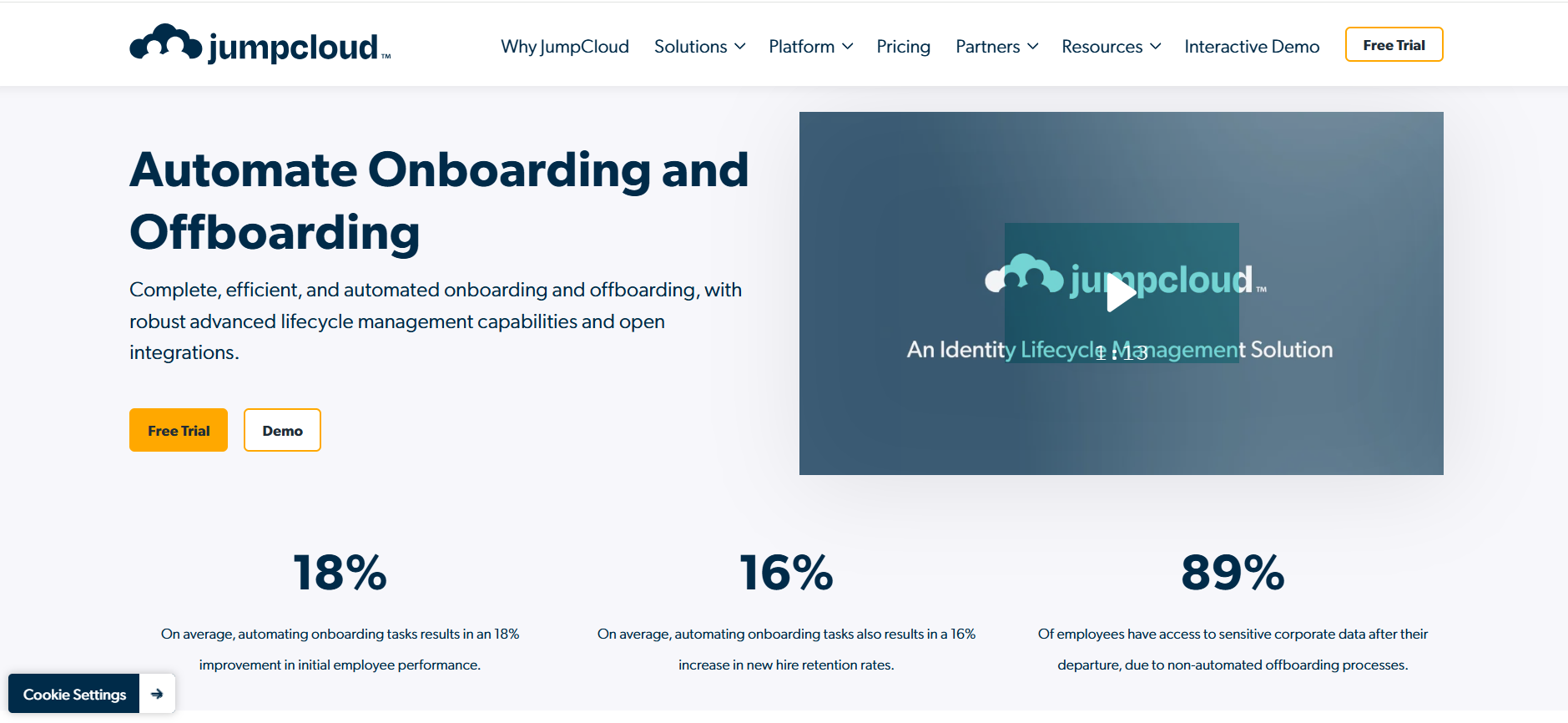
JumpCloud addresses the technical onboarding layer through identity, access, and device management. IT teams can connect users with company devices and other resources, provision local accounts on supported operating systems, manage device access, and use MDM capabilities for enrolled endpoints. Self service account provisioning can also let new hires bind their account to a managed Windows or macOS device from the login screen.
Key onboarding capabilities: identity management, account provisioning, device enrollment, MDM, user to device assignment, and access control.
Limitation: JumpCloud manages the digital device and identity layer rather than physical procurement, shipping, storage, or retrieval.
What types of onboarding software are available?
Onboarding software can serve very different parts of the employee onboarding process. Some platforms focus on HR administration, while others support training, account provisioning, or physical device readiness. Pasted text
The main types include:
- HR onboarding software manages employee records, documents, approvals, e-signatures, and onboarding workflows.
- Training onboarding software focuses on learning, SOPs, role knowledge, and progress tracking.
- HR and IT platforms connect employee data with account creation, application access, and other technical setup.
- Global employment platforms support onboarding across countries, including international HR and employment requirements.
- IT and device onboarding platforms focus on technical readiness, including devices, configuration, deployment, assignment, and related IT operations.
These categories often overlap. The important distinction is not the label, but which onboarding tasks the platform actually handles and which still require another system, provider, or internal team.
Which onboarding software is right for your company?
Choose the type of platform based on the outcome that needs the most improvement.
| If your priority is… | Look for… |
| Automating HR paperwork and records | HR led onboarding software |
| Building personalized employee journeys | Onboarding orchestration software |
| Connecting recruiting with onboarding | Recruiting and onboarding platform |
| Payroll and basic software setup | HR and payroll platform |
| Handling remote hiring documents | Mobile onboarding and compliance software |
| Training new employees consistently | Training and knowledge platform |
| Automating accounts and endpoint setup | Identity and device management platform |
| Getting physical devices ready for employees | IT and device onboarding platform |
A company struggling with HR forms has a different requirement from an IT team dealing with late laptops or unprepared accounts. Defining that gap first makes the provider shortlist much easier.
Connecting software workflows with IT onboarding
Onboarding software can automate requests, approvals, employee records, training, and access tasks. For distributed teams, however, some onboarding work still has to happen physically. Devices need to be sourced, configured, delivered, assigned, tracked, and supported.
An IT and device operations platform can complement the HR or onboarding system already in place rather than replacing it. Esevel, for example, connects physical device operations with existing identity, MDM, ITSM, and asset management systems so onboarding workflows can continue into device execution.
The deeper distinction between HR workflows and the physical IT layer is covered in Esevel’s employee onboarding solutions guide.
Frequently asked questions about onboarding software
What is onboarding software?
Onboarding software helps companies organize and automate tasks required to prepare new employees for work. Depending on the platform, these tasks can include paperwork, training, employee records, application access, account provisioning, and device setup.
What is the best onboarding software?
The best onboarding software depends on the main onboarding requirement. HR teams may prioritize paperwork and employee records, while IT teams may need account provisioning, device management, or physical equipment operations.
What features should onboarding software have?
Useful features include configurable workflows, automated tasks, integrations, progress tracking, reporting, and scalability. IT teams should also consider application access, account provisioning, device support, and offboarding capabilities.
Can onboarding software provision employee devices?
Some platforms can enroll devices, assign users, or automate device related workflows. Physical procurement, configuration, delivery, repair, and retrieval may still require a dedicated device operations provider.
What is the difference between HR onboarding and IT onboarding software?
HR onboarding software focuses on employee administration, documents, records, and experience. IT onboarding software focuses on technical readiness, including accounts, applications, access permissions, security settings, and devices.
Choose onboarding software based on what needs to be ready
The best onboarding software is not simply the platform with the most features. It is the one that addresses the part of onboarding your company still handles manually.
For IT and global operations teams, that means looking beyond HR workflows alone. Account access, endpoint setup, physical device readiness, and support may require different capabilities. Comparing providers by those layers makes it easier to choose software that fills a real operational gap instead of adding another overlapping system.

Maytiska Omar Maytiska is an experienced content writer and blog specialist with 4+ years of expertise in creating engaging, SEO-driven content. She focuses on IT and digital topics, turning complex ideas into clear, reader-friendly insights. Her work helps position Esevel as a trusted voice in the digital space.